

NetScan
About NetScan
Two questions come up constantly on a small network. What is currently answering on this range of addresses, and which ports are open on a particular machine. NetScan answers both, and stops there.
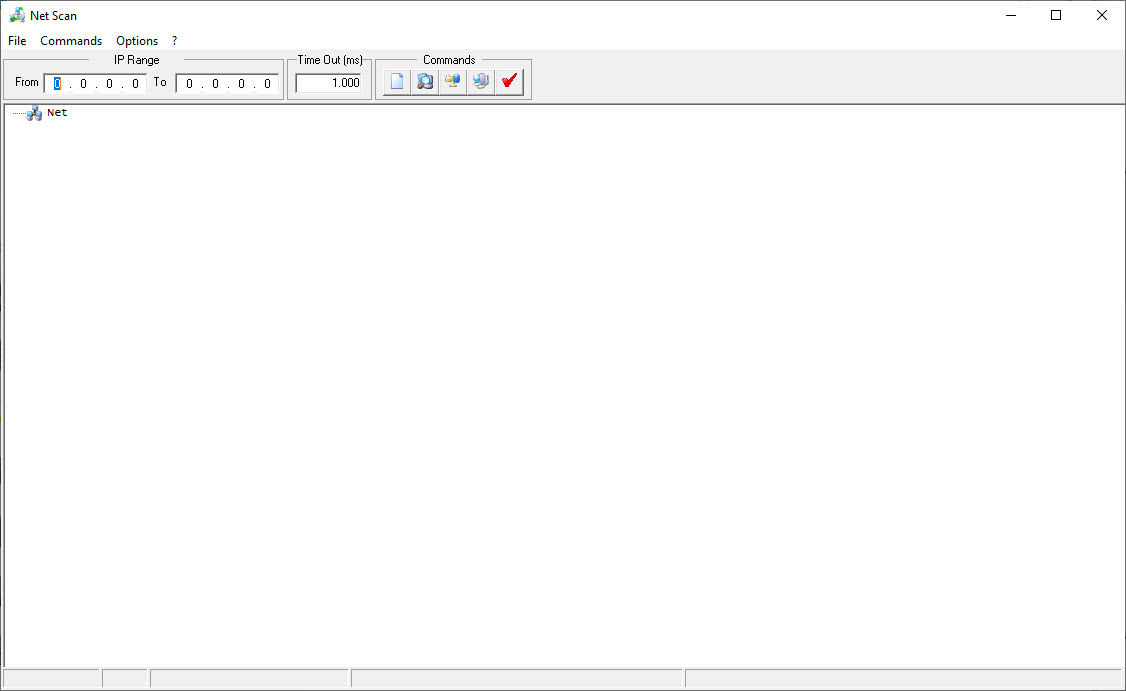
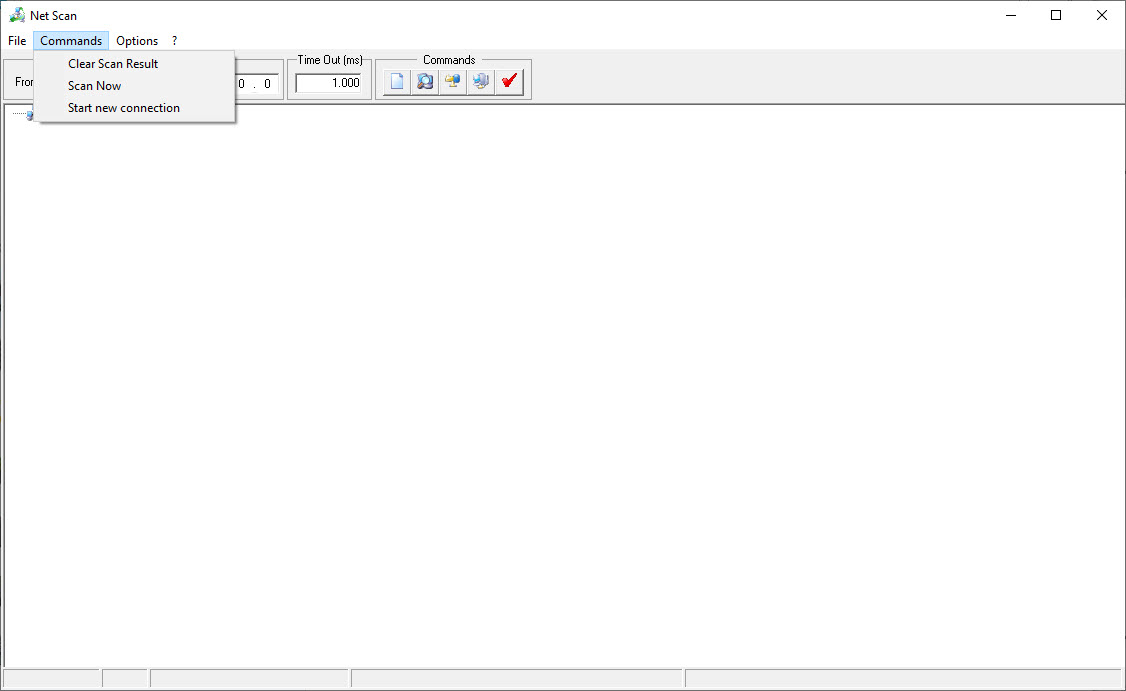
NetScan asks for a starting address and an ending address, set how long to wait before giving up on each one, and run it. The results list which addresses responded, the name of each machine where one is available, and the ports found open.
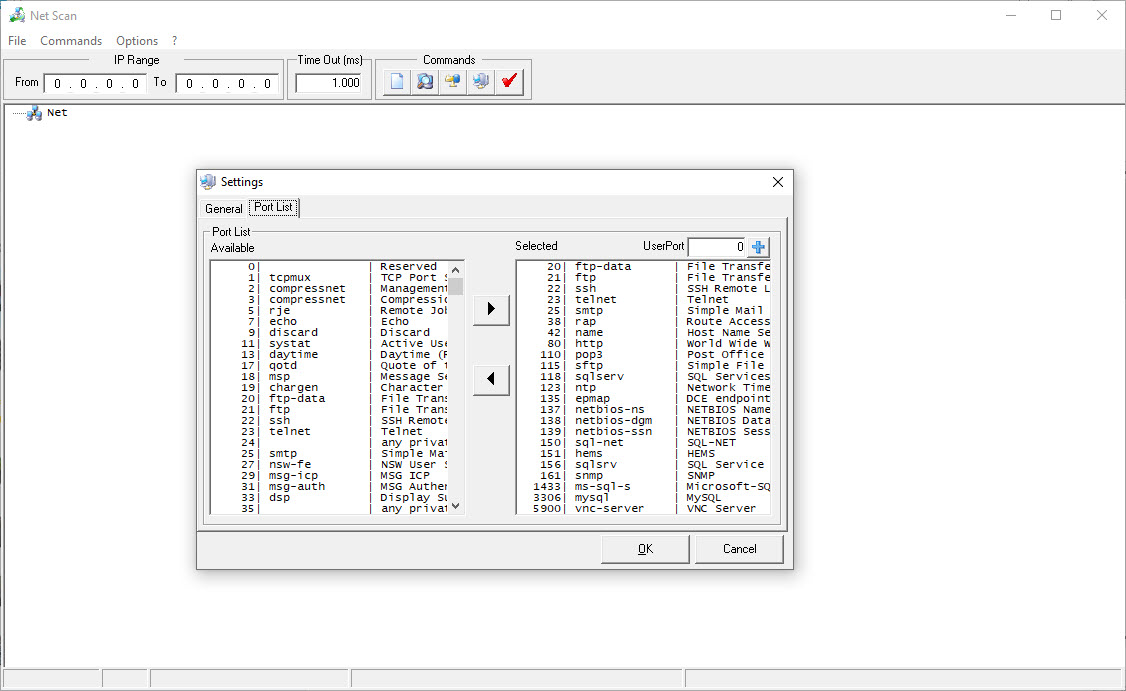
Port recognition is included, so a discovered port is labelled with the service that normally uses it rather than left as a number.
Results can be read directly from the list, and the scan runs against private and public ranges alike, which matters for anybody checking a machine reachable from outside rather than only the network in front of them.
Angry IP Scanner does the same sweep faster, lets you choose what each column reports, and exports the result.
The scan speed setting is the useful control
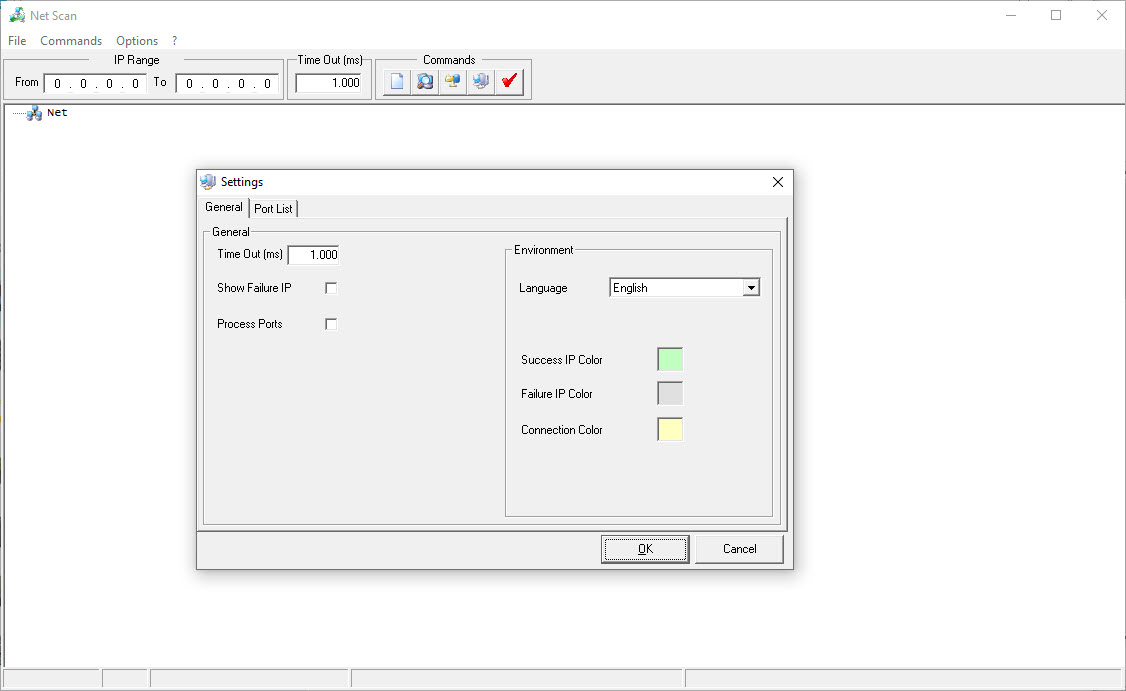
The one NetScan option worth understanding is the timeout, and it decides whether a scan takes a minute or an hour.
A short timeout moves quickly and misses machines that were slow to answer. A long one catches everything and crawls. On a local network where everything is close, a short setting is fine, and across a slower path a longer one avoids false absences.
That trade is the whole configuration. There is nothing else to learn.
What it does not do
Being clear about the scope, because the description attached to this software has caused confusion.
NetScan is an address and port scanner. It does not analyse wireless networks, does not report signal strength, does not show which channels are congested and has nothing to say about access points.
Anybody who arrived looking for wireless analysis wants a different program, and Homedale monitors signal strength across nearby networks and logs it over time.
It also handles the older addressing scheme only, so a network using the newer one is outside what it understands.
The category has moved a long way
This is the honest position, and it is not a criticism of what the program does.
It arrived as a first release and stayed there. Meanwhile the tools around it kept developing, and the alternatives now do considerably more with the same effort.
Port recognition here is a lookup rather than an examination, meaning a port is labelled by whatever normally sits there. For a scan that identifies what is actually running, a scanner that fingerprints services and operating systems is the serious end of this category.
Where it still fits
NetScan has a narrow case and it is real.
Somebody who wants one small program that does exactly one sweep, with no feature list to work through and nothing installed permanently, gets that here. The interface is plain and the two questions it answers are the two most people actually have.
That said, the alternatives are not heavy either. Advanced IP Scanner adds shared folder discovery and remote control shortcuts to the same sweep without asking any more of you.
Reports also mention that large ranges make it slow and occasionally unresponsive, so keeping scans to a modest range suits it better than pointing it at everything at once.
Conclusion
NetScan does two simple things and does them without ceremony. Point it at a range, get back what answered and which ports are open, with recognisable service names attached.
The category around it has moved on considerably. Maintained scanners sweep faster, report more, handle the newer addressing scheme and export their findings, which makes this a reasonable choice only for somebody who specifically wants the smallest possible tool for the smallest possible job.
Pros & Cons
- Scans a range of addresses and reports which ones answered
- Port scanning with recognition, so open ports are labelled rather than numbered
- Timeout adjustable, which is the only setting that matters
- Machine names shown alongside addresses where available
- Small, simple and free of anything beyond the job
- Handles the older addressing scheme only
- Slows down and can become unresponsive on large ranges
- Never developed past its first release
- Does nothing with wireless networks, despite descriptions suggesting otherwise
- Maintained alternatives do more with the same effort
Frequently asked questions
No. It scans ranges of addresses and checks ports, and it reports nothing about signal strength, channels or access points. Wireless analysis needs a program built for that.
How long each address is given to answer before the scan moves on. Short is fast and misses slow machines, long is thorough and takes considerably more time.
Large ranges are reported to make it sluggish and occasionally unresponsive. Keeping a scan to a modest range rather than an entire network suits it better.
The alternatives, in most cases. They sweep faster, report more per host and continue to be developed, while this stopped at its first release.


