

MTPuTTY
About MTPuTTY
MTPuTTY solves the exact complaint every admin has voiced after a week of SSH work. Ten servers open means ten scattered terminal windows, because PuTTY famously refuses to do tabs. This tool wraps each PuTTY session inside a tab of one parent window, adds a server tree on the side, and suddenly the taskbar chaos collapses into a single organized workspace.
The design decision that defines it is what it doesn’t do. It contains no SSH code of its own. Real PuTTY instances run underneath, embedded visually, so every cipher, key format, and proxy trick PuTTY supports keeps working identically. You point the tool at your putty.exe on first launch, it slurps in your existing saved sessions automatically, and five minutes later you’re working the way you always did, minus the window pileup.
That thin-wrapper approach puts MTPuTTY in a different category from heavyweight all-in-one clients. It’s an organizational layer, not a replacement terminal.
A server tree that scales past the taskbar
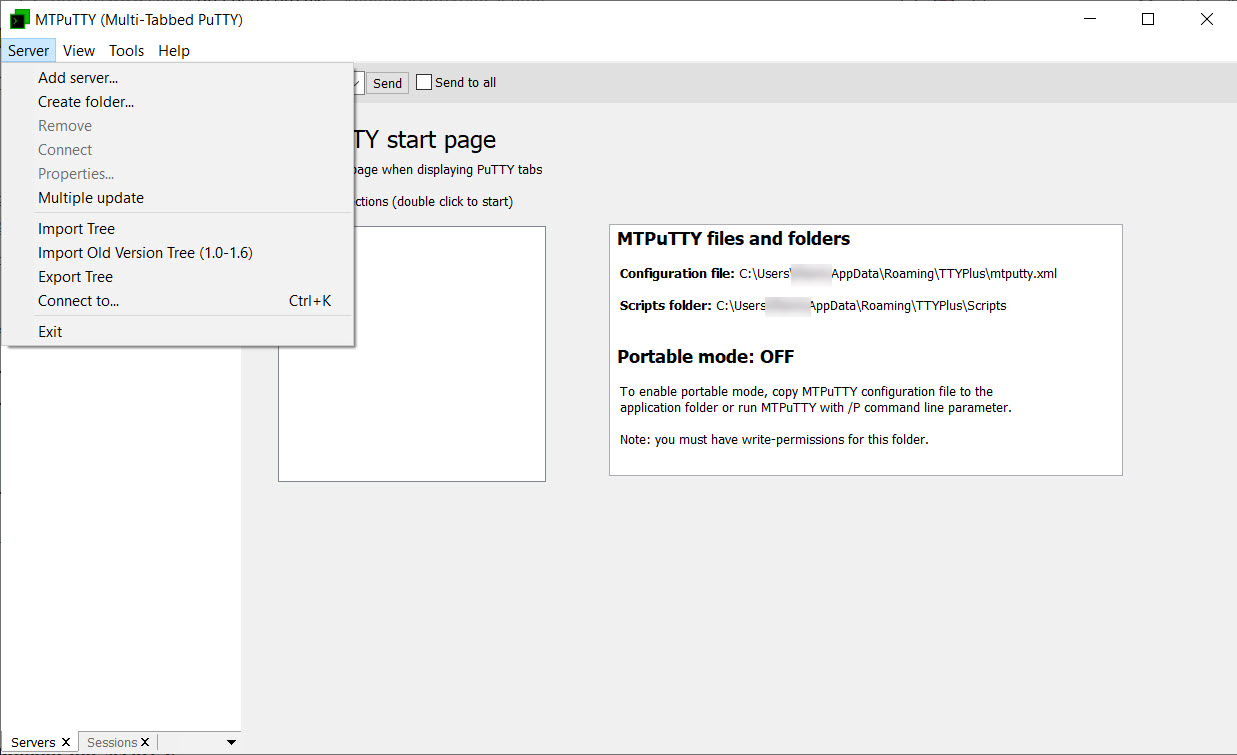
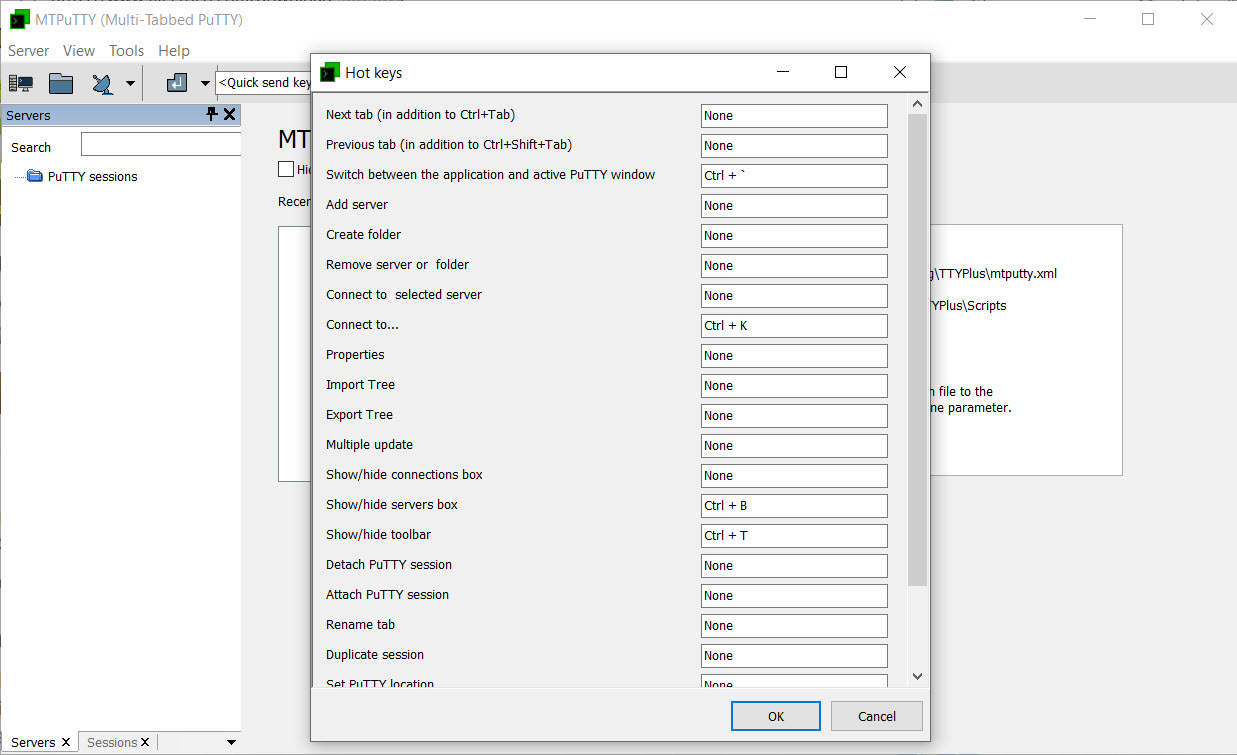
Sessions live in a collapsible tree, and folders group them however your world is organized, by client, by datacenter, by production versus staging. Double-click connects in a new tab, tabs rename and reorder freely, and hotkeys jump between them without touching the mouse. For anyone bouncing between a dozen boxes daily, the tree beats PuTTY’s flat session list by a comfortable margin.
Two small touches carry real weight in daily use. A tab can be detached back into an ordinary standalone window (useful when one session deserves its own monitor) and reattached later. And because the tree imports PuTTY’s saved sessions rather than copying them once, host settings stay in one authoritative place.
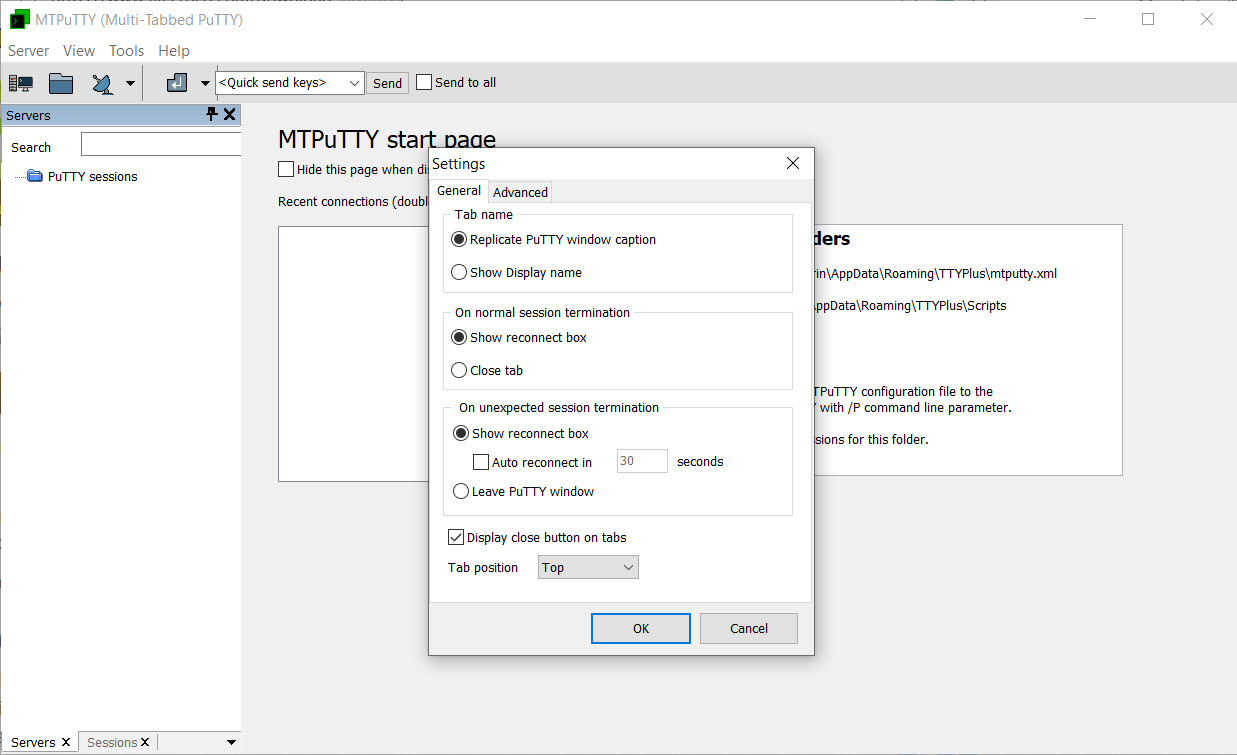
That last point produces the quirk that confuses most newcomers. Fonts, colors, keepalives, and everything else about terminal behavior still get configured in PuTTY’s own dialog, not here. The wrapper manages windows and automation, and it deliberately leaves terminal settings to the program that owns them.
Automation, from auto-login to fleet-wide commands
Each server entry can carry a login script, so connecting fires the credentials and any startup commands automatically, and a session that used to take four manual steps opens ready to work. Delay values between lines accommodate slow-answering hosts.
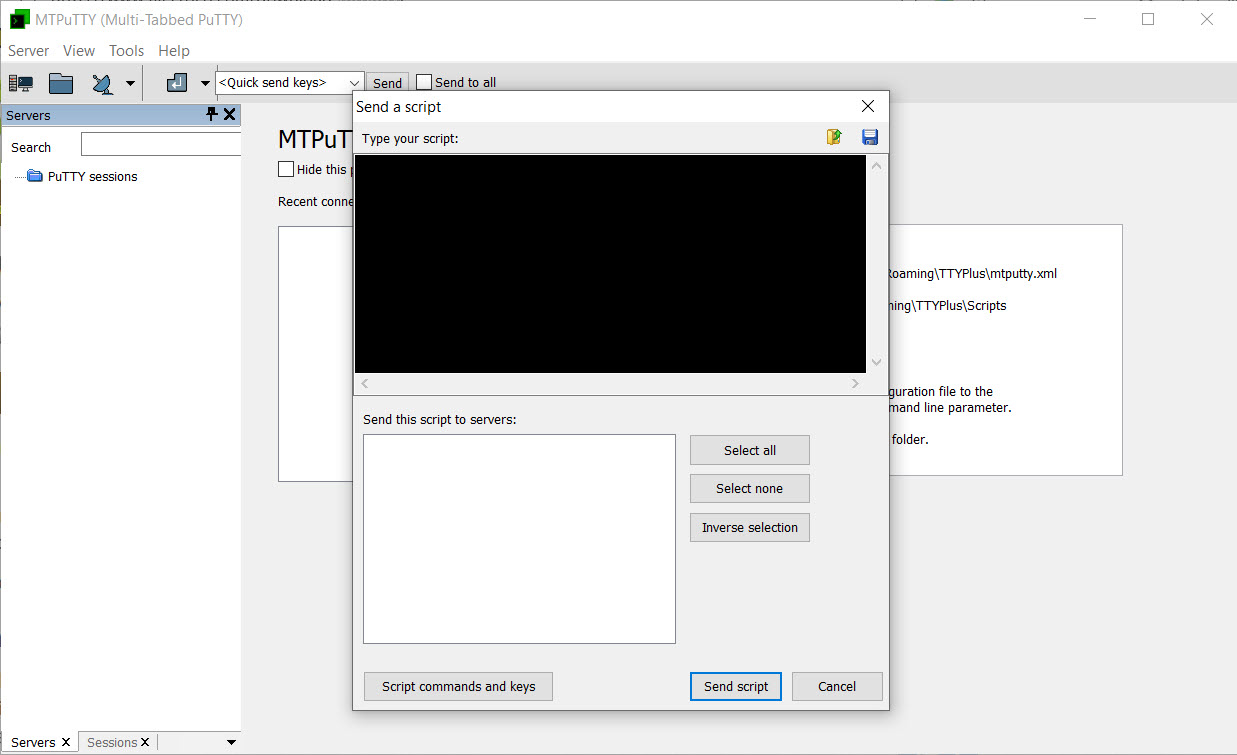
The bigger trick is broadcasting. A script, or a single command, can be sent to several open tabs at once, which turns “check disk space on all eight web servers” from an eight-window ritual into one action. Anyone who has typed the same command into terminal after terminal understands the appeal instantly.
Now the caveat that belongs in any honest description. Credentials stored for auto-login sit in the configuration with weak protection, so scripted passwords trade security for convenience. The better pattern is public-key authentication handled by PuTTY’s own agent, with the scripts reserved for post-login commands. Treat the password automation as a convenience for lab boxes, not for anything that matters.
Where it sits among the alternatives
The wrapper concept has neighbors on every side. KiTTY forks PuTTY itself and builds extras directly into the terminal, and it can even serve as the backend here instead of standard PuTTY, stacking both tools’ features.
MobaXterm goes the opposite direction with a bundled X server, SFTP browser, and dozens of tools in one large package, at the cost of the simplicity this program preserves.
For managing mixed connection types, RDP and VNC next to SSH, a multi-protocol manager like mRemoteNG covers ground this tool never attempts. MTPuTTY wins the comparison only when the requirement is precisely “my PuTTY, but sane”, and loses it the moment you need protocols PuTTY doesn’t speak.
File transfers stay a separate affair as well, and pairing the tabs with WinSCP for the copying side is the standard combination.
The program itself stays light in every sense. A portable build runs from a folder without installation, memory use barely registers beyond the PuTTY instances themselves, and the interface draws instantly on any hardware an admin is likely to touch.
Conclusion
MTPuTTY is for the admin or developer already living in PuTTY who has simply run out of patience with window clutter. Everything familiar stays familiar, the tree and tabs impose order, and the broadcast scripting quietly saves an hour a week for anyone tending a fleet of similar boxes.
Users needing RDP in the same window, built-in file transfer, or hardened credential storage should look at the heavier session managers instead. As a focused fix for PuTTY’s one famous omission, this small wrapper is hard to argue with.
Pros & Cons
- Turns scattered PuTTY windows into tabs with a foldered server tree
- Imports existing PuTTY saved sessions with zero migration effort
- Broadcasts commands or scripts to several servers simultaneously
- Tabs detach into standalone windows and reattach at will
- Portable build runs without installation for locked-down machines
- Terminal settings still require opening PuTTY's own configuration dialog
- Stored auto-login passwords are weakly protected in the configuration
- SSH and telnet only, no RDP or VNC in the same window
- Depends entirely on a separate PuTTY executable being present
Frequently asked questions
It requires it. The tool is a wrapper that embeds real PuTTY windows as tabs, so putty.exe must exist on the machine and you point to it at first launch.
Terminal appearance isn't managed by the wrapper at all. Change fonts, colors, and behavior in PuTTY's own configuration for the saved session, and the tabs inherit it.
Yes. Open the sessions in tabs, write the command or script once, and broadcast it to the selected tabs. Admins use it for fleet-wide checks and identical maintenance steps.
The stored credentials are only weakly protected, so anyone with access to your profile could extract them. Prefer key-based authentication and keep scripted passwords for disposable lab systems.
Yes, the wrapper accepts KiTTY as its backend since it behaves like PuTTY. You get KiTTY's extra features and the tabbed organization at the same time.


