

mRemoteNG
About mRemoteNG
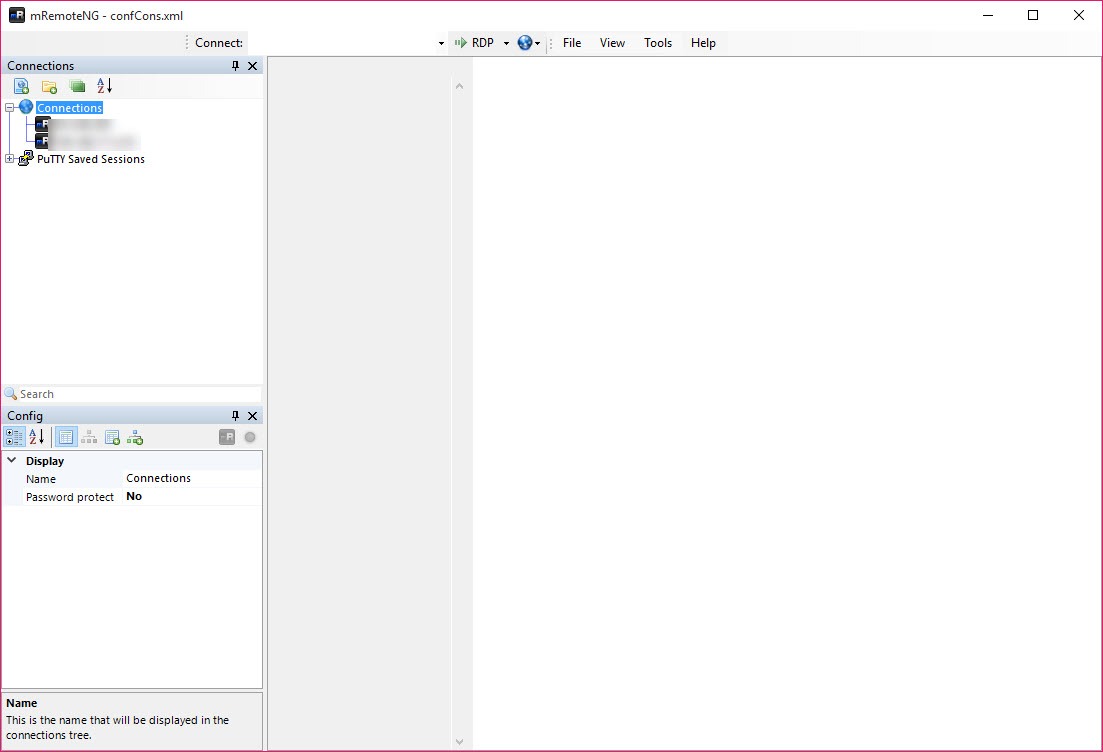
Anybody responsible for more than a handful of machines ends up with a mess of saved connections, several programs open at once and credentials remembered inconsistently. mRemoteNG gathers all of it into one window with tabs, a tree down the side and one place where the details live.
mRemoteNG covers the protocols that come up. Remote desktop sessions, secure shell, the older terminal protocols, virtual network computing, web interfaces and raw socket connections, alongside the ability to launch external tools against a host.
That breadth is the first argument. A server reached over one protocol, a switch reached over another and a management page in a browser all sit as entries in the same tree rather than in three separate applications.
Inheritance is the feature people underuse
Here is what turns an mRemoteNG connection list into something manageable, and most descriptions mention it in passing.
Connections live in folders, and a folder holds settings. Credentials, domain, gateway, resolution, colour depth and whatever else can be set once on the folder, and every connection inside it inherits them.
That changes the arithmetic entirely. Thirty machines in a customer’s folder share one set of credentials defined in one place, and when that password changes you edit one field rather than thirty entries.
It also survives reorganisation. Moving a connection between folders re-inherits from its new parent, so restructuring the tree updates the settings rather than breaking them.
Anybody managing many machines will already know PsTools for issuing commands across them without a session at all, which covers the other half of the same job.
The credentials question
This deserves stating plainly, because mRemoteNG holds passwords, which is a specific kind of file to have on a machine.
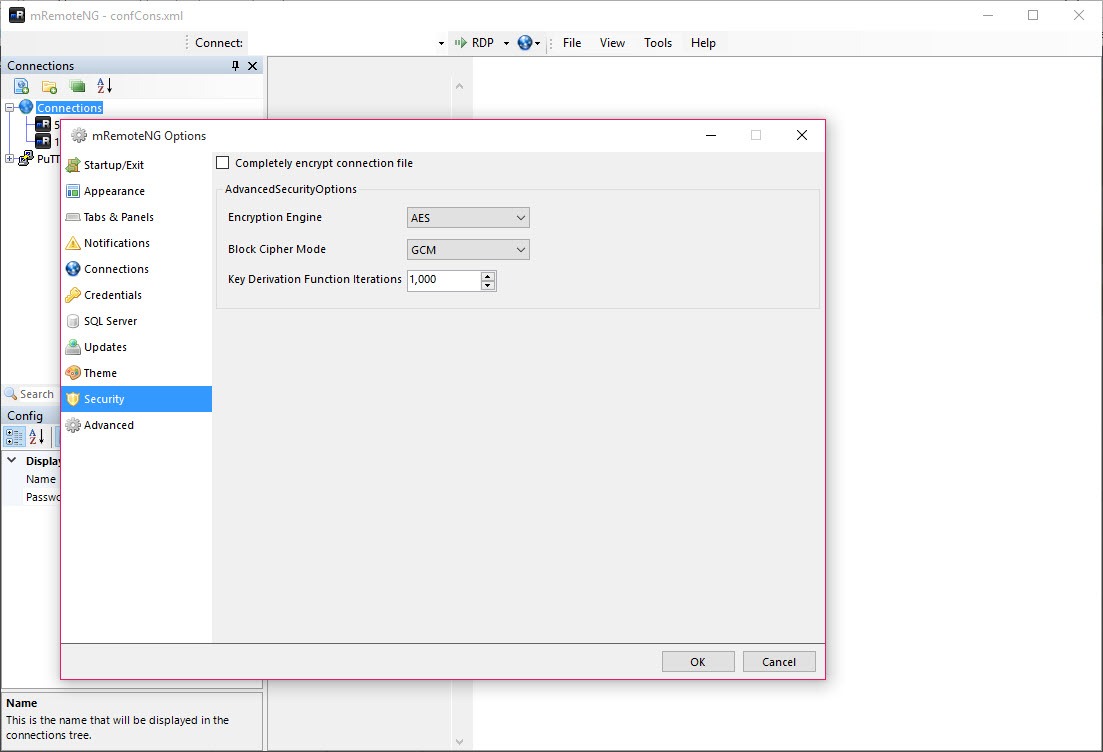
The connection file is encrypted, and the strength of that encryption rests entirely on the password you chose for it. A weak password on a file containing every credential for a network is a poor arrangement however good the algorithm underneath.
Sharing that file with colleagues is supported and worth thinking about. It distributes the connection details usefully and it also distributes the credentials inside them, which means anybody with the file and the password has everything.
The considered arrangement is a shared file carrying hosts and settings but not credentials, with each person supplying their own, which loses some convenience and keeps individual accountability intact.
It manages rather than implements
Understanding this explains several mRemoteNG behaviours that otherwise look like faults.
The program does not implement the protocols itself. It embeds the system’s own remote desktop component, launches established tools for terminal sessions, and hosts them inside its tabs.
So the behaviour you get is the behaviour of those underlying tools, including their quirks and their limitations. A remote desktop session behaves as the system’s own client does, and a terminal session behaves as the terminal software does.
That has a practical consequence when something misbehaves. The question is usually whether the underlying tool has the same problem on its own, and PuTTY opened directly is how you find out for a terminal session.
Finding a connection quickly
A tree holding several hundred entries needs searching rather than browsing, and filtering narrows it as you type.
That matters more than it sounds once the tree reflects a real estate. Remembering which customer folder a particular server sits in is harder than remembering part of its name, and typing three characters is faster than either.
Connections carry notes as well, which is where the context that never fits in a hostname belongs, meaning what the machine does, who owns it and what broke last time.
Panels, for watching several at once
mRemoteNG arranges sessions in panels rather than only in tabs, so several machines are visible simultaneously.
That suits the specific job of watching something happen across a group, meaning a rolling restart, a deployment moving through servers, or a change being applied while you watch for the one machine that objects.
Tabs suit working through machines in sequence and panels suit watching them together, and having both is more useful than it sounds until the day you need it.
The smaller conveniences
mRemoteNG includes a port scanner, which finds hosts on a range and offers to create connections for what it found. That is a quick way to populate a tree for an unfamiliar network.
Connections launch external applications too, so a tool that is not a protocol client can still be attached to a host and run from the tree with the host’s details filled in.
For moving files to and from the machines you are connecting to, a transfer client that resumes properly after an interruption covers that side.
Conclusion
mRemoteNG solves the organisational problem of remote administration rather than the technical one. One tree, one set of tabs and one place where settings live replaces several programs and a collection of saved connections that nobody can remember the details of.
The feature worth building your tree around is inheritance, since defining credentials and settings on folders is what keeps a hundred machines manageable. Think about the connection file before sharing it though, because everything convenient about distributing settings applies equally to the credentials sitting inside them.
Pros & Cons
- Many protocols in one window, so one tree covers everything you connect to
- Folder inheritance means credentials and settings are defined once
- Connection file encrypts its contents and can be shared with colleagues
- Panels display several sessions at once, not only tabs
- Built-in scanning finds hosts and creates connections from what it sees
- External tools attach to hosts and launch with the details filled in
- Free and open, with no tier withholding features
- The connection file holds credentials, protected only by the password you chose
- Sharing that file distributes the credentials inside it
- Embeds other tools rather than implementing protocols, so it inherits their quirks
- Community maintained, with development moving in fits and starts
- More apparatus than somebody with three machines needs
Frequently asked questions
Settings defined on a folder apply to every connection inside it, so credentials, gateway and display options are set once rather than per machine. Changing a password means editing one field instead of thirty entries.
It is encrypted, and the protection depends on the password you chose. A file holding every credential for a network deserves a strong one, and sharing it with colleagues shares the credentials inside it.
Because the underlying tool is doing the work. It embeds the system's remote desktop component and established terminal software rather than implementing the protocols, so a quirk usually belongs to those rather than to this.
Yes, through panels rather than tabs. That suits watching a change move through a group of servers, where tabs suit working through them one after another.
Not itself. It manages connections and sessions, and file transfer belongs to software built for it.


