

MPV Player
About MPV Player
Most video players give you a settings window with tabs. MPV Player gives you a text file, and everything the player can do is an option you type into it. That sounds like a step backwards and it is the reason the player has the following it does.
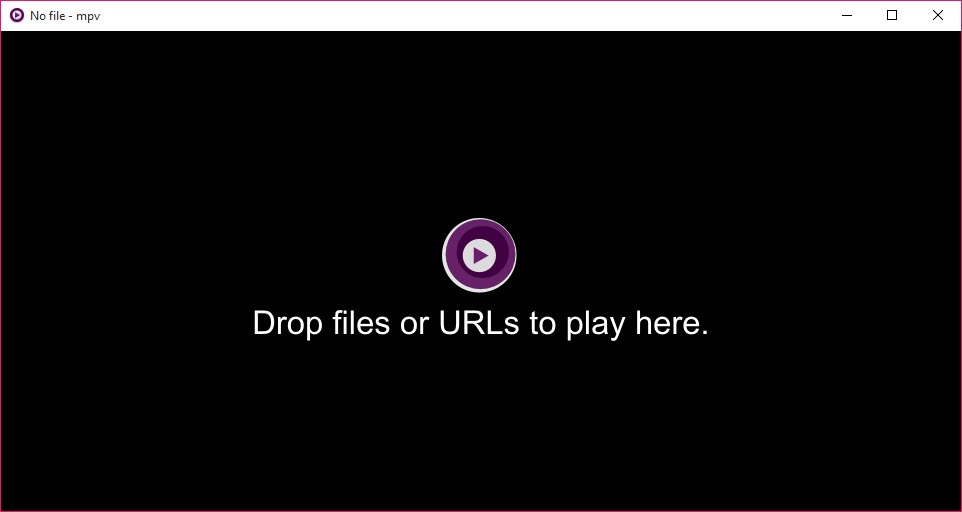
MPV Player shows deliberately close to nothing. Video fills the window, and a slim control bar fades in when the mouse moves and fades out when it stops. No skin, no sidebar, no library, no menu bar.
Underneath that emptiness sits a rendering pipeline more capable than anything in the mainstream players, and reaching it means learning where the settings live.
Everything is an option, and options live in a file
The MPV Player configuration is a plain text file listing options one per line, and almost every option corresponds exactly to a command-line flag.
That correspondence is the design. Reading a suggestion online that mentions a flag means you already know how to make it permanent, since the flag without its leading dashes is the line you add to the file. There is no translation step between what people discuss and what you configure.
A second file handles the keyboard and mouse, mapping any key to any command, which is how people end up with players that behave exactly as they want rather than as somebody designed.
MPV Player profiles extend that further. Named blocks of options can be applied conditionally, so a different set of settings takes effect for high-resolution files, or for a particular folder, or when the battery is discharging.
The obvious cost is that nothing is discoverable. Nobody finds a feature by browsing menus, because there are no menus, and the way to learn what is possible is reading the manual or somebody else’s configuration.
Hardware decoding is off by default, and that explains most complaints
Here is the MPV Player failure people hit, and the project states it plainly in its own documentation rather than hiding it.
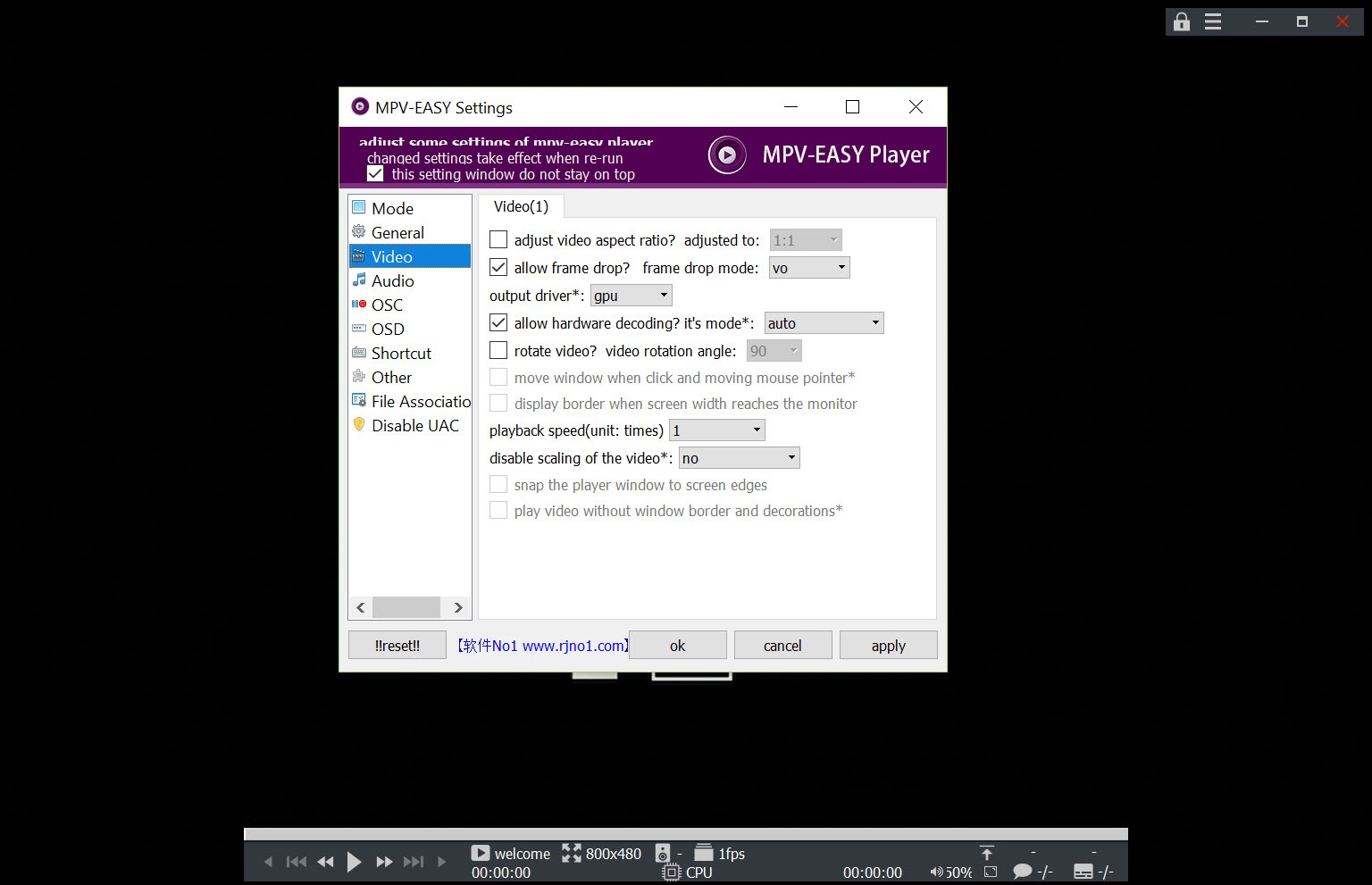
Decoding video on the graphics chip instead of the processor is not enabled unless you enable it. The reason is deliberate, since the project’s focus is output quality rather than power-efficient playback, and its rendering path uses shaders rather than the fixed-function video hardware.
The symptoms follow directly. A laptop runs hot and drains its battery during a film, the processor sits at high usage on a machine that plays the same file effortlessly elsewhere, and integrated graphics stutter.
The fix is one line in the configuration file enabling hardware decoding, and it is the first thing anybody on a laptop should add.
Knowing which codec a file actually uses helps when that still fails, and a reporter that lists everything inside a file down to the encoding parameters answers that.
The picture quality is the point
The reason people accept the MPV Player configuration burden is what the renderer does.
Scaling is where MPV Player shows it most. Playing a lower-resolution file on a large screen means every frame is enlarged, and the algorithm doing that enlargement decides whether the result looks soft, sharp or artificial. Several algorithms are available, and the good ones are demanding rather than default.
Debanding addresses the gradients that break into visible steps in dark scenes, particularly in compressed video, by smoothing those transitions during playback rather than requiring a better source.
Interpolation is the contentious one. It generates intermediate frames so motion appears smoother, which some people find removes judder and others find makes film look like video. It is off by default, it is expensive, and having the option is the point rather than the setting.
Custom shaders can be loaded on top of all that, which is how the enthusiast community applies upscaling algorithms considerably beyond what any mainstream player offers.
Scripts are where the missing features come from
MPV Player has no playlist manager, no on-screen menu and no thumbnail preview on the seek bar, and all of those exist as user scripts.
A scripting interface exposes the player’s internals, and the community has built a great deal on top of it. Right-click menus, seek bar thumbnails, playlist handling, subtitle downloading and statistics overlays are all things people add rather than things the player ships.
That arrangement keeps the core small and pushes the assembly onto you. Somebody who installs the player and nothing else has a bare video window, and somebody who has spent an evening on it has a player nobody else has.
Anybody who simply wants a file to open and play should stop here, since a player that opens everything with no configuration at all exists for exactly that.
The practical route into MPV Player is copying a published configuration rather than starting from an empty file. Configurations aimed at different hardware classes circulate widely, meaning one tuned for a capable graphics card and a lighter one for laptops and older machines.
Diagnosing it when playback misbehaves
The troubleshooting sequence the project recommends isolates the problem in three steps.
Run the player from a command line with verbose output, which prints what it is doing and frequently names the error outright. Write that output to a log file if it scrolls past too quickly.
Then run it with configuration disabled entirely. If playback is fine that way, the problem is in your own settings rather than in the player or the file, which narrows an evening of guessing to reading your own configuration file.
Live statistics are available during playback too, showing frame timing, dropped frames and what the renderer is actually doing, which turns a vague sense of stutter into a number.
Format support and the streaming side
MPV Player handles formats through the same underlying library that powers most video software, so the range of files it opens is effectively everything.
Beyond local files, it plays network streams directly, and paired with a separate downloading tool it opens video from web pages by pasting a link, which people use to watch without a browser open.
Subtitle handling covers the common formats with proper styling, and the search paths for subtitle files are configurable, which matters for anybody whose subtitles live in a folder beside their videos rather than alongside them.
For a player that arrives configured with everything visible in menus, PotPlayer offers comparable capability with the opposite philosophy, exposing hundreds of settings through a conventional interface.
Who it actually suits
MPV Player has two audiences, and they are not the same person.
Somebody who wants to press play wants a different player. There is no honest way to recommend a configuration file to a person whose requirement is watching a film tonight.
Somebody who cares how the picture looks, wants keyboard control over everything, or intends to build a player around their own habits gets something here that no conventional player provides. The quality ceiling is higher, the customisation is total, and the price is an evening with a text file.
For driving a media collection from a sofa with a remote, Zoom Player MAX is built for that arrangement instead.
Conclusion
MPV Player trades every convenience for control, and the trade is deliberate rather than an oversight. A bare window, a text file and a scripting interface produce a player with better picture quality than the mainstream alternatives and behaviour shaped entirely by you.
Two things decide whether that suits you. Hardware decoding needs enabling before a laptop will behave, which is the single most common complaint and a one-line fix. And an empty configuration file is the wrong place to start, since published configurations for your class of machine exist and save the evening that otherwise stands between you and a working player.
Pros & Cons
- Configuration mirrors command-line options exactly, so advice translates directly
- Rendering quality above mainstream players, with selectable scaling algorithms
- Debanding smooths compressed gradients during playback
- Profiles apply different settings conditionally, by resolution, folder or power state
- Scripting interface with a large community library of additions
- Keyboard and mouse fully remappable
- Opens effectively any format, plus network streams
- Troubleshooting path that isolates configuration problems in three steps
- Hardware decoding is off by default, which causes heat and battery complaints
- Nothing is discoverable, since there are no menus to browse
- Menus, thumbnails and playlist handling require user scripts
- Demanding by design, with a rendering path unsuited to weak integrated graphics
- An empty configuration file is an intimidating starting point
Frequently asked questions
In a plain text configuration file rather than a dialog. Each line is an option matching a command-line flag, which means any advice mentioning a flag translates directly into a line you can add.
Because hardware decoding is not enabled by default. The project says so in its own documentation, and adding one line to the configuration to enable it is the first change anybody on a laptop should make.
Through user scripts. The player ships without them deliberately, and the scripting interface has a large community library covering menus, thumbnails, playlists and subtitle downloading.
Run it from a command line with verbose output to see the error, then run it with configuration disabled. If it behaves without your configuration, the problem is in your settings rather than the player or the file.
Most people do not. Published configurations circulate for different hardware classes, and starting from one aimed at your kind of machine is considerably faster than assembling settings from the manual.


