

Monkey's Audio
About Monkey's Audio
Monkey’s Audio is a lossless audio codec, an encoder and decoder that squeezes uncompressed music into .APE files and reconstructs it later without losing a single bit. Its pitch has always been simple. Files come out 5 to 15 percent smaller than FLAC, the format everyone else standardized on, and in exchange your processor works harder every time it encodes or plays one.
That trade reads like a footnote for a single album and like real money for a serious collection. Across thousands of ripped CDs, the difference between APE and FLAC adds up to entire drives’ worth of space, which is exactly why the format survives in a world that otherwise settled on its rival.
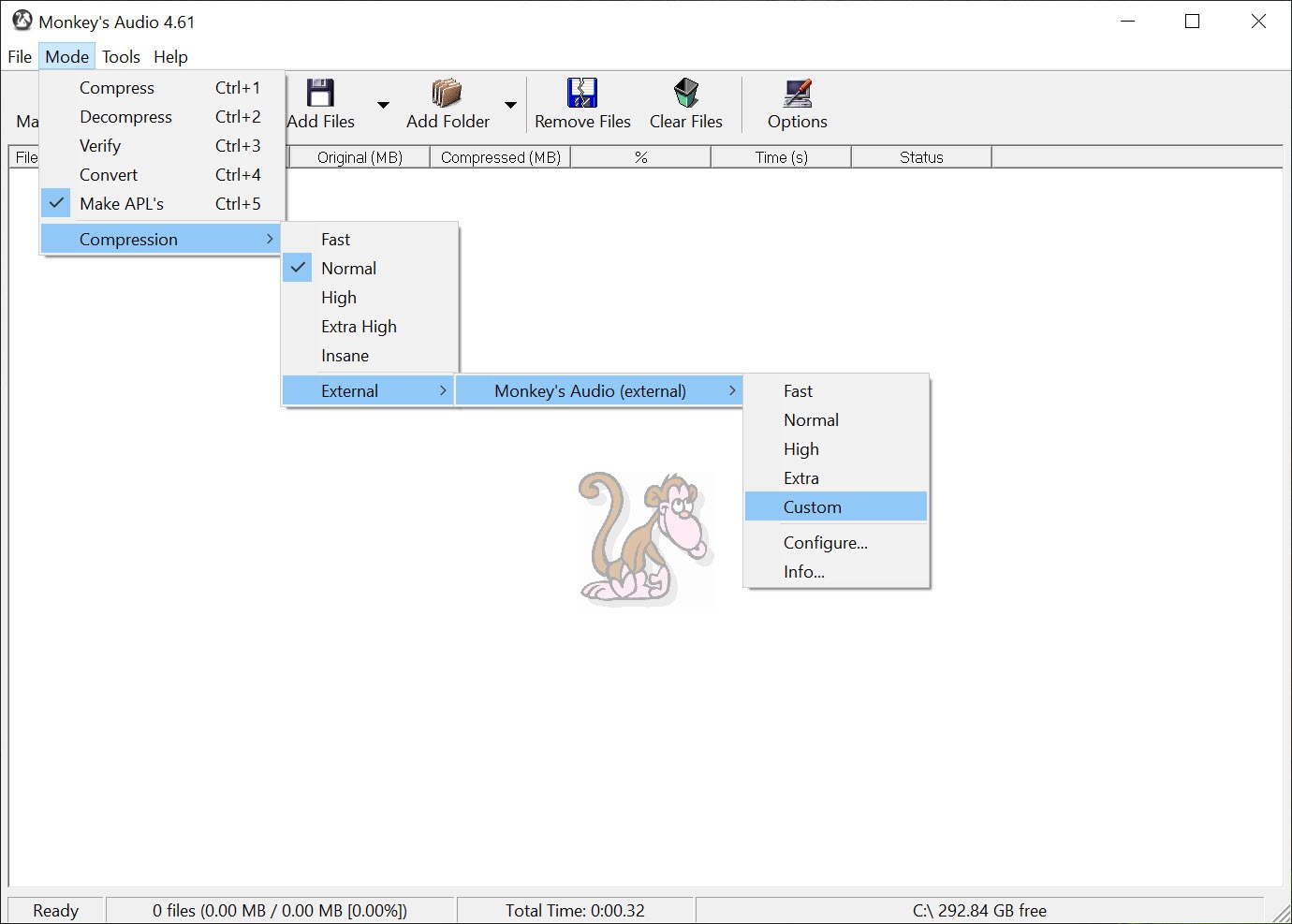
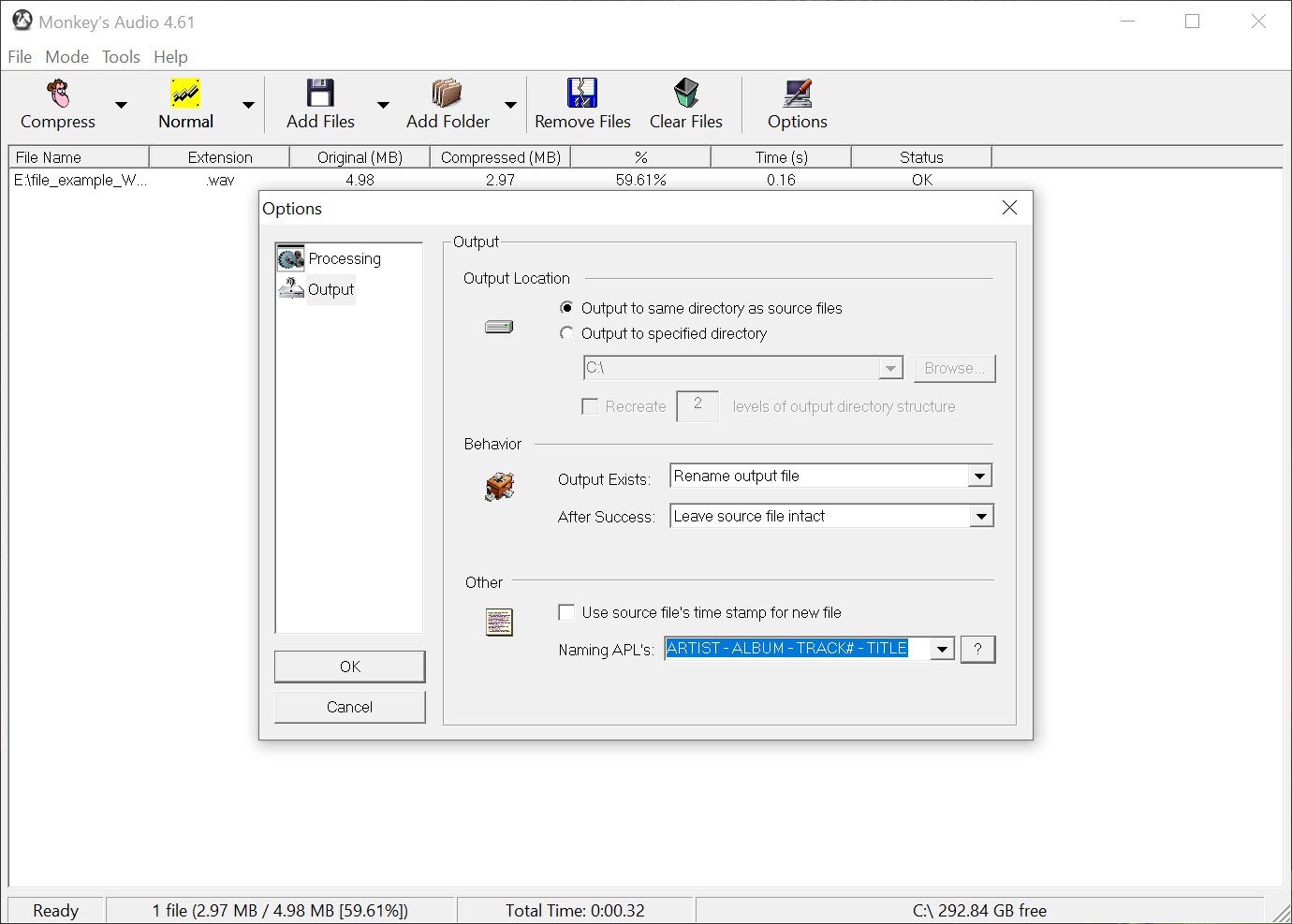
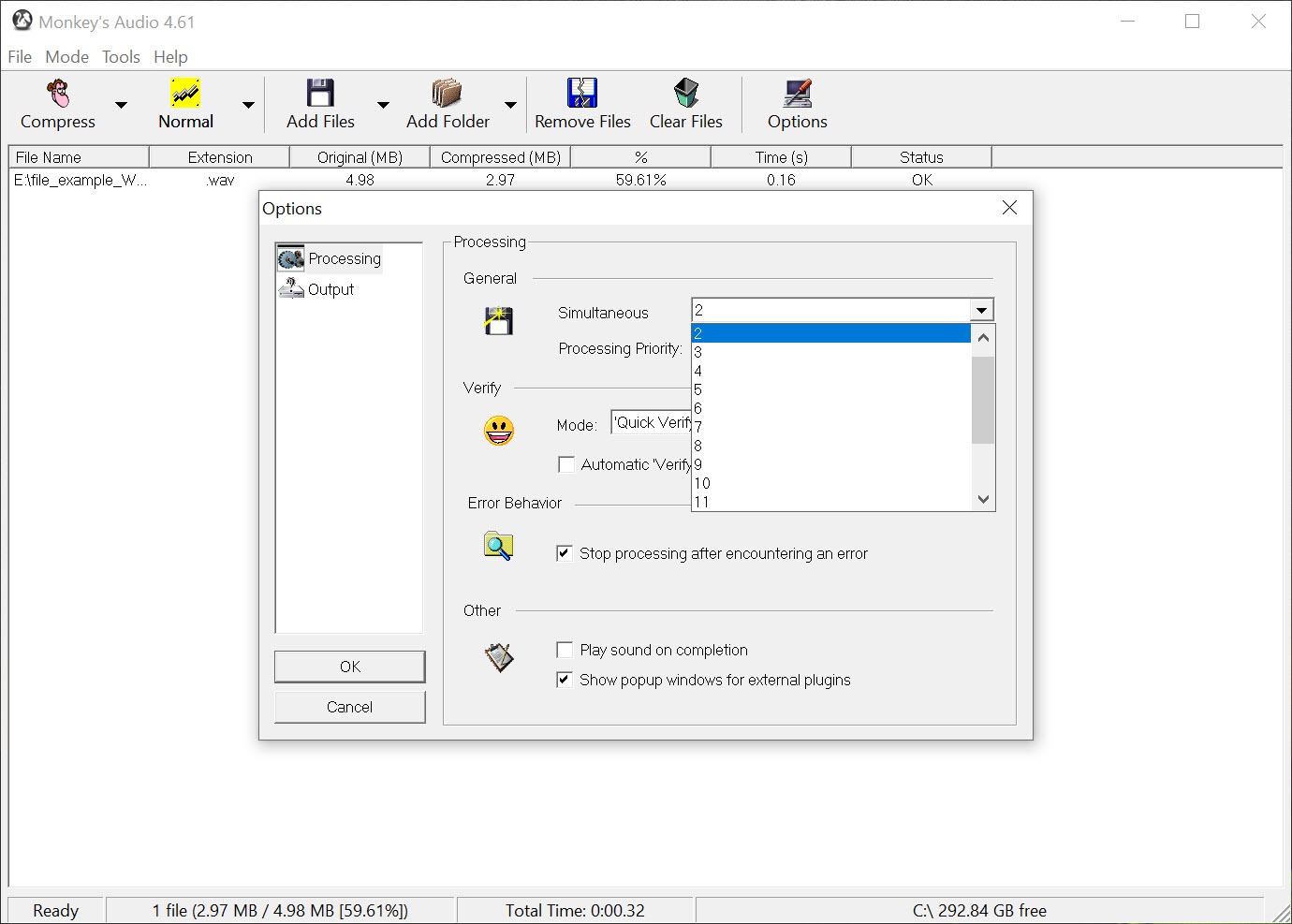
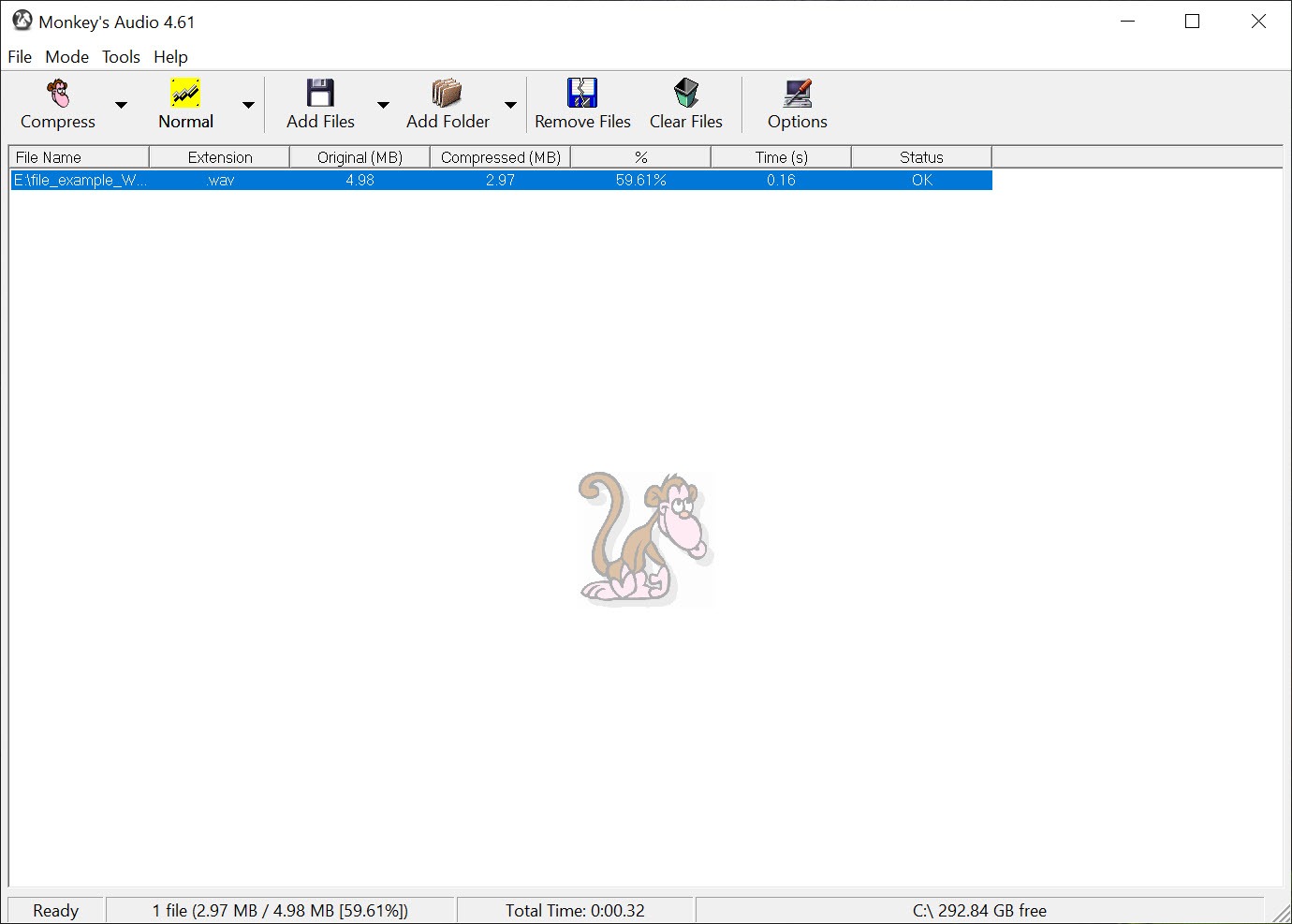
The application bundles everything needed to live in it, encoding, decoding, verification, and tag editing in one place.
What lossless actually guarantees
Encode a PCM file, the raw audio as it exists on a CD, into APE, decode it back, and you hold data identical to the original. Bit for bit, not approximately, not perceptually. This is the same promise FLAC and ALAC make, and it is what separates the lossless family from MP3 and its relatives, which permanently throw information away to hit small sizes.
The trick relies on prediction. Audio waveforms follow patterns, so the encoder builds a model that guesses each sample from the previous ones and stores only the difference between guess and reality. Good guesses produce tiny differences, and tiny numbers compress extremely well. Monkey’s Audio simply pushes this modeling further than FLAC does, buying its size advantage with the extra math, which is also precisely where the higher processor load comes from.
Nothing about this requires your attention in use, you pick a compression level and the software does the rest, but it explains why the two formats sit where they sit.
How much smaller, and at what speed
At maximum settings, expect APE files around 5 to 15 percent below equivalent FLAC sizes, varying with the material. Dense, noisy recordings compress worse, quiet acoustic material better. The compression levels run from Fast, which lands near FLAC sizes but moves quickly, up through Extra High and Insane, which chase every last megabyte and take their time doing it.
Decoding follows the same curve. A current desktop plays even Insane-level files without noticing, but seeking inside tracks responds a beat slower than FLAC, and older or low-powered machines feel the weight. Most people settle one notch below the maximum, where the size gain is nearly complete and the speed penalty stops being noticeable.
Verification, the feature archivists actually care about
After encoding, Monkey’s Audio can immediately decode the result and compare it against the source, confirming the file reconstructs perfectly before you delete the original. This sounds paranoid until you consider what silent corruption means for an archive. A lossless file that decodes almost correctly is not lossless, it is a broken promise you discover years later.
The verification pass costs encoding time, and for anyone ripping a collection they intend to keep for life, it is time well spent. This habit of proving its own output is the most defensible reason to run the encoder itself rather than some converter that merely claims APE support.
Tags and everyday library upkeep
The application edits the metadata inside APE files directly, titles, artists, albums, years, genres, so a format-committed library never needs a second tool for basic upkeep. APE tags are consistently read by the players that support the format, and for heavier metadata work, batch corrections, cover art, filename patterns, a dedicated editor like MP3TAG treats APE files as comfortably as anything else.
The compatibility question nobody should skip
Here sits the honest catch. FLAC plays essentially everywhere, desktop players, portable players, car systems, network streamers. APE support is much narrower. On the desktop, foobar2000 and Winamp handle the format natively and superbly, while mainstream consumer software often needs plugins or external codecs. Hardware is where it thins out, since many portable and car units that happily play FLAC simply ignore APE files.
The escape hatch is painless, at least. Because both formats are lossless, converting between them loses nothing, and a batch run through fre:ac or the drag-and-drop simplicity of FlicFlac Audio Converter turns an APE archive into a FLAC one for the road, or the reverse for storage.
What conversion cannot rescue is time, since re-encoding thousands of files occupies a machine for hours, so the format decision is best made before the collection grows, not after.
Conclusion
Monkey’s Audio knows exactly who it is for, the archivist ripping shelves of CDs into cold storage, the collector measuring a library in terabytes, the desktop listener who never leaves foobar2000. For them, the smaller files, the verification step, and the tidy single-purpose application make a rational package.
Everyone else should take FLAC and keep the compatibility. That is not a criticism of the codec so much as a description of its niche, one it fills better than anything else still standing.
Pros & Cons
- True lossless reconstruction, output identical to the source bit for bit
- Files 5 to 15 percent smaller than FLAC at the higher compression levels
- Built-in verification proves each encode decodes back perfectly
- Integrated tag editor covers routine metadata work on APE files
- Multiple compression levels trade size against speed cleanly
- Player and especially hardware support far behind FLAC
- Higher processor load during encoding, decoding, and seeking
- Older and battery-powered machines feel the decode weight
- Migrating an existing FLAC library costs hours of re-encoding for a modest gain
Frequently asked questions
Yes. Decoding an APE file returns audio identical to the original input, bit for bit, and the built-in verification step confirms it for every file you encode.
Playback quality is identical, since both are lossless. APE files run 5 to 15 percent smaller, need more processor power to encode and play, and work in far fewer players and devices than FLAC.
Yes, and without any quality loss, because lossless formats reconstruct the same audio. Any capable audio converter handles the batch, the only thing you spend is encoding time across a large library.
Dedicated desktop players handle APE natively, with foobar2000 and Winamp the reliable picks. Mainstream applications often want a plugin, and many portable or car systems skip the format entirely.
Pick APE when storage efficiency leads your priorities and playback stays on a capable desktop player. Pick FLAC when the library must travel across phones, cars, and streamers, where its universal support wins.


