

Modio
About Modio
Console saves are not ordinary files. They sit inside a signed container, and the console checks that signature before loading anything, which is why copying a save onto a memory stick and editing it on a computer does not work. Modio opens those containers, lets you change what is inside, and puts the signature back.
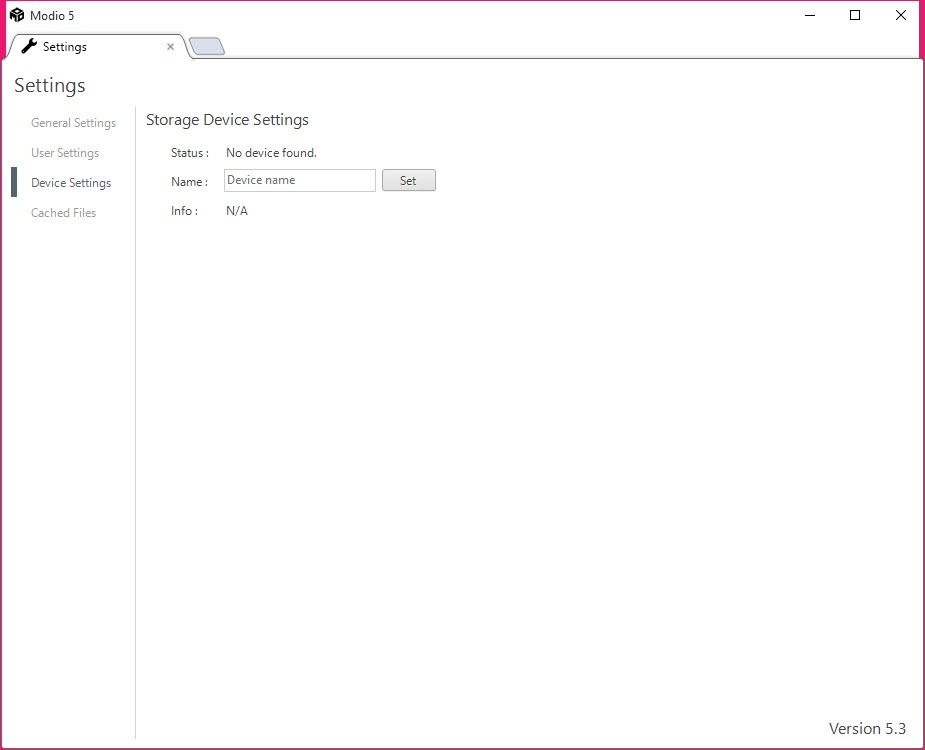
Connect a storage device holding saves and Modio lists the contents as a browsable tree. Individual files inside a save can be extracted, replaced or edited, and profiles, themes and gamer pictures are handled the same way.
Everything hinges on the last step, which is the part most tools of this kind get wrong.
Resigning is what makes it work
The container Modio opens carries a signature tied to the console or the profile it belongs to, and any change to the contents invalidates it.
A save edited and copied back without resigning is simply refused. The console sees a signature that no longer matches what the file contains and declines to load it, which is exactly what the check exists for.
Modio recalculates that signature using the identifier from your own device, so the console accepts the modified save as belonging to it. That step is the whole reason a tool is needed rather than an ordinary archive utility.
For the containers themselves, meaning ordinary archives rather than signed console packages, 7-Zip opens most things and will not help here for exactly this reason.
Where the line sits
Being plain about this once, because the tool is used both ways and the difference matters.
Editing a save for a single-player game on your own console affects nobody else. Restoring progress after a corruption, moving a save between profiles, or giving yourself items in a game you long since finished are your own business with your own hardware.
Modified saves carried into multiplayer are a different matter entirely. Other people are playing that game, the advantage comes out of their experience, and services detect it and remove accounts for it.
The tool makes no distinction and neither does the console. That decision belongs to whoever is using it.
The generation has moved on
This is the practical context, and it narrows what the software is for.
The console this serves belongs to a retired generation. Online services around it have wound down considerably, which removes most of the multiplayer question by attrition rather than by anybody choosing.
What remains is offline single-player saves on hardware people kept, which is both the legitimate use and, increasingly, the only one available.
Anybody working with the earlier console generation instead will find Cxbx covers running those games on a computer rather than managing saves on the original hardware.
Backups are the unglamorous use
The Modio capability nobody mentions is copying saves off to a computer and keeping them.
Console storage fails, and years of progress across a dozen games disappears with it. Pulling saves onto a computer periodically is a backup, and it needs no editing at all.
The same habit applies to games on the computer itself, and a manager that finds and backs up save folders across installed games does that job for a library that would otherwise scatter saves across a dozen locations.
Conclusion
Modio does a specific technical job properly, which is opening a signed container, allowing changes and putting a valid signature back so the hardware accepts the result. Without that last step the whole exercise fails, and that is what separates it from an ordinary archive tool.
Two things frame it now. The console generation it serves has retired, so what remains is mostly offline single-player use on hardware people kept, and the backup capability is arguably the better reason to install it. Copying saves off before the storage fails takes minutes and protects considerably more than any edit adds.
Pros & Cons
- Opens signed console save containers a normal archive tool cannot
- Resigns modified saves so the console accepts them
- Handles profiles, themes and gamer pictures alongside saves
- Copies saves to a computer, which is a backup against storage failure
- Straightforward interface for a job that would otherwise need a hex editor
- Serves a retired console generation
- Modified saves in multiplayer affect other players and get accounts removed
- Resigning depends on having the identifier from your own device
- Nothing here helps with saves from any other console
- Development follows a platform that has largely stopped moving
Frequently asked questions
Because the save sits in a signed container, and any change invalidates the signature. The console then refuses to load it, so the file has to be resigned afterwards for the edit to be usable.
Recalculates the signature using the identifier from your own device, which is the step that makes a modified save acceptable to the console. Opening the container is the easy part.
For single-player games on your own hardware it affects nobody. Carrying modified saves into multiplayer takes the advantage out of other players' experience, and services detect it and remove accounts.
Yes, and that is the use nobody talks about. Copying saves to a computer protects years of progress against the console storage failing, and it involves no editing at all.


