


 (7 votes, average: 3.29 out of 5)
- Review
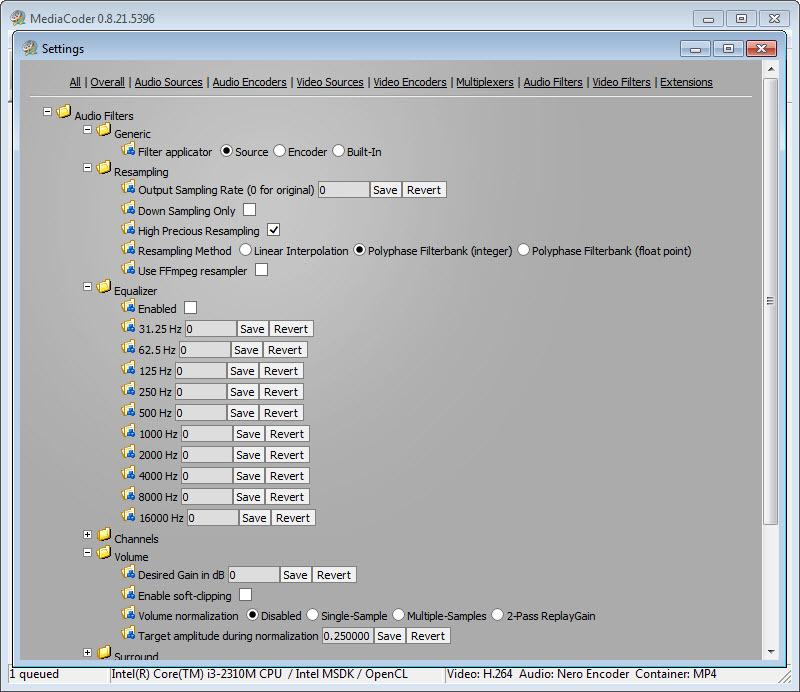
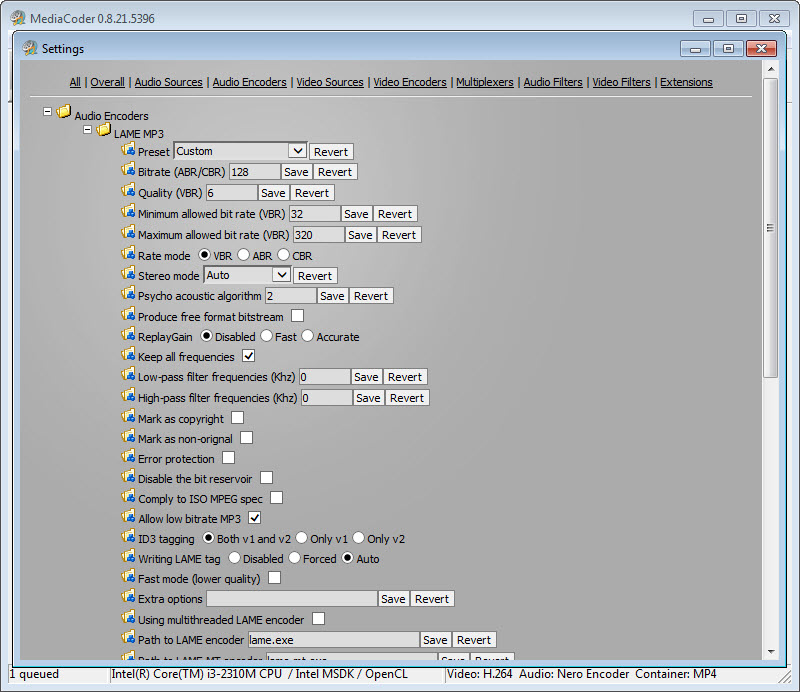
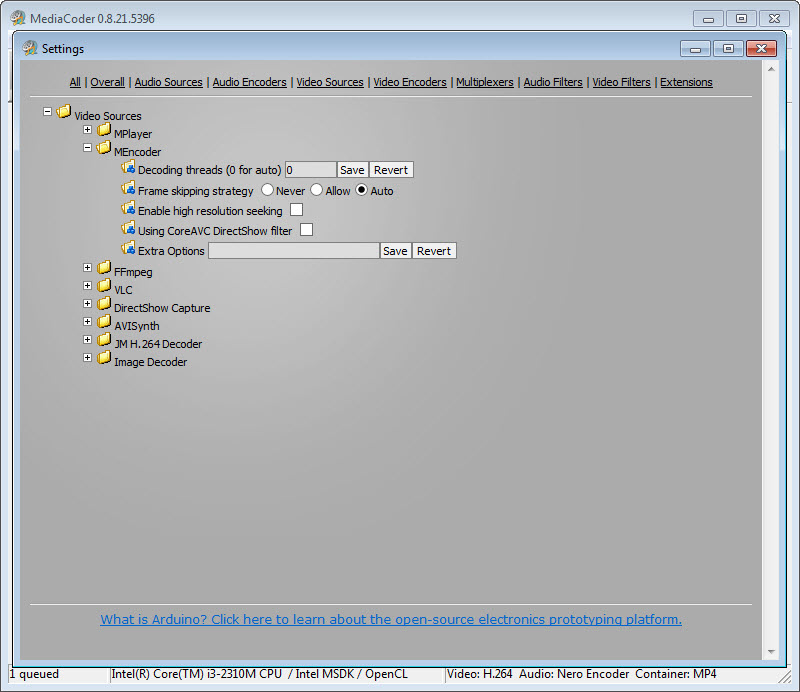
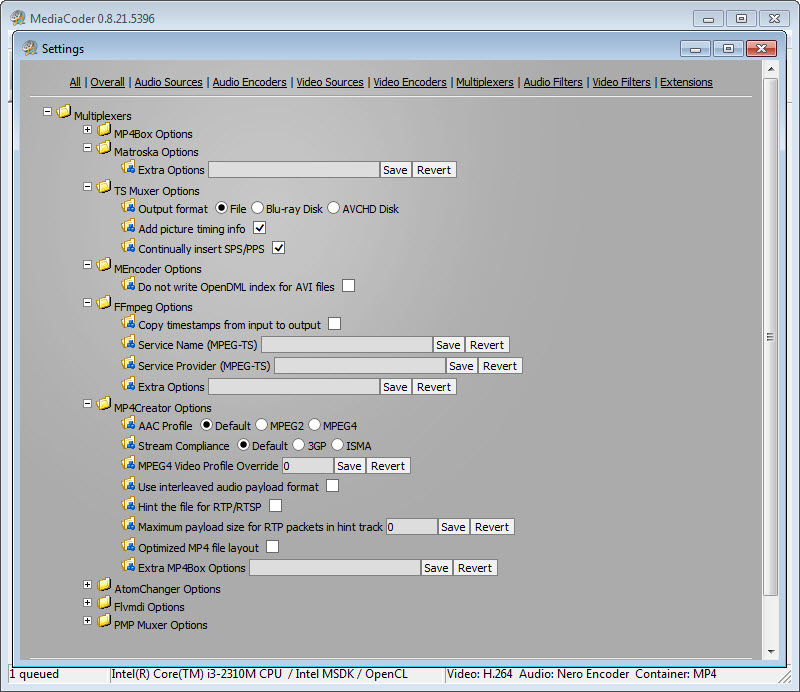
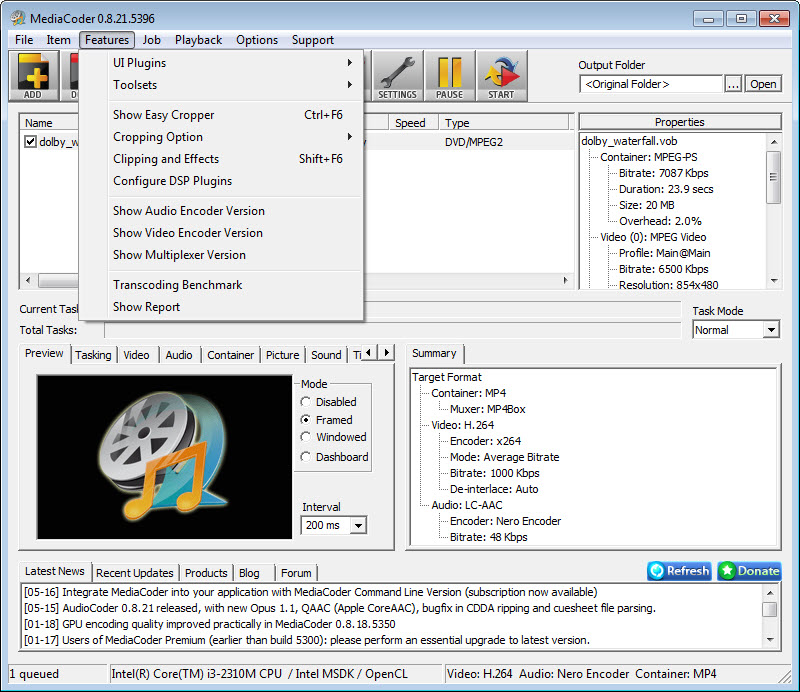
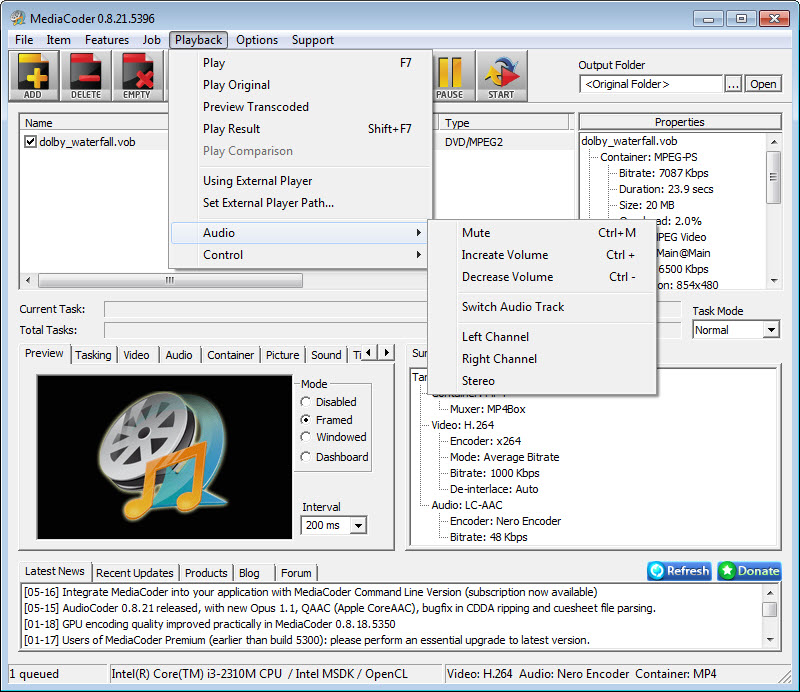
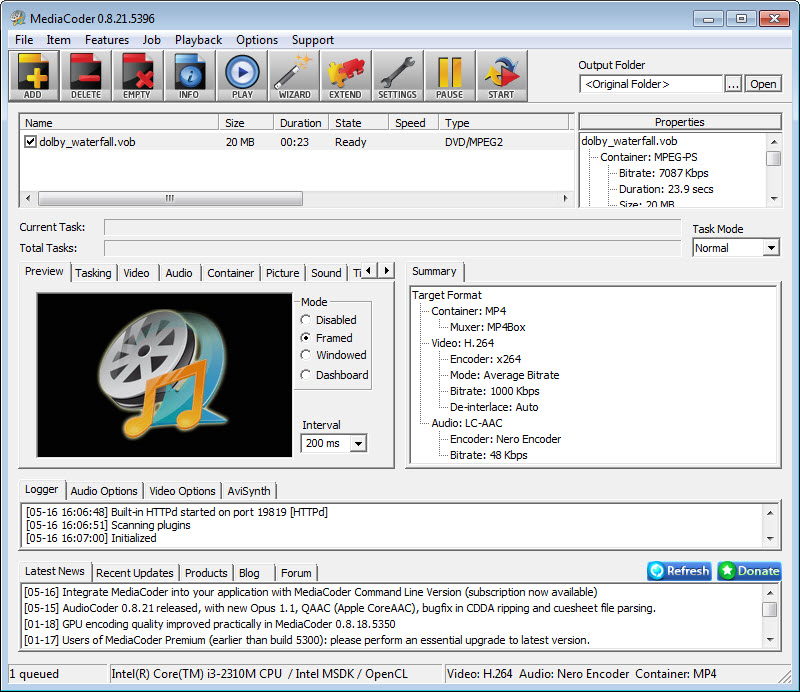
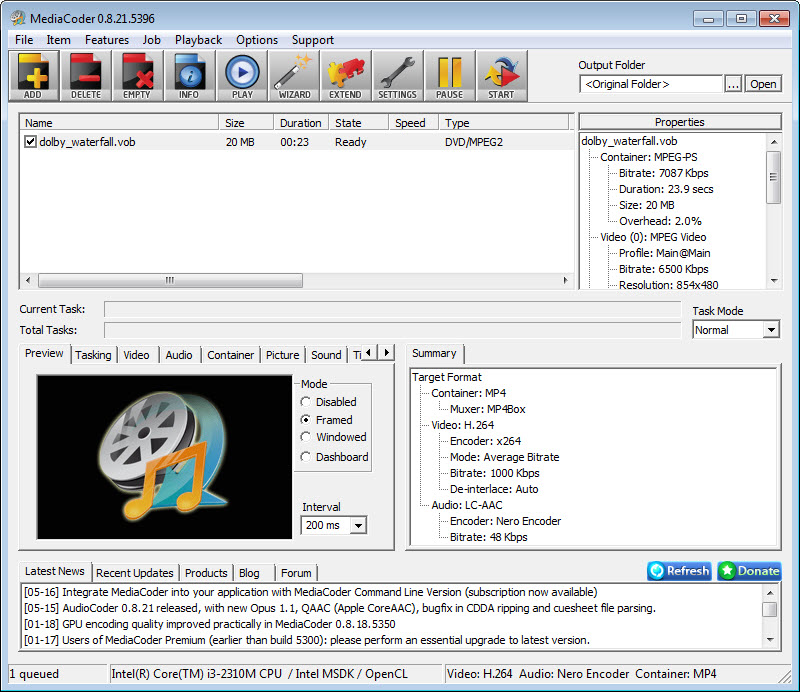
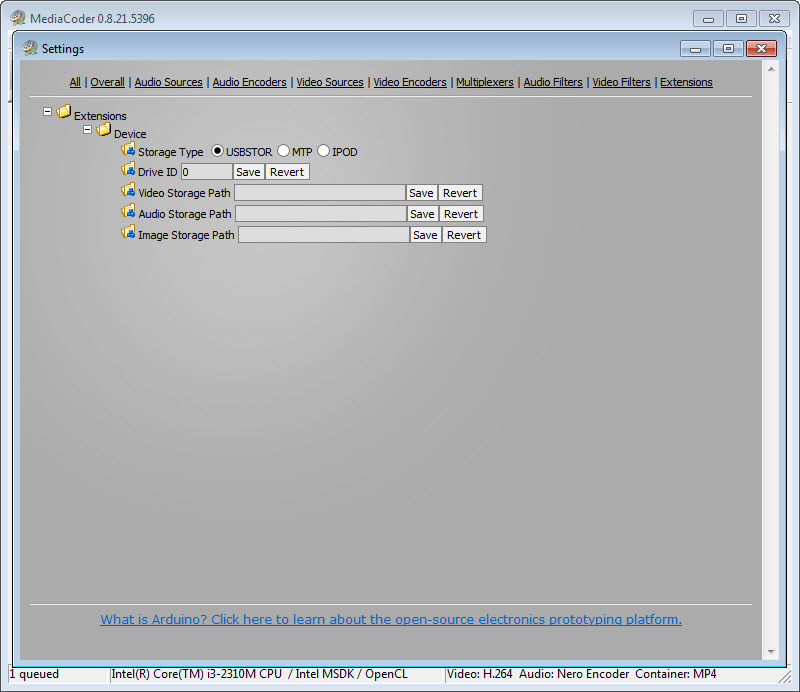
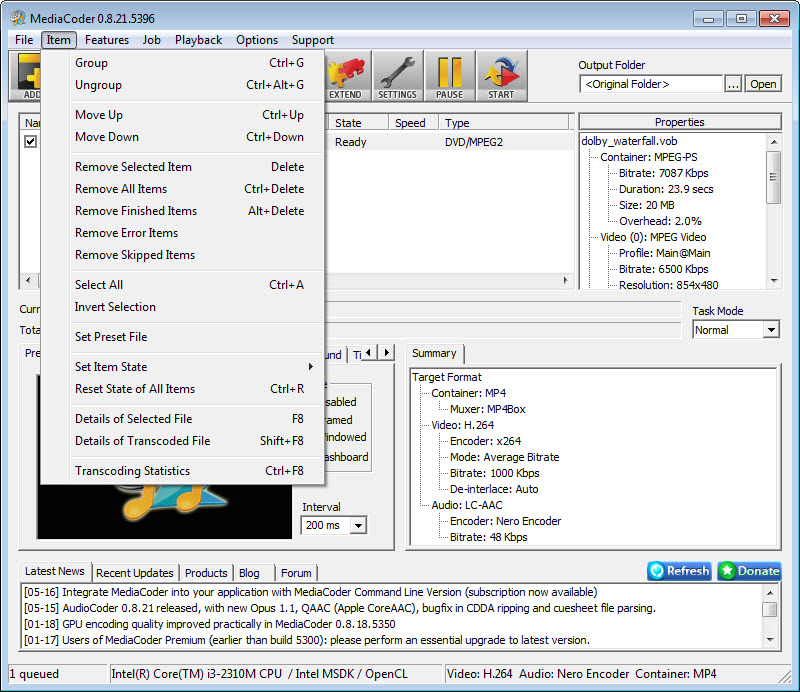
MediaCoder is a highly configurable audio and video transcoding application built for users who want full control over conversion workflows. It supports a wide range of formats and codecs and exposes detailed parameters that let you fine tune quality, performance, and compatibility.
This makes it suitable for power users, content creators, and anyone who needs precise output control rather than one click presets alone.
Broad format support and codec control
At its core, MediaCoder acts as a front end for multiple well known encoding engines. It supports common and advanced video and audio formats, allowing you to convert between containers, change codecs, adjust bitrates, resample audio, and resize video. You can choose encoding modes, tweak compression settings, and control profiles to match specific playback requirements.
This level of access is especially useful when preparing files for different devices or platforms, where strict codec and container rules apply. Instead of guessing, you can explicitly define every relevant parameter.
Batch processing and workflow efficiency
MediaCoder is designed to handle large batches efficiently. You can queue many files at once, apply consistent settings, and let the encoder process them sequentially or in parallel depending on configuration. Filters can be applied during conversion, including deinterlacing, scaling, frame rate adjustment, and audio normalization, reducing the need for separate processing steps.
The application also supports segment extraction and trimming, letting you convert only specific portions of a file rather than the entire source. This is useful for previews, samples, or selective exports.
Customization and advanced options
What sets MediaCoder apart is how much it exposes under the hood. Almost every stage of the transcoding pipeline can be adjusted. Advanced users can fine tune encoder flags, container options, and filter chains.
Profiles can be saved and reused, which helps maintain consistency across projects and saves time once the ideal settings are found.
While beginners may find the interface dense at first, experienced users appreciate the transparency and control it offers.
Performance and resource usage
MediaCoder can take advantage of modern hardware acceleration where available, helping reduce encoding time and improve efficiency. With careful configuration, it balances speed and quality well.
Resource usage depends heavily on chosen settings, but the flexibility allows you to prioritize either faster output or higher fidelity depending on your needs.
Pros
- Supports a very wide range of audio and video formats
- Offers deep control over codecs, containers, and encoding parameters
- Handles batch conversions efficiently with reusable profiles
- Includes filters for video and audio processing during conversion
- Suitable for complex and specialized transcoding tasks
Cons
- Interface can feel complex and overwhelming for new users
- Requires time and knowledge to configure optimal settings
- Not focused on simple one click conversions
FAQs
1. Can MediaCoder convert both audio and video files?
Yes. It supports transcoding for a wide variety of audio and video formats.
2. Is MediaCoder suitable for batch processing?
Yes. You can queue multiple files, apply the same profile, and process them efficiently.
3. Does MediaCoder allow detailed codec configuration?
Yes. It exposes advanced parameters for encoders, containers, and filters.
4. Can MediaCoder trim or convert only parts of a video?
Yes. You can define segments and convert only selected portions of a file.
Conclusion
MediaCoder is a robust transcoding solution for users who value flexibility and precision. It trades simplicity for control, offering deep access to encoding options that many converters hide.
If you need a powerful tool to handle complex media conversion tasks and are willing to invest time in configuration, MediaCoder delivers the control and reliability required for serious workflows.
- Improving compression / reducing file size (audio+video -> audio+video)
- Extracting audio track (audio+video -> audio)
- Converting from lossless or high-bitrate audio to low-bitrate audio to play with portable DAP (audio -> audio)
- Ripping CDs and compressing it on the fly
Technical details
Alternative software


User reviews
Most downloaded software


