

Malware Hunter
About Malware Hunter
Malware Hunter is an on-demand scanner that hunts down and removes malware your main protection may have missed. It is not trying to be your everyday antivirus running quietly in the background. Instead, it is the tool you point at a machine when something feels off, when a popup keeps appearing, the system has slowed for no clear reason, or you simply want a second set of eyes on a computer you are not quite sure about. You run a scan, it reports what it finds, and you clean it out.
That distinction is the key to understanding it. A traditional antivirus is your standing guard, always on duty. Malware Hunter is the specialist you call in for a thorough sweep, and crucially, it is built to coexist with the antivirus you already have rather than replace it. Running two full antivirus programs at once causes conflicts, but an on-demand scanner like this sits comfortably alongside your existing protection, ready when you want to double-check.
The whole experience is built around simplicity. The interface is clean and uncluttered, the main actions are right there on the dashboard, and you do not need any security expertise to point it at your system and let it work.
For a worried user who just wants to know whether their machine is clean, that approachability counts for a lot.
Three scan modes for three situations
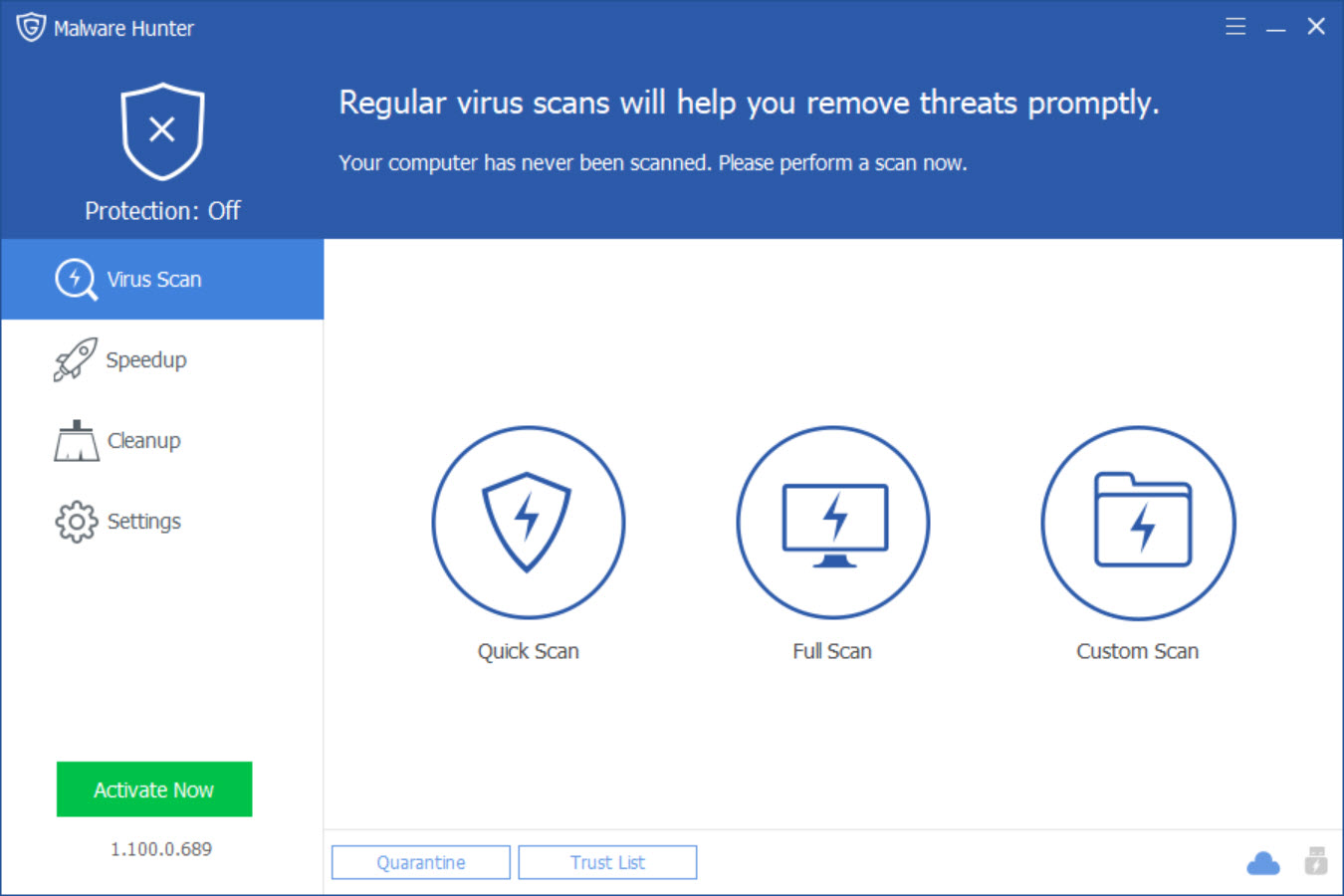
Malware Hunter organizes its scanning around three modes, and the split is sensible. The quick scan is the one you will reach for most. It checks the places malware is most likely to hide, the startup items, the drivers, the common applications, and the registry, and finishes in just a few minutes. When you want a fast answer to “is something obviously wrong,” this is it.
The full scan goes everywhere. It examines every file on the system in detail, which naturally takes much longer depending on how much you have stored, but leaves no corner unchecked. This is the one to run when you suspect an infection and want certainty rather than speed.
The custom scan fills the gap between them. You point it at a specific folder or a single file, which is perfect for checking something you just downloaded or a particular drive you are suspicious of, without scanning the entire machine.
Together the three cover the realistic range of why someone reaches for a scanner in the first place.
The hyper scan and the detection behind it
Speed is something Malware Hunter makes a real point of. Its hyper scan engine is built to move quickly, and in practice even the more thorough checks run faster than you might expect from a deep scan. For anyone who has sat watching a scanner crawl through their files for an hour, that pace is a welcome change.
Underneath, it draws on a recognized detection engine and pulls regular definition updates so it can recognize current threats. The detection is solid for the supplementary role it plays, catching the bulk of common threats, though it is worth being honest that it does not top the charts the way the very best dedicated engines do.
As a second opinion to confirm or catch what your primary tool missed, it does the job well. As your only line of defense, it would be asking too much of it.
Process protection, USB scanning, and quarantine
Beyond plain file scanning, Malware Hunter adds a few practical extras. Process protection watches the programs currently running and steps in against ones behaving maliciously, which catches threats that are already active rather than just sitting on disk. USB drive protection scans removable drives when you plug them in, a smart safeguard since infected flash drives are a classic way malware spreads from one machine to another.
When something is found, a quarantine system isolates it safely rather than deleting it outright, so a wrongly flagged file is not lost for good. That matters because, like most scanners, this one occasionally raises a false positive, flagging something harmless.
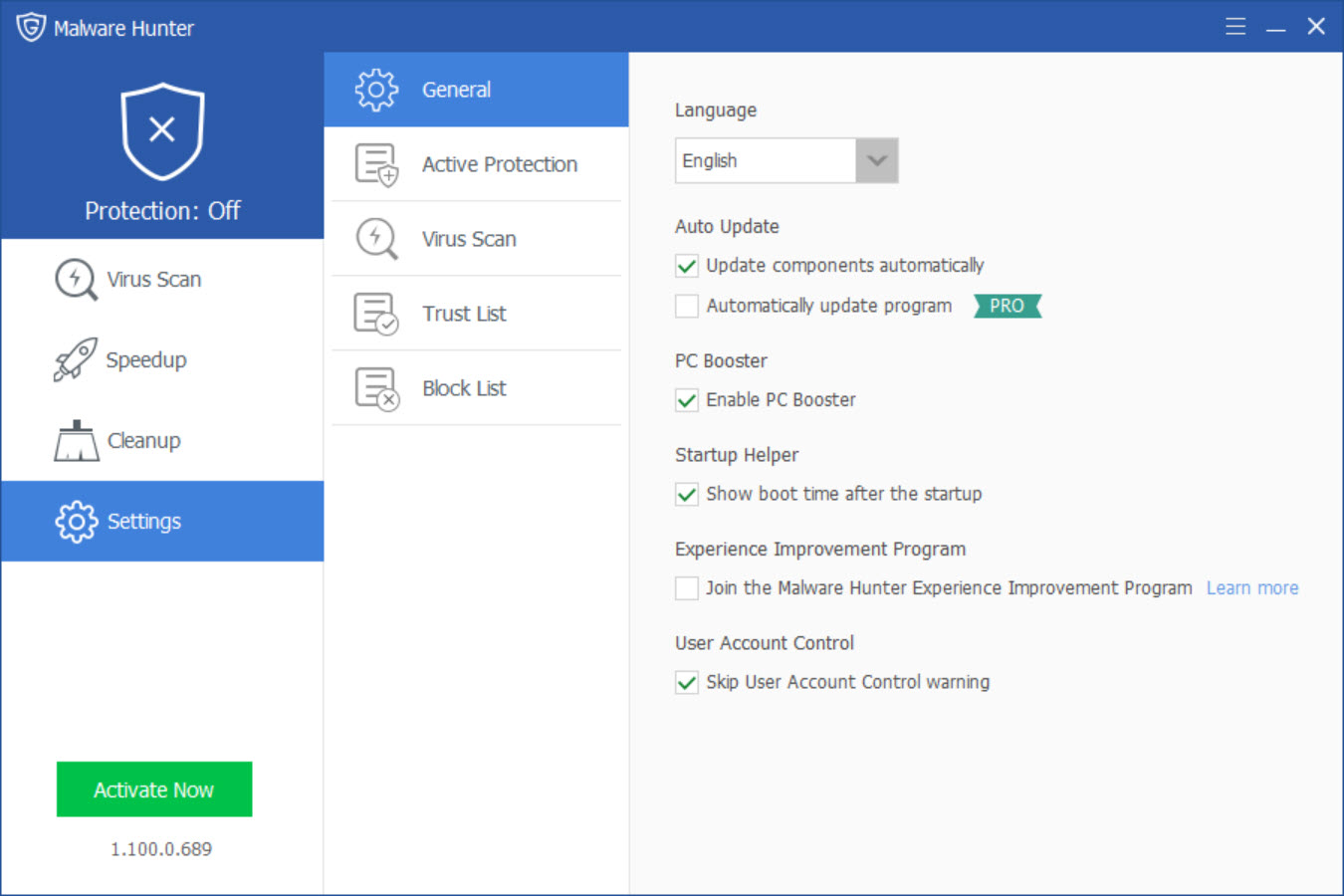
The trust list lets you mark files you know are safe so they are left alone in future scans, and you can restore anything from quarantine that was removed by mistake.
The speedup and cleanup extras
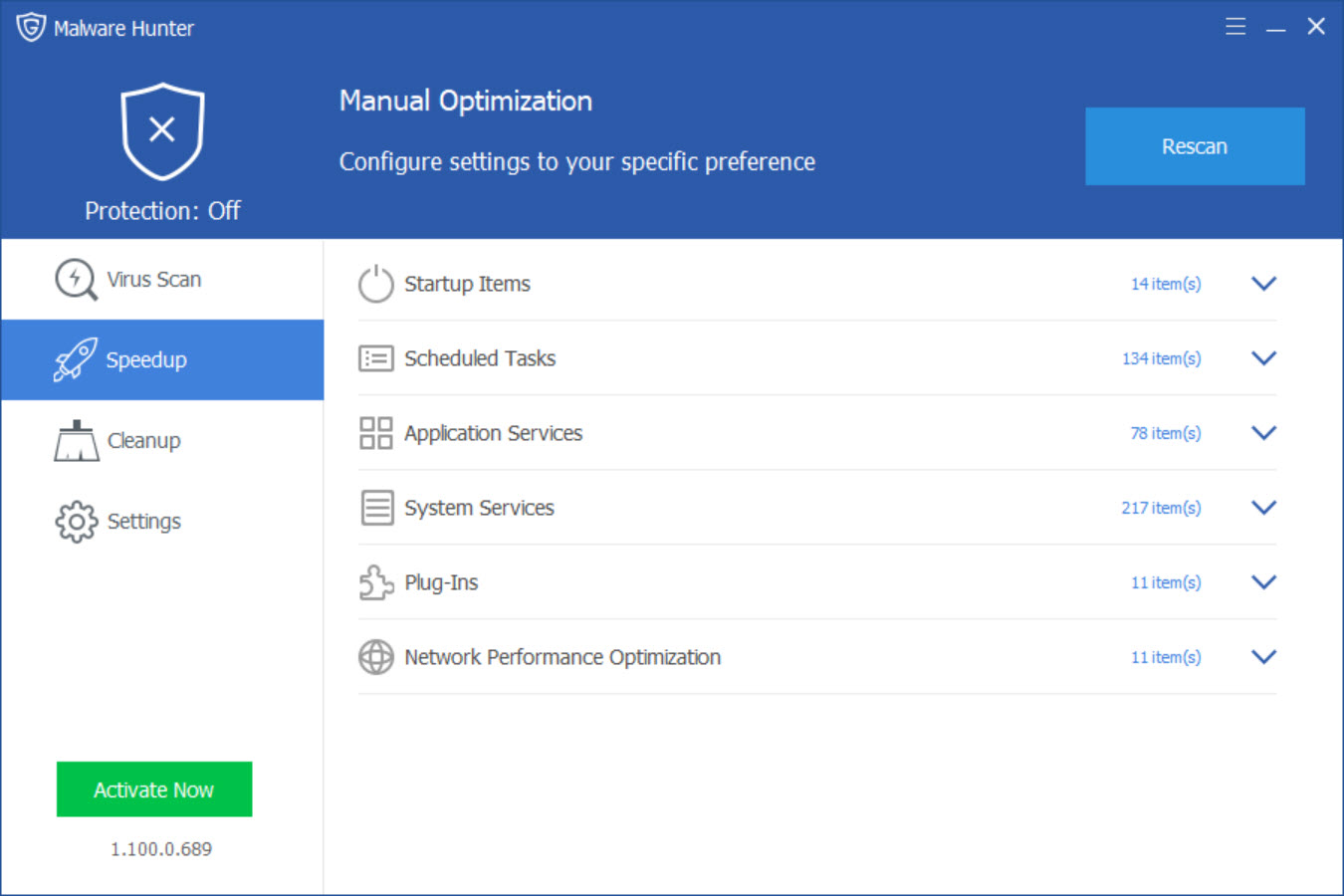
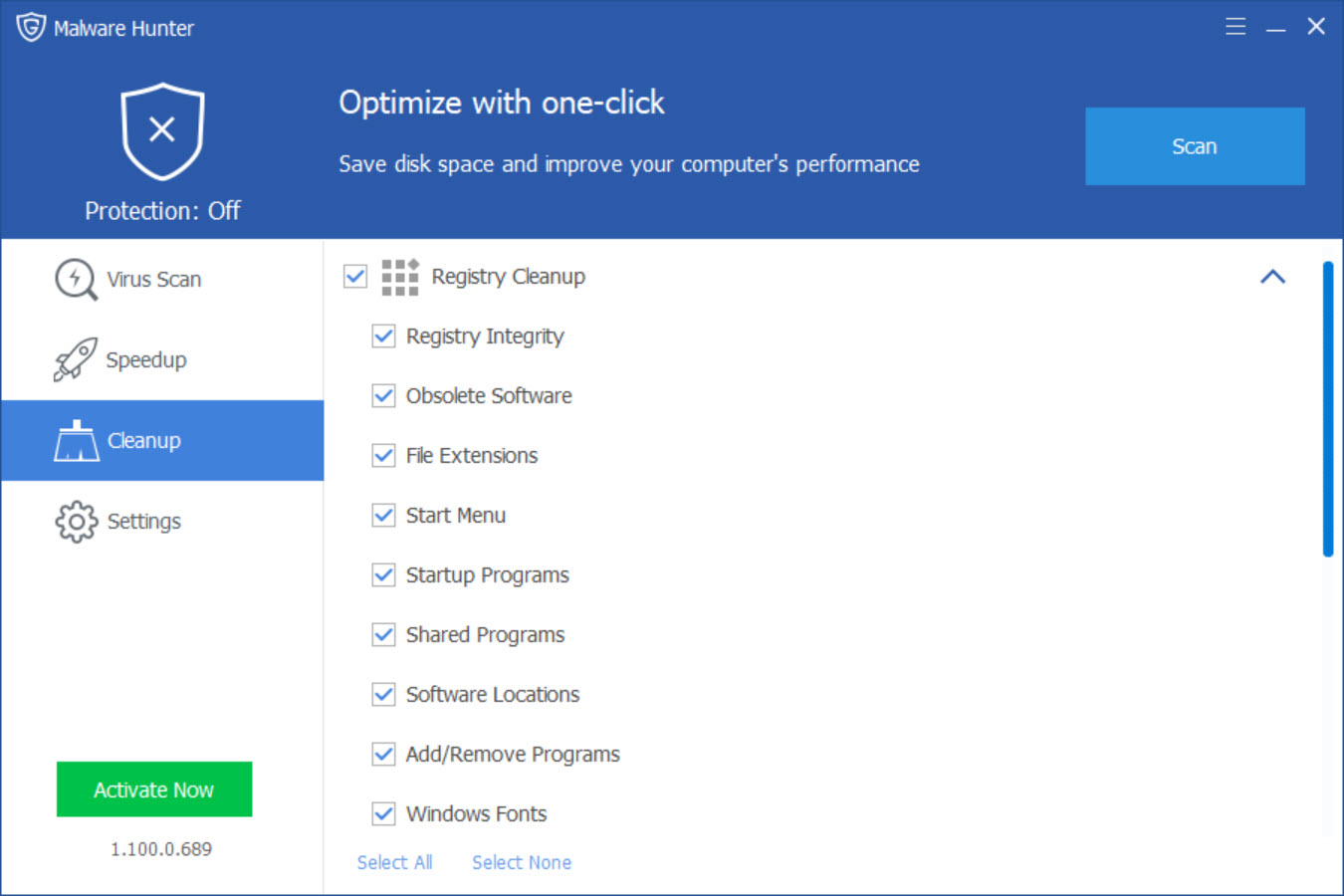
Malware Hunter also bundles in performance features, a speedup function that trims startup programs and background tasks, and a cleanup function that clears out junk files, caches, and leftover registry entries. The idea is a single tool that both secures and tidies your machine.
Be measured about these, though. They work, and they will find some clutter to clear, but their impact is modest and overlaps with cleanup tools you may already use. They are a reasonable bonus rather than a reason to choose the program on their own. The malware scanning is the real draw. The optimization is the side dish.
Where it fits among the alternatives
The second-opinion scanner is a well-populated category, and Malware Hunter competes with some strong names. Malwarebytes is the best-known choice for exactly this supplementary role, while AdwCleaner specializes in the adware and browser hijackers that regular antivirus often ignores. For deep cleanup of an already-infected machine, a portable tool like the Emsisoft Emergency Kit or Dr.Web CureIt! is purpose-built for the job.
Where this one earns consideration is the combination of fast scanning, a friendly interface, and the bundled optimization tools in one package. It does not unseat the category leaders on raw detection, but it is a capable, approachable option for the everyday user who wants a quick, painless way to check a machine.
Conclusion
Malware Hunter is for the user who wants a fast, simple way to double-check a computer. The person whose machine is acting strangely, the cautious type who likes a second opinion, anyone who wants to sweep a system or a suspect file without uninstalling their main protection. Its scans are quick, its interface is welcoming, and the extras round out a tidy little package.
It is not a replacement for a strong primary antivirus, and its detection and optimization tools sit a notch below the best specialists in each area. But that is not the point of it. As an approachable, on-demand scanner to run alongside whatever already guards your machine, it does a useful job, and for many people that supplementary peace of mind is exactly what they were looking for.
Pros & Cons
- On-demand scanning that runs safely alongside your existing antivirus
- Three scan modes covering quick checks, deep sweeps, and single targets
- Fast hyper scan engine that finishes noticeably quicker than many rivals
- Process protection and USB scanning catch active and removable-media threats
- Quarantine and a trust list make handling false positives painless
- Clean, beginner-friendly interface that needs no security expertise
- Detection is solid but not at the level of the top dedicated engines
- Occasional false positives flag harmless files
- The bundled speedup and cleanup tools have only a modest impact
- Not a full replacement for a primary antivirus
Frequently asked questions
It is an on-demand scanner that detects and removes malware, designed to run alongside your main antivirus as a second opinion rather than replace it. You use it to check a machine when you suspect something is wrong.
Yes. Because it is an on-demand scanner rather than an always-on antivirus, it coexists with your primary protection without the conflicts that running two full antivirus programs would cause.
The quick scan checks the areas malware favors and finishes in minutes. The full scan examines every file for a thorough sweep. The custom scan targets a specific folder or file you want to check on its own.
It is the tool's accelerated scanning engine, built to detect threats quickly. Even the deeper scans tend to complete faster than the slow crawl people often associate with malware scanners.
Reasonably. When it flags a file, the item goes to quarantine rather than being deleted, and a trust list lets you mark safe files so they are skipped in future scans. Anything removed by mistake can be restored.
It works best as a supplement. Its detection is good for a second opinion and cleanup, but for continuous, primary protection you should keep a dedicated antivirus running as well.


