

LosslessCut
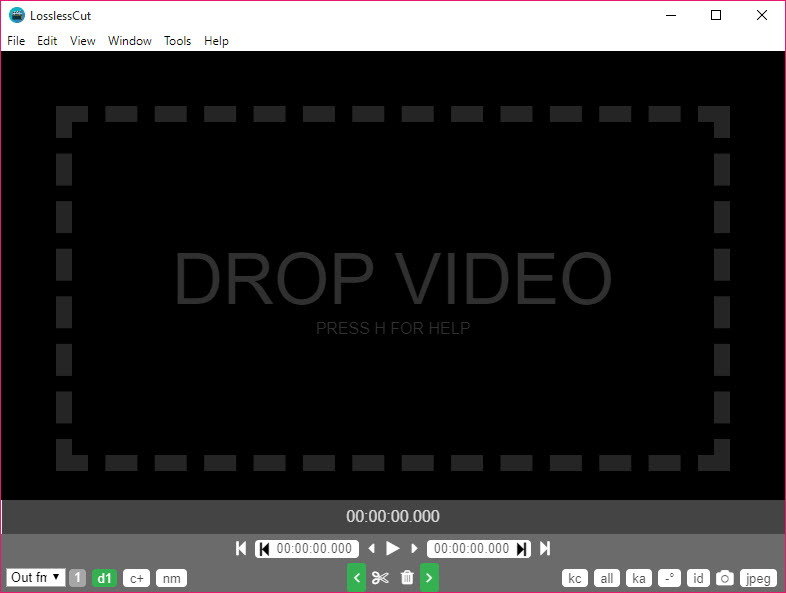
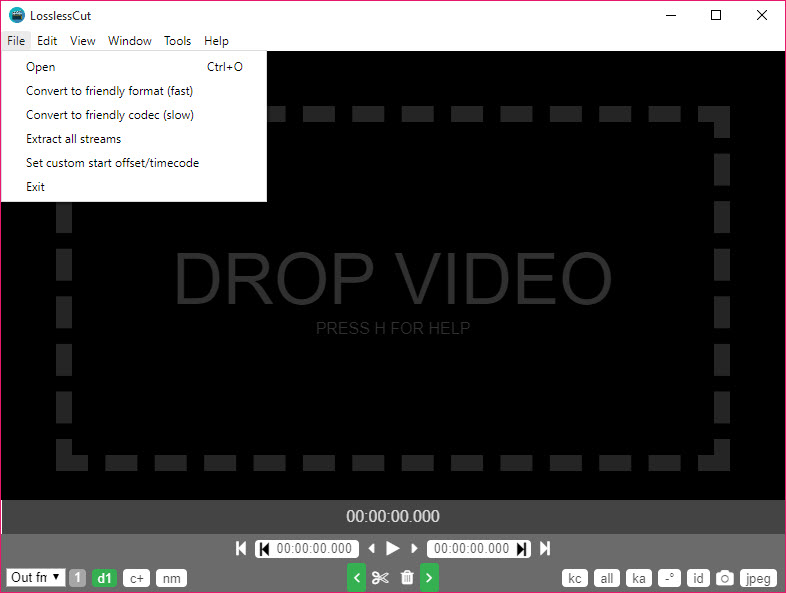
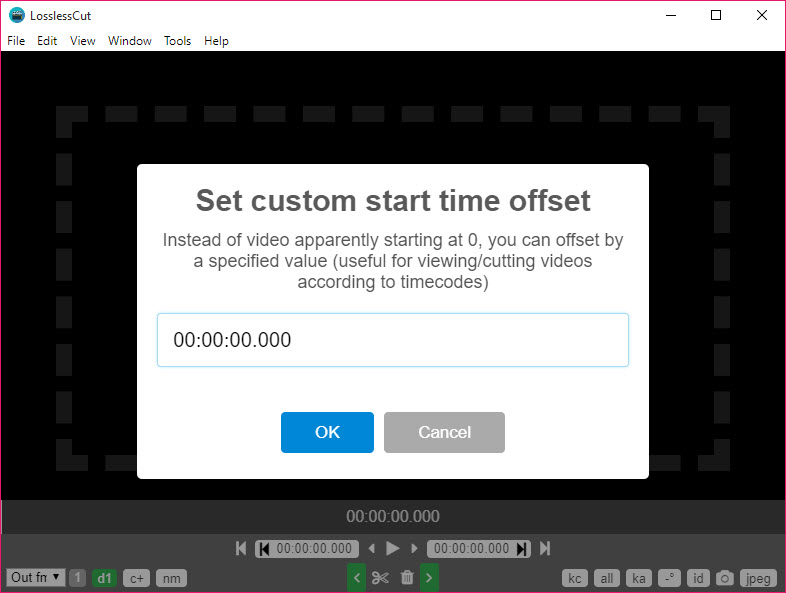
About LosslessCut
LosslessCut trims video without re-encoding it. Open a two-hour recording, mark the twenty minutes you want, press export, and a new file appears in seconds with the original picture untouched, because nothing was decoded.
The program copies the compressed stream between your cut points into a fresh container. That is why a 40 GB drone folder becomes a 4 GB folder in the time a conventional editor would still be showing a progress bar. Around that one trick it has grown a set of related tools. Merging files, pulling tracks apart, swapping containers, finding cuts automatically and exporting frames.
It is a front end for FFmpeg, and everything it does can be typed as a command, which the program will show you after each export. The value is the timeline, the keyboard and the segment list, which turn a dozen fiddly commands into an afternoon’s rough cut.
The limitation is the one that comes with the method. LosslessCut cuts where the video allows it to cut, and understanding that point is most of learning the tool.
Where a lossless cut can land
Compressed video is stored as occasional full frames with long runs of difference frames between them. A cut can only begin cleanly at a full frame, a keyframe, which on a typical camera file arrives every one to ten seconds. Ask for a cut two seconds after a keyframe and one of two things happens.
The clip starts at the keyframe before it and you get extra footage, or it starts at your frame with a broken picture until the next keyframe, which players show as a freeze or black. LosslessCut shows keyframes as marks on the timeline and has keys to jump between them, so the habit is to cut on a mark.
There are two switches for when that is not good enough. Keyframe cut versus normal cut changes how the start point is handled, and toggling it fixes a fair share of files that come out wrong. And Smart Cut, still labelled experimental, re-encodes only the short stretch from your chosen frame to the next keyframe and copies everything after it.
The result is frame-accurate at a fraction of a full encode. It works well on straightforward files and produces oddities on some, which is why the label stays.
Segments, and the export that removes what you did not mark
The timeline holds segments, each a start and an end, with a label and a colour. Mark them with the I and O keys or type times by hand, drag the ends, split at the playhead and reorder them. Invert the whole set and the marked parts are removed while the gaps are kept, which is how commercials come out of a recording in one pass. The segment list on the right shows durations and lets you enable or disable each one without deleting it.
Export then asks one question that has confused people for years. Merge the segments into one file, or write each as its own file. Both are lossless, and a checkbox writes a chapter marker at each join when merging. Segments can also be generated rather than drawn. Split the timeline into pieces of a fixed length, size or count.
Import cut points from a CSV or a chapter list, or export your own list as a CSV for another tool. A project file beside the video remembers the segments between sessions.
Merging several files into one
Drop several files in at once and LosslessCut offers to concatenate them, in the order you set, into one file. It works when the files share codec parameters, which is to say they came from the same camera or the same encoder with the same settings. When they do not, it fails or stutters.
There is no batch export, so a folder of separate clips is processed one at a time, which is the most common feature request.
Tracks, remuxing and rotation
The LosslessCut tracks panel treats a file as a bundle of streams. Every video, audio and subtitle track is listed, along with attachments, and each can be switched off for export. Tracks from other files can be added, so a music track or a subtitle file is muxed into a video without touching the picture. One track can be re-encoded while the rest are copied, useful for turning an odd audio codec into AAC for a television. Extract all writes every track to its own file.
And remux changes the container, MKV to MP4 or TS to MOV, which is the whole fix for a file that a phone or a media player refuses.
Finding the cut points for you
Under the LosslessCut tools menu sit detectors that scan the file and turn what they find into segments. Black scene detection marks stretches of black, which is where broadcast recordings hide their ad breaks. Silence detection marks quiet passages in the audio, for lectures and interviews. Scene change detection marks hard cuts in the picture, with a sensitivity you set. Each produces a list of segments you then keep, invert or tidy by hand.
Two more generators are specialised. A file with chapters can be split at its chapter marks in one click. A mode that keeps only keyframes and discards everything between them turns a long recording into a fast timelapse in seconds, without encoding a single frame.
The timeline, the keyboard and snapshots
The LosslessCut timeline shows thumbnails along its length and an audio waveform beneath, both generated in the background, and zooms with the wheel down to individual frames. Almost everything has a key, and the program is quicker to drive from the keyboard than from its buttons. Playback speed changes, frame stepping and keyframe jumping all sit under single keys, and the shortcuts are editable.
A snapshot button saves the current frame as a full-resolution JPEG or PNG. A frame export writes a run of images from a segment, every nth frame, every second or at each scene change, with the original timestamp in the filename if you want it.
Rotation and other metadata can be edited for the file and per track, so a phone video that plays sideways is fixed by changing a flag rather than re-encoding.
When the output misbehaves
The failures are predictable and mostly fixable. A clip that starts with a frozen or black second was cut off a keyframe, so move the cut or use Smart Cut. Audio drifting out of sync usually means variable frame rate footage from a phone, and remuxing to MKV or MOV before cutting, or letting the audio be re-encoded, generally cures it.
An export that errors out often succeeds after switching from all streams to primary streams only, or after changing the output container. And on some machines antivirus software quietly blocks the bundled FFmpeg, which looks like the program doing nothing at all.
What this tool will never do is change the picture. There are no filters, no titles, no transitions and no colour work. For a cut that also needs a crop or a level change, an older cutter that re-encodes with filters covers the gap. Shrinking the file afterwards is a job for a dedicated encoder.
Conclusion
LosslessCut is for anyone with more footage than time, which covers drone pilots, dashcam owners, streamers trimming recordings, and anyone cutting adverts out of television. It hands back gigabytes and hours by refusing to re-encode, and the segment and detection tools make the rough cut fast rather than merely possible.
It is not an editor in the sense of changing what the frames look like, and people who expect that will be disappointed within a minute. Learn where the keyframes fall, keep Smart Cut for the moments that need a precise frame, and it becomes the first tool you open on any new footage.
Features & benefits
Pros & Cons
- Cuts and merges in seconds with the original quality untouched
- Segments with labels and inversion, exported merged or one file each
- Black-frame and silence detectors plus scene change detection detectors generate cut points automatically
- Add, remove, extract or re-encode individual tracks without touching the rest
- Remux between containers and fix rotation without encoding
- Smart Cut for frame-accurate edits with minimal re-encoding
- Standard cuts land on keyframes, so a chosen frame may be seconds off
- Smart Cut remains experimental and fails on some files
- No batch export across many files
- No filters, titles or any change to the picture
- Merging requires identical codec parameters across files
Frequently asked questions
The cut fell between keyframes. Move the start to a keyframe mark on the timeline, toggle keyframe cut mode, or enable Smart Cut to re-encode the short stretch before the next keyframe.
Only with Smart Cut, which re-encodes the small section from your frame to the next keyframe and copies the rest. Standard mode snaps to keyframes.
The files have different codec parameters, such as resolution, frame rate or audio settings. Merging only works losslessly on files from the same source with matching streams.
By default it keeps the marked segments and discards everything else. Use the invert option to remove the marked parts instead, which is the mode for cutting out commercials.
The source is probably variable frame rate footage from a phone. Remux it to MKV or MOV first, or allow the audio track to be re-encoded during export, and the sync usually holds.


