

Logitech Capture
About Logitech Capture
Webcams have gotten genuinely good, but the software that ships with most of them is still stuck somewhere around the era of grainy MSN Messenger calls. That’s the gap Logitech Capture tries to close. It treats the webcam as an actual production tool rather than a plug-and-play accessory, giving you the kind of image controls, multi-source layouts, and recording options that creators usually have to assemble from three different applications.
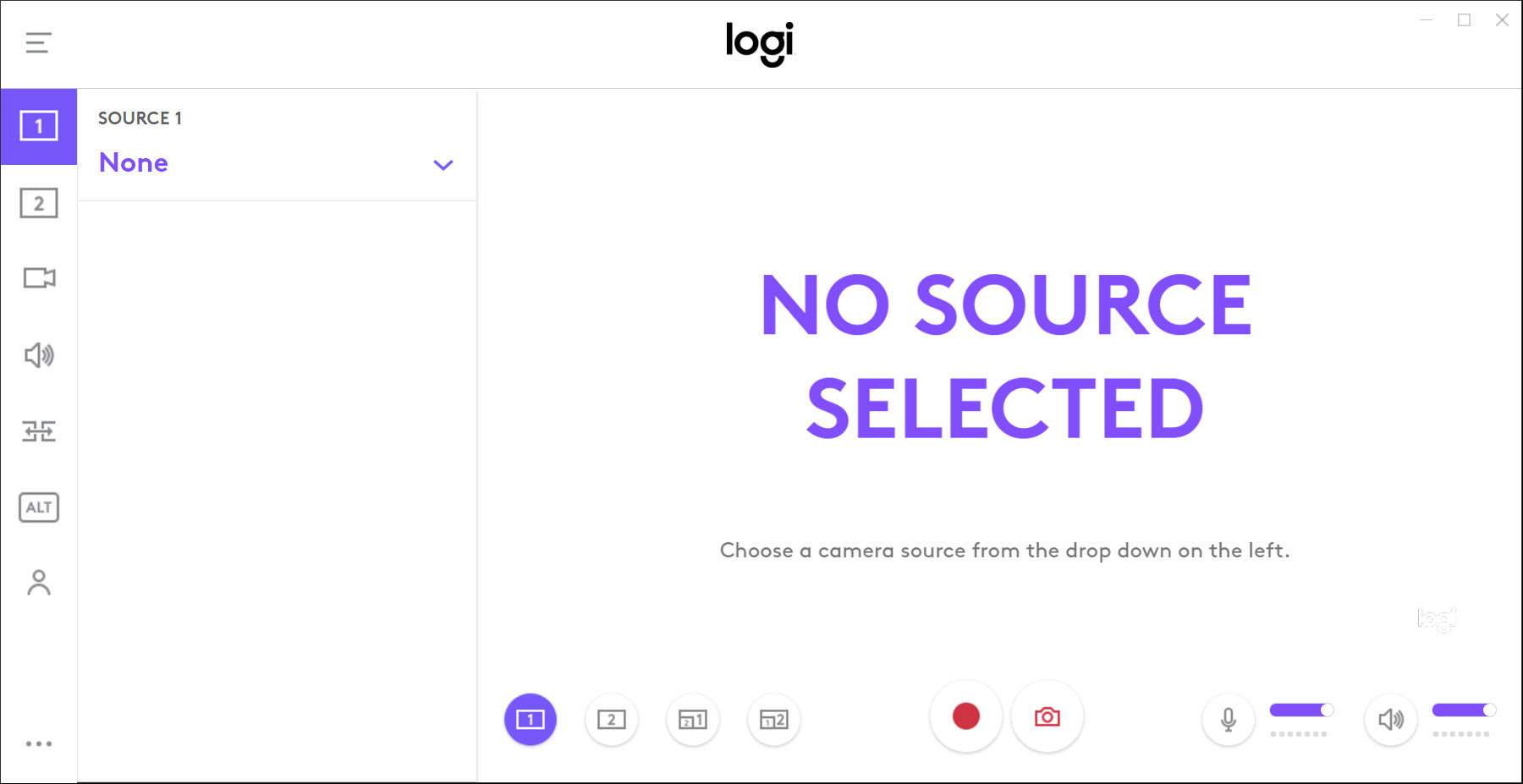
Logitech Capture is a webcam-first recording and streaming utility. It pulls in feeds from supported Logitech cameras, lets you tune the image at a deep level, arranges scenes with up to six sources, and pushes the result either to a recorded MP4 file or to a virtual camera that streaming and conferencing apps can consume.
The catch (and there’s a real one) is that it’s locked to specific Logitech hardware. If you don’t own a supported camera, the application either won’t open the controls or won’t run at all.
Image controls that actually use the camera’s hardware
This is where Logitech Capture earns its place on a creator’s drive. Generic webcam tools expose whatever the operating system gives them, which is usually brightness, contrast, and a saturation slider. The Logitech application talks to the camera at a firmware level on supported models. On a Brio 4K, MX Brio, or StreamCam, you get manual white balance with Kelvin values, ISO and shutter priority modes, separate sliders for tint and exposure compensation, and field-of-view presets that physically crop in or out instead of digitally zooming.
Auto-focus has a manual override with a fine-grained slider, which is useful when you’re working on a tabletop demo or holding something close to the lens and the camera keeps hunting. Image profiles save the whole stack (white balance, exposure, focus, framing) and let you switch between them with one click, so a “daylight desk” profile and a “evening ring light” profile can live side by side. That’s a workflow most webcam software ignores entirely.
There’s also a built-in ColorCal routine on cameras that support it, which uses a printed color sheet (or your phone screen) to neutralize whatever weird color cast your room lighting throws onto the sensor. It works better than expected, though it’s slow.
Six-source scenes and a virtual camera output
The scene editor is where the application crosses from “webcam tweaker” into “lightweight broadcast tool.” You can layer up to six sources in a single scene. One webcam, plus a second webcam, plus a screen capture region, plus a still image, plus another window, plus a text overlay. Each source has its own crop, position, opacity, and chroma-key settings. The chroma keyer is competent for a clean green screen, less convincing on a busy background.
Transitions between scenes are basic (cut, fade), which is fine for a single-person workflow but won’t replace a real broadcast switcher. What makes the scenes genuinely useful is the virtual camera output. Logitech Capture exposes whatever you’ve composed as a system-level camera device, which means Zoom, Teams, Google Meet, OBS, and any other application that picks a webcam can pick this composed feed instead. You build the layout once in Capture, then use it everywhere.
For more demanding live workflows, dedicated tools like Streamlabs Desktop or XSplit Broadcaster still go further, with scene transitions, alerts, plugin ecosystems, and built-in streaming pipes. Logitech Capture isn’t trying to be those. It’s the layer underneath them.
Recording presets that match the platform you’re shooting for
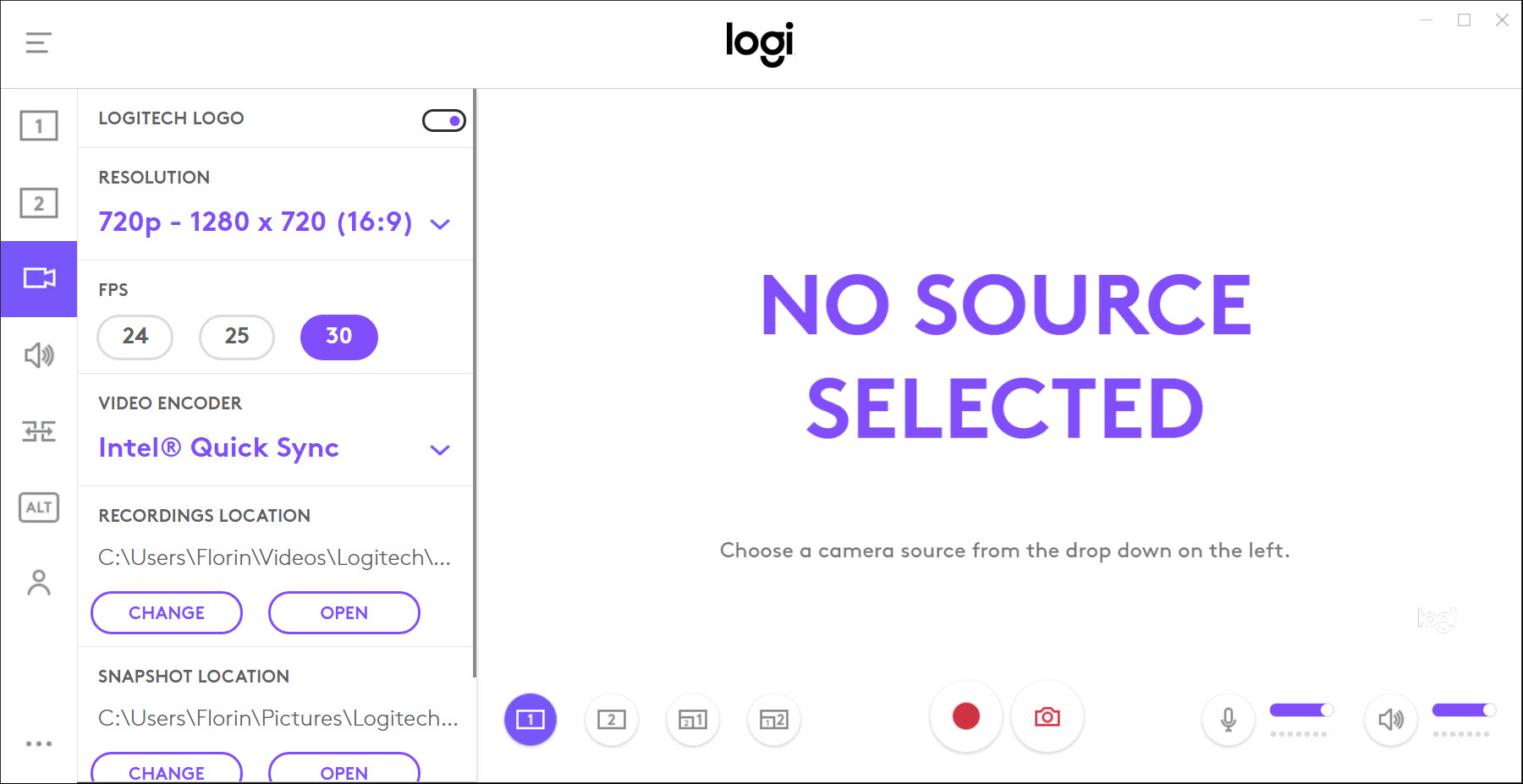
The recording panel keeps the format menu short on purpose. You get MP4 with H.264 video and AAC audio, frame rates up to 60 fps depending on the camera, and a resolution dropdown that tops out at whatever the connected camera supports (4K on the Brio, 1080p on most others).
What’s actually useful is the orientation toggle. You can record in portrait, square, or landscape directly, with the framing preview rotating live as you switch. For anyone making vertical content for TikTok, Reels, or Shorts, that one feature avoids the whole “shoot in landscape, crop in post” mess.
Bit rate, audio sample rate, and the save folder are all configurable. There’s no multi-track audio (microphone and system sound mix into one stream), which is the main limitation against a real recorder like Debut Video Capture. For interview workflows where you want to clean up the host’s audio without touching the guest’s, you’ll need an external solution.
Studio Controls, hotkeys, and the small-but-real polish
The Studio Controls panel docks to one side and groups every adjustment in one place. Camera image, audio levels, scenes, recording settings, all visible at once. It’s busy, but everything is one click away rather than buried in three submenus.
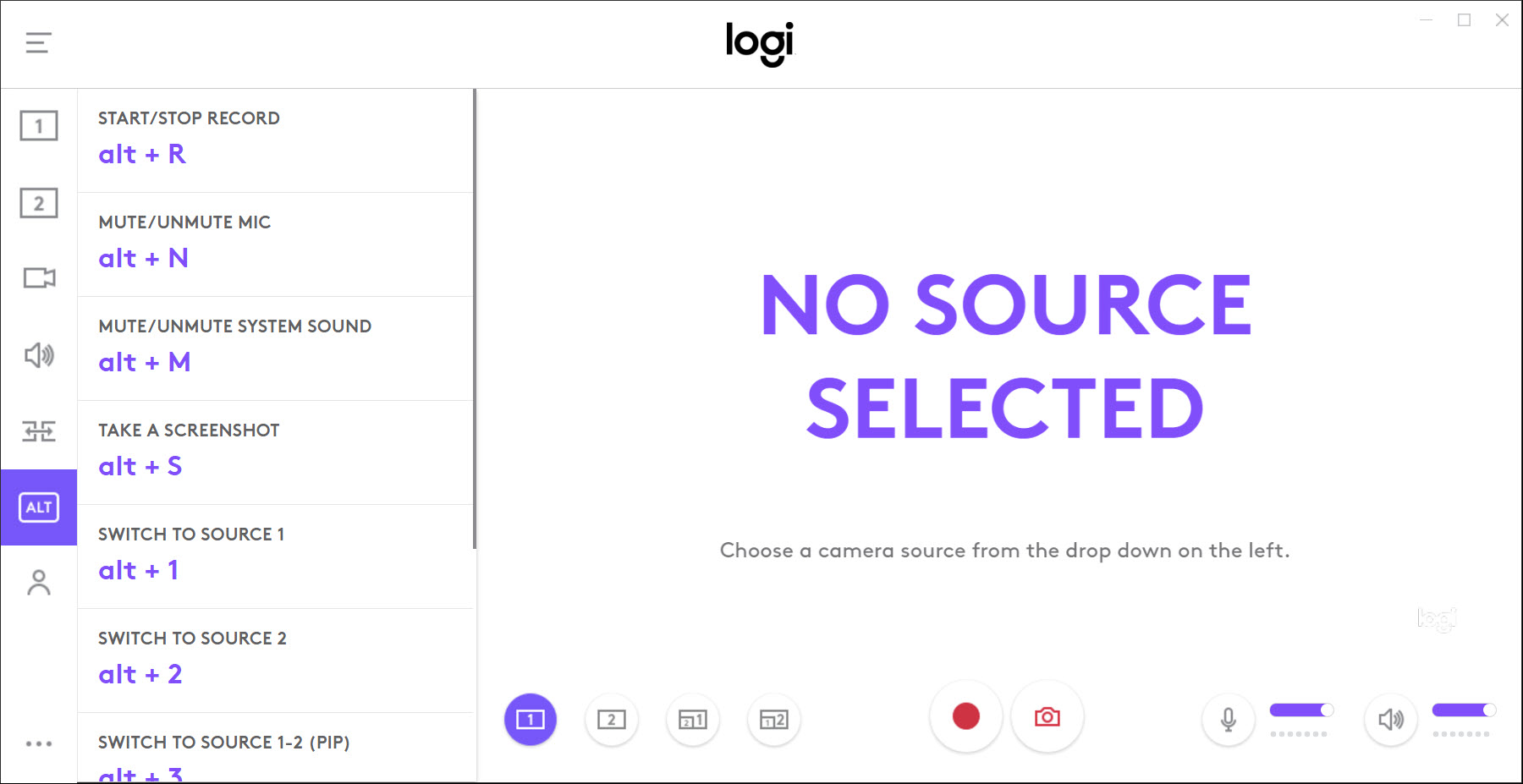
Hotkey support is genuinely good. You can bind keys for start/stop recording, scene switching, mute toggles, and source visibility, and the bindings work even when the application is in the background. If you’ve used Logitech G HUB for keyboard or mouse customization, the philosophy will feel familiar.
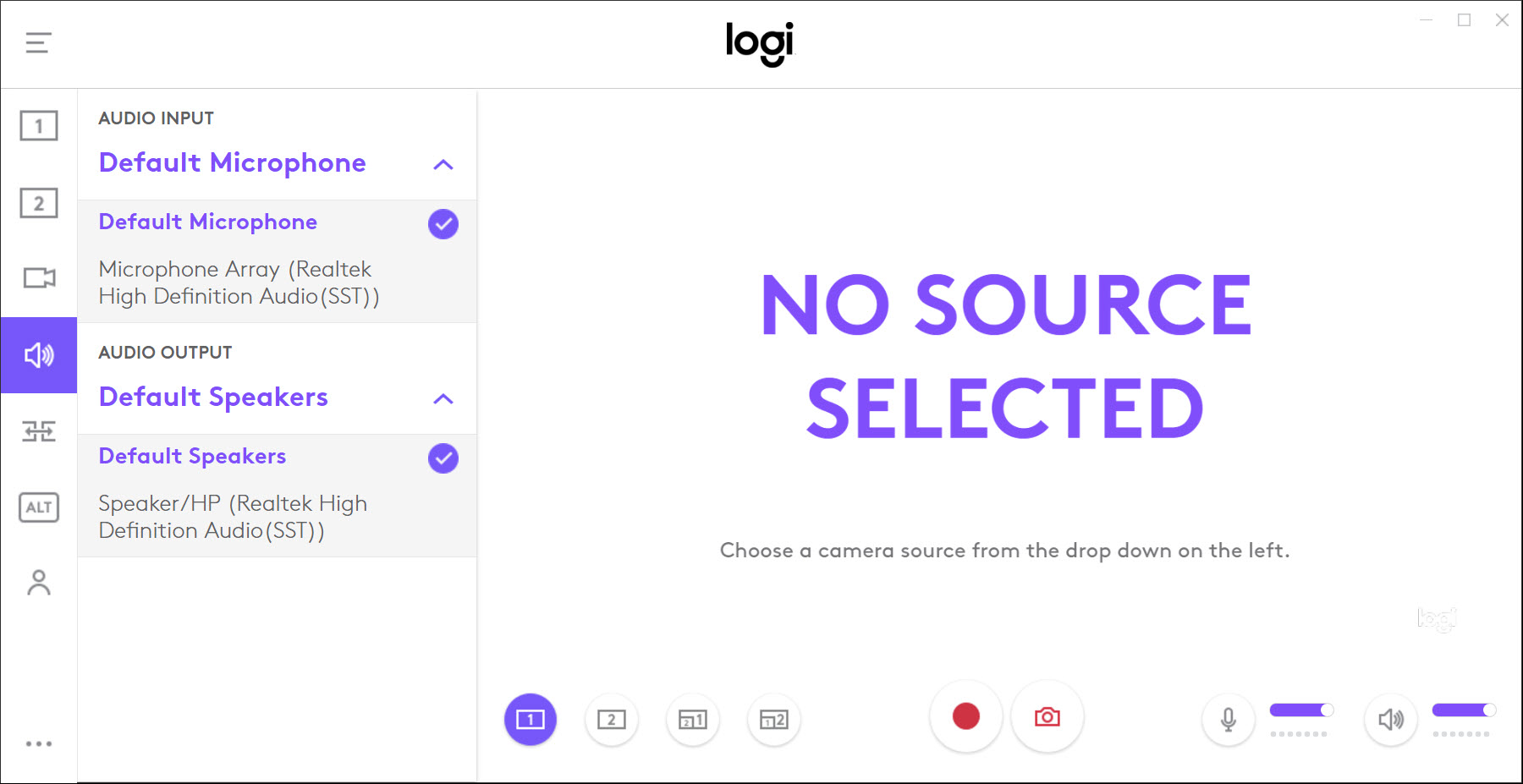
The audio meters update in real time and the microphone input has a noise gate threshold, low-cut filter, and a basic compressor. Not pro-grade processing, but enough to clean up a USB condenser mic in a room with a fan running.
Where it falls down
Hardware lock-in is the big one. The application explicitly checks for a supported Logitech camera at launch. On a system with only a generic webcam, or a Razer, Elgato, or Insta360 camera, you don’t get the deep controls. Some models that should work (older C920 variants in particular) sometimes refuse to expose the full panel, which has been a source of frustration in user forums for years.
The application can also be heavy. On a modest machine, running a 4K Brio at 60 fps through scene compositing while a video call is already eating GPU cycles can spike CPU usage past 30%. Not catastrophic, but noticeable.
Support pace has slowed. Updates are infrequent, and there’s been real uncertainty among users about whether the application is still being actively developed. It still works, but it’s not a tool that gets new features regularly.
There’s no streaming output. Logitech Capture records to a file or pipes to a virtual camera, but it won’t push to YouTube, Twitch, or RTMP directly. For that, you still need the virtual camera trick into something else.
Conclusion
Logitech Capture is for one specific person, someone who already owns a supported Logitech webcam and wants to push it past the default settings into something that looks deliberately tuned rather than auto-corrected. For that user, the hardware-level controls and the scene compositor cover ground that no general-purpose tool can match, because no general-purpose tool can talk to the camera firmware the same way.
If you don’t own one of the supported cameras, there’s no reason to install it. If you do, the application earns the space, especially for anyone making vertical content, running multi-source video calls, or trying to get a single, well-tuned feed into every meeting and streaming app at once.
Pros & Cons
- Hardware-level image controls on supported cameras, including Kelvin white balance and manual exposure
- Up to six sources per scene, with chroma key, crops, and overlays
- Virtual camera output works in Zoom, Teams, Meet, OBS, and any other app that picks a webcam
- Native portrait and square recording for vertical content
- Image profiles save full camera settings for instant switching
- Hotkey bindings work globally, even when the application is in the background
- Locked to specific Logitech webcams, won't run with most third-party cameras
- Some supported models (older C-series) only expose partial controls
- CPU usage climbs on 4K compositing, especially during a parallel video call
- No direct streaming output, RTMP push, or Twitch/YouTube integration
- Audio mixing is single-track, no separate mic and system feeds
- Development pace has slowed, with infrequent updates
Frequently asked questions
The application is built around specific Logitech models, primarily the Brio 4K, MX Brio, StreamCam, C920, C922 Pro Stream, C925e, C930e, and a handful of others. Non-Logitech cameras are not supported.
Yes. The virtual camera output appears as a regular webcam device in the system, so OBS, Streamlabs, and similar tools can pick it as a source and use whatever scene you've composed inside Capture.
Yes. After enabling the virtual camera output, both Zoom and Teams (and Google Meet, Webex, Slack calls) can select it as the camera device. The composed feed, including overlays and scene switching, comes through to the meeting.
Yes. The orientation toggle switches between landscape, square, and portrait modes, with the camera framing rotated live in the preview. The recorded file matches the chosen orientation without any post-production cropping.
Yes, up to six sources per scene, and multiple cameras can appear inside one scene. A typical setup uses the main webcam plus a secondary camera for an overhead or product shot, layered together with picture-in-picture framing.
No. The application records to a file or outputs to a virtual camera, but it doesn't include a direct streaming pipe to any platform. For that, the virtual camera needs to be fed into a streaming application.


