

Lightworks
About Lightworks
Lightworks is a professional non-linear video editor with a free tier, and it comes from the opposite direction of most free editors. It was not built up from a consumer tool. It was scaled down from a cutting-room system, and that heritage shows in everything from the trimming model to the way projects are organised into bins and sequences.
The free version carries no watermark and no time limit, edits in as many tracks as you want, and handles multicam. What it will not do is export above 720p, and that single number decides more about who should install it than any feature list. So before anything else, let’s deal with it.
The 720p ceiling, dealt with first
Free Lightworks exports MP4 at 720p, full stop. No watermark, no trial countdown, just that cap. The Create tier lifts exports to 4K and adds presets sized for social platforms, while Pro pushes to 8K and adds exchange formats with advanced metadata for handing projects to other systems, plus direct cloud upload.
Be clear-eyed about what that means in practice. DaVinci Resolve exports 4K from its free tier, so if the finished file is all you care about, Resolve wins that comparison without breaking a sweat. The free tier here works as a full-featured editing environment with a deliberately small exit door.
For learning the craft, cutting material that will be watched on a phone, or evaluating whether the editing model suits you, 720p is enough. For delivering client work, it is not, and pretending otherwise wastes your time.
An editing model built around source and record
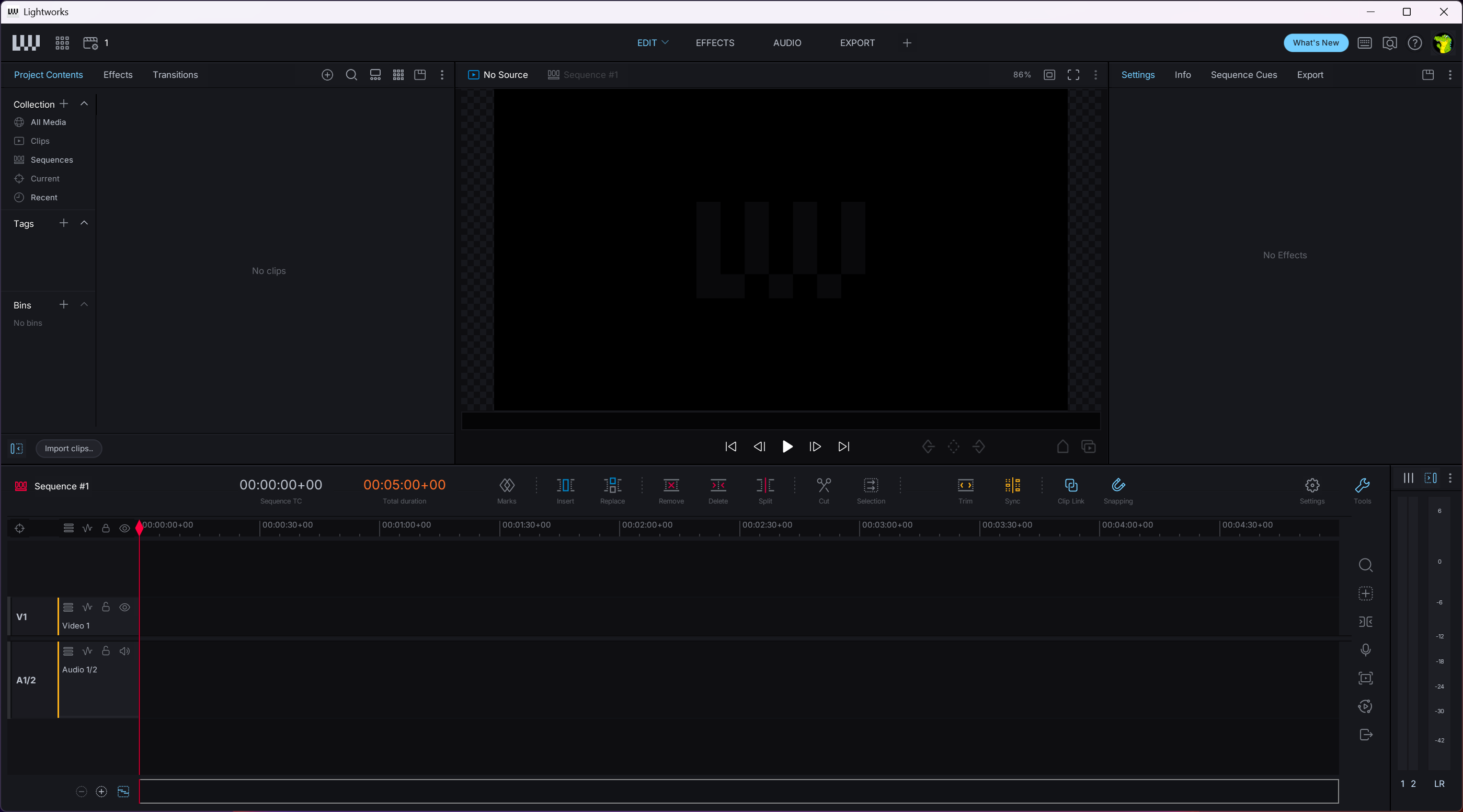
Open a project and you face two monitors. The source side plays the raw clip where you set in and out points, the record side plays the sequence you are building, and material moves from one to the other with keyboard commands. Old-school and deliberate, but extremely fast once it sits in your fingers.
Trimming is where Lightworks feels different from everything else in the free bracket. Rolls, slips, and slides are first-class operations rather than modifier-key tricks, and the app keeps playback running while you adjust a cut, so you judge the edit by watching it rather than by staring at a frozen frame.
Multicam deserves a mention, because Lightworks includes it even in the free tier. Clips from several cameras sync into one view, you switch angles while the footage plays, and the cut lands in the sequence as you go, a feature plenty of editors still reserve for their paid versions.
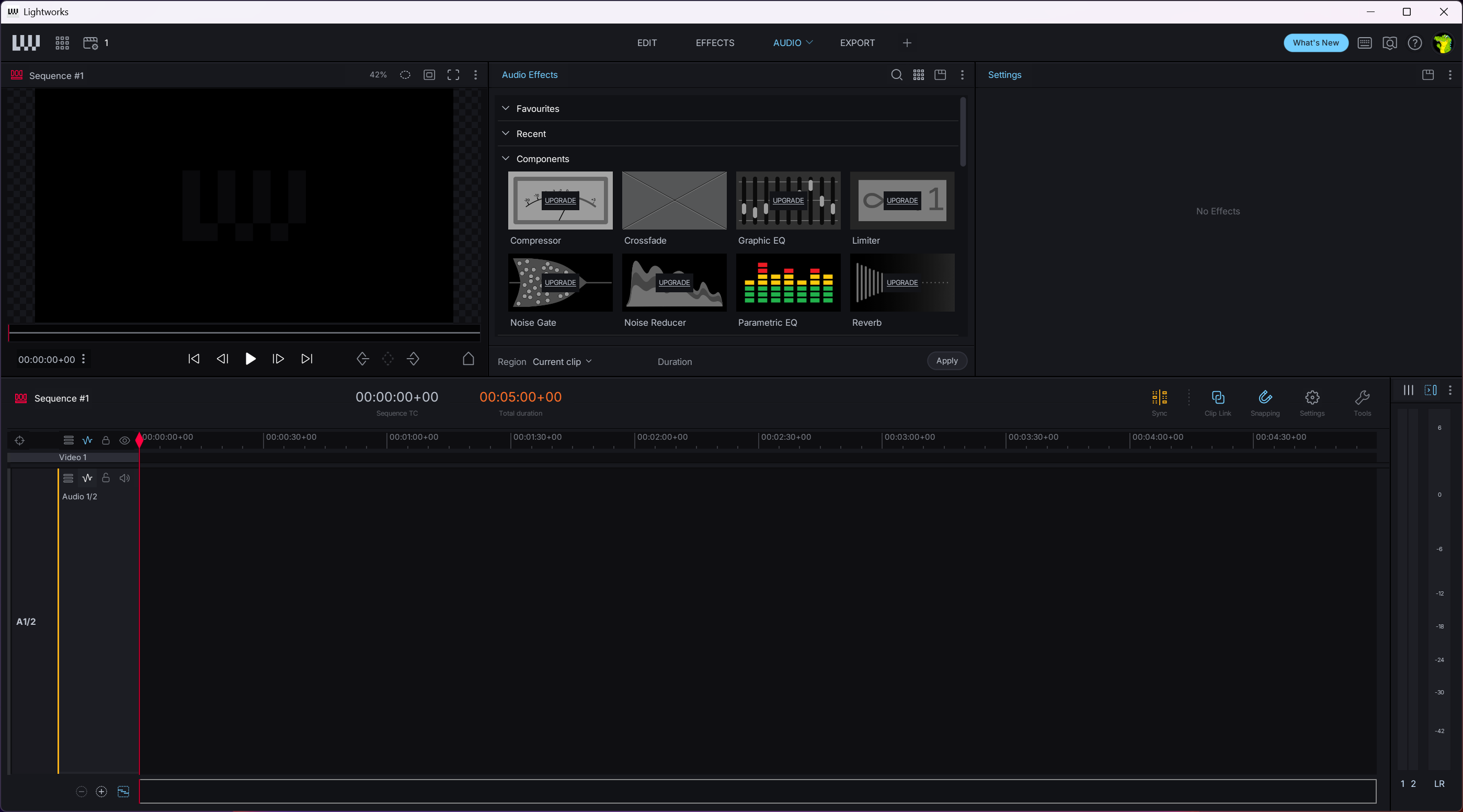
The whole workspace bends to you as well. Panels can be rearranged into layouts you name and save, so a logging layout, a cutting layout, and an audio layout can each be one click apart.
There is a catch. None of this resembles the single-timeline editors most people start on, and the first days are properly disorienting. If you want a conventional timeline that behaves the way a beginner expects, Shotcut will frustrate you less. If you intend to edit a lot, the model here pays off the investment.
Mixed frame rates on one timeline
Footage arrives messy. A camera shooting 25, a phone shooting variable frame rate, screen recordings at 60. Lightworks imports all of it into one project and plays every clip at its native rate, including variable-rate MOV and MP4 files that trip up stricter editors.
When you build a sequence from clips that disagree, a panel asks which rate the sequence should run at, and if you later need the same cut at a different rate, you duplicate the sequence and assign the new rate to the copy.
You can also override the detected rate when dragging in image sequences, audio files, or an EDL, which sounds niche until the day you need it.
Proxies make 4K editable on modest hardware
Drop 4K material on a mid-range machine and no editor stays smooth for long. The proxy workflow here generates lower-resolution stand-ins for heavy clips, you cut with those, and the full-quality originals come back for the final render.
Two details from actual use. Proxy generation offers a same-as-source option for 4K and larger media, and the app warns you if originals have gone missing at export time, because otherwise the render would quietly come out of the proxies and look exactly as soft as you would fear.
A wide appetite for professional formats
Import support reaches well past the usual MP4 crowd. Camera-native material such as R3D and Cineform comes in directly, alongside MTS from AVCHD cameras, DV, MPEG variants, and uncompressed video, which spares you a transcoding pass before the real work starts.
There is also a built-in storefront of sorts. Stock music and footage from Audio Network and Pond5 can be browsed and auditioned inside the project panel, so scoring a rough cut does not require leaving the application and guessing at lengths.
Imports and renders also run in the background. You can keep cutting while a batch of files copies in or an effects-heavy section renders, and on long-form projects that stops being a convenience and starts being the difference between editing and waiting.
Effects and a scopes ladder with paid rungs
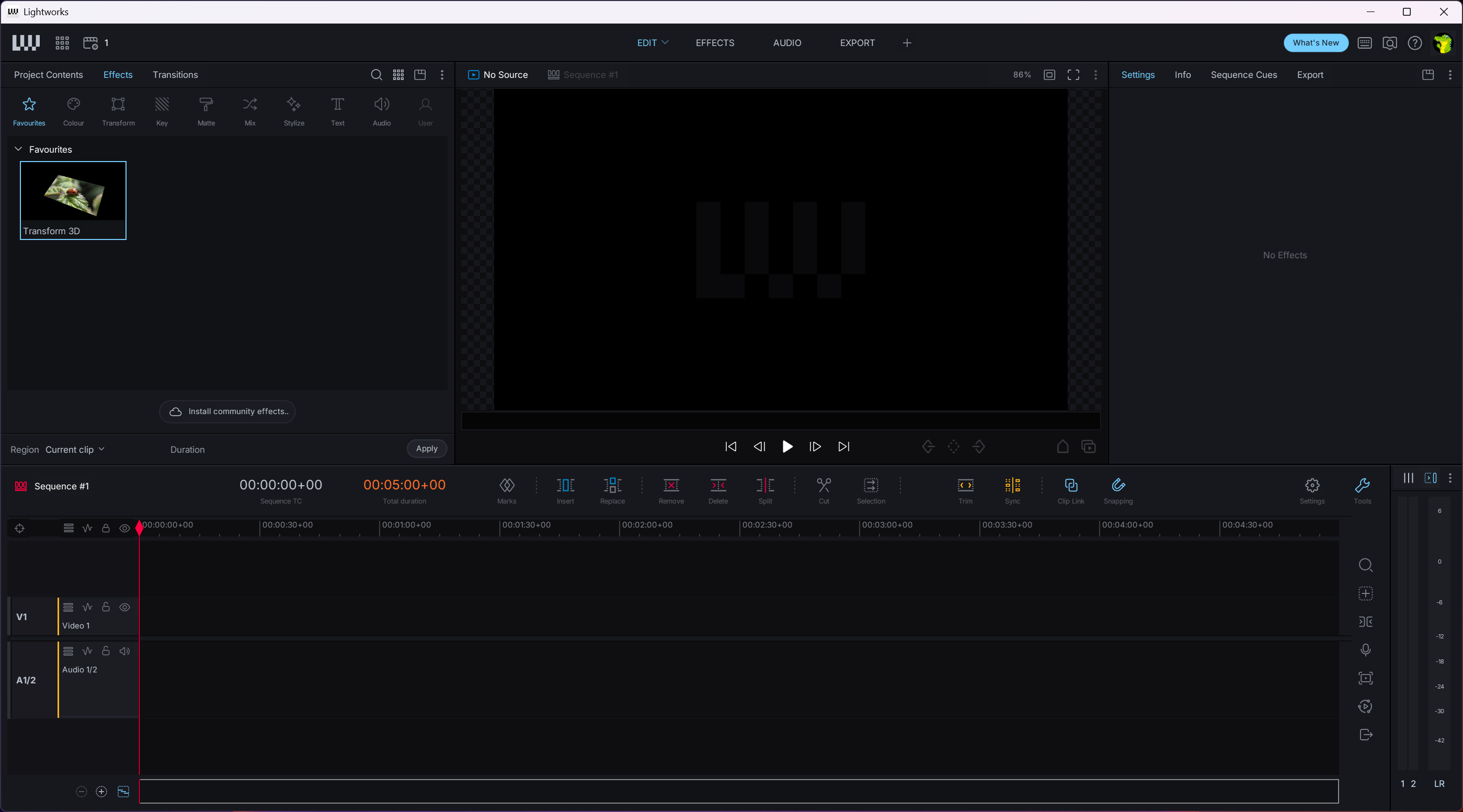
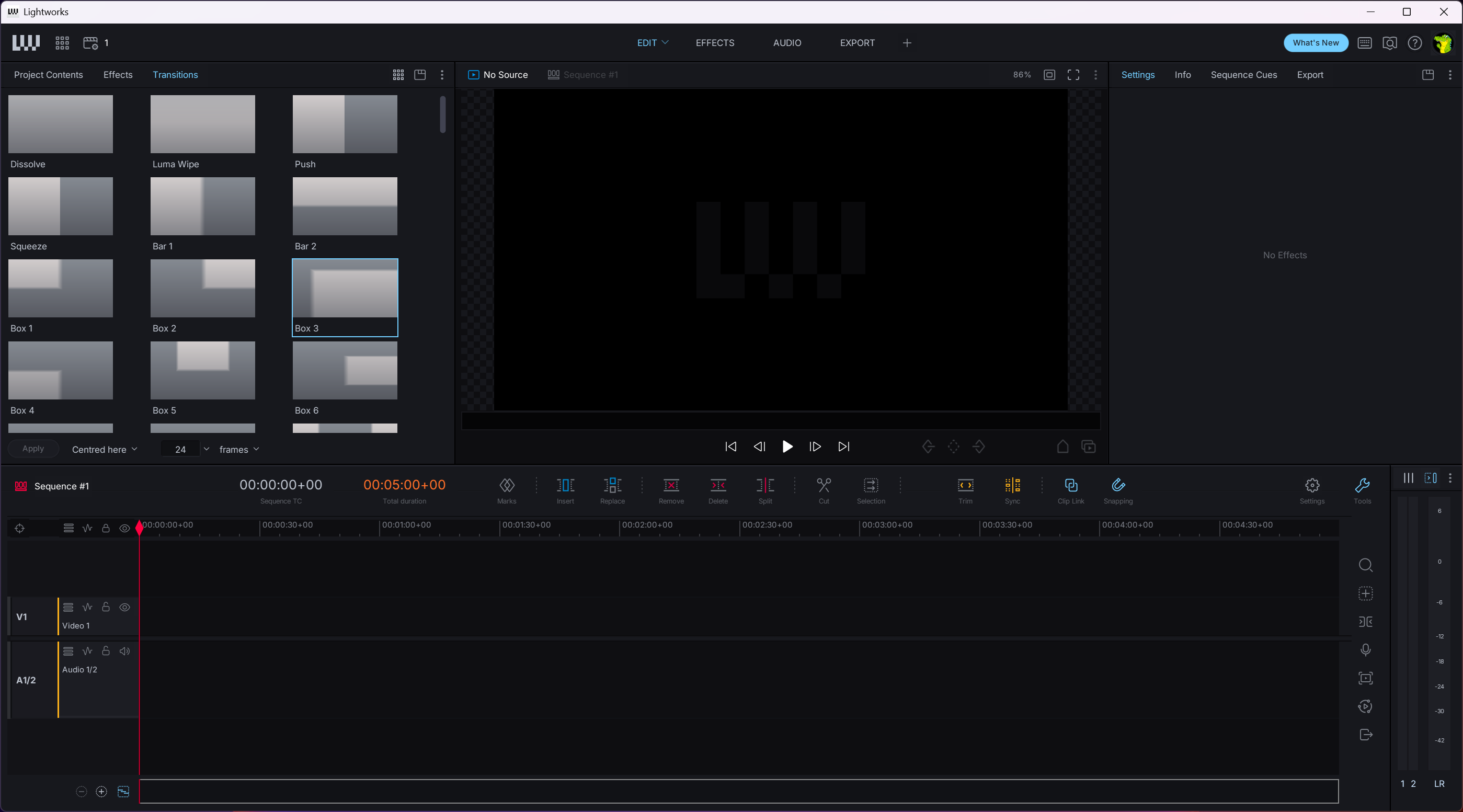
Real-time colour correction and transitions live in the free tier alongside a usable set of visual effects, and simple grades preview without rendering. Titling is the weak spot. The built-in text tools cover lower thirds and little more, and the advanced titler belongs to the paid tiers, so motion-heavy graphics will send you elsewhere. If layered effects work is the main attraction rather than cutting, HitFilm Express approaches the job from the compositing side.
The measurement tools follow the same staircase. Vectorscopes come free, the YCbCr scope arrives with Create, and split-view comparison plus the CIE scope sit at the top alongside end-to-end 10-bit processing, which is Pro only. For grading destined for broadcast that last rung matters. For everything else, the free scopes answer the questions you will actually ask.
You sign in to edit, and the app saves behind you
An account is required even for the free version, and the application wants to verify the licence online, so this is not a tool for a machine that never touches a network. Mildly annoying, and there is no way around it.
The autosave culture, on the other hand, is excellent. Work is written continuously, there is no save button to forget, and projects can be archived whole for moving between machines. Finished sequences can also upload straight to video platforms from the export panel, though a free export still goes out at 720p whatever the destination. If you need the file in a different container afterwards, a separate converter handles the repackaging without re-editing anything.
Conclusion
Lightworks suits two kinds of people. Editors who want to learn on a tool with a real cutting-room pedigree, and anyone whose finished work lives at 720p or below, where the free tier is simply a professional editor with no strings visible.
Everyone else has a calculation to make. The editing model is better than what the free competition offers, and the export ceiling is worse, so the question is whether you value the craft of the cut or the resolution of the file. If it is the file, take Resolve. If it is the cut, this one rewards the weeks you give it.
Pros & Cons
- A professional trimming and source-record model you will not find in other free editors
- No watermark and no time limit on the free tier
- Mixed and variable frame rates play natively in one project
- Proxy workflow keeps 4K projects responsive on ordinary hardware
- Camera-native formats like R3D and Cineform import without transcoding
- Background import and render let you keep cutting while the machine works
- Free exports stop at 720p and MP4 only
- The editing model takes days to stop feeling foreign
- Built-in titling is thin without the paid advanced titler
- Advanced scopes and 10-bit processing sit behind the top tier
- Requires an account and online sign-in even for free use
Frequently asked questions
No. The output is clean, with the limitation applied as a 720p resolution cap and MP4-only export instead of a watermark.
Yes. Every clip plays at its native rate, variable frame rate files included, and when clips in a sequence disagree you simply pick the rate the sequence should run at.
Mainly the exit door. Create unlocks 4K export and social media presets, Pro adds 8K, exchange formats with metadata, extra scopes, and 10-bit processing. The core editing tools are already in the free version.
Yes, through proxies. The app cuts with lower-resolution stand-ins and swaps the originals back in for the final render, warning you if any original has gone missing.
Not reliably. An account sign-in is required and the licence is verified online, so an offline machine is the wrong home for it.


