

Kinza
About Kinza
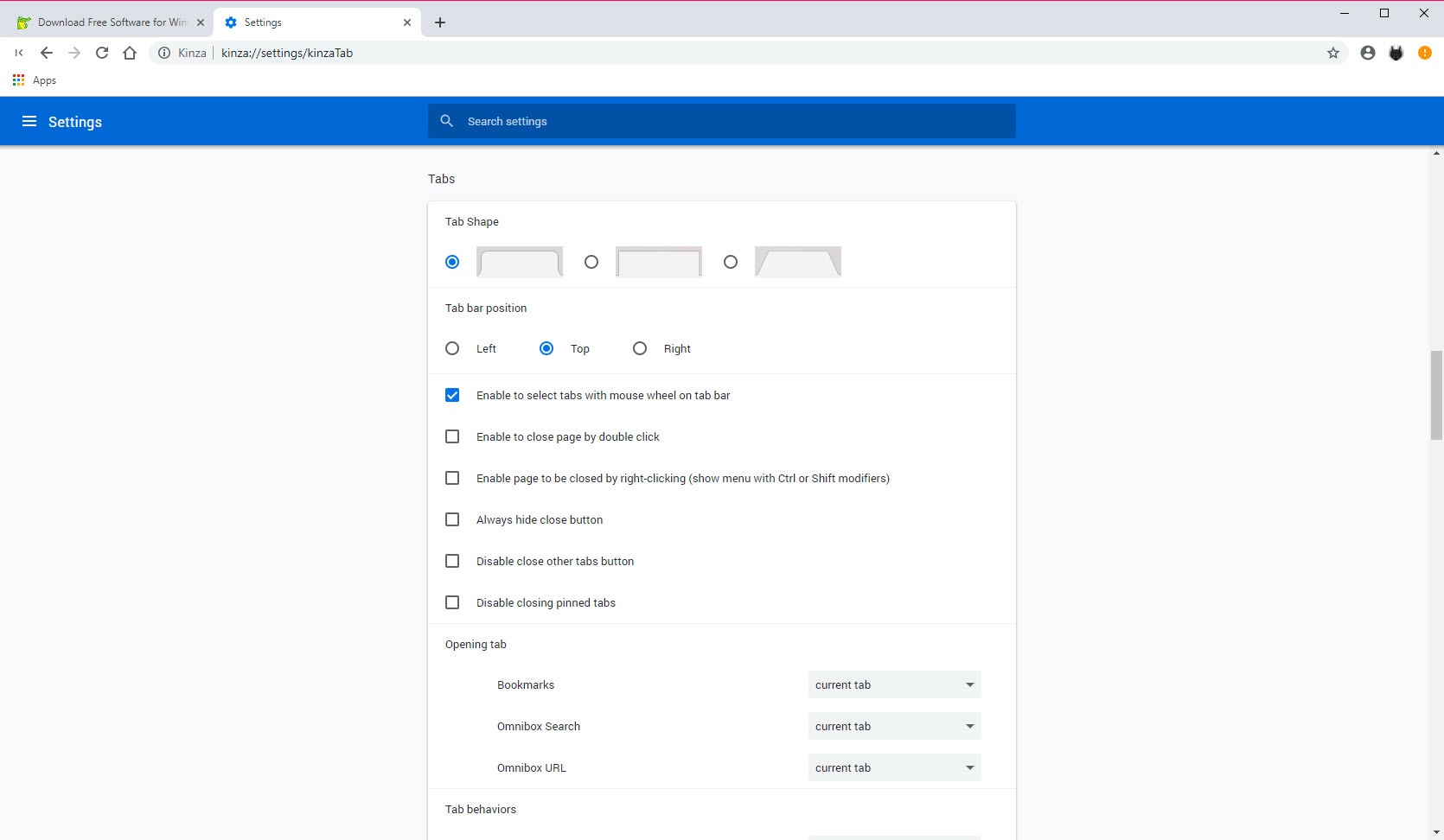
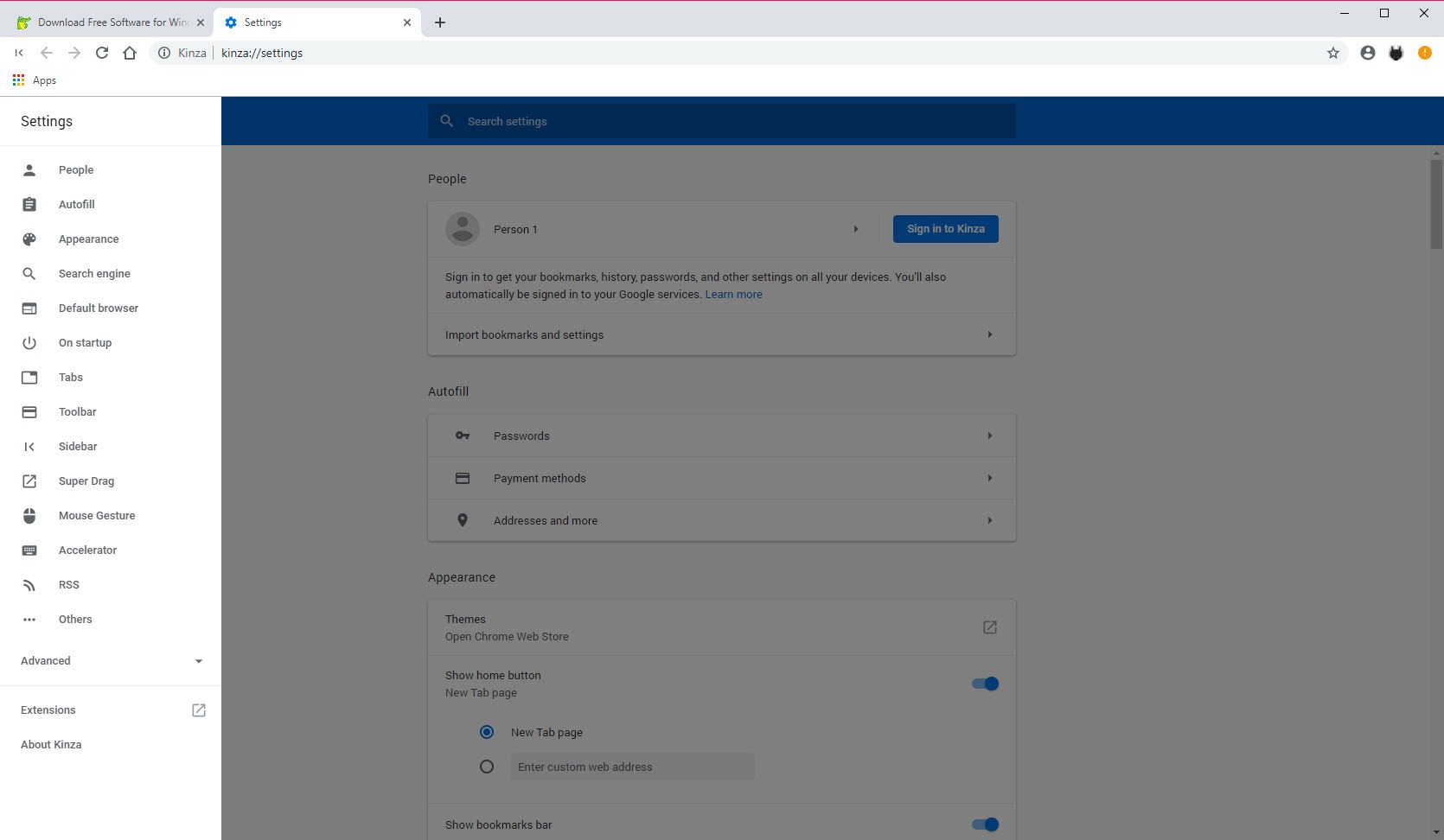
Kinza is a Chromium-based browser built around a simple editorial policy, features got added because users asked for them, and once added, they stayed. The result is a browser that looks and behaves like the mainstream Chromium family, opens the same sites and runs the same extensions, but ships with the conveniences that family makes you install piecemeal, mouse gestures, super drag, a sidebar, a proper RSS reader, and custom shortcut keys, all native and all configurable.
Two things belong in the same breath. Development of Kinza has ended, so what exists is final, and its Chromium core stops advancing with it, which carries the security implications any frozen browser carries for daily driving on the open web.
That honesty shapes the article’s advice later, and it doesn’t erase why the browser is still interesting, since its particular feature mix remains something the big names never quite matched.
Mouse gestures done unusually well
Hold the right button and draw, and the browser answers, back, forward, close tab, switch tabs, reload, the full vocabulary of navigation without touching the keyboard or the toolbar. What set this implementation apart was the teaching.
A red trail follows the gesture as you draw it, and a live hint in the middle of the page tells you what the current stroke will do and what adding another direction would change it to.
That preview turns gestures from a memorization exercise into something learned in an afternoon, and people who never understood the appeal elsewhere routinely got it here.
Reaction distances and the action list are adjustable in the settings, and the whole system can be switched off for the unconvinced.
Super drag, the other hand-saver
Select text and drag it a short distance, and the browser searches it in a new tab. Drag a link, and it opens in the background. Directions carry meanings, so dragging up can do one thing and down another, copy, save, search with a specific engine, open inactive or active, all assignable. It’s a feature that sounds trivial in a sentence and rewires habits in a week, because the drag replaces the select-copy-open-tab-paste-enter ritual dozens of times a day.
The adjustable reaction distance again shows the care, since accidental drags were the classic complaint against similar extensions, and tuning the threshold makes the feature calm instead of jumpy.
The sidebar and the built-in RSS reader
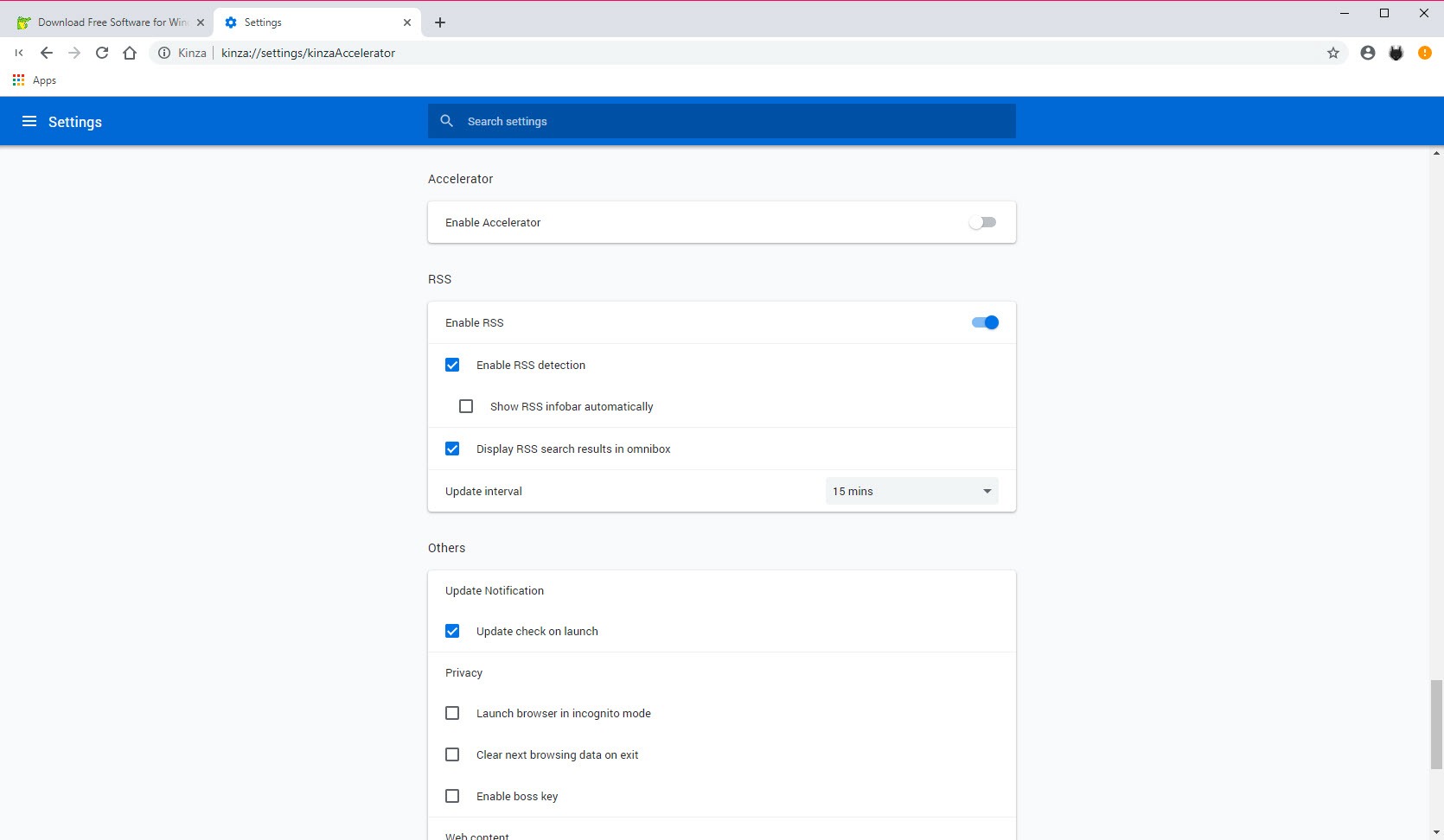
A slim sidebar expands along the left edge with bookmarks, history, and feeds, readable while the page stays open, which quietly beats bouncing through full-screen manager tabs. The RSS reader is the rarest piece, a real feed reader inside the browser, with folders, update intervals, and feeds added by pasting a URL. Subscribed sites’ headlines sit one sidebar click away all day, the workflow the web mostly abandoned and a devoted minority never stopped wanting.
Privacy settings include the delete-on-exit option that wipes history, cookies, cache, and form data every time the browser closes, and incognito mode behaves as expected. Extension compatibility with the giant Chromium catalog rounds out the everyday practicalities, and imports bring profiles over from the mainstream browsers in one pass.
The frozen-browser question, answered honestly
A browser that no longer updates ages in the one dimension that matters most, security, and using Kinza as a primary browser on today’s web means accepting that drift. The realistic modern roles are narrower, a secondary browser for its RSS-and-sidebar workflow, a comfortable environment on offline-ish or controlled machines, and a reference point for what user-driven browser design looked like.
For the same feature philosophy with a future, Vivaldi is the living heir, gestures, sidebars, and obsessive configurability under active development, and its forums fill with former users of this very browser saying so.
Maxthon carries a related everything-built-in tradition, meanwhile. And Cent Browser covers the minimal-Chromium-plus-gestures corner. The features that made this browser loved are survivable, which is the kindest thing that can be said about any ended project.
Conclusion
Kinza today suits the curious and the specific, RSS devotees who want feeds inside the browser, gesture enthusiasts studying the best teaching implementation the category produced, and users of controlled or secondary machines where a frozen browser’s risks stay contained. Within those roles, its feature mix remains a pleasure that mainstream browsers still don’t fully replicate.
Anyone choosing a primary browser should take the same philosophy to an actively developed heir instead. As a finished artifact of user-driven design, though, this one deserves its small, loyal afterlife.
Pros & Cons
- Mouse gestures with a live trail and on-screen hints that actually teach
- Super drag assigns searches, opens, and saves to drag directions
- Built-in RSS reader with folders lives one sidebar click away
- Full Chromium extension compatibility and painless profile import
- Delete-on-exit privacy option wipes browsing data automatically
- Development has ended, and the browser core no longer advances
- An aging engine carries growing security risk as a daily driver
- Feature set is frozen exactly as its last release left it
- Modern sites will eventually outrun the frozen rendering engine
Frequently asked questions
It runs and browses, but the frozen engine stops receiving security updates, which argues against daily use on the open web. As a secondary browser for its RSS and gesture workflow, the risk profile is far more reasonable.
The live red trail and the on-screen hint showing what each stroke will do. The visualization taught gestures in minutes, where other implementations expected memorization.
Yes, the Chromium base gives it compatibility with the standard extension catalog, and most install and work exactly as they would in the mainstream browsers.
Paste a feed URL to subscribe, organize feeds into folders, set update intervals, and read headlines from the sidebar while browsing. It's a complete reader, not a bookmark trick.
Dragging selected text searches it, dragging a link opens it, and each drag direction can carry a different action, from background tabs to copying and saving. The reaction distance is adjustable to prevent accidents.


