

Keysticks
About Keysticks
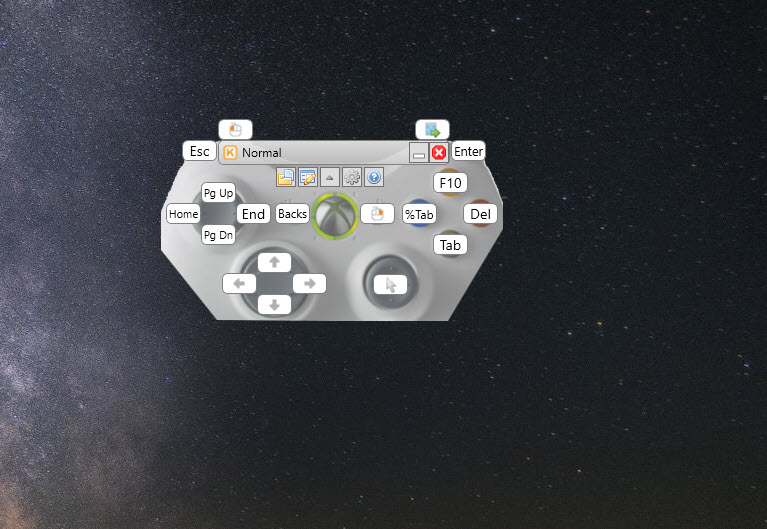
Keysticks is an application that allows you to use your controller to perform actions with it that were previously not possible on a PC. It works in such a way that it emulates a keyboard and mouse on your controller, allowing you to move the mouse’s cursor, press keys, and perform different actions on your PC that were previously impossible.
It’s also great for adding controller support for various games that previously didn’t offer support.
Use Your Controller to Control Your PC
The application features support XInput and DirectInput, which means that the app is available and suitable for various controllers. XBOX controllers are for sure featured by this app (Xbox 360 and XBOX One), although you will have to test the app with other controllers to make sure it also works for them.
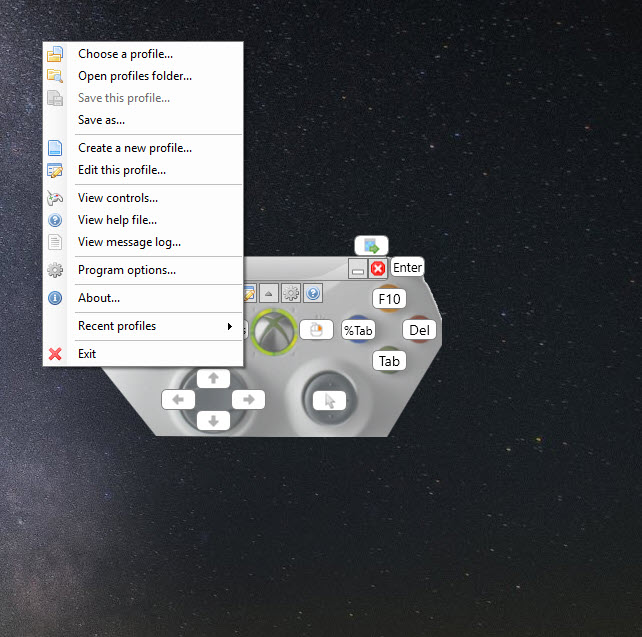
Once you launch the app, you’ll be able to create different profiles from where you can customize your mappings and how the controller works. There are also premade profiles that will make your life much easier, too.
Conclusion
Keysticks is a user-friendly keyboard and mouse emulator that will allow you to use your controller to control your PC and play games with the controller that didn’t previously offer support for controllers.
That’s helpful mainly for gamers and people who love to use controllers and prefer them over the mouse and keyboard. It’s easy to use and allows you to create different profiles for easier usage.
With Keysticks, you can use your controller to control your PC, manage playback, surf the web, or even play games that don’t usually support a controller.


