

Kega Fusion
About Kega Fusion
Kega Fusion is an emulator that covers practically every console one classic hardware family ever produced, in a download smaller than a single MP3. Master System, Game Gear, Genesis, Sega CD, 32X, even the SG-1000 and the Pico, all runnable from one compact program that asks almost nothing of your computer.
Where modern emulation has drifted toward either sprawling multi-system frontends or hyper-accurate single-console projects, this tool remains the rare middle path, one focused family, one tiny executable.
Development has ended, and that shapes everything about how to judge it. What you get is a finished, stable artifact rather than an evolving project. The upside is that its quirks are completely mapped and its compatibility list hasn’t budged, so a game that works today works forever. The downside is that nothing will ever be fixed again.
For the 16-bit console alone, newer emulators now measure better in edge-case accuracy. But nothing matches Kega Fusion for covering the CD and 32X add-ons with the same convenience, and that combination keeps it installed on retro gamers’ machines to this day.
One family tree, fully emulated
The scope is the selling point. Cartridge games from the 8-bit and 16-bit consoles load and run with excellent compatibility, and the same program handles the disc-based Sega CD library and the notoriously awkward 32X, the add-on whose dual extra processors still trip up many emulators. Games mixing both add-ons at once, the small CD 32X library, run here too, which almost no other emulator manages.
For the handheld side, Game Gear emulation includes the screen quirks of the original, and the obscure early consoles round out the list for completists. In practice, one folder of game files and this single program cover a whole shelf of hardware that would cost a fortune to assemble physically.
An analogous role on the rival 16-bit side belongs to Snes9x, and the two together blanket the era.
The Sega CD hurdle, and how to clear it
Disc-based emulation comes with one requirement the cartridge side avoids. The Sega CD had its own internal startup software, and the emulator needs those BIOS files from your own console, configured under the options menu, before any CD game boots.
Each region (US, European, Japanese) uses its own file, and mismatched regions produce a black screen that confuses every first-timer. It’s the same ritual anyone who has set up a PlayStation-era emulator like ePSXe already knows.
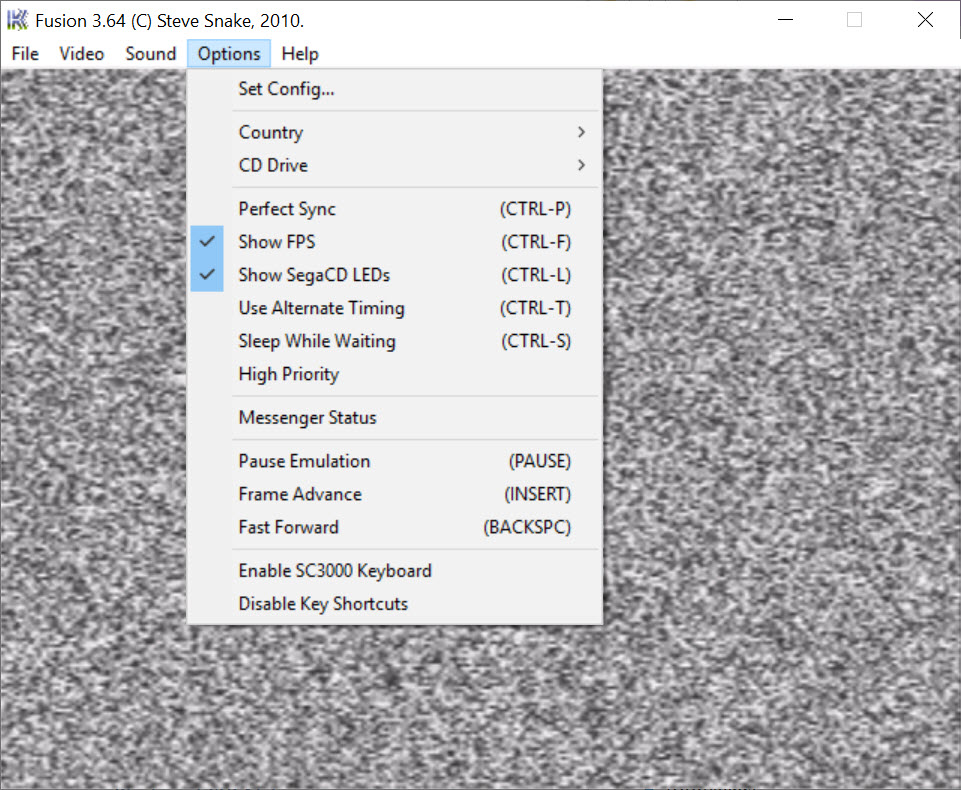
One more setting deserves flagging, because it causes most of the remaining trouble. A handful of CD titles need the Perfect Sync option enabled to run correctly, and it sits off by default since it costs extra processing power. If a CD game stutters or hangs at a loading screen, that checkbox is the first place to look.
Filters, save states, and the conveniences that aged well
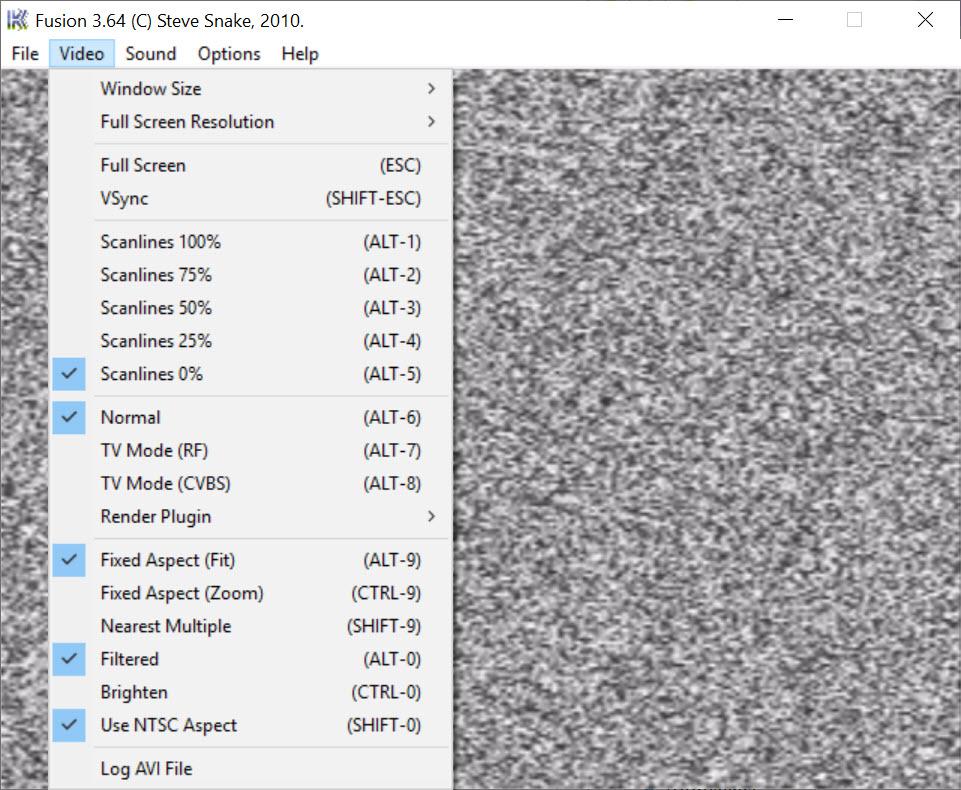
The video options show real affection for how these games were meant to look. NTSC filters reproduce the soft composite blur that sprite artists actually designed around, scanline options fake a CRT’s line structure, and render plugins allow sharper scaling for people who prefer clean pixels. Dithering effects in many games only blend into transparency under the composite filter, so trying it is worth thirty seconds even if you normally hate filters.
Save states slot into any moment of any game, cheat support covers Game Genie and Pro Action Replay codes, and the emulator records gameplay straight to AVI video or logs audio to WAV. Controllers plug in without fuss, though anyone using a modern gamepad may want DS4Windows in the background to translate the inputs the old-school way this program expects.
Where age actually shows
Time has been kind, but not uniformly. The interface is a plain menu bar with dialog boxes, no gamepad-driven navigation, no per-game profiles, no automatic cover art. Netplay exists through an old online framework that has decayed to near-uselessness.
And on the accuracy front, dedicated modern projects now emulate the 16-bit console’s edge cases better, the audio filtering debates being the clearest example, so purists chasing hardware-perfect sound have reasons to run something stricter like Mednafen for cartridge games.
None of that dents the core use case. For someone who wants the whole hardware family playable in ten minutes on any computer, including a weak office laptop, nothing else is this direct. The full download barely reaches a megabyte, and system requirements are essentially “does it turn on”.
Conclusion
Kega Fusion suits players who want one uncomplicated program for an entire console dynasty, add-ons included, and who value a known-stable tool over an actively polished one. Casual revisits, weak hardware, and the CD and 32X libraries are exactly its territory.
Accuracy perfectionists focused purely on cartridge games have stricter options now. Everyone else gets a shelf of consoles in a one-megabyte file, and that trade has aged far better than anyone expected.
Pros & Cons
- Emulates the entire console family including Sega CD, 32X, and combined CD 32X titles
- Tiny executable with system requirements low enough for any hardware
- NTSC composite filter renders dithering transparency the way the games intended
- Save states, cheat code support, and direct AVI recording built in
- Finished and stable, with fully documented quirks and compatibility
- Development has ended, so remaining bugs will never be fixed
- Sega CD games require BIOS files that you must supply and configure
- Menu-driven interface offers no gamepad navigation or game library view
- Cartridge-only rivals now beat it on strict hardware accuracy
Frequently asked questions
Almost always missing or mismatched BIOS files. Each region needs its own file set in the options, and a US game with a Japanese BIOS gives you a black screen.
It forces tighter timing between the emulated processors, which a few CD titles require to run without hangs. It costs performance, so leave it off unless a specific game misbehaves.
Yes, the combined CD 32X titles work, which few emulators handle. You need both the BIOS files configured and the 32X mode active at the same time.
Artists of that era exploited composite video blur to blend dithered patterns into transparency and extra colors. The filter recreates the blur, so waterfalls and shadows look as designed instead of striped.
Any gamepad the system recognizes can be mapped in the options. Some modern pads behave better with a translation layer running alongside, which presents them as older-style input devices.


