

Kaspersky System Checker
About Kaspersky System Checker
Kaspersky System Checker is a free and comprehensive utility designed to diagnose your computer for security threats, system vulnerabilities, and performance issues. With its thorough scan and instant feedback, it helps users maintain safer, cleaner, and more efficient systems without any technical hassle.
Fast, Real-Time System Scan and Immediate Alerts
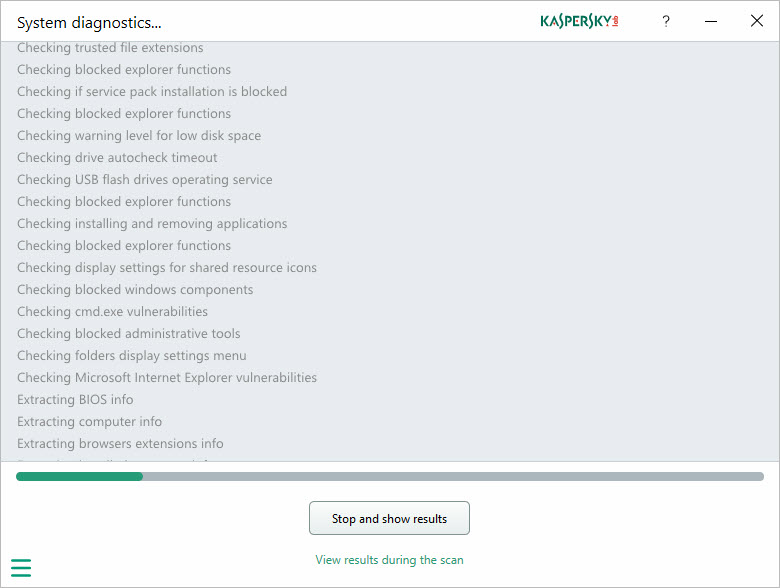
With just one click, Kaspersky System Checker launches a complete scan of your system. The scan process is transparent: you can view details about each file and component being checked in real time. If the application detects any problems while scanning, it immediately highlights the issue and provides details on the spot, so you do not need to wait until the entire scan finishes to start addressing urgent concerns.
This real-time reporting is especially useful when dealing with problematic applications or files, as you can identify and act on threats or vulnerabilities right away.
In-Depth Detection of Security, Performance, and Browser Issues
Kaspersky System Checker excels at detecting a wide range of problems, from malware and suspicious programs to outdated drivers and insecure settings. It is particularly effective at identifying browser issues, such as risky extensions or misconfigurations, and will alert you if system components like User Account Control (UAC) are disabled or if the Windows hosts file has been modified, which could indicate a security risk.
Beyond software, the utility also gathers and reports on hardware details, operating system version, and antivirus status.
This holistic view allows users to spot both immediate threats and underlying issues that might affect their system’s stability or performance.
Easy Management and Deletion of Unwanted Programs
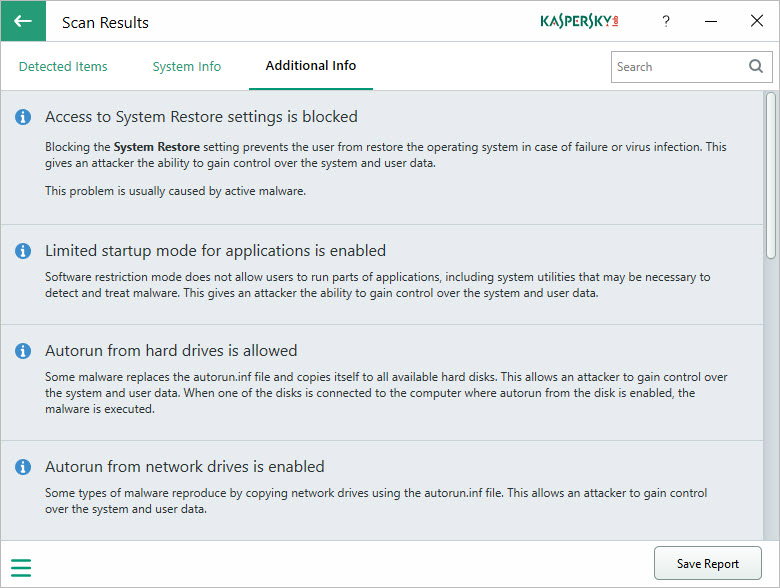
Once the scan is complete, Kaspersky System Checker presents an organized report of all detected issues. Each entry comes with plain-language explanations and suggested actions. If a problematic program or unwanted file is found, the utility gives you the option to delete it directly, simplifying the process of cleaning up your PC and boosting security.
This ability to remove unwanted applications or files directly from within the tool helps users maintain a lean, trouble-free system with minimal effort.
User-Friendly Interface and Detailed Reporting
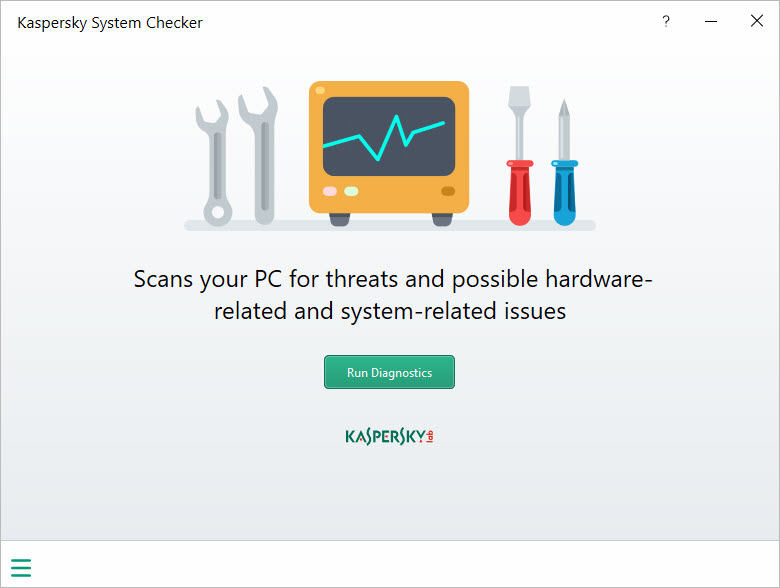
The interface is minimalistic and easy to navigate, focusing on delivering the most relevant information quickly. Issues are grouped into categories for easy review, and you can expand each finding to view further details or recommendations. Reports can be saved for later reference or shared with support technicians for additional help.
No installation is required, as the application runs as a portable tool, making it convenient for quick checks on any device.
Conclusion
Kaspersky System Checker is an efficient and easy-to-use solution for diagnosing and troubleshooting a wide variety of computer problems. With its real-time alerts, detailed system analysis, and ability to remove unwanted files, it empowers users to keep their devices safe and running smoothly.
Whether you need a quick checkup or want a second opinion on system health, this utility is a valuable addition to any PC toolkit.
Pros & Cons
- Comprehensive, real-time scanning with instant detection of threats and system issues.
- Detects and highlights browser problems, UAC status, hosts file changes, and hardware details.
- Provides clear, actionable recommendations for every issue found.
- Allows direct deletion of unwanted files and problem-causing applications.
- Minimalistic interface, no installation needed, and easy navigation.
- Saves detailed reports for future reference or technical support.
- Does not automate all repairs; users must follow recommendations to fix most issues.
- Limited to detection and cleanup. Does not function as a full antivirus or continuous protection tool.
- Some false positives may occur, especially with less common software.
- Interface is focused on essentials and may lack advanced diagnostic features.


