

Jumpshare
About Jumpshare
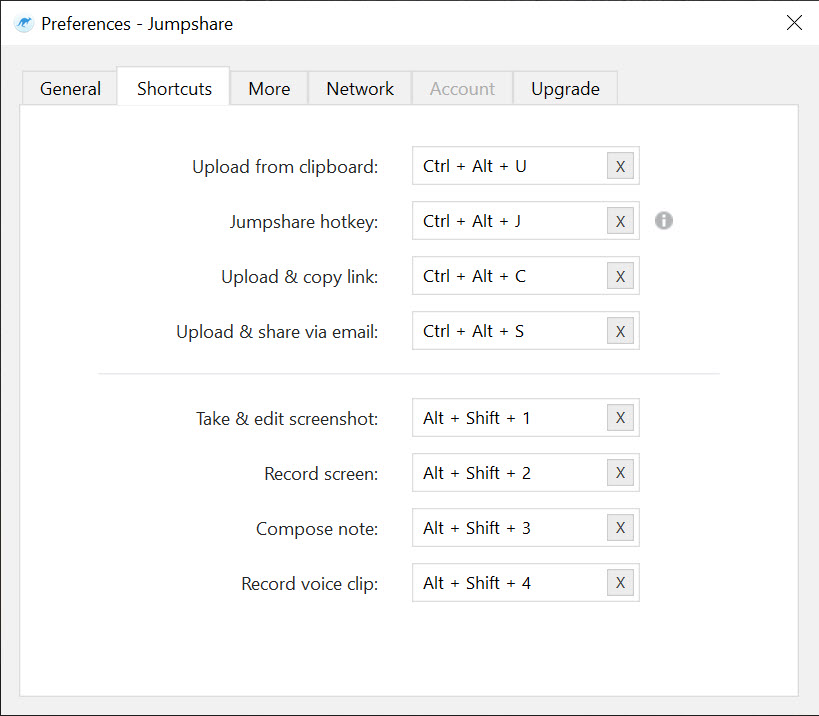
Jumpshare turns whatever is on your screen into a link. Press a shortcut and record the screen, the webcam or both, take a screenshot, or capture a short GIF, and the moment you stop, the file uploads and a shareable link lands on the clipboard.
Paste it into a chat or an email and the other person watches in a browser, with nothing to install and no account to make. Drag any other file onto the tray icon and it gets a link the same way, with a preview that opens over two hundred file types in the browser. That speed from capture to link is the whole idea.
It began as a file sharing service and has since rebuilt itself around screen recording, competing with the asynchronous video tools that teams use instead of meetings. Jumpshare still shares files, and that side is intact, but the pitch and most of the new work are in the recorder.
It runs on an account, with a basic tier that limits recording length and upload size, and a paid tier that unlocks the rest. The sections below cover the recorder, the screenshots and GIFs, the sharing controls, the file side and where the limits sit.
Recording the screen and the webcam
The Jumpshare recorder takes the full screen, a window or a region, with the system audio, the microphone and the webcam in any combination. The webcam appears as a bubble over the screen recording, which is the format that works for walking a colleague through a bug or a client through a draft. Recordings run up to 4K. While recording, you can draw on the screen with markups, which reviewers single out as unusual since most tools only annotate screenshots.
When you stop, the video uploads and its link copies to the clipboard. In the paid tier, recordings can be trimmed, and transcribed with captions automatically, and given a call-to-action button that links to a booking page or a form.
The basic tier caps recording length at a short limit, which is enough for a quick bug report and not for a tutorial. For long local recordings that never leave the machine, a screen recorder that saves straight to disk is the different tool.
Screenshots and GIFs
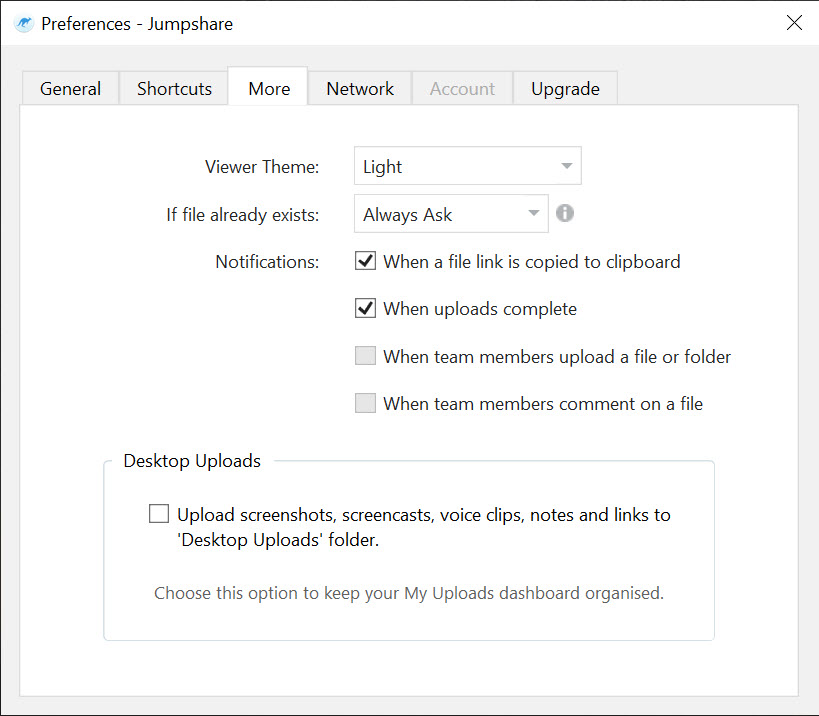
Jumpshare screenshots capture a region, a window or the full screen and open in an annotation editor with arrows and boxes, text, and a blur for private details, then upload to a link the same way. GIF capture records a short loop of the screen, which is the lightest way to show a two-second interaction in a chat that will not play video inline.
Both are quick and tidy, and both end at a link rather than a file on disk unless you save a copy. Against ShareX, which captures to dozens of destinations and automates what happens afterwards, this one is narrower and smoother, with one destination and nothing to configure.
Link controls and analytics
Every item shared through Jumpshare has a link with options. A password locks it. An expiry date ends it. Downloads can be disabled so a viewer can watch but not save. A shared folder holds several files behind one link, and an inbox lets other people upload files to you without an account, which is how a client sends large files back without an attachment limit.
Analytics show who viewed a link and for how long, and on a video, how far into it each viewer got. That is the feature sales teams and freelancers care about most, since it answers whether the walkthrough was watched.
A custom domain and branding replace the service’s name on the links in the paid tier.
Files and the web side
Drag a file onto the Jumpshare desktop app or the tray icon and it uploads to a link, large files included, with the size limit set by the tier. The web interface holds everything uploaded, organised in folders that can be searched and shared. Previews open documents and design files, code, and media in the browser, so the person receiving a link sees the content rather than a download button.
The desktop client is deliberately thin. It captures and uploads, and the organising, sharing settings and analytics live on the web. A reviewer found it too stripped down on one platform, and the web interface is where the real control is.
For file sync between your own machines rather than one-off sharing, Dropbox is the better fit.
Where the limits sit
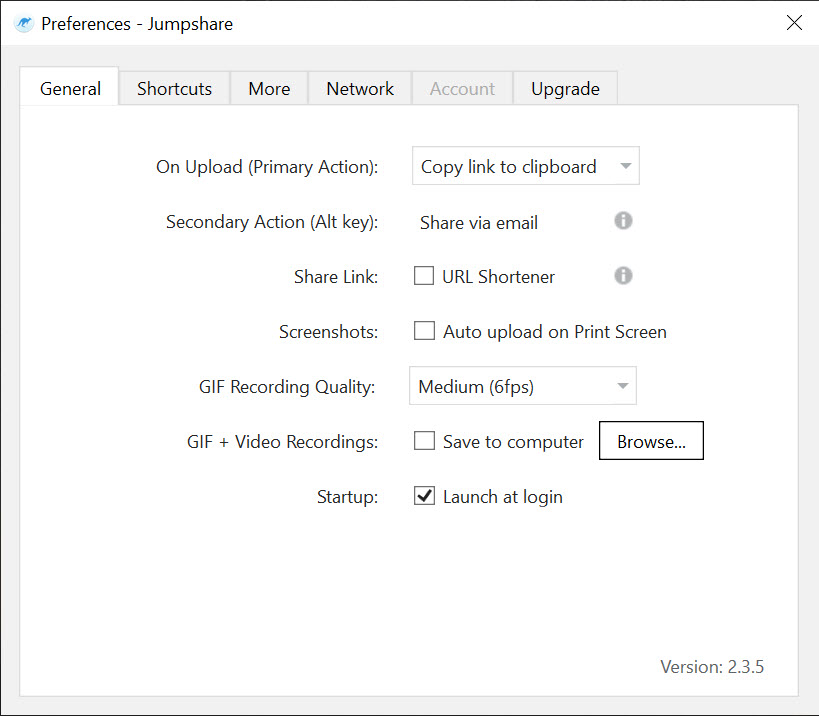
The basic Jumpshare tier is a taster in practice. Recording length is very short, uploads are capped and the advanced sharing and analytics sit behind the paid line. Everything lives on the service’s servers, so a recording is only as private as the link settings, and a cancelled account takes its links with it. The editing is basic, enough to trim and caption and not enough for a polished tutorial. And the move from file sharing to recording means the file side gets less attention than it used to.
For anyone who sends short walkthroughs and screenshots to people outside their own tools, the speed from capture to link is hard to beat. Set the shortcuts, set a default expiry, and let the analytics tell you who watched.
Conclusion
Jumpshare suits people who explain things to others by showing them, from someone sending a bug report to a freelancer walking a client through a draft. The capture-to-link speed, the webcam bubble and the viewer analytics are what it does better than a general screenshot tool.
Its basic tier is a taster, and everything it makes lives on its servers. Use it for the quick visual message, keep anything you must own on your own disk, and set an expiry on links that should not live for ever.
Pros & Cons
- Records the screen and webcam with audio, up to 4K, with on-screen markups
- Screenshot and GIF capture with annotation, uploaded straight to a link
- Links with passwords, expiry dates and download blocking
- Analytics show who viewed and how far into a video they got
- Browser previews of over two hundred file types, with no account needed
- Inbox lets others upload files to you without an account
- Basic tier caps recording length and upload size tightly
- Advanced sharing and analytics, like editing, sit behind the paid tier
- Everything is hosted on the service, so links end with the account
- Thin desktop client, with the control on the web
Frequently asked questions
No. Links open in any browser, and the preview plays videos and shows over two hundred file types without an account.
Yes. The webcam appears as a bubble over the screen recording, and the screen and webcam can be combined with any audio source.
Yes, with analytics, which show who viewed a link and how far into a video they watched.
Yes. A link can disable downloads, carry a password and expire on a chosen date.


