

JDiskReport
About JDiskReport
JDiskReport is a well-known free Java-based utility that helps you understand exactly how storage space is used on your hard drives or SSDs. By scanning your entire disk or specific folders, it generates clear, comprehensive reports that show where large files and folders are hiding and how much space they occupy.
This tool is particularly useful for anyone trying to reclaim disk space or simply keep their storage organized.
Scan your drives and see the big picture
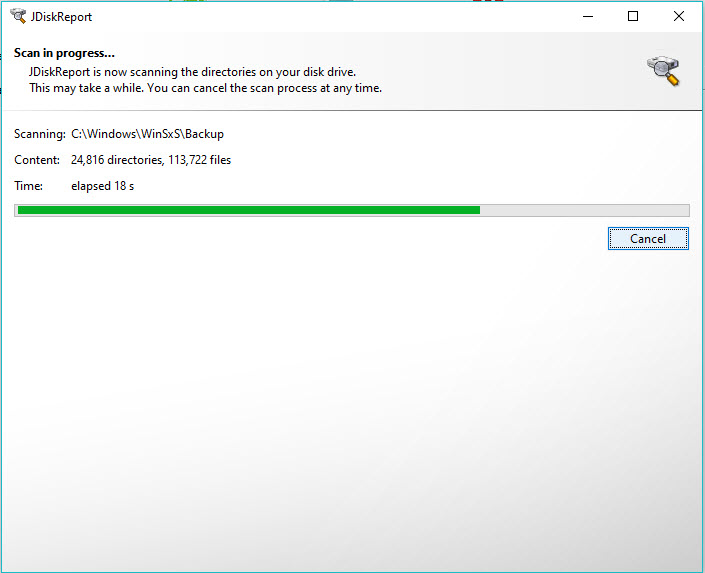
When you launch JDiskReport, you can choose to scan your whole disk or just a specific folder. This flexibility is helpful if you want to focus on a particular directory or avoid scanning areas that could affect system files. For users with multiple drives, selecting which ones to scan is simple at startup.
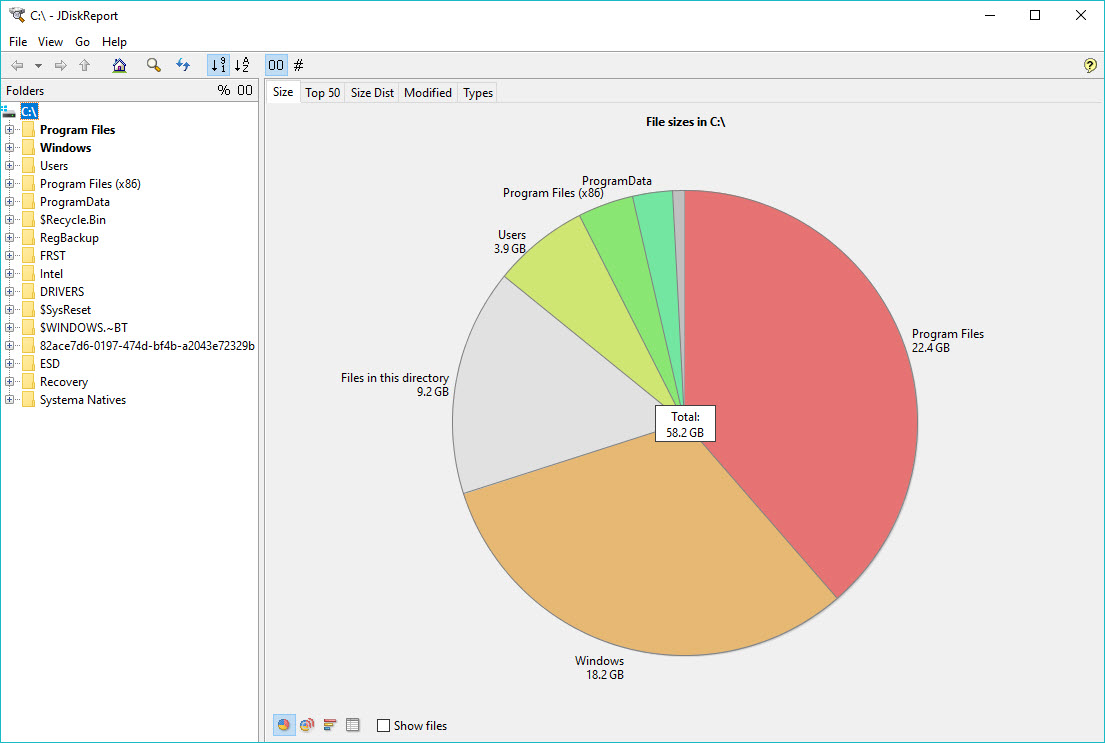
Once the scan is complete, the application displays detailed breakdowns of file sizes, the number of files, and folder structures.
This information is presented in easy-to-read pie charts, bar graphs, and lists, making it clear where your storage is going.
Multiple ways to view your data
One of the highlights of JDiskReport is how it visualizes disk usage in different ways. You can switch between pie charts, bar charts, and table views to better understand how files and folders contribute to your disk space usage. This variety makes it easier to spot storage hogs that might otherwise go unnoticed.
You can focus on any subfolder and drill down into its contents to decide whether files are still needed or can be moved or deleted. For example, it can be very helpful when checking if a music or video collection will fit onto a DVD or external drive.
Track storage changes and customize reports
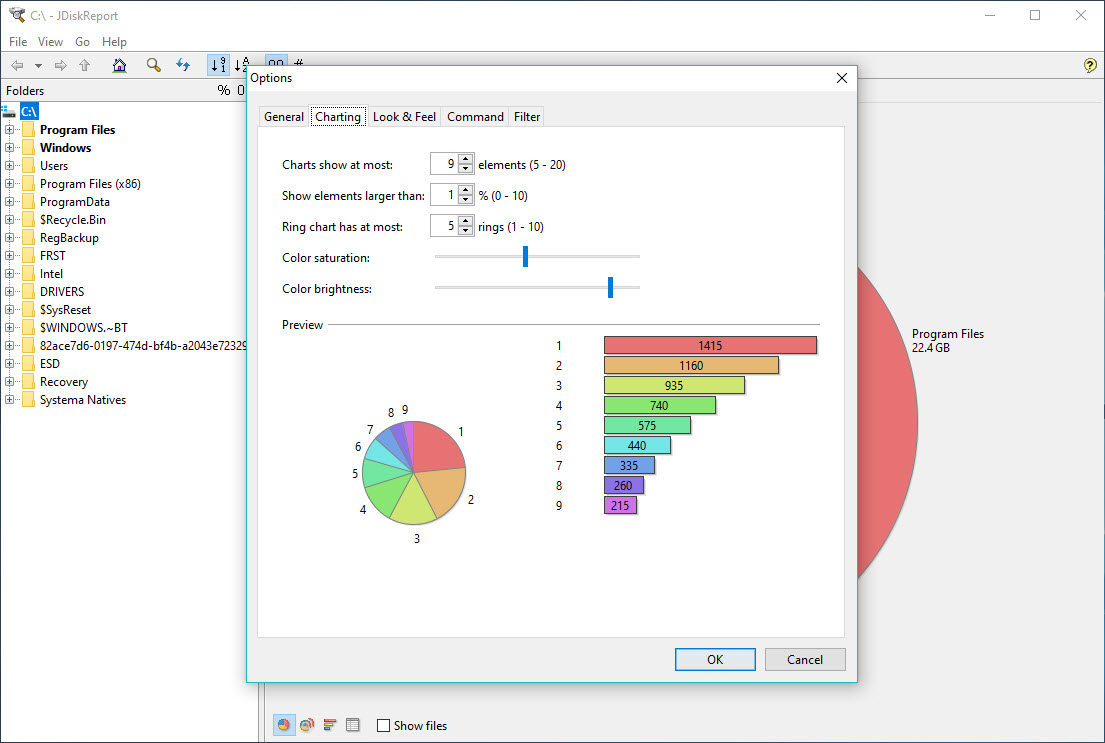
JDiskReport allows you to save scan results and compare them over time. This helps you monitor how your storage use evolves and catch sudden spikes in disk usage. Additionally, you can tweak the report’s look by changing color schemes and chart styles to match your preferences.
While the tool does not delete files directly, it equips you with precise data so you can clean up safely, avoiding accidental removal of important system files.
Lightweight and portable
Since JDiskReport is built in Java, it runs smoothly on various operating systems and does not require a complex installation. It is small enough to keep on a USB drive, making it a handy companion for multiple computers.
Conclusion
JDiskReport is an excellent tool for visualizing disk space usage and spotting which files or folders are filling up your drive. Its clear charts, flexible scanning options, and easy-to-understand reports help you manage your storage efficiently.
If you want a reliable way to investigate disk usage and plan cleanups without the risk of deleting critical files, JDiskReport is a smart and dependable choice.
Pros & Cons
- Scans entire drives or specific folders for flexibility
- Displays storage data in pie charts, bar graphs, and tables
- Highlights large files and old folders for easy cleanup
- Allows saving and comparing scans over time
- Customizable reports with adjustable colors and layout
- Does not include built-in file deletion tools; manual cleanup is needed
- Interface feels a bit dated compared to newer disk analyzers
- Large or heavily fragmented disks may take longer to scan
- Relies on Java Runtime, which must be installed on your system
Frequently asked questions
Yes, you can select one or more drives to scan when you start the program.
Yes, you can scan a whole drive or drill down to specific folders or subfolders.
Yes, you can keep snapshots and compare them to track storage changes.


