

IPEVO Visualizer
About IPEVO Visualizer
A document camera is a camera on an arm pointing down at a desk, and by itself it produces a mediocre picture of a piece of paper. IPEVO Visualizer is the software that turns that picture into something a room full of people can actually read.
The gap between those two things is larger than it sounds. A page under ordinary room lighting photographs as grey with uneven brightness, the image arrives rotated because of how the camera is mounted, and the automatic exposure keeps hunting as your hand moves across the paper.
Everything here addresses that specific problem, which is why the feature list looks unambitious until you have tried using a document camera without it.
Getting the image right
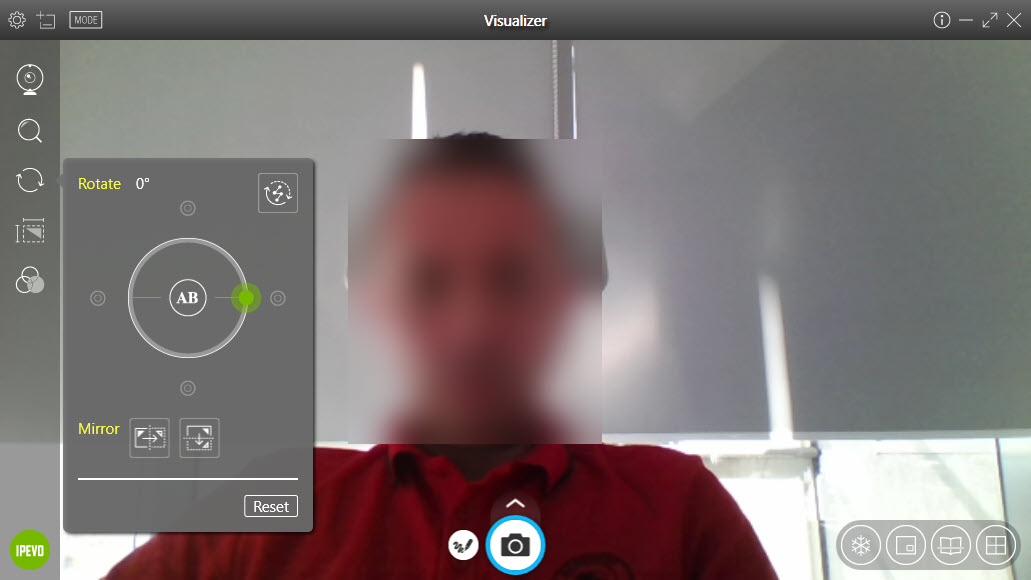
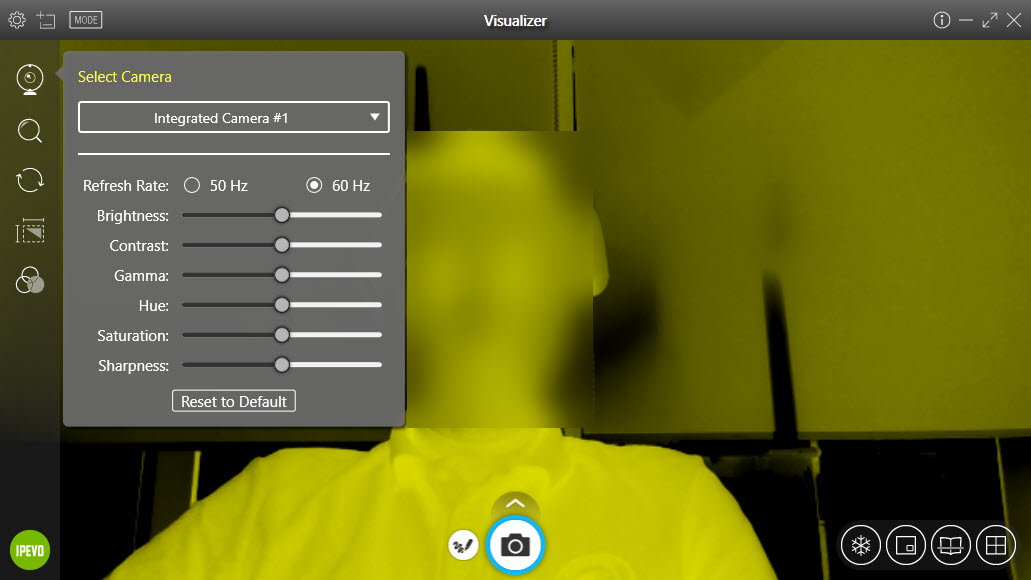
The IPEVO Visualizer controls cover what actually goes wrong. Rotation and mirroring, because the camera sees the page from an angle nobody intends. Exposure, because automatic metering reacts to a white page by darkening everything. White balance, because desk lamps and ceiling lights produce different casts and neither matches the other.
Manual focus matters more than the rest. Automatic focus on a document camera hunts constantly, refocusing every time a hand enters the frame, and locking it once the paper is in position removes the single most distracting thing about the setup.
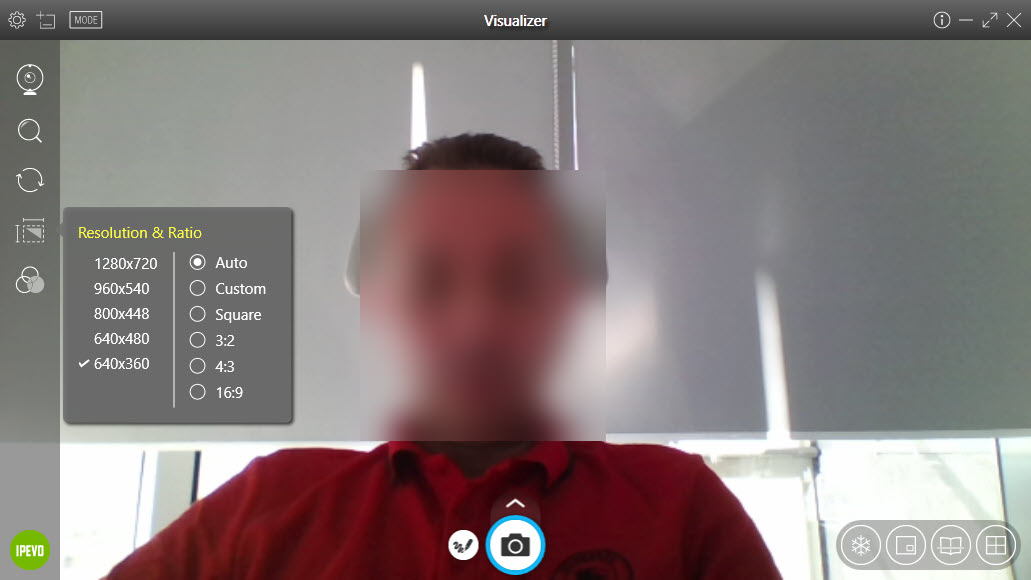
Resolution is selectable too, which matters when the image is being shared over a connection rather than displayed on the same machine.
Two modes, for two different subjects
IPEVO Visualizer distinguishes between showing a document and showing an object, and the difference is worth understanding.
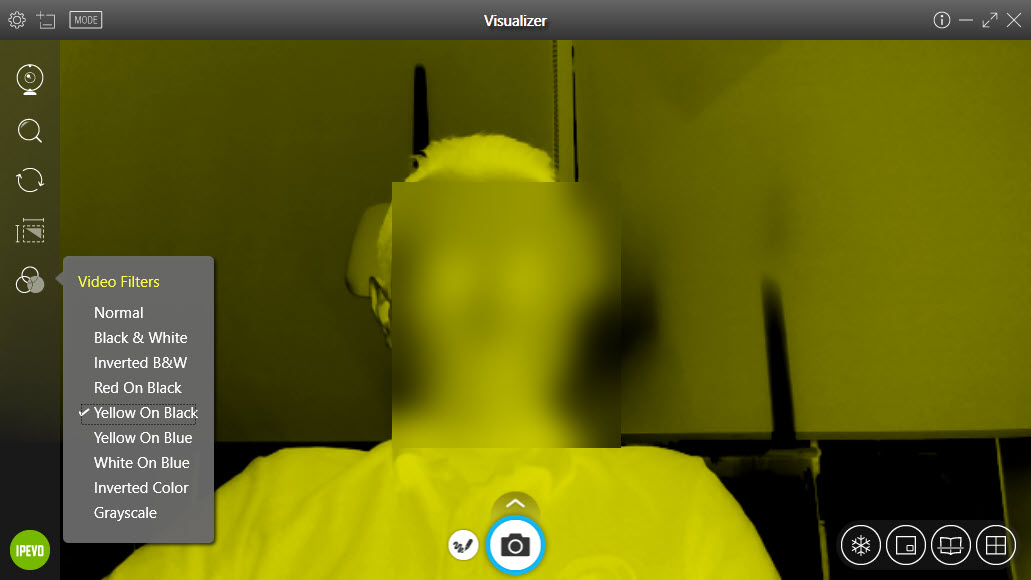
The document mode raises contrast and sharpens edges, pushing a printed page towards clean black text on white rather than the grey it actually photographs as. Handwriting in pencil becomes legible at the back of a room, which it is not otherwise.
The other mode leaves colour alone, which is correct for a leaf, a circuit board or a piece of artwork where the document treatment would destroy exactly the detail being shown.
Switching between them is a click, and teachers demonstrating from a textbook and then from an object learn to do it without thinking.
Drawing on the live image
IPEVO Visualizer annotation works over the live feed, so a diagram can be circled or a line of text underlined while everybody is watching, and the marks stay in place as you talk.
That is the feature that turns the camera from a display into a teaching tool, because pointing at a page with a finger is far less clear than drawing on it.
Snapshots capture the annotated frame, and video recording captures a session with the annotations included. For drawing over anything else on the screen rather than only over the camera feed, Epic Pen covers the whole desktop and works alongside this.
Comparing captures side by side
This is the IPEVO Visualizer feature people discover late and then use constantly. Several captured stills can be displayed together in the same window.
The classroom uses are obvious once seen. Two pieces of work compared directly, a before and after, three approaches to the same problem shown at once, or a sequence of steps that a single live view cannot hold.
Doing that any other way means saving images and opening them in something else, which breaks the flow of a lesson. Having it inside the same window is what makes it get used. For capture and annotation across the whole machine rather than the camera alone, ShareX is the broader tool.
What it works with
IPEVO Visualizer is built around the maker’s own document cameras, and that is where the controls make most sense. It will also use other cameras connected to the machine, including ordinary webcams, which broadens who might find it useful.
Somebody with a webcam on a desk stand rather than a proper document camera gets the same image adjustments, the same modes and the same annotation, which is a reasonable arrangement for occasional use even if the physical setup is worse.
What it does not attempt is worth stating. It is not a recorder built for producing polished lesson videos, and anything involving editing, narration passes or exported courseware belongs in ActivePresenter instead.
Nor is it a presentation tool. It shows what the camera sees, with adjustments and annotation, and everything else in a lesson happens in whatever you already use.
Conclusion
IPEVO Visualizer is unglamorous software that solves the exact problems a document camera creates. Correcting rotation, locking focus, forcing a page to read as black on white and letting you draw on it while the room watches are the things that turn an awkward camera into a teaching instrument.
Judge it as hardware software rather than as a general tool. It assumes a camera pointed at a desk, it does its best work with the maker’s own, and it makes no attempt at video production or presentation. Within that scope it does everything needed, and the side-by-side comparison is the feature most people wish they had found sooner.
Pros & Cons
- Corrects the specific image problems document cameras produce, including rotation and exposure
- Manual focus stops the constant hunting that makes a live feed distracting
- A document mode that turns grey photographed paper into readable black text
- A separate mode that leaves colour untouched for objects and artwork
- Annotation over the live image, with snapshots and recordings capturing the marks
- Several captured stills displayed side by side for direct comparison
- Works with other connected cameras as well as the maker's own
- Built around one manufacturer's hardware, where the controls make most sense
- Not a video production tool, so lesson recording belongs elsewhere
- No presentation features beyond showing the camera and drawing on it
- Image adjustment is manual, so a changed lighting setup means adjusting again
- Little purpose without a camera pointed at something worth showing
Frequently asked questions
Yes, it will use other cameras connected to the machine as well as the maker's own document cameras. The adjustments are designed around the document camera situation, and they apply to whatever camera is selected.
Raises contrast and sharpens edges so a printed or handwritten page reads as black on white rather than the grey it photographs as under room lighting. It is the difference between legible and not at the back of a room.
Yes, annotation works over the live feed and the marks stay in place while you talk. Snapshots and recordings capture the annotations along with the image.
It records the camera feed with annotations, which covers a demonstration. Anything needing editing, separate narration or exported course material calls for software built for that.
Because a live view shows one thing at a time. Displaying two pieces of work, a before and after, or three attempts at the same problem together is the comparison a lesson usually needs, and doing it in another program breaks the flow.


