

Intel Processor Diagnostic Tool
About Intel Processor Diagnostic Tool
Diagnose the performance and health of your Intel processor with the Intel Processor Diagnostic Tool. This simple tool is designed to give you reports about the health of your processor and its performance.
Do you have an Intel processor? If you’ve ever wondered how your processor is doing and how it’s stacking up against other processors, then you can use the Intel Processor Diagnostic Tool.
This application is employed with many testing tools and benchmarks that will help you establish the health of the processor and its performance.
Simple Interface
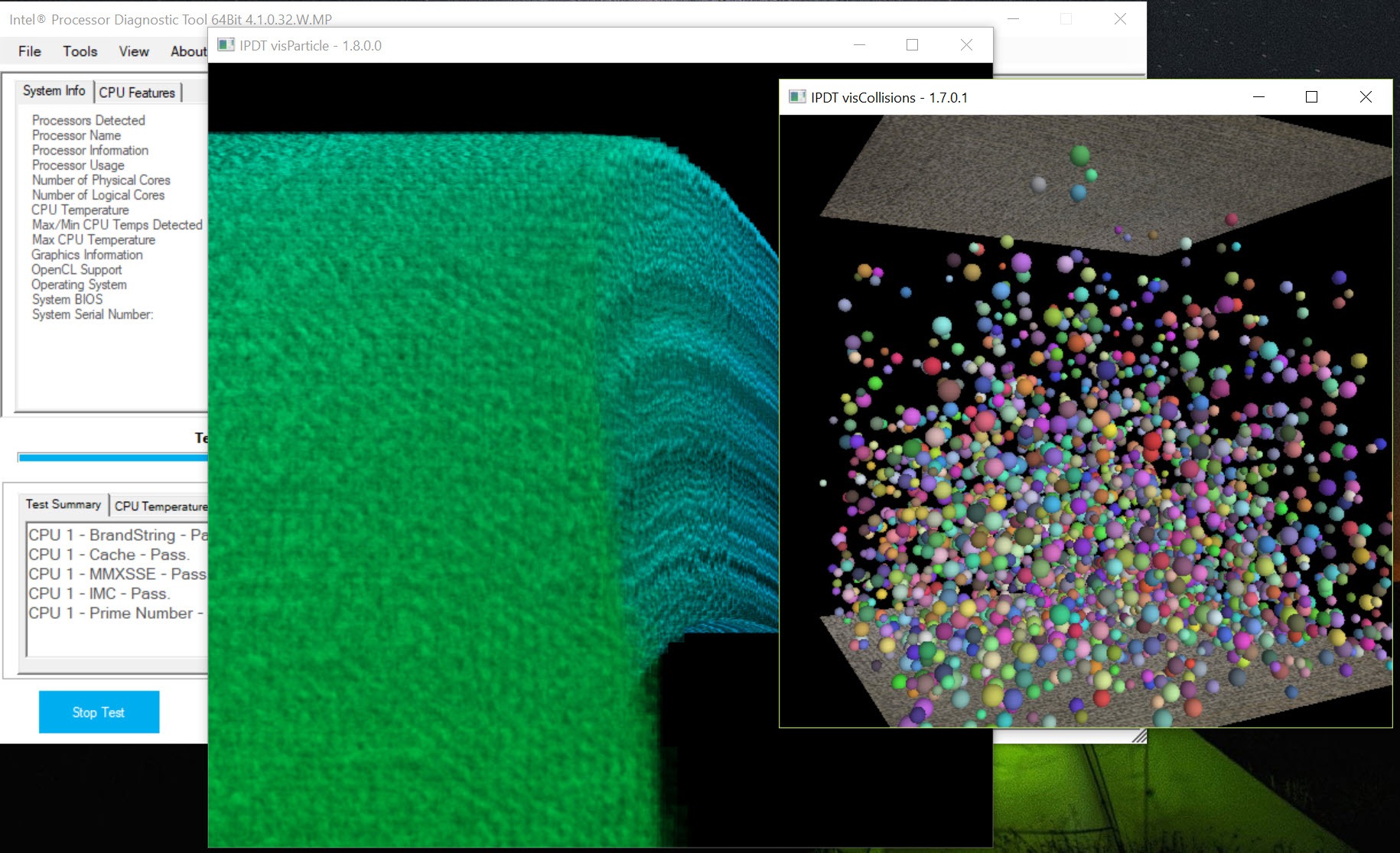
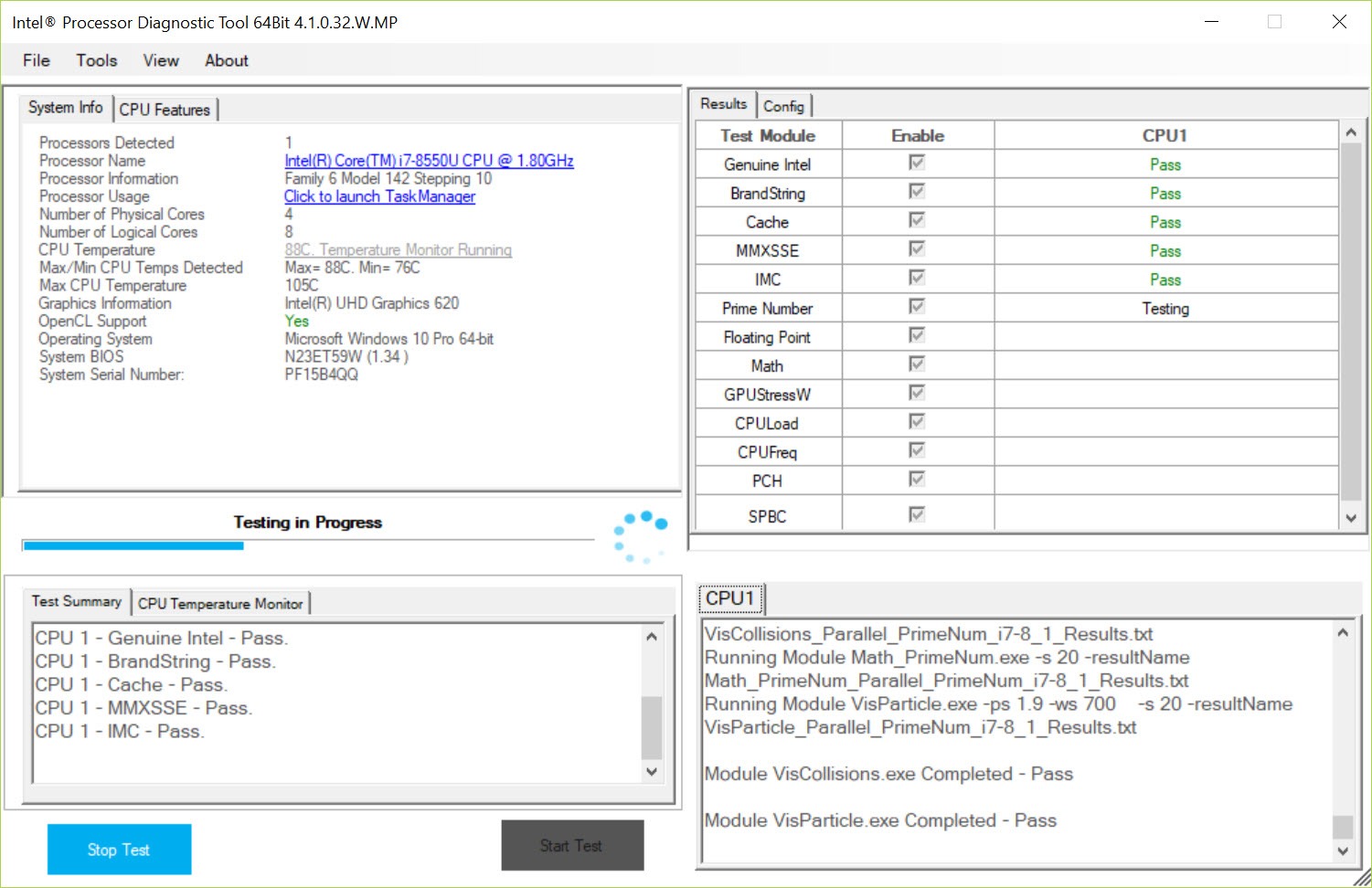
The whole premise of this tool is simple. It is designed to give detailed reports about your CPU and its performance. So it will work most of the time automatically, although you can start the scanning procedures whenever you want.
At the start, though, it will automatically detect your CPU and perform some scans.
You might want to ensure you don’t do heavy things with your computer while performing the tests.
It’s best to let the tests go through and then see the results after rather than doing something with your computer as it’s doing the tests.
See Reports of Your CPU
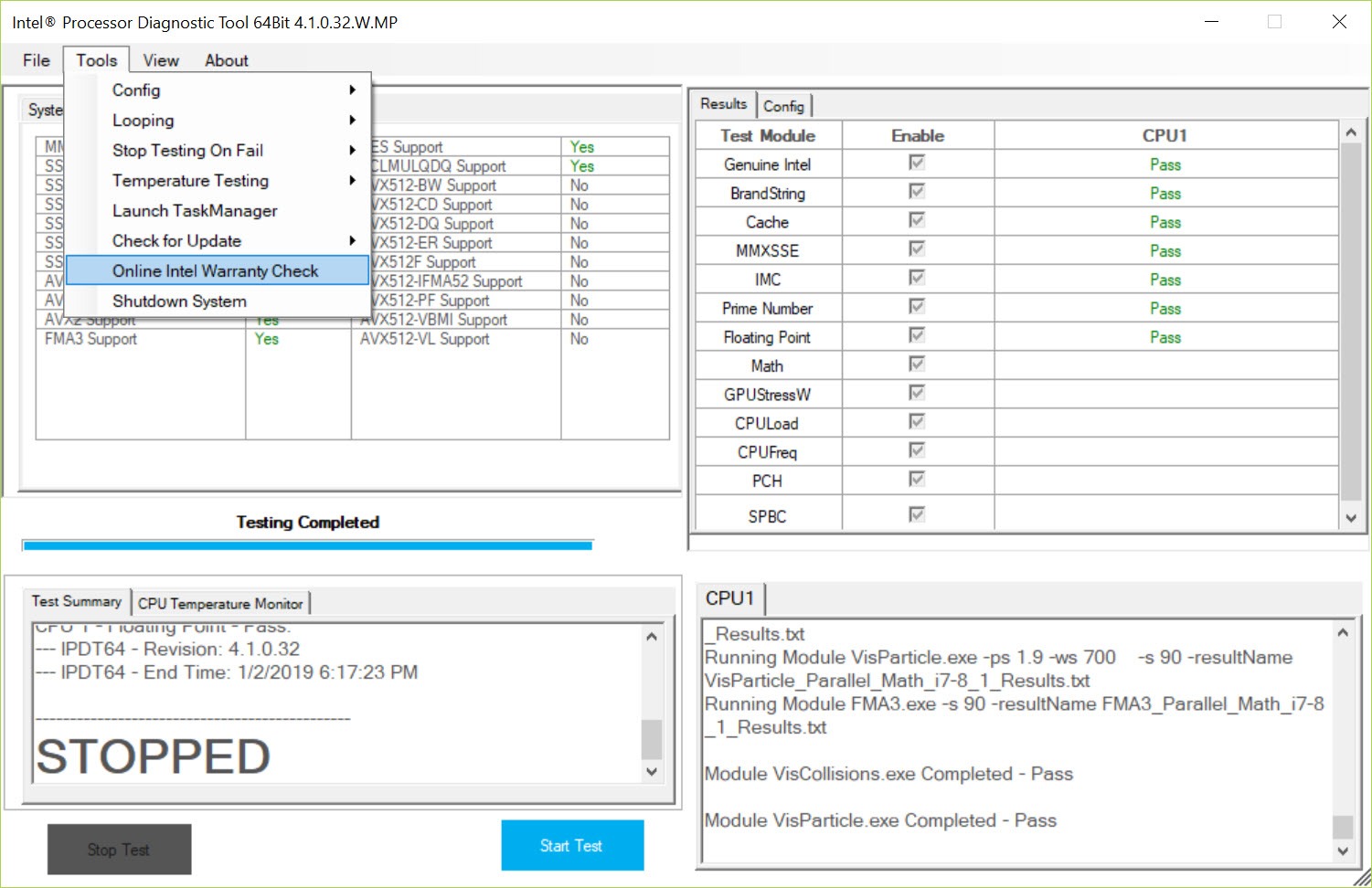
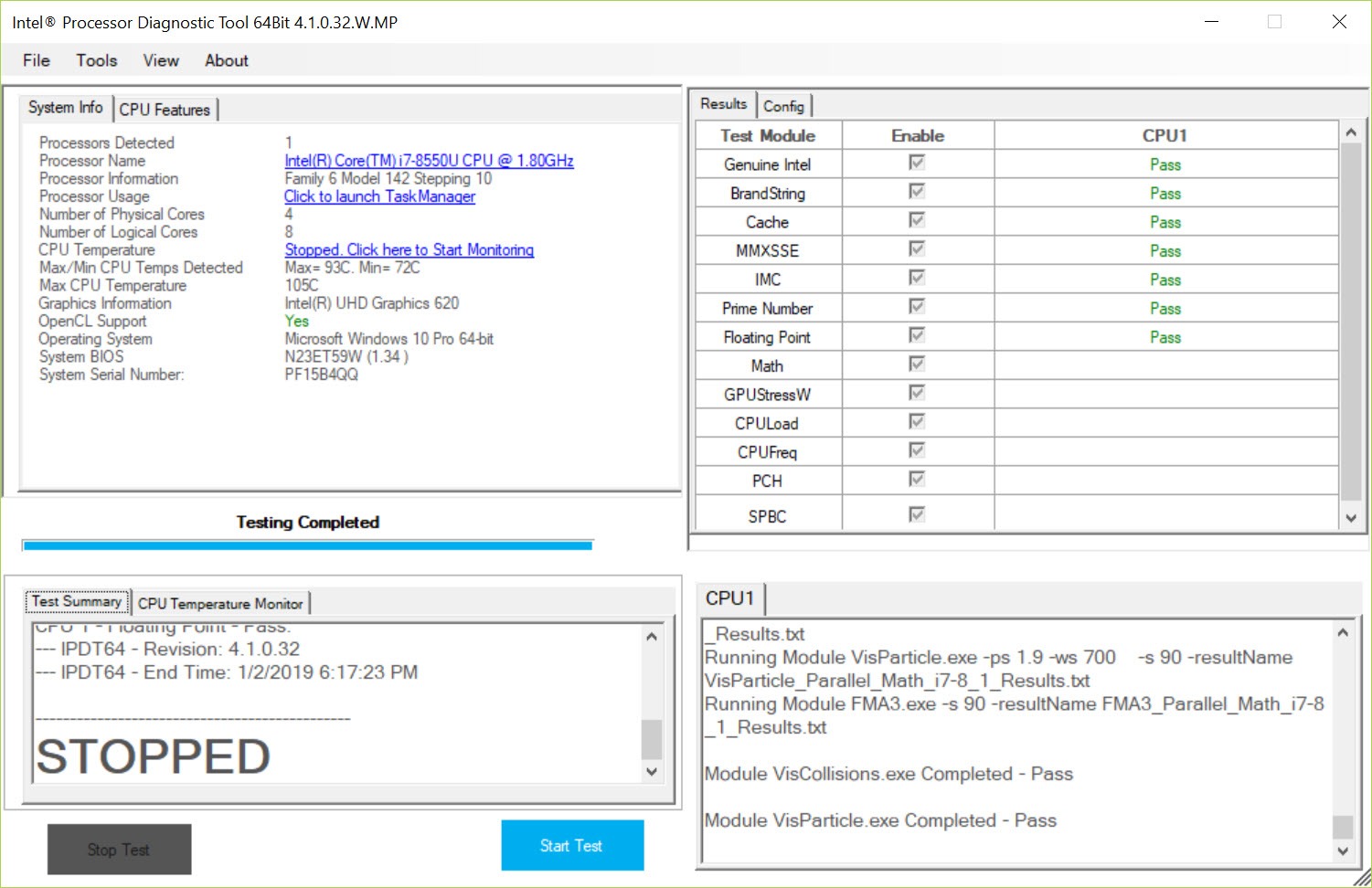
When the tests are done, you’ll be able to see the report of your CPU in a separate window. In this window, you can see various statistics and the processor’s performance.
For instance, you can see temperatures, clock speeds, brand strings, frequency, base clock, cache size, MMX, and other parameters.
All of these will be presented nicely in a separate window where you’ll see all of the results. You can also export them in a TXT document, making it easier for some users to see and understand the results more clearly.
All in all, it’s a simple tool that’s designed to give you an idea about your CPU’s performance.
Conclusion
When you want to diagnose your Intel CPU, you can use the Intel Processor Diagnostic Tool, a simple utility designed to help you test your CPU issues.


