

iMyFone LockWiper
About iMyFone LockWiper
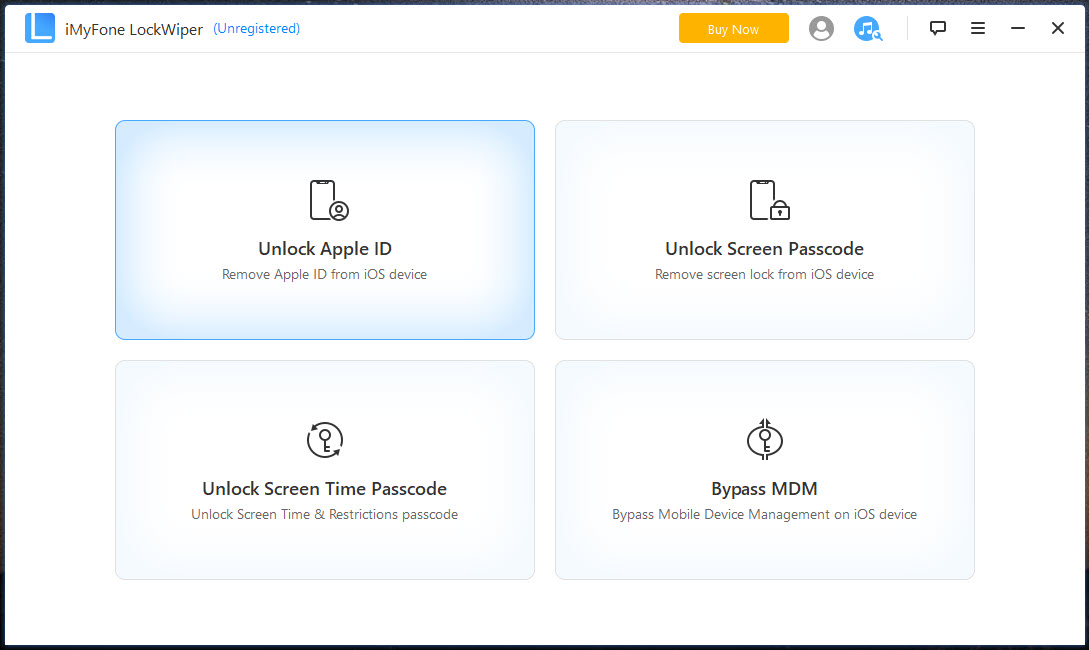
iMyFone LockWiper gets you back into an iPhone or iPad that you own and cannot open. Four situations are covered. The screen passcode you have forgotten, and the device that says it is disabled after too many wrong attempts.
The Apple ID signed into the device whose password you no longer have. The Screen Time passcode that was set once and then forgotten. And a management profile left on a device that an employer or a school has released.
Every one of these is a locked-out owner problem, and every one of these is also how a stolen device would be opened, which is why the tool has a hard limit it cannot cross. iMyFone LockWiper does not defeat Activation Lock, and neither does a device manager that also handles firmware and recovery. A device tied to an iCloud account still asks for that account after everything here has run, so a phone that is not yours stays not yours.
Read that sentence before reading the rest, because it decides whether this program can help you at all.
The screen passcode
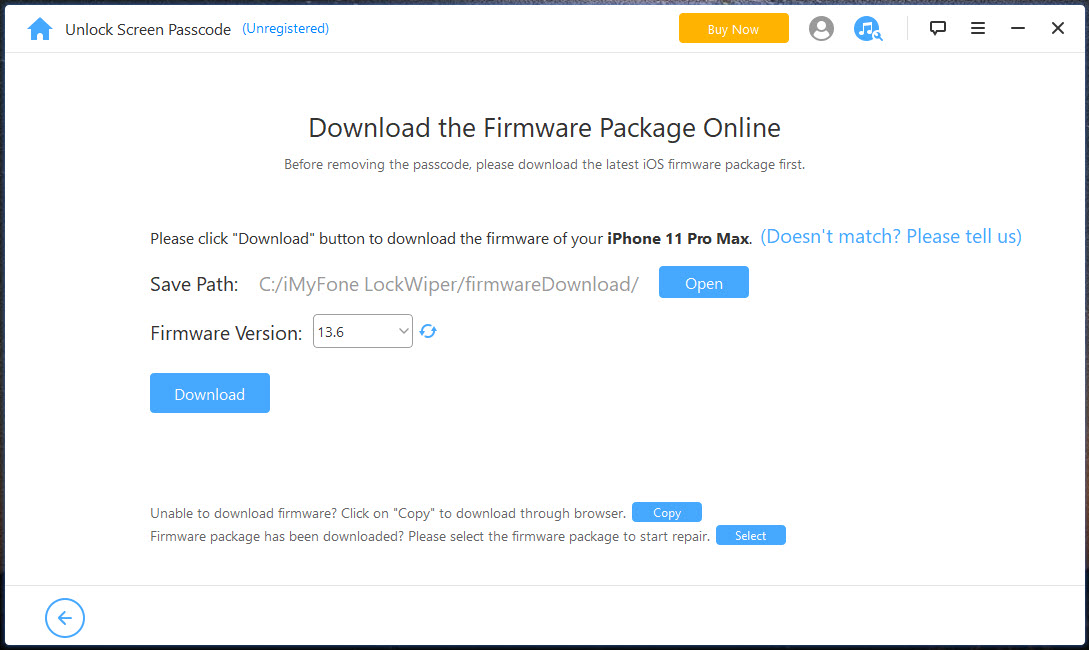
Connect the device and pick the screen unlock mode. The program identifies the model, downloads the matching firmware package and installs it, which removes the passcode along with everything else on the device.
Four-digit and six-digit codes, custom alphanumeric codes, Touch ID and Face ID all go the same way. A disabled device and one stuck in the security lockout screen are handled the same, since the point is a clean reinstall rather than guessing the code.
The consequence is total. Photos, messages, apps and settings are erased, and the only route back is a backup made before the lockout. The device also comes back on the current system release rather than the one it was running.
If there is a backup in iCloud or on a computer, restore it afterwards and the loss is a few hours. If there is not, the data is gone, and no tool of this kind changes that.
Apple ID removal
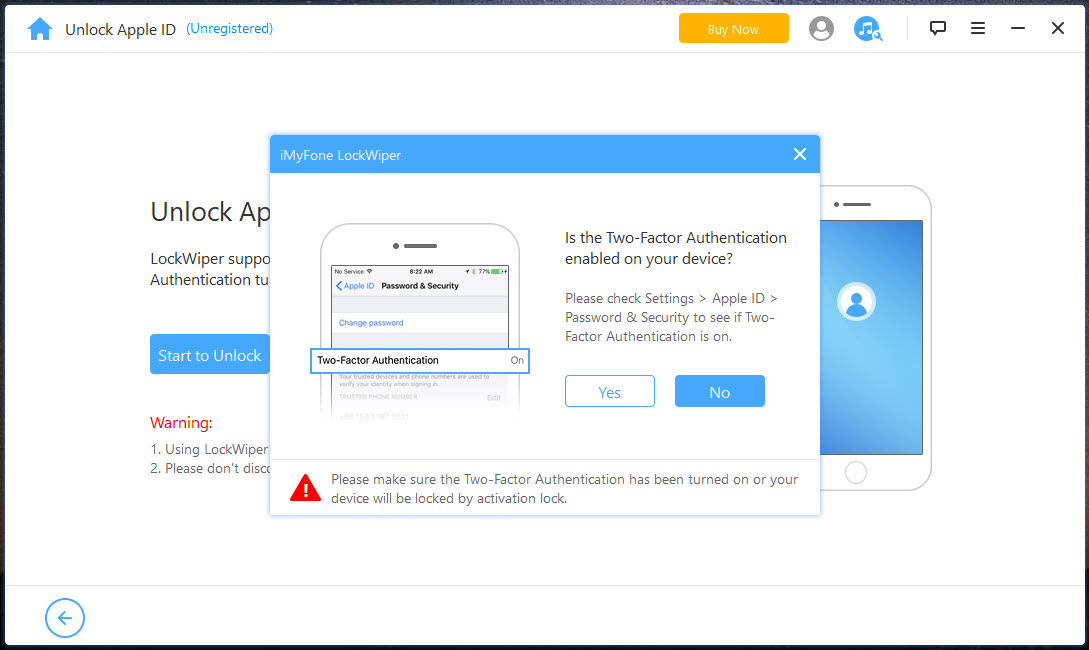
Apple ID removal in iMyFone LockWiper signs the device out of the account it is attached to, so a new account can be used. Two conditions decide whether it works. Find My must be switched off, which needs the account password, and that is the catch for anyone who does not have it. Where Find My is on, the mode is unavailable. ### The Screen Time passcode
Screen Time removal is the gentlest of the four. A Screen Time passcode set directly on the device can usually be cleared without erasing anything, which makes it the one mode a parent with a forgotten code can use without losing the child’s data.
Both modes leave the device usable and neither removes the iCloud tie described above. iMyFone LockWiper is clear about this in its own guide, and anyone promising otherwise is selling something that does not exist.
The management profile
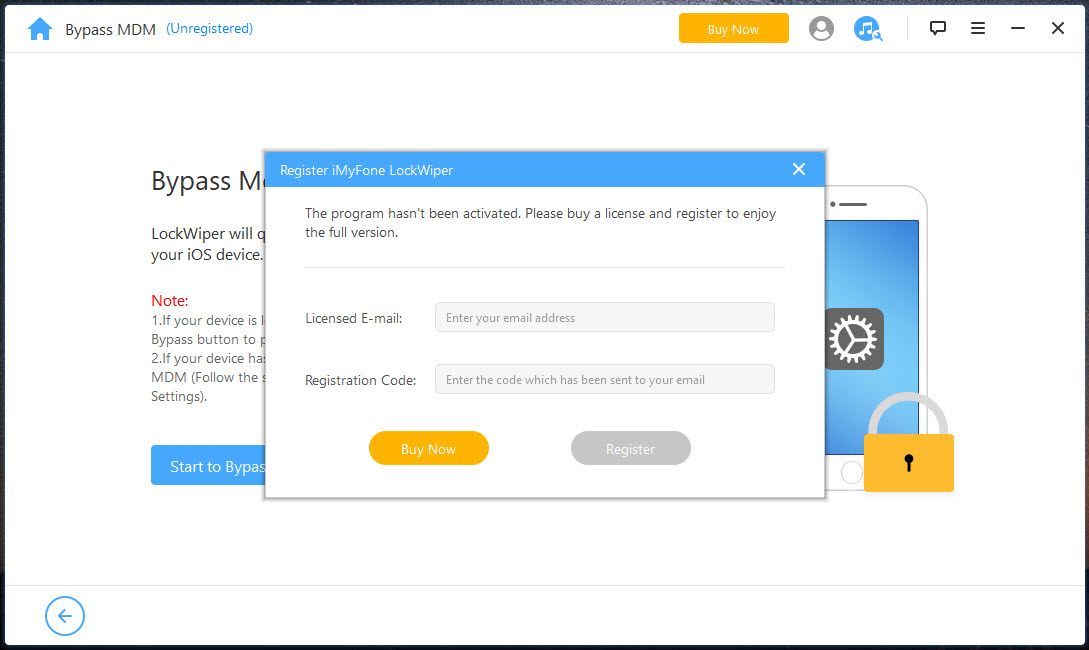
Work and school devices carry a management profile that controls what can be installed, and it often shows a Remote Management screen at setup. On a device that has properly been released, the profile sometimes remains because nobody removed it from the management server first. The bypass mode clears the screen so the device can be set up.
It is a temporary fix. The Remote Management screen returns after a factory reset or a reactivation, because the device is still enrolled on the server that claims it. The permanent answer is the organisation removing the device from its management console, and this mode is a way to use the device in the meantime rather than a release from the enrolment.
Requirements, and what it costs
The program needs a cable and, for some modes, a trusted connection where the screen can still be unlocked. The modes that reinstall the system download a firmware package first. Recovery mode is entered for you with on-screen instructions per model. The success rate is good on devices a release or two behind and falls on the newest hardware and the newest system version, which arrive faster than the tool follows.
Two practical warnings apply before paying. Refunds are hard to obtain if the mode you needed does not work on your device, so check the supported list for your exact model and system version before paying.
And a plain restore through iTunes does the screen passcode job for nothing, by erasing and reinstalling the device, which is the same outcome this program produces for that mode. The paid modes are the Apple ID, Screen Time and management ones.
Conclusion
iMyFone LockWiper is for the owner of an iPhone or iPad who is locked out of their own device and has exhausted the ordinary routes. The parent with a forgotten Screen Time code gets the most from it, since that code is cleared without erasing anything. For the other three cases it does what a full restore does, with a friendlier path through recovery mode.
Anyone hoping to open a second-hand device that still belongs to its previous owner should stop here, because Activation Lock does not move. And anyone whose only problem is a forgotten screen passcode should try a plain restore first, since that is free and the outcome is identical.
Pros & Cons
- Covers screen passcode and Apple ID, Screen Time and management profiles, in one program
- Screen Time passcode usually removed without erasing the device
- Guided recovery mode entry with per-model instructions
- Works on a disabled device or one in security lockout
- Does not bypass Activation Lock, so a device tied to another account stays locked
- Three of the four modes erase everything on the device
- Apple ID removal requires Find My to be off, which needs the account password
- Management bypass returns after a reset
- Newest hardware and system releases are often unsupported
Frequently asked questions
No. Activation Lock is not bypassed. After any of its modes the device still asks for the original account, so it cannot be used on a device that is not yours.
Yes for the screen passcode, Apple ID and management modes, all of which reinstall the system. Screen Time removal is usually the exception and leaves data in place. Make a backup first wherever one is possible.
Find My is still enabled on the device. Switching it off needs the account password, and without that the mode cannot run.
No. The Remote Management screen returns after a factory reset or reactivation, because the device remains enrolled. Only the organisation can remove it from the management server.


