

iFunbox
About iFunbox
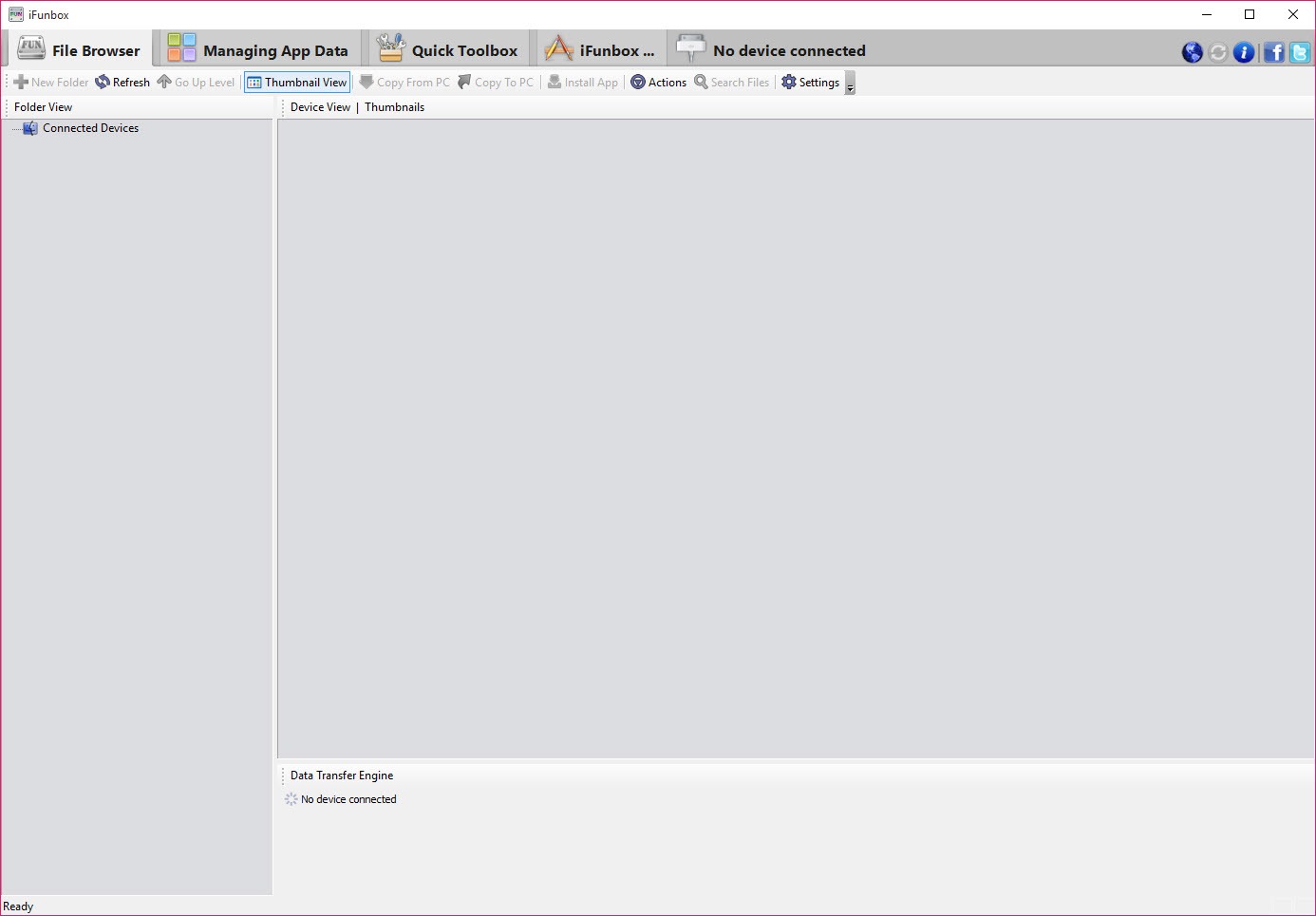
Apple devices present themselves as appliances rather than as computers with files on them, which is deliberate and occasionally inconvenient. iFunbox opens that up, connecting a device by cable and presenting what is inside as folders you can browse, copy from and copy into.
The immediate appeal is bypassing the official synchronisation software for simple jobs. Moving a folder of photographs off, putting a file where an application expects to find it, or retrieving something an application generated all become drag operations rather than exercises in synchronisation.
Before going further, the scope needs stating plainly, because it is the thing people misunderstand and the reason a proportion of them conclude the software is broken.
What you can actually reach
On an ordinary device the platform decides what iFunbox may see, and the answer is not everything.
You get the media library, meaning photographs and videos, and you get the document folders belonging to individual applications. That second one is more useful than it sounds, since an application’s documents folder is where saved games, exported files, downloaded content and configuration typically live.
What you do not get is the rest of the file system. System folders, other applications’ private areas and anything the platform considers off limits remain invisible, and no setting in the software changes that because the restriction is enforced by the device rather than by the application.
Full access requires the device to have been modified to remove those restrictions, which is a separate undertaking with real consequences for security, updates, support. iFunbox will show more on such a device, and that is a decision about the device rather than about this software.
Application documents, which is the real use
Given those limits, the iFunbox capability that earns its place is reaching into application document folders.
Saved game files are the classic example. A game storing progress in its documents folder can have that progress copied off as a backup, moved to another device, or restored after reinstalling, none of which the official tools offer as a discrete operation.
Files an application produced are the other case. Something exported, recorded or generated inside an application, which the application itself offers no obvious way to extract, is usually sitting in that folder waiting to be copied.
Working the other way round is equally useful. Placing a file into an application’s documents folder makes it available inside that application, which covers a good many situations where an application reads files but provides no route to get them in.
Media transfer in bulk
iFunbox moves photographs and videos in quantity rather than one at a time, in either direction, which is the second reason people install it.
That matters because the official route to the same job has historically been more opinionated than people want, organising things according to its own logic rather than leaving a folder as a folder.
For device management more broadly, including backups and firmware handling rather than file browsing, 3uTools covers considerably more ground and is actively maintained.
The other functions
iFunbox installs application packages from the computer, which is the sideloading route people use for applications obtained outside the usual channel.
That capability depends on the signing arrangements the platform enforces, which have tightened over time, and Cydia Impactor is the tool most associated with that particular job and its complications.
Ringtones and wallpapers can be placed directly, which is a small convenience and was once a considerably larger one.
Development has been quiet
The honest note that shapes everything above. iFunbox has not been meaningfully updated for a long time, and the platform it connects to has continued to change.
The practical consequence is that newer device versions may be recognised imperfectly or not at all, and capabilities that worked on an older release may simply fail. Nothing about that will be fixed.
Anybody wanting the same jobs done with software that keeps pace should start with a maintained alternative, and a maintained device manager that handles files, media, backups together covers the same ground without the abandonment.
Where the requirement is the official synchronisation and library management rather than file access, iTunes remains what the platform expects you to use.
Conclusion
iFunbox made a closed device feel like something with files on it, and for the jobs the platform permits it still does that neatly. Copying a saved game off, retrieving something an application generated, or moving a hundred photographs in one operation are all quicker here than through the official route.
Two things decide whether it suits you now. The access on an ordinary device is narrower than people expect, covering media and application documents rather than the whole system, and the software has not kept pace with a platform that keeps moving. If your device is recognised and your job falls inside those folders, it works. If not, a maintained alternative is the sensible starting point rather than a troubleshooting exercise.
Pros & Cons
- Presents the accessible parts of the device as browsable folders
- Reaches application document folders, where saved games and exported files live
- Files can be placed into an application's folder as well as copied out
- Photographs and videos transfer in bulk in either direction
- Requires no synchronisation, so a single file is a single operation
- Application packages, ringtones, wallpapers can all be installed directly
- Access on an ordinary device is limited to media and application documents
- Full file system access requires modifying the device, with its own consequences
- Development has been quiet, so newer device versions may not be recognised
- Sideloading depends on signing arrangements that have tightened considerably
- Maintained alternatives cover the same jobs and keep pace with the platform
Frequently asked questions
Not on an ordinary device. The platform restricts what any computer may see to the media library and the document folders of individual applications, and that limit is enforced by the device rather than by the software.
Reaching application document folders. Saved game files, exported documents and content an application generated all live there, and copying those off or placing files in is not something the official tools offer directly.
Most likely because development has been quiet for a long time while the platform has continued changing. Newer device versions may be handled imperfectly or not at all, and that will not be corrected.
It can install application packages from the computer, and whether that succeeds depends on the signing arrangements the platform enforces, which have become considerably stricter over time.
Yes. Several device managers cover file access, media transfer and backups together and continue to be updated, which matters for software that has to keep pace with a platform changing underneath it.


