

Horodruin
About Horodruin
Horodruin is a compact and portable utility designed to simplify file management through folder synchronization. Whether you’re working with videos, audio files, documents, or structured directories, this tool helps you analyze and sync multiple folders without unnecessary complexity.
As file types and storage needs have evolved, managing data across locations has become more demanding. Horodruin steps in as a reliable solution for keeping everything aligned.
Straightforward Setup and User Interface
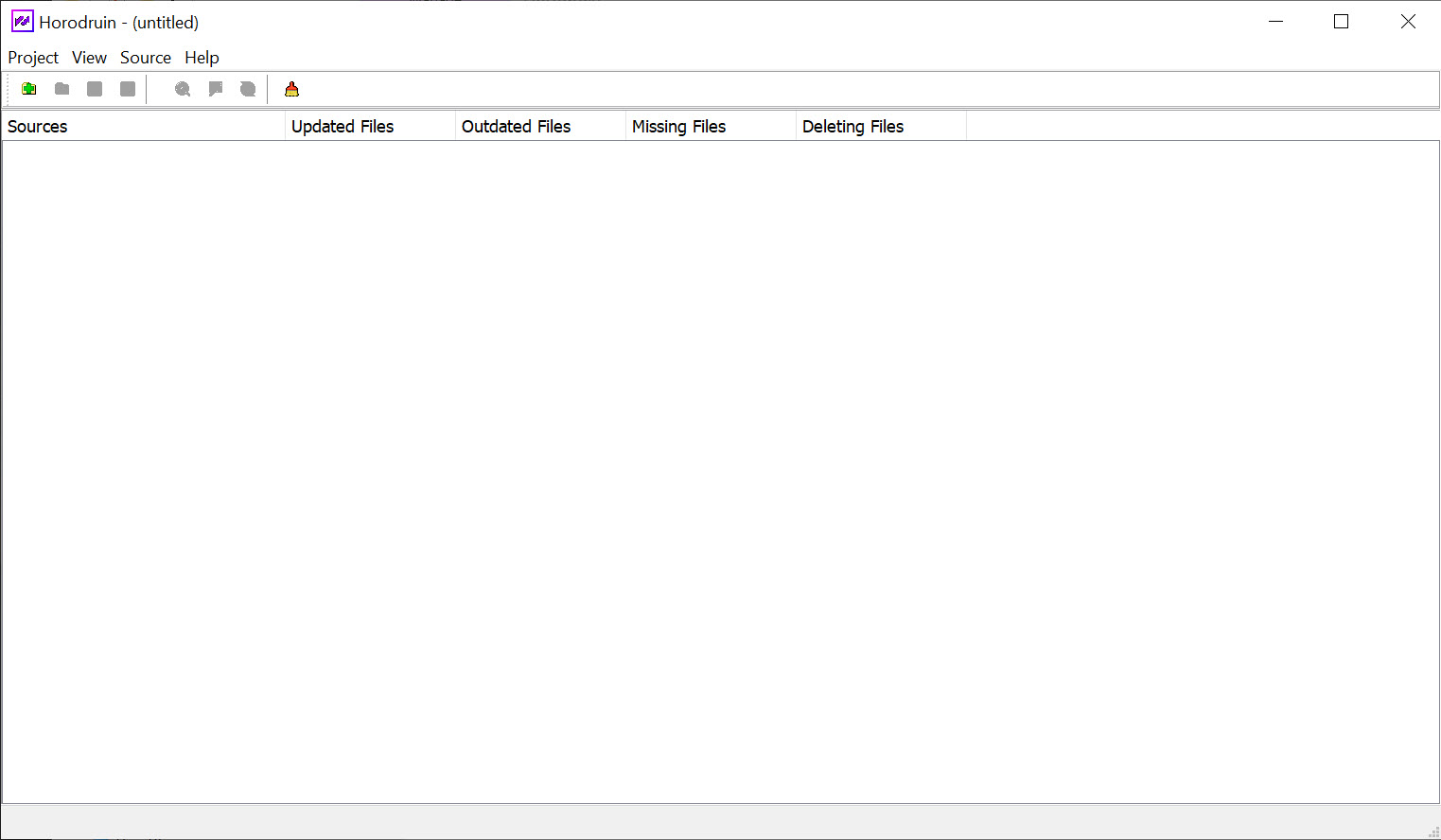
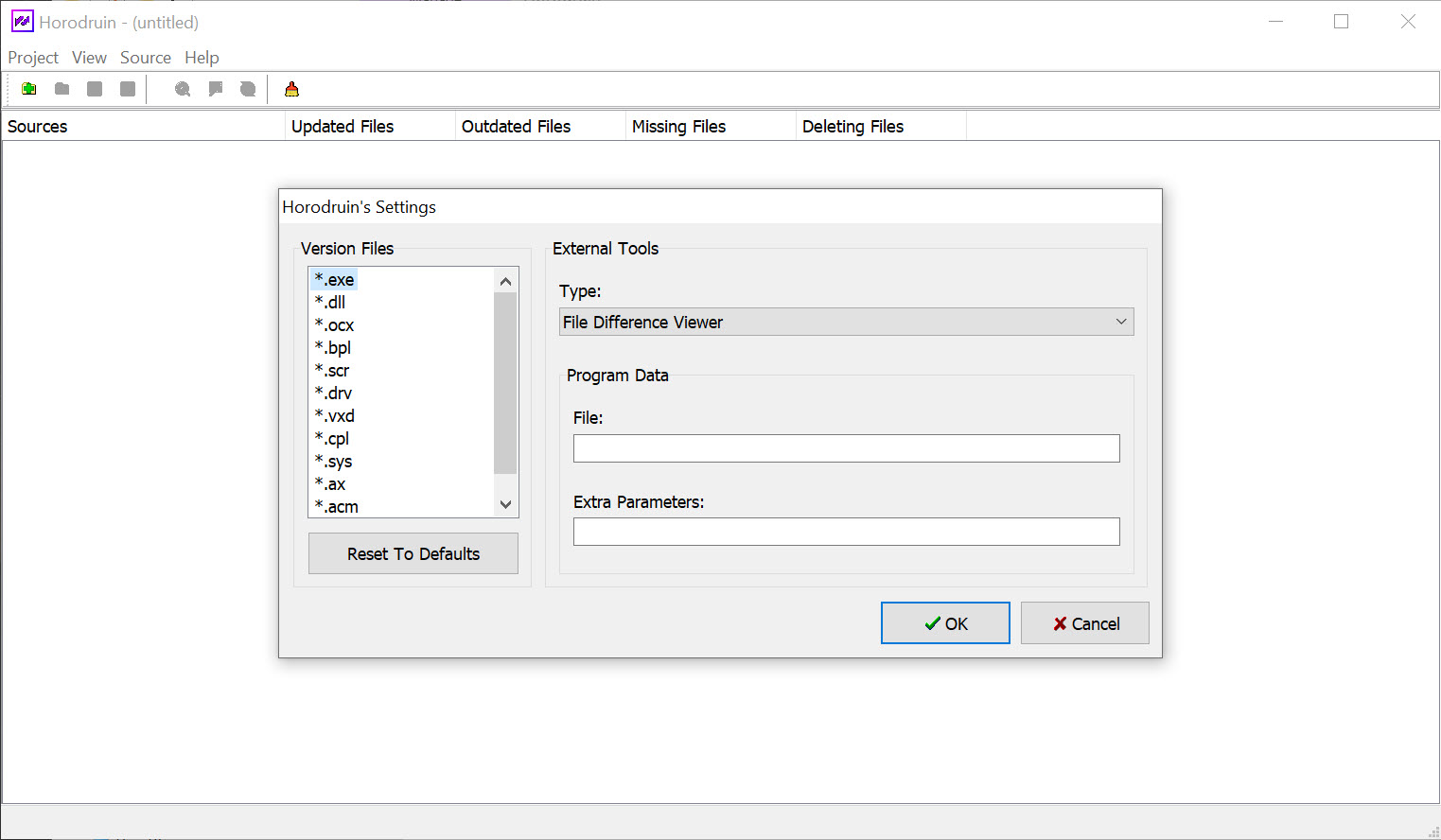
Getting started is easy. The application launches with a simple window that acts as a control dashboard. From the file menu, you can configure all available options.
Despite its minimalist layout, the software offers comprehensive control over every aspect of the sync process.
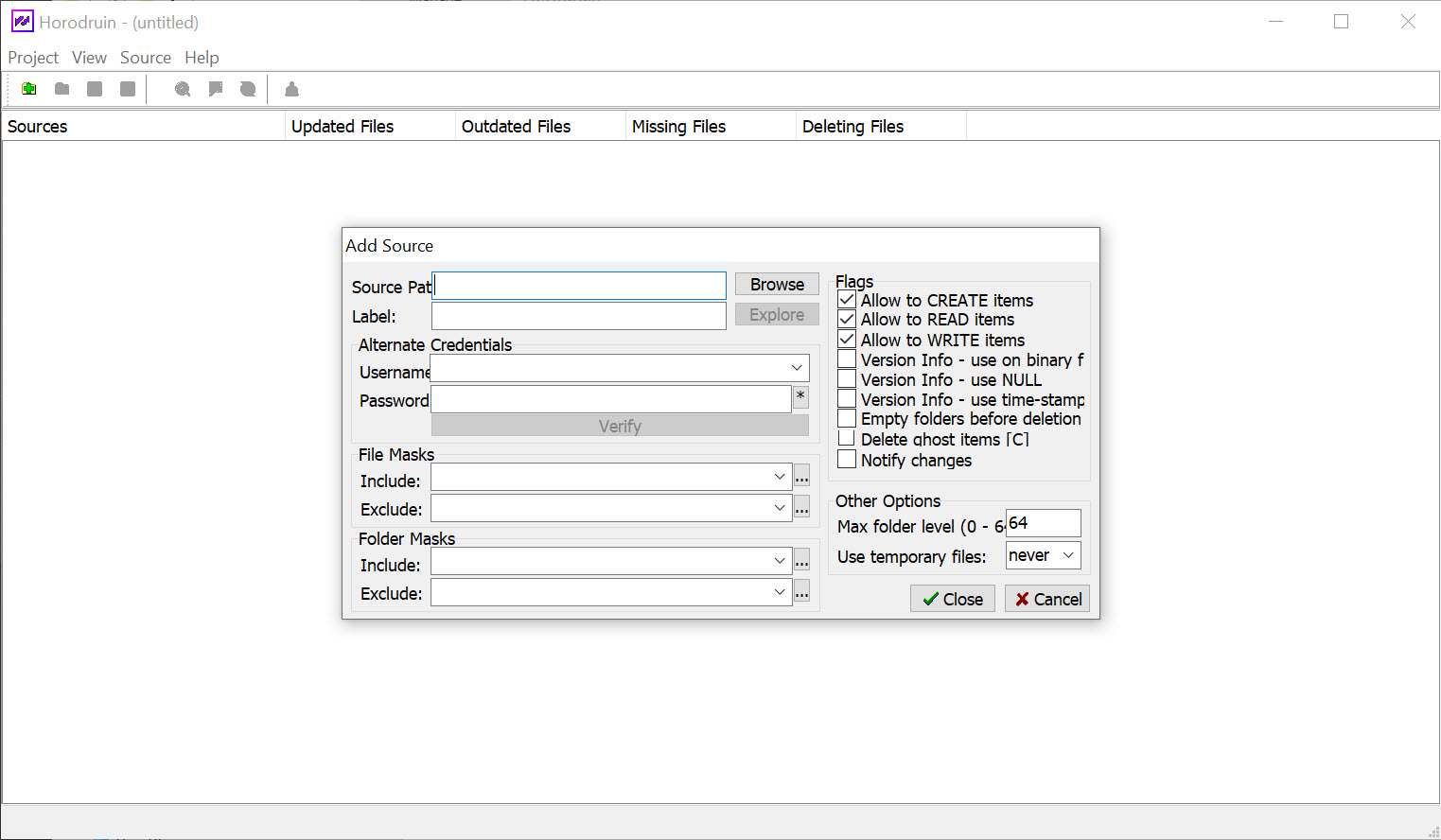
You can drag folders into the main window, triggering a source configuration screen that fills in automatically. This drag-and-drop system helps speed up setup, letting you quickly define folders for comparison and synchronization.
Deep Analysis and Controlled Syncing
The main strength of Horodruin lies in its ability to analyze and synchronize two or more folders. It compares files based on size, date, and name, detecting differences and determining which files need to be updated, copied, or skipped.
When a newer version of a file exists in one location, the tool transfers it to the target folder based on your chosen sync rules. Identical files are ignored to save time. You’re always in control of what moves and when.
Before starting any sync, it’s a good idea to back up your data to avoid accidental overwrites. While the software is powerful, some settings can have a significant impact, so attention to detail is important.
Flexibility and Customization
Horodruin supports filtering by file name, size, date, and other attributes. This lets you focus only on the files you want to sync. It also supports multithreaded copying, speeding up the process, and it can use temporary files for added safety.
Advanced users can integrate the tool with external editors and file comparison apps to dive deeper into content differences. You can also save project files to reuse configurations later, saving time on repeated tasks.
Conclusion
Horodruin offers a non-intrusive, intelligent way to sync folders with minimal setup. It’s ideal for users who need to maintain consistency across multiple directories, whether for backups, development work, or personal file management.
The software balances simplicity with advanced control, making it a powerful companion for anyone dealing with complex file structures or multiple storage locations.
If you’re looking for speed, accuracy, and flexibility in folder syncing, this tool deserves a spot in your toolkit.
Pros & Cons
- Supports syncing across two or more folders simultaneously
- Lets you filter files by name, size, date, or access rights
- Fast multithreaded engine with overwrite or temporary file options
- Portable and easy to use without installation
- Allows saving project files and linking to external tools
- Does not offer real-time folder monitoring or automated sync scheduling
- User interface may seem technical for beginners
- No built-in cloud sync or versioning support


