

HNSKY
About HNSKY
Planetarium programs split into two kinds, and choosing the wrong one wastes an evening. Some render a beautiful sky for looking at on a screen. Others draw accurate charts for people who intend to point equipment at the real thing. HNSKY is firmly the second, and its plain appearance is a consequence of that rather than neglect.
Charts, not scenery
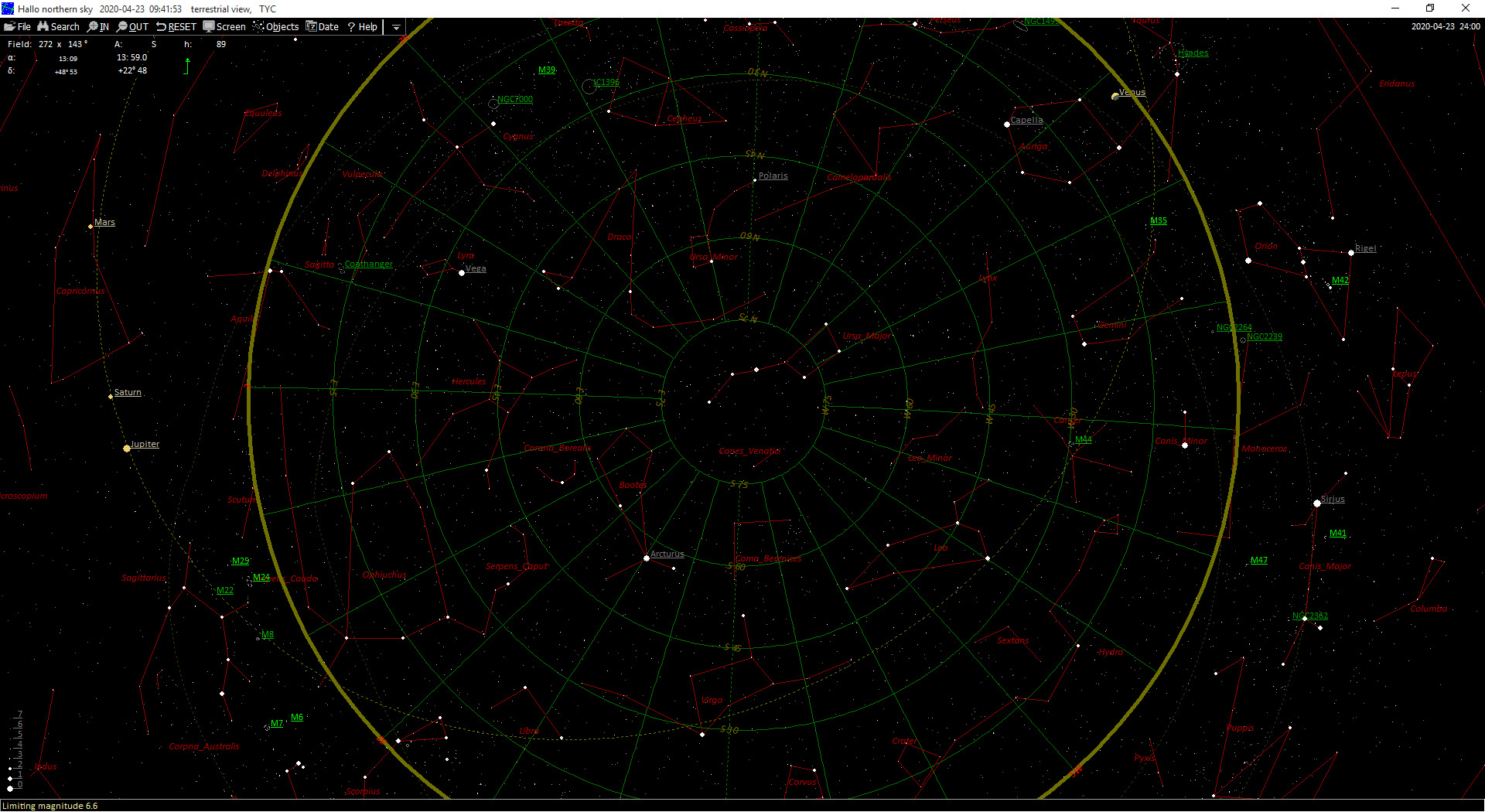
The distinction shows immediately. There is no photographic horizon, no atmospheric glow, no attempt at realism. What you get instead is a chart with correct positions, adjustable limiting magnitudes and the labels an observer needs, on a black background that will not ruin your night vision.
For the other kind, and it is a fine example of it, Stellarium renders the sky as it looks and is the better choice for learning constellations or showing somebody Saturn.
Catalogues, and how deep you want to go
HNSKY arrives with a star catalogue sufficient for general use, and accepts considerably larger ones for anybody who needs fainter objects.
That matters because the useful depth depends on your equipment. A small telescope shows stars down to a certain magnitude and no further, so a chart plotting objects far beyond that is clutter. A larger instrument, or a camera that accumulates light over minutes, reaches much deeper, and a chart that stops before your equipment does is useless for identifying what you captured.
Installing the deeper catalogues is a manual step rather than an option in a menu, which is the sort of friction this program is comfortable with and newcomers are not.
Telescope control is the point
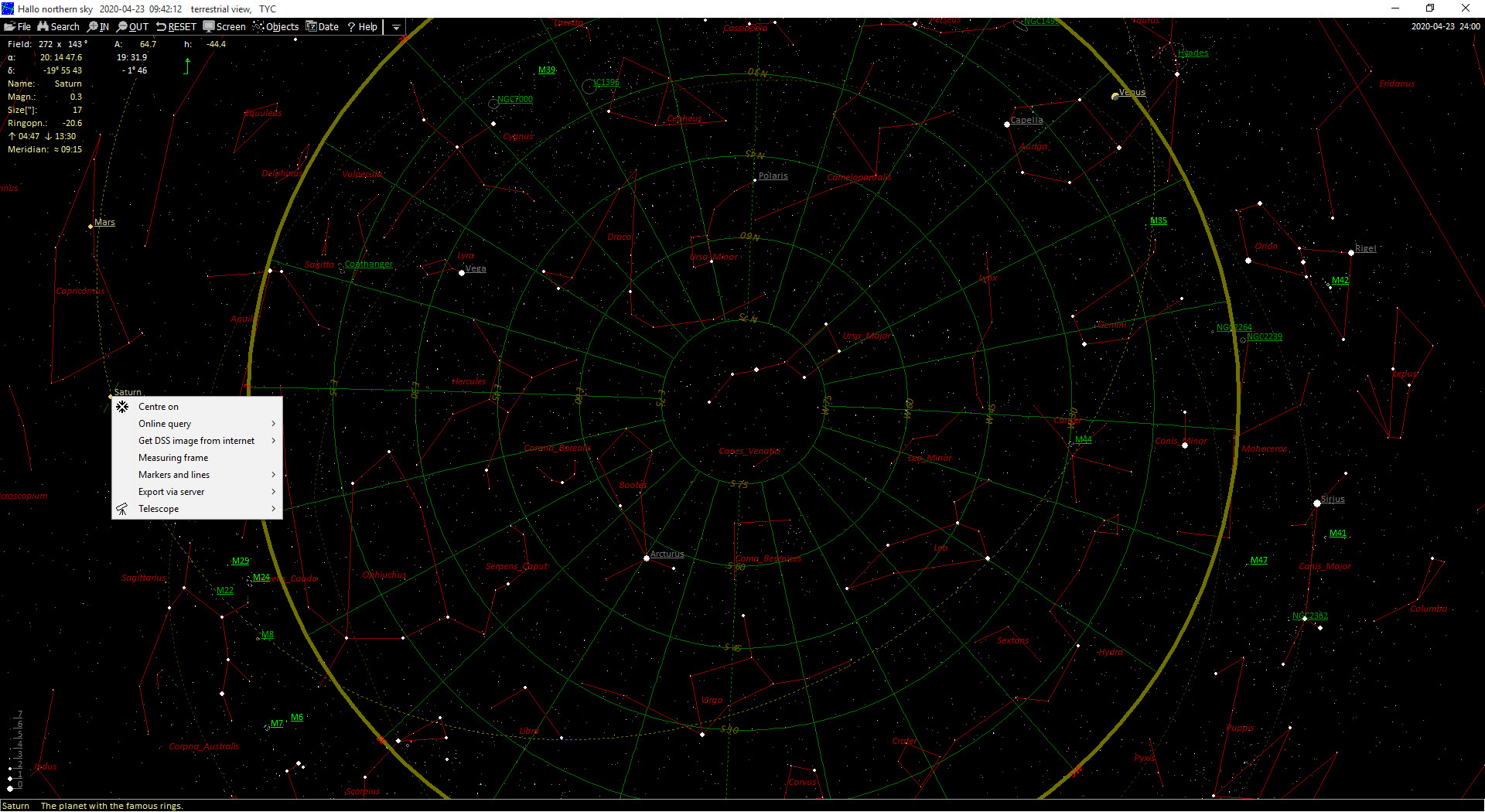
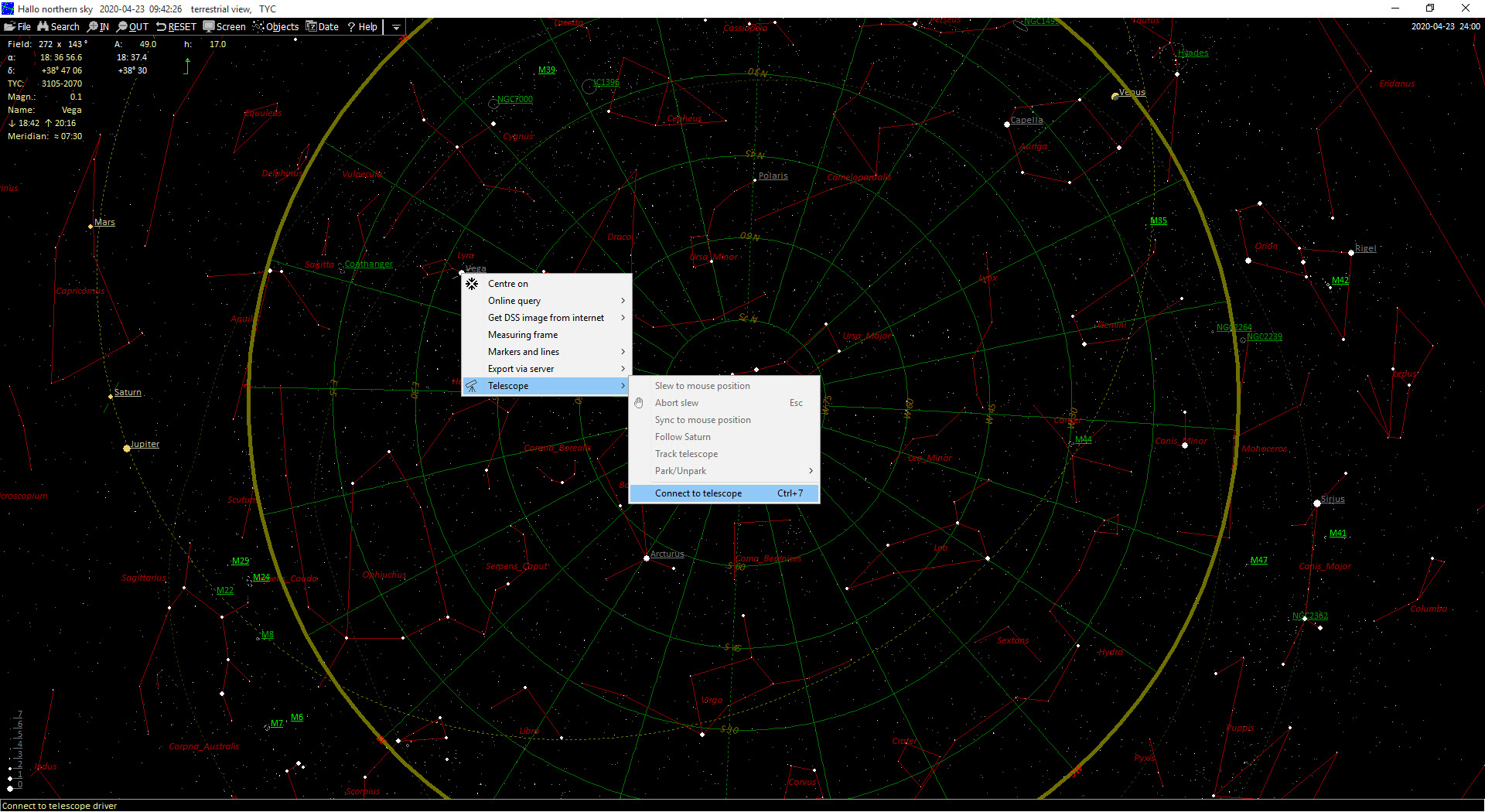
Here is what separates HNSKY from a program that merely draws the sky. It talks to telescope mounts through the standard control interface, so clicking an object on the chart and telling the mount to go there is the normal way of working.
That changes the role of the software entirely. Rather than looking at a chart and then operating a hand controller, the chart becomes the control surface, and the object you were reading about is the object the telescope swings towards.
Plate solving completes the loop in the other direction. Give it an image and it works out precisely which part of the sky it covers by matching the star pattern against the catalogue, which answers both what you photographed and exactly where the telescope was actually pointing rather than where it believed it was.
Anybody who has spent twenty minutes trying to identify a faint smudge in an image will understand why that function alone justifies the download.
Planning the frame before going outside
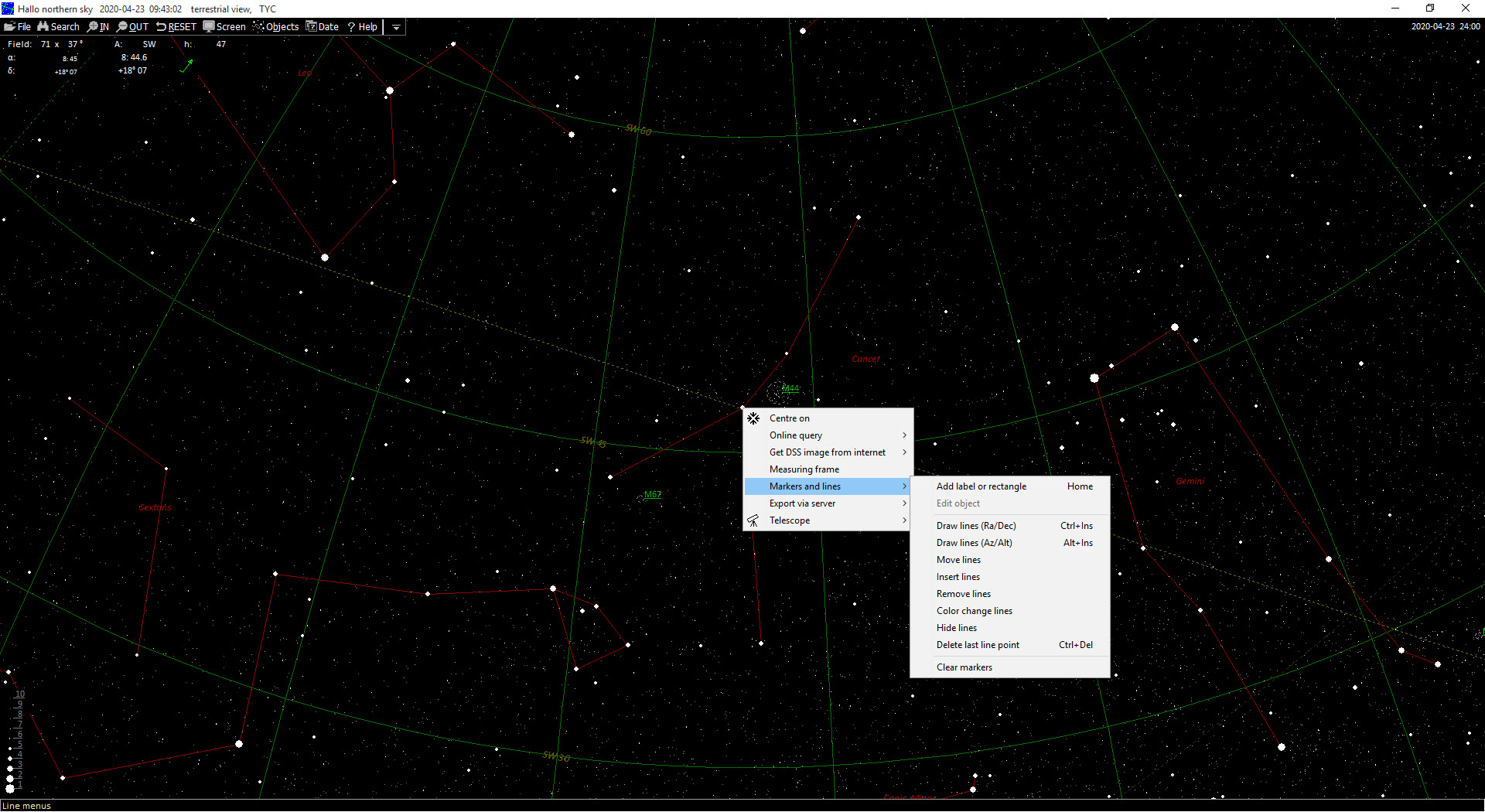
HNSKY overlays the chart with the area a particular eyepiece or camera sensor will actually cover.
Those indicators are planning rather than decoration. A galaxy that fits comfortably in one combination overflows another, and discovering that at two in the morning in the cold is how people learn to check first. Drawing the frame on the chart before going out saves the whole exercise.
Comet and asteroid elements can be updated so those objects appear at their current positions rather than where they were when the program was built, and time simulation shows the sky for any date, which is how somebody works out whether an object will actually be above the horizon at a usable altitude.
Once the images are captured, stacking them is a separate job, and a tool built for combining long sequences of night exposures handles the trail photography end of that.
Conclusion
HNSKY is a tool rather than a display, and judging it on appearance misses what it is for. Accurate charts, deep catalogues when you need them, direct control of a mount and plate solving that identifies an image add up to something an observer uses during a session rather than admires beforehand.
Match it to the right person. Somebody learning the sky wants the photorealistic alternative and will find this cold and unhelpful. Somebody with a telescope, a camera and a list of targets will find that the chart, the mount and the images all end up in the same window, which is exactly where they should be.
Pros & Cons
- Charts drawn for accuracy rather than for appearance, with a dark background
- Accepts much deeper star catalogues for equipment that reaches fainter objects
- Controls telescope mounts through the standard interface, so the chart becomes the control
- Plate solving identifies exactly where an image was taken from the star pattern
- Field-of-view indicators show what an eyepiece or sensor will actually cover
- Comet and asteroid positions can be brought up to date
- Time simulation confirms whether a target will be usefully placed
- Plain and utilitarian beside the photorealistic planetarium programs
- Deeper catalogues need installing manually rather than being offered in the interface
- Documentation is terse and assumes familiarity with the field
- No help at all for somebody who wants to learn the constellations
- The interface has aged and makes no effort to hide it
Frequently asked questions
It draws charts rather than rendering a sky. Positions, magnitudes and labels are prioritised over appearance, which suits somebody pointing equipment at the real sky and disappoints anybody wanting something attractive to look at.
Yes, through the standard mount control interface, which makes the chart the control surface. Clicking an object and sending the mount to it replaces working from a chart and a hand controller separately.
Identifying exactly which part of the sky an image covers by matching its star pattern against the catalogue. That confirms what you photographed and reveals where the telescope was actually pointing rather than where it thought it was.
Only if your equipment reaches fainter objects than the supplied catalogue plots. A modest telescope does not, and a camera taking long exposures certainly does, in which case the deeper catalogues are worth the manual installation.


