

GlovePIE
About GlovePIE
GlovePIE stands for Glove Programmable Input Emulator, and the name reflects both its origin and its purpose. Carl Kenner started the project as a way to emulate joystick and keyboard input from the Essential Reality P5 Glove (an early consumer VR glove from 2002), but the architecture was general enough that it grew into a tool for translating input from essentially any unusual device into the keyboard, mouse, joystick, or MIDI signals that normal applications expect to receive.
Connect a Wiimote over Bluetooth and write a script that maps its motion sensors to mouse movements. Hook up a MIDI keyboard and translate notes into game inputs. Configure voice recognition to trigger keyboard shortcuts on spoken commands. The tool sits between exotic input hardware and ordinary applications, with a scripting language that handles the translation logic.
The application is genuinely unusual in scope. Most input emulators target one specific device category and provide a graphical interface for mapping that device’s controls.
GlovePIE is closer to a programming environment than a configuration tool, with a scripting language called PIEScript that lets you write arbitrary logic combining inputs from multiple devices and producing complex output behaviors. The trade-off is real. Users coming from drag-and-drop key mappers find the scripting approach intimidating, and the documentation assumes more programming background than the average gamer brings.
The PIEScript scripting language
The scripting language is what differentiates GlovePIE from input emulators that handle their work through configuration screens. PIEScript looks roughly like a simplified BASIC or VB-style language, with input variables on the right side of expressions and output variables on the left. Write Mouse.X = Wiimote1.X and the Wiimote’s X-axis position controls the mouse’s X position.
Add conditional logic, mathematical transformations, and timing controls, and you can produce arbitrarily complex input translations without touching any drag-and-drop interface.
The language exposes hundreds of input variables across all supported devices. Wiimote buttons, accelerometer values, IR sensor positions, MotionPlus gyroscope data. Kinect skeletal tracking points, depth values, voice recognition results. Joystick axes and buttons. Keyboard key states. Mouse position and button states. MIDI controller values, note pressure, pitch bend.
Each variable can be read in real time and used as input to any logic you write.
Output variables cover the standard input types that other applications listen for. Keyboard.A through Keyboard.Z for key presses. Mouse.X, Mouse.Y, Mouse.LeftButton for mouse control. Various joystick output variables for emulating standard gaming devices. MIDI output for music applications.
The application creates virtual versions of these devices that other applications see as real input sources, with your script controlling what those virtual devices report.
For users coming from programming backgrounds, the language is approachable enough to learn in a weekend. For users without programming experience, the learning curve is real and substantial.
Community-shared scripts cover many common scenarios, which means new users can often start with someone else’s working script and modify it rather than building from scratch.
Wiimote support and the Bluetooth connection
The Wii Remote (Wiimote) integration is the most-used feature across the application’s user base. Pair a Wiimote with your computer over Bluetooth, and the application detects it as a supported input device. The buttons, accelerometer, IR camera, and (with extensions) Nunchuk, Classic Controller, MotionPlus gyroscope all become readable input variables in your scripts.
For Wii game emulation through Dolphin specifically, the Wiimote support produces the closest possible recreation of authentic Wii control. Rather than mapping Wiimote inputs to a regular gamepad and losing the motion control elements, scripts pass the actual motion data to Dolphin’s Wiimote support, which then uses it for the same purposes the original console did.
Pointing accuracy matches what real hardware delivers, motion controls work as designed, and the games play the way developers intended.
Beyond emulation, the Wiimote becomes a general-purpose motion controller for anything you can write a script for. Use it as a presentation remote with motion-controlled slide advancement. Configure it as a music controller with accelerometer-driven effect parameters. Set it up as a simple light gun for older PC games that supported lightgun input.
The Wiimote’s combination of motion sensing, IR pointing, and physical buttons covers more input modalities than traditional gamepads, which makes creative repurposing possible in ways that wouldn’t work with simpler controllers.
The Bluetooth pairing has gotten more complicated on current operating systems. Older Bluetooth stacks paired Wiimotes through HID (Human Interface Device) protocols cleanly. Modern Bluetooth implementations sometimes refuse pairing or produce connections that drop unpredictably.
The community preservation effort has addressed some of these issues, but specific hardware-software combinations still have setup challenges that take research to solve.
Voice recognition for spoken command input
The voice recognition support uses the operating system’s built-in speech engine to translate spoken commands into script-readable input. Speak a phrase that your script is listening for, and the script can trigger any output action you’ve configured. Say “fireball” to trigger a complex key combination. Say “switch weapon” to send the weapon-switch button to your game. Say “volume up” to send media key signals.
For accessibility setups specifically, voice control opens up gaming and computer use to users who can’t use traditional keyboards and mice effectively. Combined with the eye-tracking or head-tracking input that other devices provide, voice commands handle the discrete-action portion of input while motion handles the continuous portion. The combination produces functional gaming setups for users with mobility limitations.
The voice recognition accuracy depends substantially on the speech engine. Quiet environments with clear pronunciation produce reliable recognition. Noisy environments or unusual accents produce more errors. The application doesn’t include its own speech engine, relying on the operating system’s built-in capabilities. For users wanting better recognition than the system default provides, configuring the speech recognition with custom training improves accuracy substantially.
The latency between spoken word and triggered action is typically a few hundred milliseconds, which fits commands that don’t need split-second timing. For commands requiring precise timing (like rapidly canceling actions during gameplay), voice control isn’t appropriate. The application’s strength is supplementing rather than replacing direct controller input.
Other supported input devices
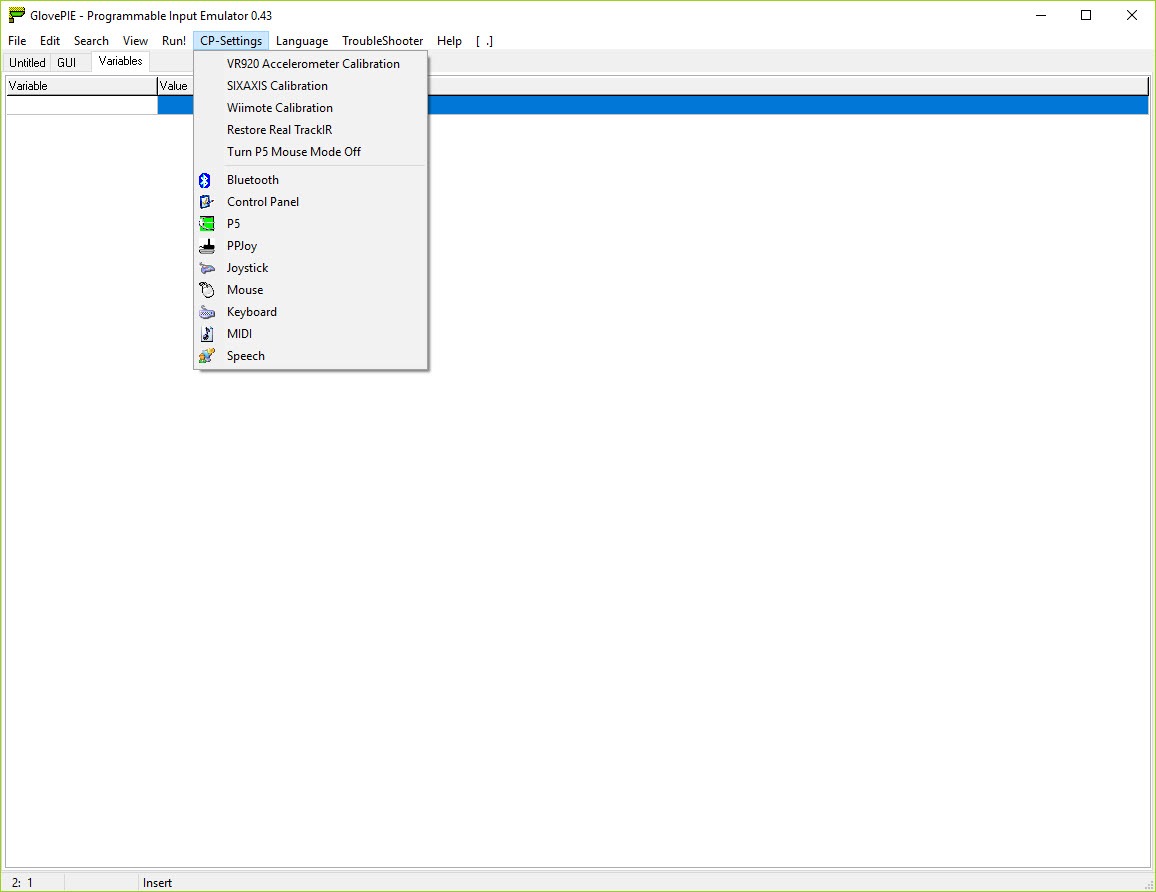
Beyond the Wiimote and voice, the application supports a wide range of input sources. Microsoft Kinect (both v1 and v2) provides skeletal tracking that can map body position to mouse position or joystick axes, useful for full-body motion control. SIXAXIS controllers from PlayStation 3 work over USB or Bluetooth with full button and motion tracking.
Standard joysticks and gamepads of all kinds appear as input sources. MIDI devices including keyboards, controllers, and DJ equipment produce input that scripts can map to anything.
The P5 Glove that started the project still works through the application despite the hardware being discontinued for years. For users who own this specific historical device, the application remains essentially the only way to use it on modern systems. The continued support reflects the project’s roots more than current relevance, but it matters to the small community that still uses P5 Gloves for various creative projects.
The application also accepts virtual inputs from other applications, MIDI from network sources, and custom input that scripts read from files or other I/O. For users wanting to integrate the application with other software in their workflow, these flexible input sources support patterns that pure hardware-only emulators don’t address.
Output emulation across input types
The output side covers the input types that target applications expect. Standard keyboard emulation produces keystrokes that any application receives as if typed on a real keyboard. Mouse emulation handles cursor movement, button clicks, and scroll wheel input. Joystick emulation creates virtual gamepads that games detect through DirectInput or XInput, with full axis and button support.
MIDI output makes the application useful for music software. Map gamepad buttons to MIDI notes, accelerometer movements to continuous controller values, voice commands to program changes.
The result is unusual MIDI controllers that don’t exist as physical hardware, with the input devices you already own producing MIDI that DAWs and music software accept normally.
Network output sends events to other computers on the network or to specific applications listening on network ports. For multi-computer setups or for integration with software that listens for network events rather than direct input, this network capability extends the application’s usefulness beyond single-machine scenarios.
The combination of input flexibility and output flexibility means the application essentially translates any supported input to any supported output. The script defines what the translation actually does, with the trade-off being the scripting requirement that simpler tools avoid.
Use cases that matter today
The Wii emulation use case (using a real Wiimote to play emulated Wii games on PC) remains the most common reason people install the application. The Dolphin emulator has its own Wiimote support, but GlovePIE scripts often produce better experience for specific games or specific control schemes. Community-shared scripts for individual games handle the per-title customization that Dolphin’s general support doesn’t address.
Accessibility setups for users with mobility limitations represent another active community. Combinations of unusual input devices (eye tracking, voice control, head tracking, sip-and-puff controllers, single-button switches) translated through scripts into normal keyboard and mouse output produce functional computer access for users who can’t use traditional input.
The customization scripts allow makes accessibility setups achievable that off-the-shelf solutions don’t cover.
Music production with unusual controllers uses the application’s MIDI output capabilities. Translating dance pad input into rhythm controller signals. Using Wiimote motion to control synthesizer parameters. Mapping spoken commands to sample triggers. The flexibility supports creative projects that wouldn’t be possible with controller software locked to specific input-output combinations.
Gaming setups for older games that don’t support modern controllers benefit from the input translation capabilities. Translate XInput controller input into the older DirectInput format some retro games require.
Map a modern gamepad to keyboard inputs that old games respond to. Configure unusual controllers for games that never officially supported them.
Considerations and limitations
Active development from the original creator stopped years ago. The community preservation effort keeps the application functional, but new features arrive slowly and major architectural improvements aren’t likely.
For users wanting actively-evolving software with regular feature additions, this isn’t the application. For users whose specific use case the application already serves well, the slower development pace doesn’t matter much.
The scripting requirement is genuinely limiting for users without programming inclinations. Despite community-shared scripts covering many common scenarios, customization beyond what shared scripts handle requires writing PIEScript yourself. Users wanting drag-and-drop simplicity should evaluate alternatives that provide it, with the trade-off being reduced customization depth.
Modern alternatives exist for some specific use cases. WiiPair handles Wiimote-to-PC connection more reliably on current systems for users who only need basic controller functionality. JoyToKey provides simpler joystick-to-keyboard mapping without scripting. AutoHotkey covers keyboard automation with a more general programming environment.
Dolphin’s built-in Wiimote support handles Wii emulation directly without external tools. For users whose needs fit these narrower alternatives, they may produce better results than the broader GlovePIE approach.
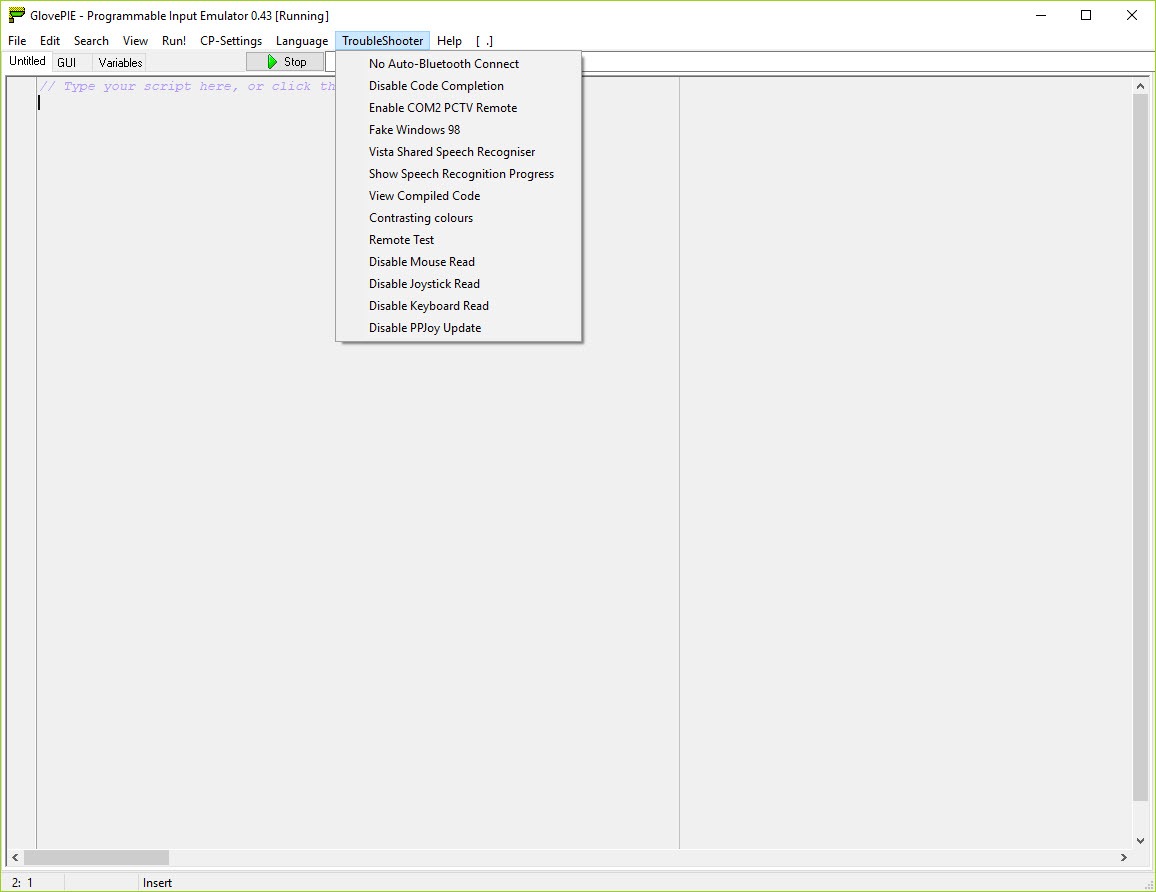
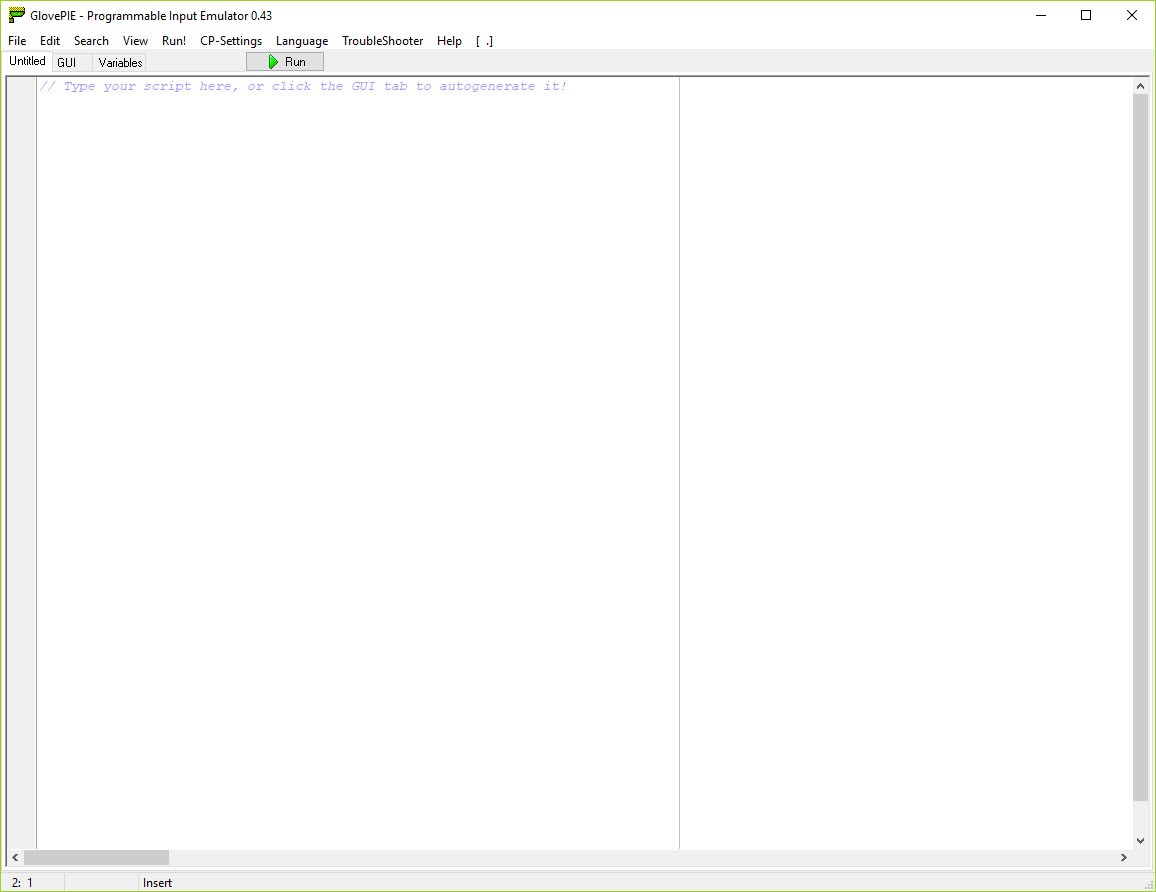
The interface design reflects priorities from earlier eras of software development. The script editor is functional rather than refined. Documentation is scattered across community resources rather than being centrally maintained. New users sometimes struggle to find relevant information for their specific use cases without substantial searching through forum archives.
Some specific input devices have stopped being supported as their drivers became incompatible with current systems. Older USB devices that depended on legacy driver models sometimes don’t work despite the application still recognizing them, with the limitation being below the application’s level rather than within it.
Conclusion
For users who need input translation that goes beyond what point-and-click mappers handle, GlovePIE delivers serious capability through its scripting approach. The combination of broad input device support, flexible output emulation, and the unlimited customization that PIEScript enables produces solutions that drag-and-drop alternatives simply can’t match for unusual scenarios.
Wiimote-to-PC use cases, accessibility setups, music production with custom controllers, and various other specialized applications all rely on capabilities the application provides that no current alternative fully replicates.
The reasons to consider alternatives are mostly about whether your needs fit simpler tools. Users wanting basic gamepad-to-keyboard mapping find JoyToKey or AutoHotkey more accessible without the scripting requirement. Users emulating Wii games who only need standard controller behavior get adequate results from Dolphin’s built-in Wiimote support.
Users wanting actively-developed software with regular feature additions need to look elsewhere because original development on this application stopped years ago.
But for the specific scenarios where the scripting flexibility and unusual device support actually matter, this software remains essentially the only serious option in its category, with community preservation keeping it functional for the user base that still depends on it.
Pros & Cons
- PIEScript scripting language enables arbitrarily complex input-to-output translations
- Wiimote support remains the standard for connecting Wii Remotes to PC across Bluetooth
- Voice recognition supplements physical input with spoken command triggering
- Kinect, SIXAXIS, MIDI, and various other unusual devices supported as input sources
- Output covers keyboard, mouse, joystick, and MIDI emulation that other applications accept normally
- Community preservation maintains the application for users whose workflows depend on it
- Wiki and forum archives contain substantial scripts for common gaming scenarios
- Accessibility applications handle setups that commercial tools don't address
- Free without commercial restrictions for users who need the specific capabilities
- Original development stopped years ago with community preservation continuing
- Scripting requirement is intimidating for users wanting drag-and-drop simplicity
- Compatibility on current systems requires workarounds that weren't needed previously
- Documentation is scattered across community resources rather than centrally maintained
- Specific input devices have stopped working as their drivers became outdated
- Modern alternatives exist for some specific use cases that don't need the broader capabilities
- Interface design reflects priorities from earlier development eras
Frequently asked questions
This software is a programmable input emulator that translates input from unusual hardware (Wiimote, Kinect, MIDI devices, voice commands, P5 Glove, SIXAXIS controllers, and various others) into standard keyboard, mouse, joystick, or MIDI output that ordinary applications can receive. It uses a scripting language called PIEScript to define the translation logic, which means arbitrarily complex behaviors are possible compared to simpler tools that handle their work through configuration screens.
Install the application, write or load a PIEScript file that defines the translation you want, and run the script. The application reads input from the configured devices and produces output that other applications see as if it came from regular input devices. For users new to the application, starting with community-shared scripts that already handle common scenarios is more practical than writing scripts from scratch. Modify shared scripts to fit your specific needs as you learn the language.
The application can emulate keyboard input, mouse input, joystick input across DirectInput and XInput formats, MIDI output, and network events. The input side accepts Wiimotes (including extensions like Nunchuk, Classic Controller, and MotionPlus), Microsoft Kinect, SIXAXIS controllers, P5 Gloves, MIDI devices, voice recognition through the operating system speech engine, and various other unusual input sources alongside standard joysticks and keyboards.
Pair the Wiimote with your computer through Bluetooth, treating it as any other Bluetooth HID device. The pairing process requires holding the Wiimote's red sync button while initiating Bluetooth pairing on the computer. Once paired, the application detects the Wiimote as a supported input source. For systems where standard Bluetooth pairing doesn't work cleanly, community guides cover specific workarounds for different Bluetooth stacks and operating system versions.
PIEScript is the scripting language built into the application for defining input-to-output translations. The syntax resembles simplified BASIC or VB-style languages, with input device variables on the right side of expressions and output device variables on the left. Write Mouse.X = Wiimote1.X and the Wiimote's X-axis controls the mouse's X position. Conditional logic, mathematical transformations, timing controls, and various other programming constructs let you build arbitrarily complex translations.
Yes, and this is one of the most common use cases. Dolphin includes its own Wiimote support, but GlovePIE scripts often produce better experience for specific games or specific control schemes. Community-shared scripts cover individual games with custom mappings, button reassignments, and motion control adjustments that Dolphin's general support doesn't address. For users emulating specific games, finding a community script tailored for that game often produces better results than relying on Dolphin's defaults.
JoyToKey provides simpler joystick-to-keyboard mapping through a configuration interface without requiring scripting. For users wanting basic gamepad-to-keyboard translation, JoyToKey is more accessible because it doesn't have the scripting learning curve. GlovePIE offers substantially broader input device support including Wiimotes, Kinect, voice recognition, and MIDI that JoyToKey doesn't handle, plus the unlimited customization that scripting enables. The choice depends on whether your needs fit the simpler tool or require the broader capabilities.
Voice recognition depends on the operating system's built-in speech engine, which needs to be enabled and configured before scripts can use it. Verify that voice recognition works in operating system settings before troubleshooting through the application. Background noise, microphone quality, and accent variations all affect recognition accuracy. For users with consistent recognition problems, training the system speech recognition with your specific voice produces substantial improvement. Specific microphone configurations sometimes require setup beyond default values.


