

Free Download Manager
About Free Download Manager
Free Download Manager tackles a problem that browsers have never really solved well. Native download handling in Chrome or Edge is fine until a file is large, the connection drops halfway, or you want fifteen things queued in a sensible order. Free Download Manager sits between you and the web, grabbing files, splitting them into chunks, and reassembling them faster than a single-stream browser download ever could.
It is one of the longest-running names in the download-manager category, alongside paid options like Internet Download Manager, and it does the bulk of the same work without asking for a license fee.
What sets the application apart from a plain accelerator is scope. It is a download manager, a torrent client, and a basic media grabber rolled into one window. You point it at an HTTP link, a magnet link, or a whole folder on a remote server, and everything lands in the same queue with the same controls. That consolidation is the real selling point, and it is worth unpacking feature by feature.
Splitting files into sections for faster transfers
The core trick is dead simple in concept. Free Download Manager breaks a file into several sections and pulls them down at the same time, then stitches them back together. On a connection that throttles individual streams (which is most of them), this matters, because you are no longer bottlenecked by one thread crawling along. The number of sections is adjustable, so if a server starts choking on too many simultaneous requests you can dial it back.
It also pulls from multiple mirrors when a file is hosted in more than one place, treating each mirror as another section. And if the link dies mid-transfer, resume picks up exactly where it stopped instead of forcing you to start from zero.
That last part sounds trivial until you have lost a 4GB download at 90 percent on flaky hotel Wi-Fi.
A full BitTorrent client built into the same queue
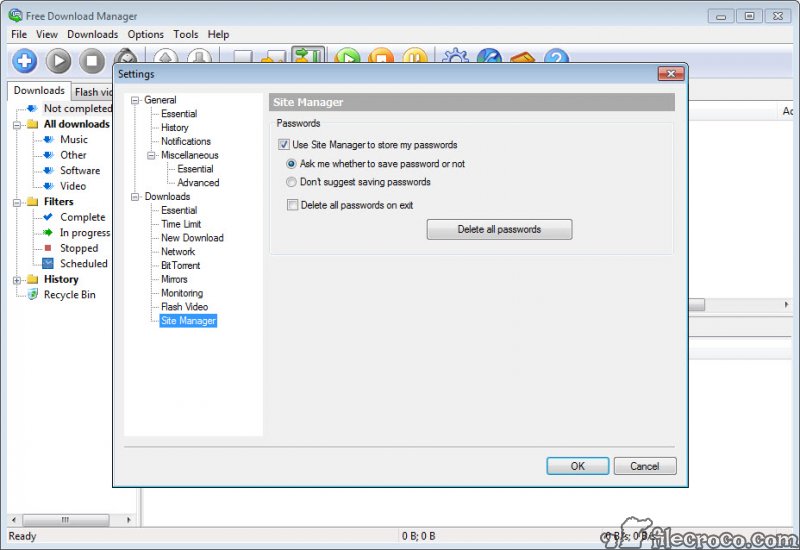
This is where the tool pulls ahead of single-purpose accelerators. There is a complete BitTorrent engine inside, so magnet links and .torrent files open directly and download right next to your regular HTTP and FTP transfers. No separate program, no switching windows. If you currently keep something like qBittorrent or BitComet open purely for the occasional torrent, Free Download Manager can fold that job into one app.
The torrent side is not bare-bones either. You get DHT, PeX, and Local Peer Discovery for finding peers, priority control per torrent, and an option to auto-delete the .torrent file once the job finishes. You can point it at a watch folder so any .torrent dropped there starts automatically.
It will not satisfy a hardcore seedbox user who wants granular ratio rules and obscure tracker settings, and that is a fair limitation to name up front. For everyone else, it covers the ground.
Traffic modes and the scheduler
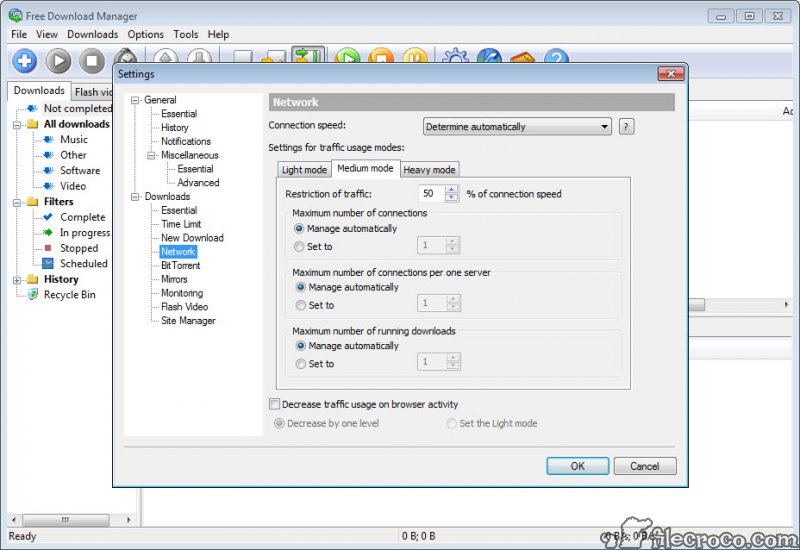
Here is a touch that long-time users genuinely rely on. The traffic system has presets (low, medium, high) plus a manual cap, but the clever bit is “Light Mode,” informally called Snail Mode after the little snail icon in the bottom corner. Click it and every active download drops to a trickle so your browsing stays responsive. Click it off and full speed returns. It is a one-button way to stop a big download from strangling everything else on the network.
The scheduler handles the other half of bandwidth management. You can set downloads to run at specific hours (overnight, say, when your ISP is less congested), pause and resume on a timetable, and even trigger actions like launching a program or hanging up the connection when a batch finishes.
Set a queue before bed, wake up to finished files. That kind of unattended operation is the sort of thing a built-in browser downloader simply cannot do.
Site Explorer, HTML Spider, and partial downloads
A few older features still earn their place. Site Explorer lets you browse the folder structure of a website and grab individual files or entire directories, which is handy when a page links to a pile of PDFs or images and you would rather not click each one. HTML Spider goes further and can pull whole web pages or sites for offline reading, with a filter so you only fetch files of a chosen extension.
There is also partial download support for zip archives. Free Download Manager can fetch just the portion of a zip you actually want instead of the whole thing, which saves time when you only need one file out of a bulky package.
Niche, sure. But when you need it, nothing else in the queue does it.
Browser integration and media handling
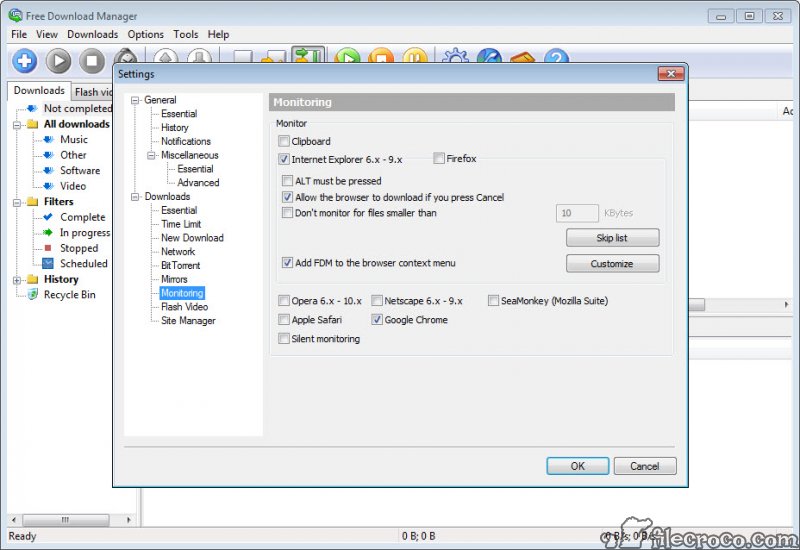
The browser extension is the part you will touch daily. It hooks into Chrome, Firefox, and Edge, intercepting downloads the moment you click a link so they route into the manager automatically. You can also drag a URL straight from a browser tab into the interface if you prefer manual control. For pulling clips from supported sites, add-ons handle the extraction, and there is a preview function that plays audio or video before the transfer even finishes, plus format conversion afterward.
The media grabbing is the weakest leg, honestly. Site support shifts constantly and the built-in extraction does not keep pace with a dedicated tool. Plenty of people pair the application with a separate utility for that specific job and let Free Download Manager handle everything else in the queue.
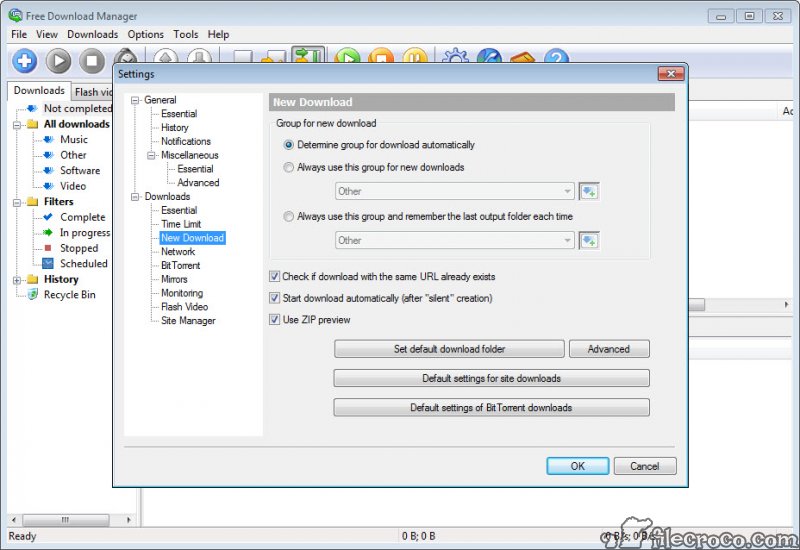
For organizing what you have already pulled, files get auto-sorted into folders by type and tagged as Video, Music, and so on, which keeps a busy download history from turning into chaos.
Conclusion
Free Download Manager makes the most sense for someone who downloads a lot of different things and is tired of juggling separate apps for HTTP files, torrents, and the occasional offline website grab. The consolidation is the point. One queue, one set of bandwidth controls, one scheduler running the whole show overnight while you sleep.
It will not win over the seedbox crowd or anyone who lives in a video-ripping workflow, and the look has aged. But for steady, everyday downloading where reliability and resume matter more than polish, it does the job without nagging you for money or burying ads in the window. A practical choice that quietly handles the parts of downloading browsers still get wrong.
Features & benefits
Pros & Cons
- Splitting files into sections delivers a real speed gain on throttled or slow connections
- Built-in BitTorrent client with DHT, PeX, and priority control removes the need for a separate torrent app
- Snail Mode and traffic presets give one-click control over bandwidth without digging through menus
- The scheduler handles unattended overnight downloads and post-completion actions
- Resume recovers interrupted transfers from the exact point they stopped
- Available in 24 languages and free of ads or bundled junk
- The interface looks utilitarian and has not changed much in feel over the years
- Media and video extraction lags behind dedicated downloaders and breaks when sites change
- The torrent engine lacks the deep ratio and tracker controls power users expect
- Occasional fiddliness with browser extension capture, where some downloads slip through to the browser anyway
Frequently asked questions
It depends on what you download. For mixed HTTP, FTP, and torrent traffic in one place, this tool is hard to beat at no cost. If you only want raw HTTP acceleration with the tightest browser integration, a paid option like Internet Download Manager edges it.
Yes. The application lets you build a queue and run jobs one after another, and the scheduler can tie that queue to specific hours so downloads start and stop on a timetable you set.
It does. A full BitTorrent engine is built in, so magnet links and .torrent files download alongside your normal transfers, with DHT, PeX, and Local Peer Discovery all supported.
Open Traffic Limits and pick a low, medium, or high preset, or set a manual cap. For quick throttling while you browse, click the snail icon in the corner to switch to Light Mode.
Up to a point. Add-ons handle extraction from supported sites and you can preview clips before they finish, but coverage is inconsistent, so a dedicated video tool is often the better pick for that one task.


