

Fotor
About Fotor
Photo software divides between programs that give you control and programs that give you results. Fotor belongs firmly to the second group, built around presets, templates, one-action improvements rather than precise manipulation.
That is a design choice rather than a shortcoming, and it decides whether this suits you before any feature does. Somebody who wants to correct a photograph in thirty seconds is served well. Somebody who wants to work on it deliberately, in layers, with every decision reversible, is in the wrong place.
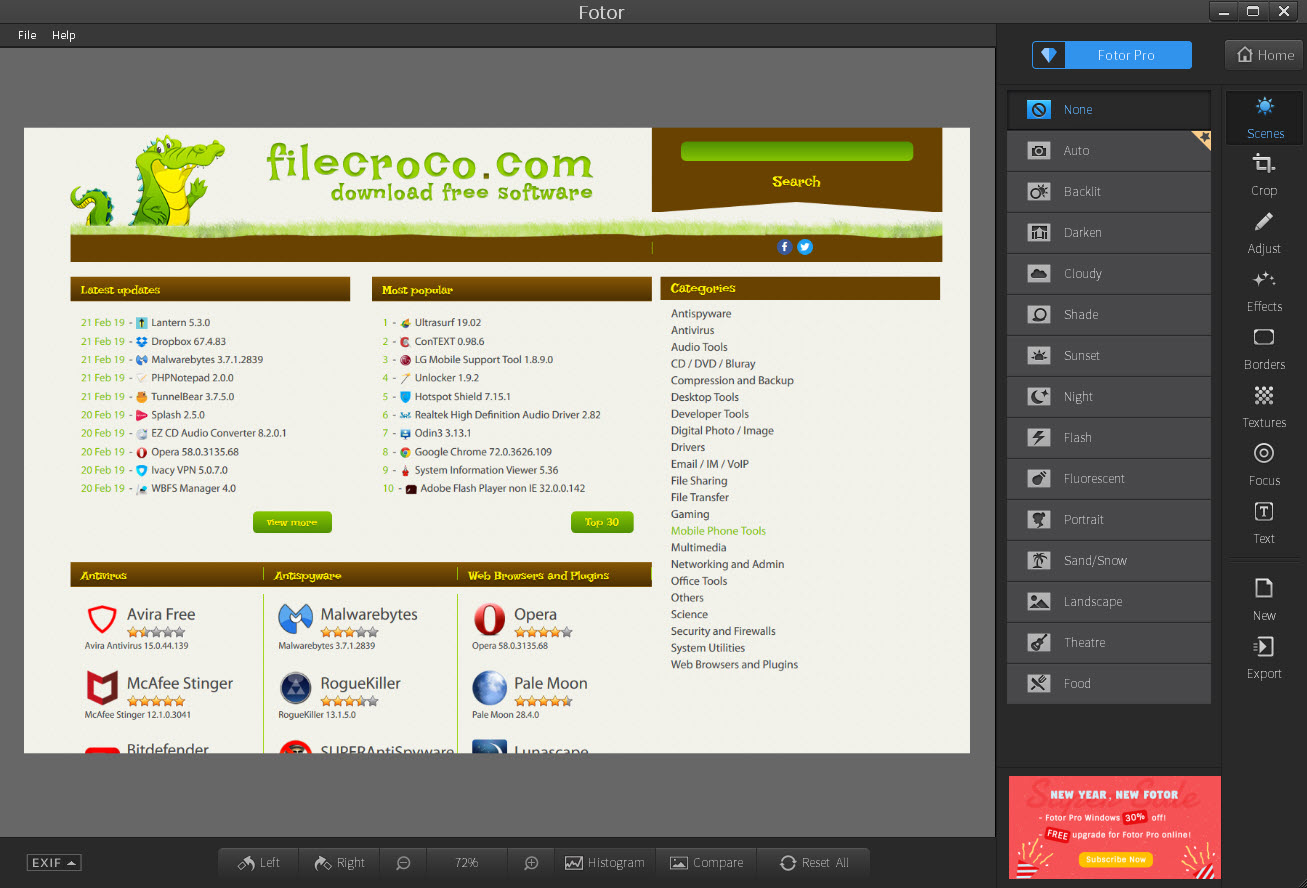
The automatic enhancement is the clearest expression of the philosophy. One action examines the image and adjusts exposure, contrast, colour together, producing something better than the original in most cases and something you did not choose in all of them.
For layer-based editing with real control, Paint.NET covers that territory and expects rather more from you.
The adjustments underneath the presets
Behind the Fotor automatic options sit manual controls, and they are more capable than the interface suggests.
Exposure, contrast, highlights, shadows, saturation, temperature, tint are all adjustable individually. Curves are available for anybody who understands them, which is the tool that separates real correction from moving sliders hopefully.
Cropping includes the standard aspect ratios along with straightening, and the perspective correction handles the converging verticals that make a photograph of a building look wrong.
A clone and heal tool covers the everyday removals, meaning a lamppost through somebody’s head or a stain on a wall, by sampling a nearby area and painting over the problem. It works on plain backgrounds and struggles on detailed ones, which is the same limitation such tools have everywhere.
What is absent is a non-destructive workflow. Adjustments are applied rather than held as instructions, so revisiting a decision after saving means starting from the saved result. For raw files developed non-destructively, with the original always intact, a raw editor that keeps every adjustment as an editable instruction is the correct instrument.
Portrait work, and the case for restraint
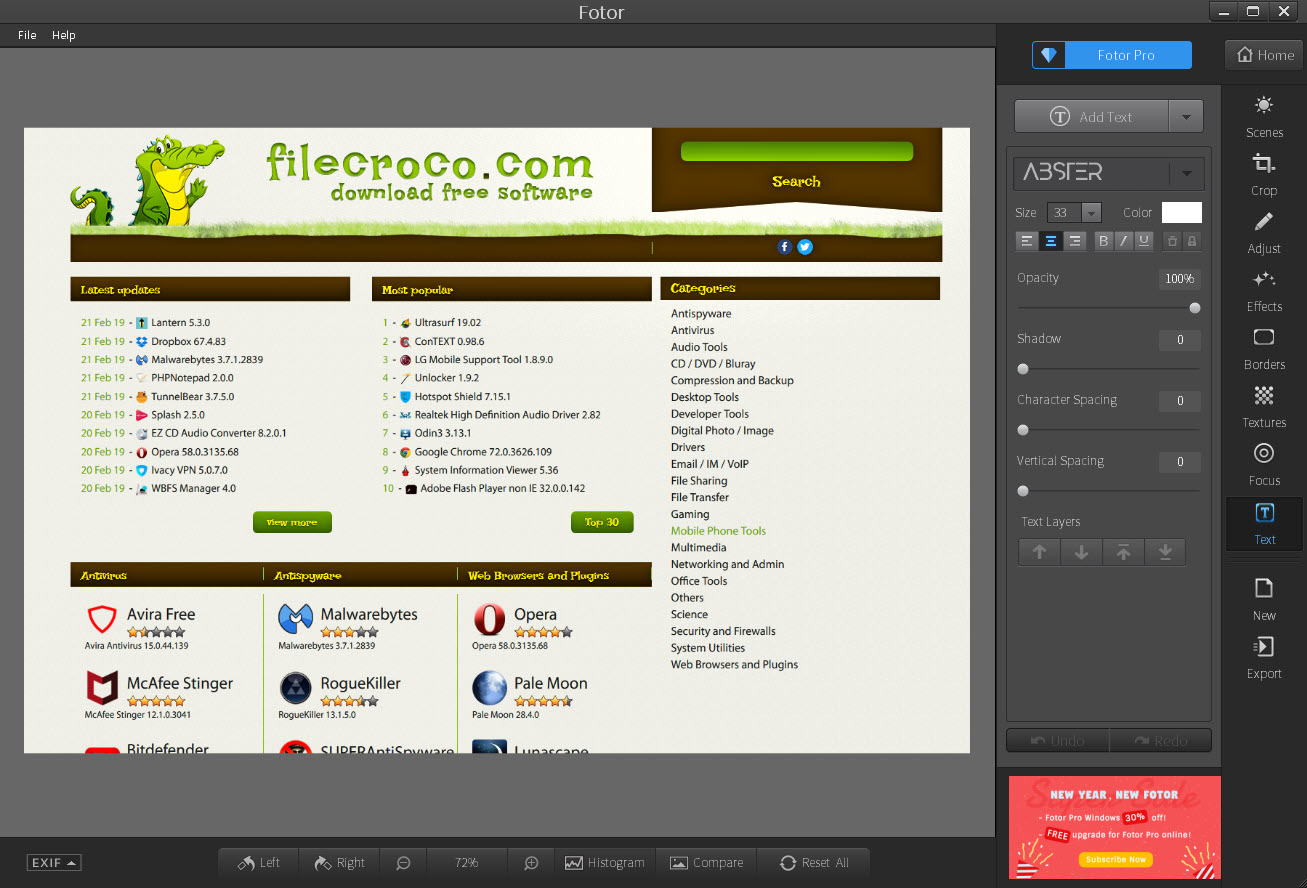
The Fotor retouching tools cover what portrait editing usually involves. Blemish removal, skin smoothing, tooth whitening, eye brightening, reshaping.
They work, and the honest guidance is to use considerably less than the sliders invite. Skin smoothing pushed hard removes texture entirely and produces the plastic appearance everybody recognises and nobody intends, and reshaping applied generously crosses from flattering to obviously altered.
The useful application is subtle. Removing a temporary blemish somebody would rather not have photographed, evening out lighting that fell badly, and brightening eyes slightly are all invisible when done gently and glaring when overdone.
Collages, which is why many people are here
The Fotor collage feature deserves its own section, because it is what a great many people actually come for.
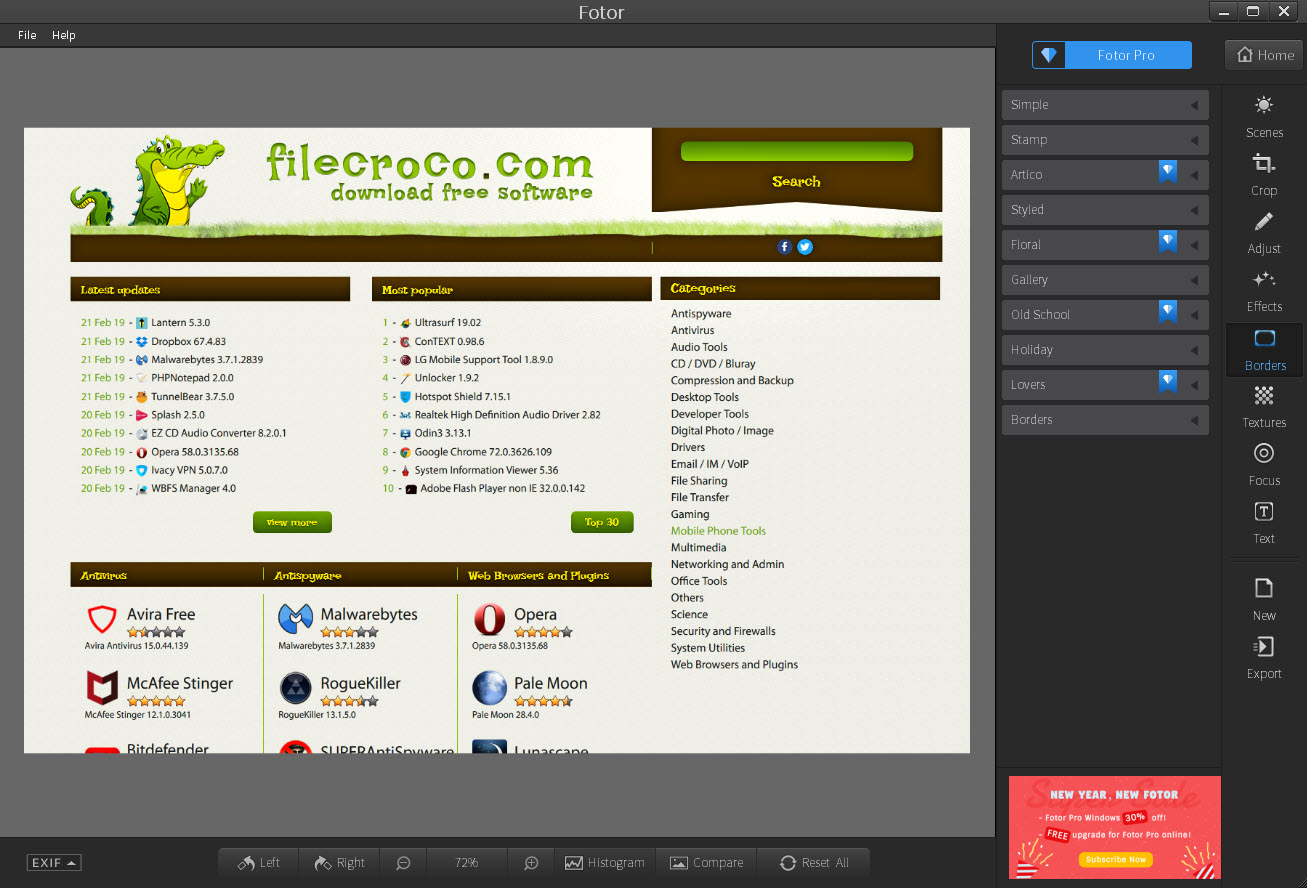
Templates arrange several photographs into a single composition, with adjustable spacing, borders, backgrounds, plus the ability to swap images between positions without rebuilding the layout. Freestyle arrangement is available for anybody who wants to place images themselves.
That covers a genuine everyday need. A set of holiday photographs into one image to send, a before and after pair side by side, or a page of photographs for a card are all tedious in a general editor and immediate here.
Templates for the things people actually make
Beyond collages, Fotor offers a template library aimed at the material non-designers have to produce anyway.
Social media posts at the correct dimensions for each service, invitations, cards, posters, simple marketing pieces. Each arrives as an editable arrangement of text and images rather than a flat picture.
The value is in the dimensions and the layout rather than the artwork. Knowing what size a particular post should be, and starting from a composition somebody designed, produces a better result than improvising in a blank canvas, which is what most of us would otherwise do.
Part of the library belongs to the paid tier, and which part shifts over time.
Batch processing, the feature nobody mentions
Fotor applies the same operation across many files at once, and this is the most practically useful thing in it.
Resizing forty photographs to the same dimensions, applying one adjustment across a set shot in the same conditions, converting a folder between formats, or renaming a sequence all happen in one pass rather than forty.
Anybody who has processed images one at a time will recognise the hours involved. For batch work as a dedicated job with more format control, IrfanView handles enormous batches quickly and looks like software from another era while doing it.
The generated features, and where your image goes
The newer Fotor additions include background removal, object removal, resolution enlargement and generative filling of areas you erase.
They are impressive on suitable images. Background removal on a clear subject produces a clean cutout in seconds that would take real effort by hand, and enlargement recovers detail that simple scaling cannot.
The point to understand is where the work happens. These are network services rather than local processing, which means the image is sent to be processed and returned. For a holiday snapshot that raises nothing. For anything private, a document, a family photograph, or material belonging to a client, it is a decision rather than a convenience, and one to make deliberately.
Local alternatives exist for parts of this, and GIMP removes backgrounds and fills areas entirely on your own machine, with considerably more effort and no image leaving your control.
What the unpaid tier holds back
Being clear about this saves the specific frustration of finishing an edit and discovering the export is limited.
The unpaid Fotor arrangement restricts access to part of the effect and template libraries, applies limits at export on resolution or watermarking depending on what you used, and reserves some of the generated features entirely.
The practical advice is to establish those limits before starting something that matters rather than at the point of saving it. That is true of every product arranged this way and it stings more here, because the editing is quick and the disappointment arrives at the end.
Conclusion
Fotor is honest about what it is, which is a fast editor for people who want a result rather than a process. The automatic enhancement, the collage templates and the design layouts at correct dimensions solve real everyday problems, and the batch processing quietly saves more time than any of the headline features.
Two things belong in the decision. Edits are applied rather than held, so this is not where a photograph you care about should be worked on repeatedly, and the generated features send your image elsewhere to be processed, which matters for some pictures and not for others. Establish the export limits before you begin something important, keep the retouching sliders low, and it does exactly what it set out to do.
Pros & Cons
- Automatic enhancement produces a better image in one action
- Manual controls including curves and perspective correction sit behind the presets
- Portrait retouching covers blemishes, smoothing, whitening, reshaping
- Collage templates handle a common need that general editors make tedious
- Design templates arrive at the correct dimensions for each destination
- Batch processing applies one operation across an entire folder
- Background removal and area filling produce results that would take real effort by hand
- Adjustments are applied rather than held, so decisions are not revisitable after saving
- No layers, so compositing beyond collage templates is outside its scope
- Retouching sliders invite far more than any photograph benefits from
- The generated features send your image to be processed elsewhere
- Export limits and watermarks in the unpaid tier appear at the end of the work
- Part of the effect and template libraries belongs to the paid tier
Frequently asked questions
Not in the sense of layers and non-destructive editing. It corrects, retouches, composes using presets and templates, which suits quick work. Deliberate manipulation with reversible decisions needs an editor built around layers.
Access to part of the effect and template libraries, some of the generated features, and export in terms of resolution or watermarking depending on what you used. Establishing which limits apply before starting is worth the minute it takes.
Remotely rather than on your machine, so the image is sent away and returned. That is unremarkable for ordinary photographs and a real decision for anything private or belonging to somebody else.
Yes, applying one adjustment, resize, format conversion or renaming across a whole folder in a single pass. It is among the more useful things in the product and among the least mentioned.
It opens them, and it treats them as images to adjust rather than developing them non-destructively. Anybody working from raw seriously wants an editor that keeps the original untouched and every adjustment revisable.
Quick correction, portrait retouching used sparingly, collages, templated designs at the right dimensions. Those four cover what most people photograph and produce, which is why the product exists in the shape it does.


