

foobar2000
About foobar2000
foobar2000 is a lightweight yet powerful audio player that has earned a loyal following among music enthusiasts, audiophiles, and power users who demand precision and flexibility from their listening software. Stripped of unnecessary visual clutter, it focuses on delivering high-quality audio playback combined with a remarkable depth of customization.
Whether you are managing a massive personal music collection or simply want a reliable, no-nonsense player that respects your files and your CPU, this tool offers a refreshingly efficient experience that can be tailored to fit just about any workflow.
Wide format support and high-fidelity playback
One of the defining strengths of foobar2000 is its extensive support for audio formats. It handles common files like MP3, FLAC, AAC, OGG, WMA, and WAV, but also works with less common ones such as Musepack, Monkey’s Audio, WavPack, and various tracker formats used by chiptune fans.
Audiophiles will appreciate the bit-perfect output options, gapless playback, and support for high-resolution files including DSD through community-built components.
This makes the application equally suited for casual listening and serious critical evaluation of recordings.
Highly customizable interface and layout
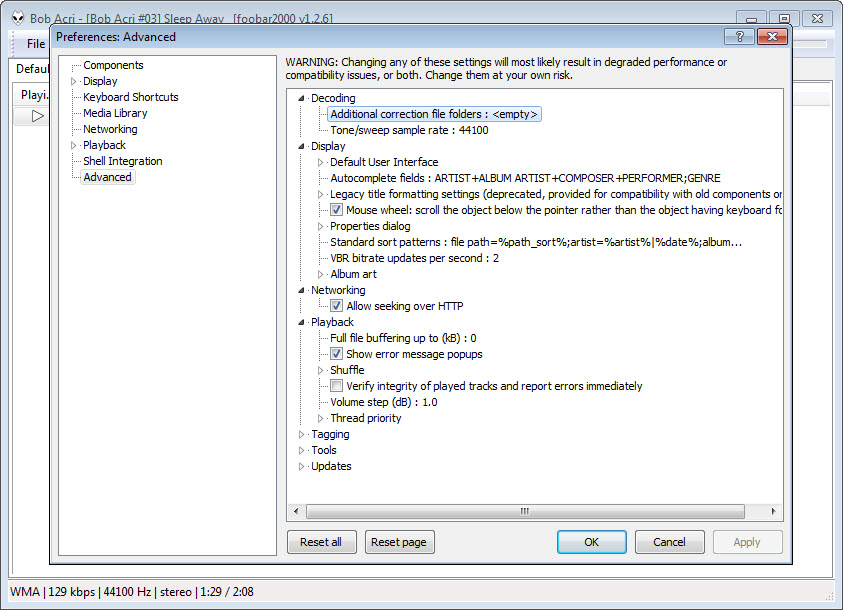
Rather than locking you into a fixed design, this software lets you build the interface to suit your habits. The Default User Interface and the alternative Columns UI both allow extensive rearrangement of panels, playlists, album art displays, spectrum analyzers, and metadata views.
For users willing to spend time tweaking, layouts can be saved, shared, or imported from the active community.
This level of flexibility means the player can look minimal and clean for some users, or rich and information-dense for those who prefer a detailed dashboard while listening.
Powerful library and playlist management
The media library system handles huge collections without breaking a sweat, indexing tens of thousands of tracks while remaining responsive. You can organize music by artist, album, genre, year, or any custom criteria using the flexible query syntax built into the application.
Playlists are equally capable, supporting drag-and-drop editing, autoplaylists based on saved searches, and quick filtering. This combination makes finding and queuing exactly the right tracks straightforward, even within enormous libraries spanning many years and genres.
Component-based architecture and extensions
A defining feature of foobar2000 is its modular design, which allows users to extend functionality through optional components. The community has produced hundreds of add-ons covering everything from advanced visualizations and DSP effects to streaming services, scrobbling, and remote control.
This approach keeps the base application small and focused while letting you build a setup tailored to your exact needs. Adding or removing components is straightforward, so experimenting with new features carries little risk.
Audio processing and conversion tools
The built-in DSP chain lets you apply equalization, resampling, crossfading, and various other effects in real time. These can be saved as presets for different listening scenarios, such as headphones, speakers, or specific genres.
Beyond playback, this tool includes a capable converter that handles batch transcoding between formats, ReplayGain analysis, and tag editing. For users who actively manage their music library, this combination eliminates the need for several separate utilities.
Tagging and metadata handling
Metadata management is another area where foobar2000 demonstrates its depth. The tagging system supports virtually every common scheme, and you can edit individual fields, apply changes in bulk, or use scripted formatting to clean up inconsistencies across an entire collection.
Album art handling is equally thorough, with options to embed images, store them externally, or display them dynamically based on the currently playing track. For collectors who care about a tidy, well-organized library, this attention to detail is genuinely valuable.
Conclusion
foobar2000 stands out as a serious audio player for users who value precision, performance, and personalization above flashy visuals. Its lightweight foundation, broad format support, and component-based architecture make it equally well suited for casual listening and demanding audiophile use.
For anyone willing to invest a bit of time in setup, foobar2000 rewards the effort with a player that can be molded into the perfect tool for managing and enjoying a music collection on Windows.
Features & benefits
Pros & Cons
- Lightweight design uses very little system memory and CPU during playback
- Supports an enormous range of audio formats including high-resolution and obscure ones
- Highly customizable interface adapts to almost any user preference or workflow
- Modular component system allows precise extension without bloating the application
- Excellent metadata and tag editing tools rival dedicated tag management software
- Strong, active user community provides skins, components, and ongoing support
- Default interface looks plain and may feel intimidating to new users
- Customization potential comes with a learning curve before things feel polished
- Lacks some modern conveniences like built-in cloud library synchronization
- Streaming service support depends on third-party components rather than native integration
- Documentation is technical and assumes some familiarity with audio concepts
Frequently asked questions
Yes, this software handles high-resolution formats including FLAC, ALAC, and WavPack natively, while DSD playback is supported through community components for those with compatible hardware.
Extremely well. This tool is engineered for efficiency and can index tens of thousands of tracks without slowing down, making it a strong choice for collectors with extensive archives.
Absolutely. Gapless playback works seamlessly across supported formats, ensuring tracks flow into each other without any audible interruption between them.
Yes, the built-in converter handles batch transcoding between most common formats, including options for ReplayGain analysis and custom encoder settings during the process.
Yes, several community components add remote control functionality, allowing playback to be managed from a phone, tablet, or web browser on the same network.
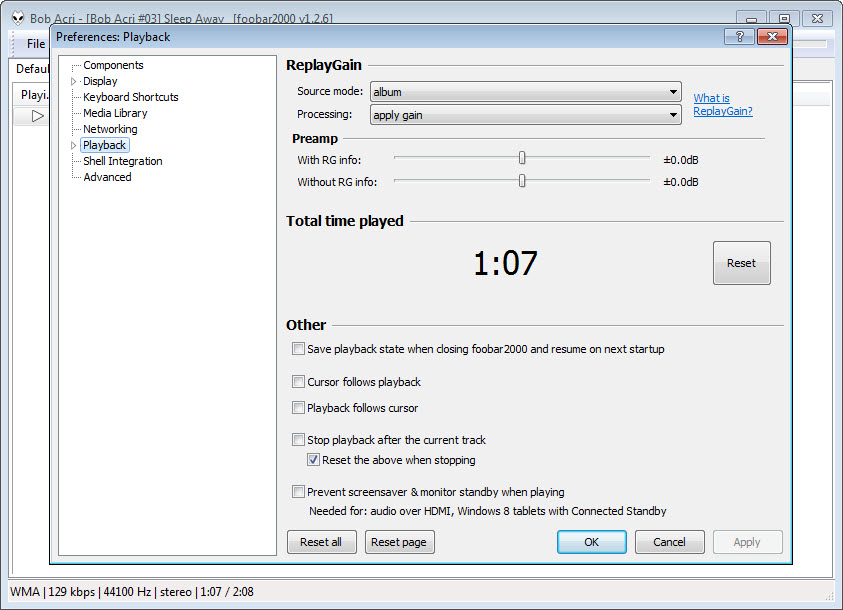
Yes, ReplayGain scanning and playback are fully supported, helping maintain consistent volume levels when shuffling tracks from different sources or recording eras.
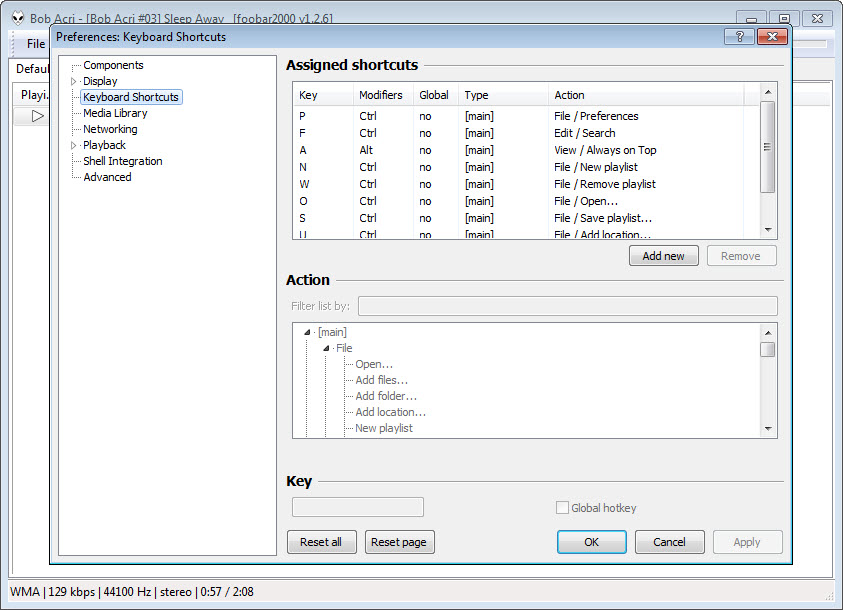
Yes, virtually every action can be mapped to a custom keyboard shortcut, giving power users a fast, mouse-free way to control playback, navigation, and library functions.


