

Explzh
About Explzh
For users seeking a robust and versatile file archiving solution, Explzh offers a comprehensive suite of tools designed to handle a wide range of compression and extraction tasks.
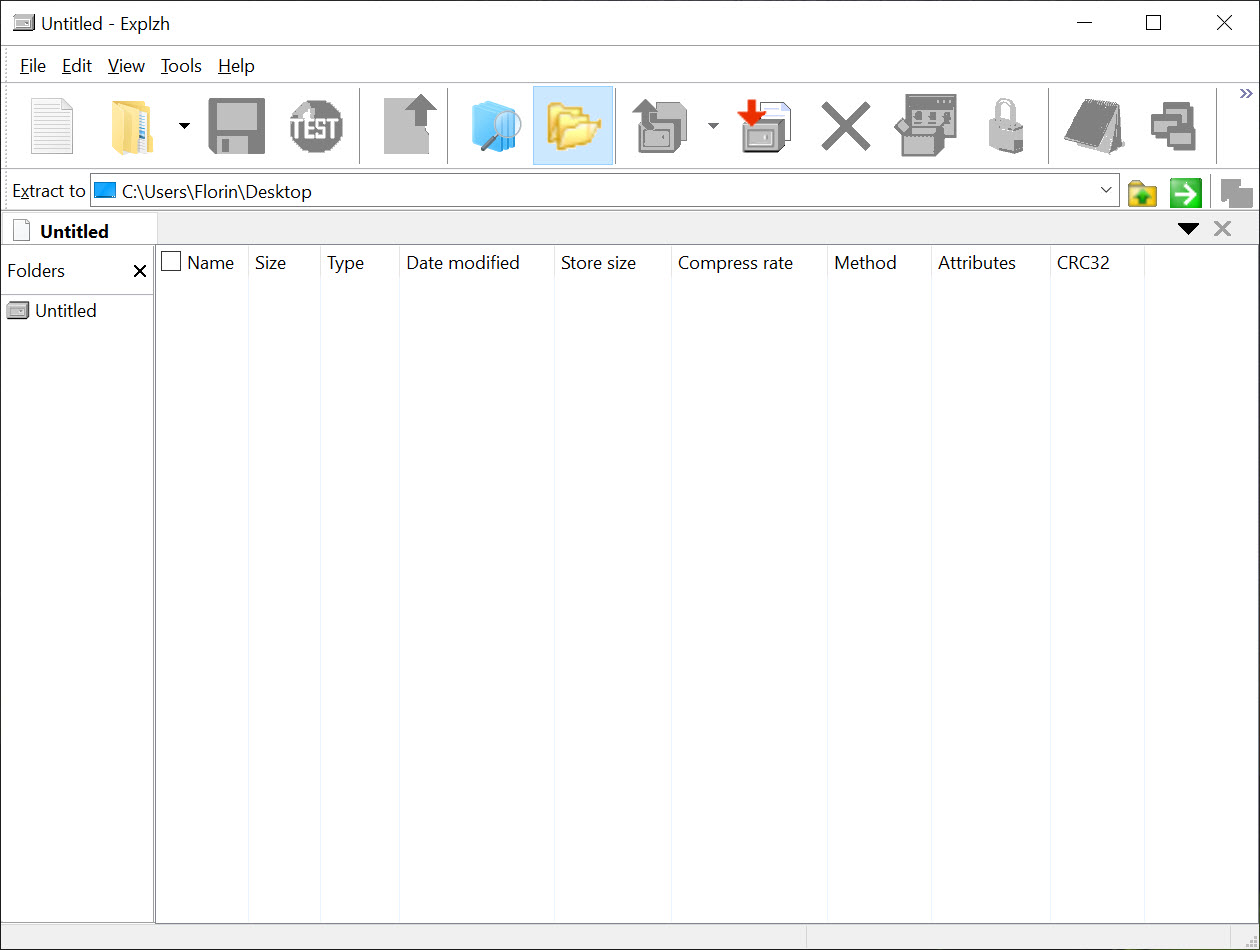
With its explorer-like interface and support for numerous archive formats, this software provides both novice and advanced users with the functionality needed for efficient file management.
Broad format support and seamless integration
Explzh supports a multitude of archive formats, including ZIP, RAR, 7Z, TAR, ISO, and its native LZH format. This extensive compatibility ensures that users can work with virtually any compressed file they encounter.
The software integrates seamlessly with Windows Explorer, allowing users to create or extract archives directly from the context menu, streamlining the compression process.
Advanced compression and extraction capabilities
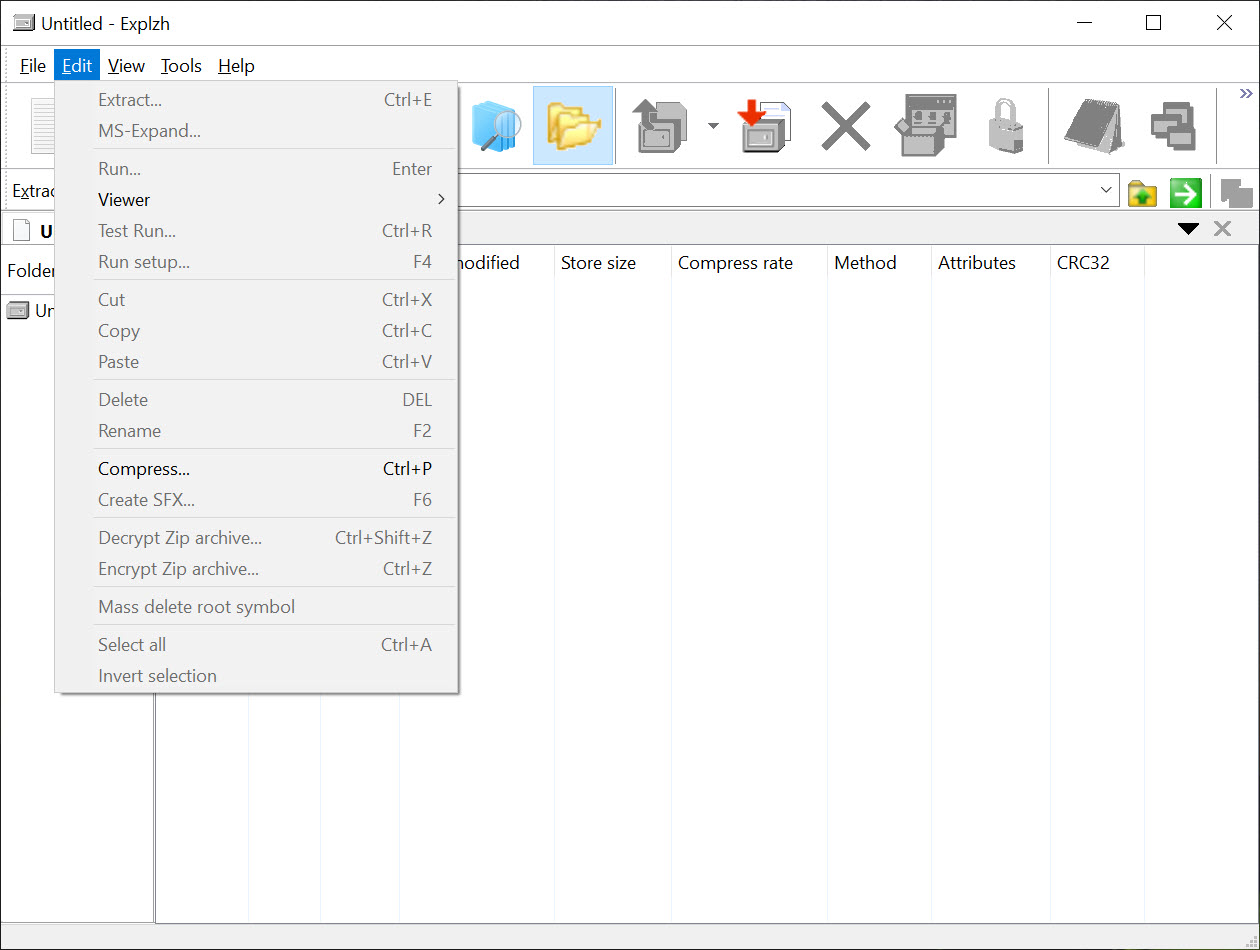
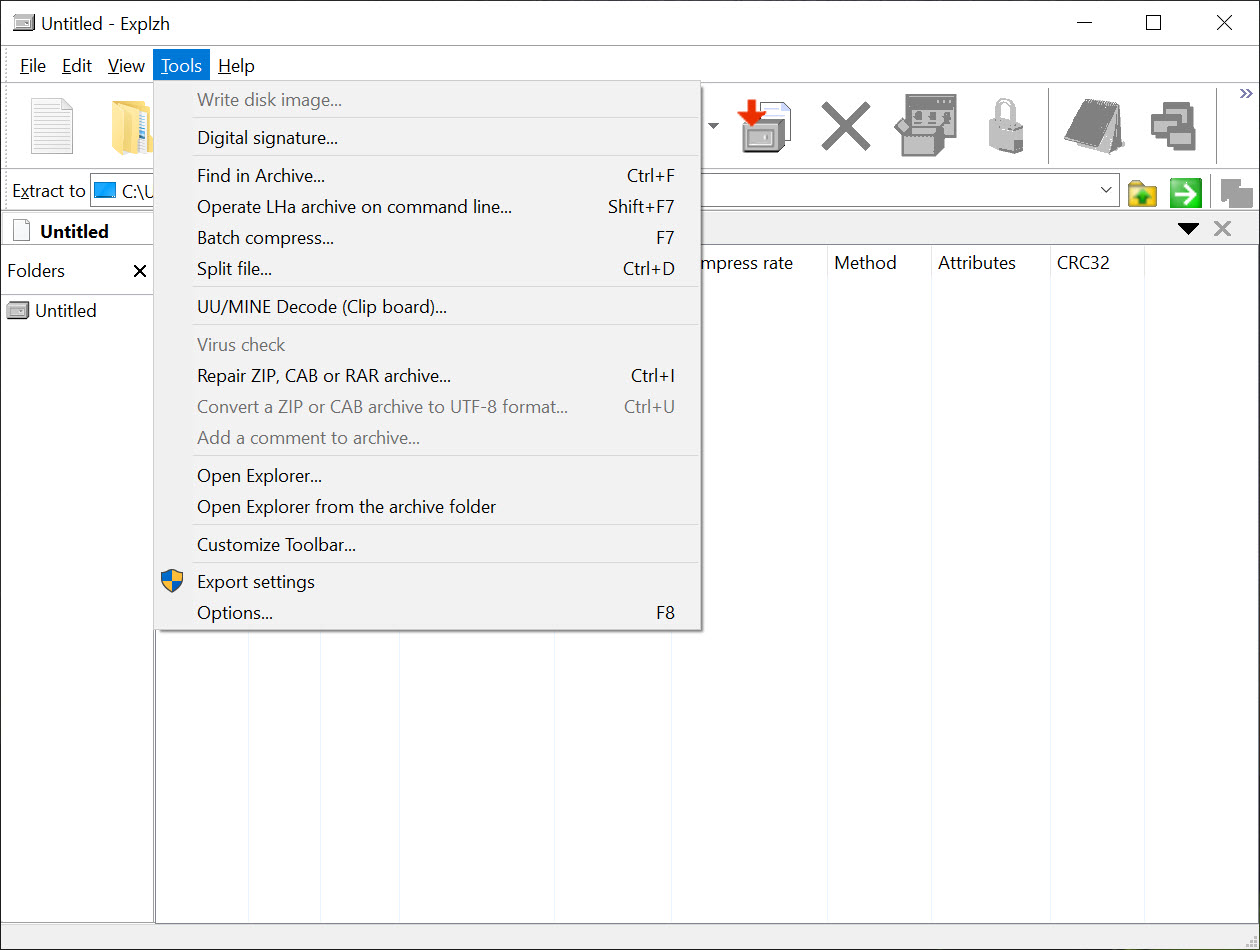
Beyond basic archiving functions, Explzh offers advanced features such as the ability to create self-extracting archives, split large files into smaller segments, and repair damaged archives.
Users can also encrypt archives using AES-256 encryption, ensuring that sensitive data remains secure. The software’s capability to handle files exceeding 4GB makes it suitable for managing large datasets.
User-friendly interface with powerful tools
The explorer-like interface of Explzh provides a familiar environment for users, facilitating easy navigation and file management. The software includes a built-in viewer for archive contents, allowing users to preview files without extracting them.
Additionally, features like drag-and-drop support and customizable compression profiles enhance user efficiency.
Additional functionalities for comprehensive file management
Explzh extends its utility by offering features such as digital signature addition for archives, FTP upload capabilities, and the ability to search within archives.
These tools make it a versatile solution for users who require more than just basic compression and extraction functionalities.
Conclusion
Explzh stands out as a powerful and feature-rich file archiving solution for Windows users. Its extensive format support, advanced functionalities, and seamless integration with Windows Explorer make it a valuable tool for both everyday file compression tasks and more complex archiving needs.
While it may offer more features than required for basic use, its versatility and efficiency make it a worthwhile choice for users seeking comprehensive archiving capabilities.
Pros & Cons
- Supports a wide range of archive formats including ZIP, RAR, 7Z, TAR, ISO, and LZH
- Integrates with Windows Explorer for convenient access
- Offers advanced features like AES-256 encryption, archive repair, and file splitting
- User-friendly interface with drag-and-drop support and built-in archive viewer
- Provides additional tools such as digital signature addition and FTP upload
- May be overwhelming for users seeking a simple archiving tool
- Some advanced features might require a learning curve
- Limited support for less common or proprietary archive formats
Frequently asked questions
Yes, it allows users to create self-extracting archives for easy distribution and extraction.
Yes, it provides AES-256 encryption to secure sensitive data within archives.
Yes, it integrates with Windows Explorer, enabling users to access archiving functions directly from the context menu.
Yes, it includes tools to repair corrupted archives, helping to recover data from damaged files.


