

Executor
About Executor
Launching a program by typing its name is now built into every system, which raises an obvious question about why anybody would install something to do the same job. Executor answers it by not doing the same job. Its keywords take arguments, and that single difference turns a launcher into something closer to a command line you designed yourself.
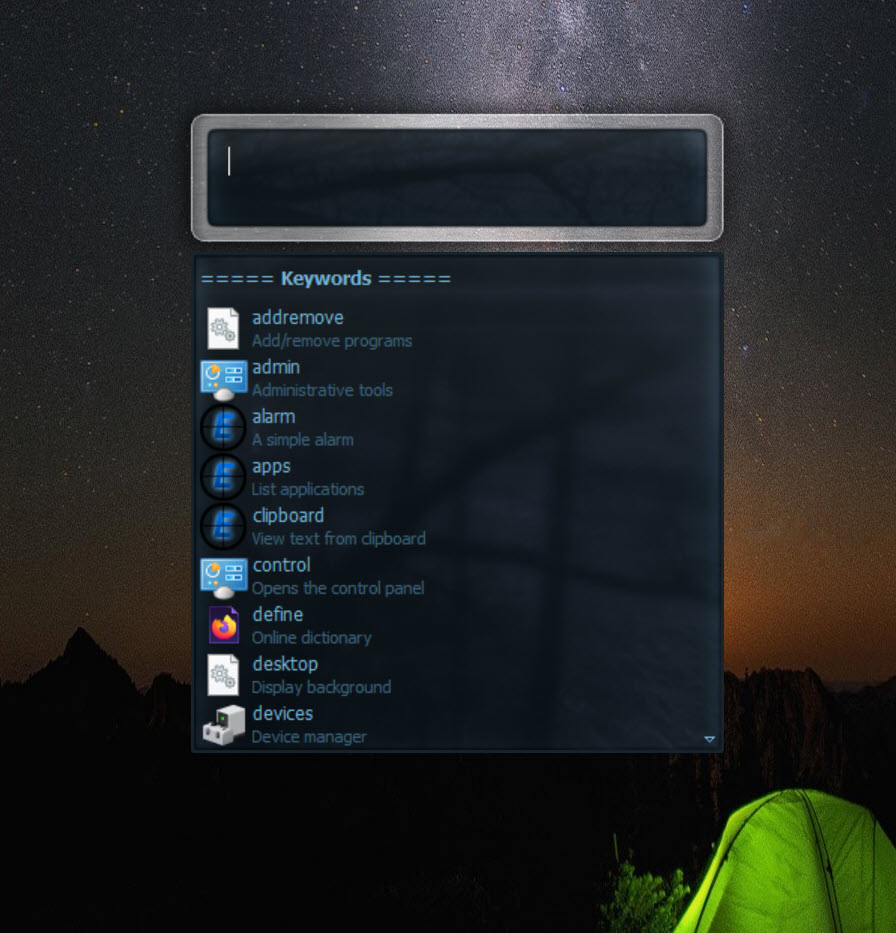
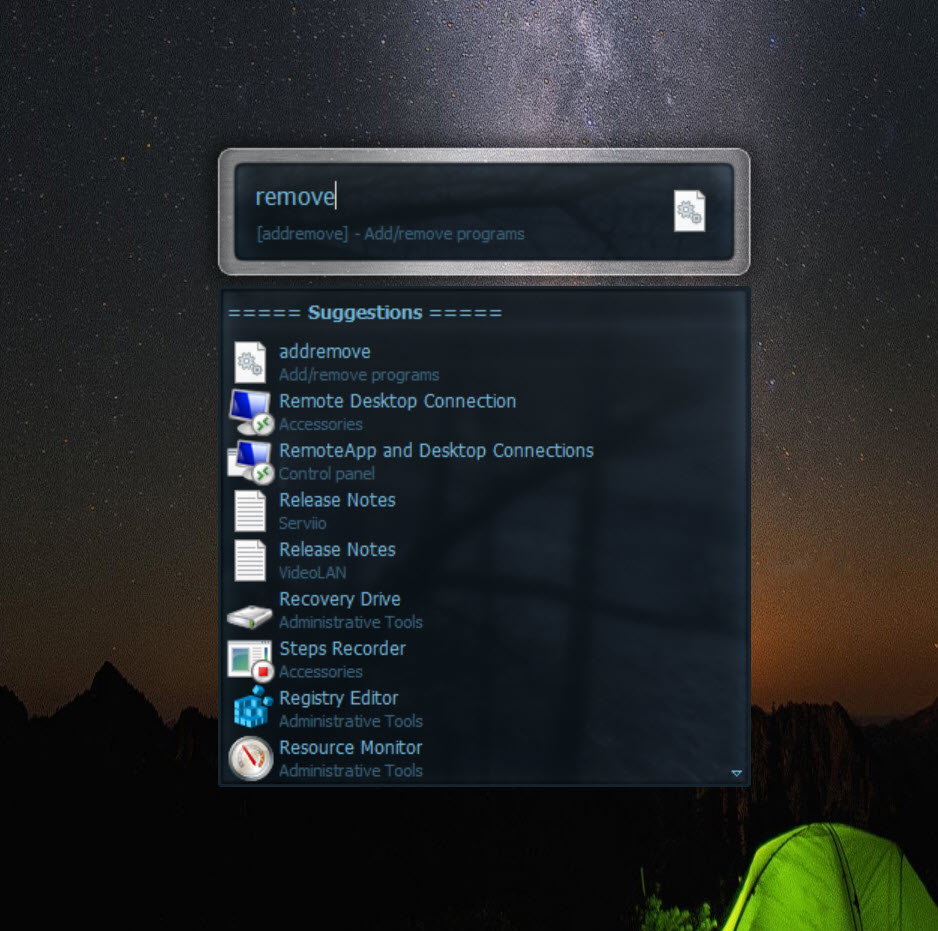
The basic Executor operation is familiar. A hotkey brings up an input box, you type, and something runs. Start menu entries and paths are indexed so ordinary programs are found without any setup.
The interesting part is what you add afterwards.
Keywords that take arguments
Here is the Executor distinction that justifies the whole program.
An Executor keyword can accept whatever you type after it and pass it on. Define one for a search engine and typing that keyword followed by a phrase performs the search directly. Define one for a folder and the argument becomes a filename inside it. Define one for a command line tool and the argument becomes its parameter.
The result is a set of two-word commands that do exactly what you meant. Three letters and a term reaches a specific site’s search, another three opens the project folder for a named client, another runs a script against a file you name.
None of that exists out of the box. You build it, and what you build is shaped around how you actually work rather than around what somebody anticipated.
Placeholders extend it further, including substituting whatever is currently on the clipboard into a command, which handles the pattern of copying something and immediately doing something with it.
The configuration burden is the point
Being clear about this saves disappointment. Installed and left alone, Executor does very little the system search does not already do.
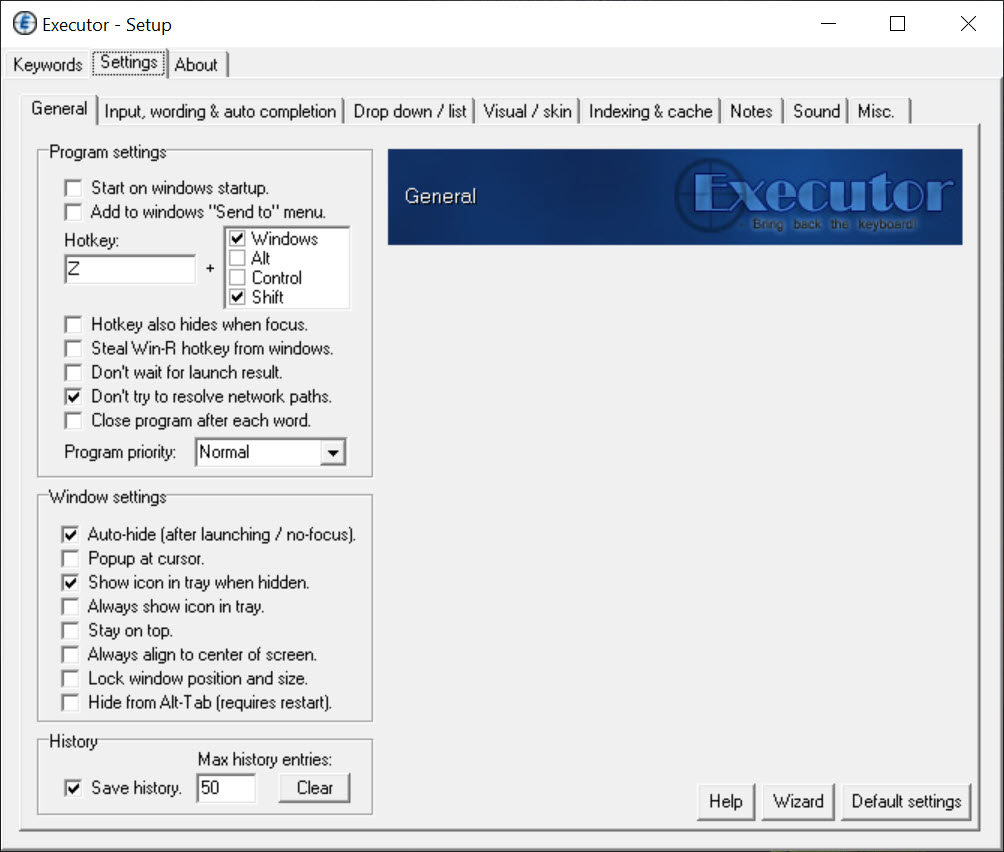
Everything worthwhile here comes from the keywords you define, the parameters you arrange and the shortcuts you decide on. That is an afternoon of thinking about your own habits, and people who put that afternoon in describe the result as indispensable while people who do not wonder what the fuss is about.
Both reactions are correct. The tool is a framework rather than a product, and the framework is empty until you fill it.
For a launcher that asks nothing and simply finds programs quickly, Launchy covers that with almost no setup and none of the parameter handling.
Finding files is a different question
The Executor name suggests file finding and the reality is more modest. Indexed locations are searched, which covers programs and the folders you nominate, and it is not a whole-drive index.
For actually locating a file anywhere on a machine in the time it takes to type three letters, Everything reads the file table directly and answers instantly, which is a different mechanism and a different class of result.
The two work well together. One finds the file, the other launches the thing you do with it.
Where it sits against automation
Anybody reading the above and thinking about scripting is thinking correctly, because the boundary between a parameterised launcher and a small automation tool is thin.
AutoHotkey is where that continues, offering a real language for anything involving conditions, sequences or window manipulation. This one stops at running something with an argument, which covers a surprising amount and is not scripting.
The practical division most people reach is using the launcher for the things that are one action and the scripting language for anything with a decision in it.
Conclusion
Executor is for people who know exactly what they do repeatedly and want it reduced to three keystrokes. Keywords that take arguments are the whole idea, and they turn a launcher into a personal command set that reaches a client folder, a site search or a script with a filename attached.
Understand what you are agreeing to. Nothing here works until you have built it, the system search already covers plain launching, and file finding needs a proper index alongside. Spend the afternoon and it disappears into your habits. Install it expecting immediate benefit and you will wonder why anybody bothered.
Pros & Cons
- Keywords accept arguments, so two words perform a specific parameterised action
- Clipboard substitution handles copying something and immediately acting on it
- Start menu entries and nominated paths indexed automatically
- Portable, with the whole configuration carried alongside it
- Skinnable and positionable, so it sits where you want it
- Command history and completion reduce typing further
- Does very little until you have defined your own keywords
- The system search already handles plain program launching
- File finding covers indexed locations rather than the whole drive
- Configuration is an investment that returns nothing if you abandon it
- Anything with a condition in it belongs in a scripting tool instead
Frequently asked questions
Accepts arguments after a keyword. A keyword followed by a phrase can perform a search, open a named file in a specific folder, or run a command with that phrase as its parameter, which plain launching cannot express.
Not especially. It indexes programs and paths, which the system search already does. Everything distinctive comes from keywords you define yourself, so the value arrives after an afternoon of setting it up.
Only within the locations it indexes. A tool that reads the file table directly searches an entire drive instantly, and pairing the two is the usual arrangement.
It runs one thing with an argument. Anything involving conditions, sequences or manipulating windows needs a scripting language, and the sensible division is using each for what it does.


