

Estlcam
About Estlcam
Estlcam turns drawings into CNC toolpaths with a directness that the big CAM suites abandoned years ago. Load a DXF or SVG, click the contours you want cut, tell it whether each one is a part, a pocket, a hole, or an engraving, and G-code falls out the other end. Hobby machinists building routers in garages made it their default for a reason, and that reason is the total absence of ceremony.
The surprise hiding inside the program is that generating toolpaths is only half of it. Estlcam can also run the machine itself, turning a plain Arduino board into a motion controller with support for touch probes, tool length sensors, and a handwheel. One program covers ground that normally takes a CAM package plus separate control software.
What it is not, and never pretends to be, is a full 3D CAM system for production shops. This is 2.5D machining with some 3D ability bolted on, aimed at the person cutting parts, signs, and panels rather than turbine blades.
From drawing to toolpath in minutes
The workflow stays visual from start to finish. Imported DXF, SVG, and PLT drawings appear on screen, and you build the job by clicking edges. Each click assigns a machining function, cutting outside or inside a contour for parts, clearing enclosed areas for pockets, following lines for engraving, or plunging at points for holes. Pockets automatically detect islands, so text inside a recessed panel keeps standing while everything around it clears out.
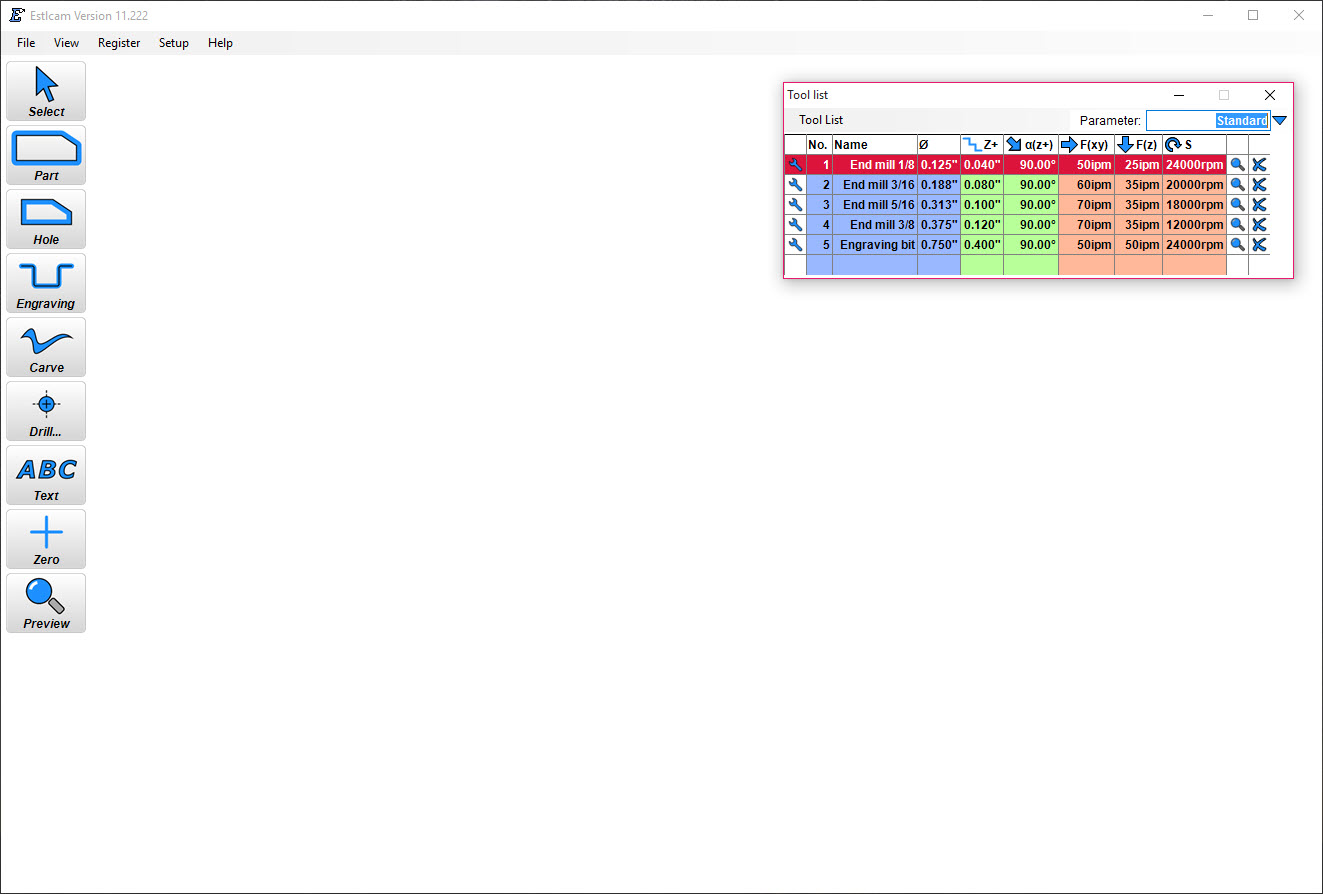
A tool list holds your cutters with their feeds, speeds, and depths per pass, and every toolpath references a tool rather than raw numbers, which keeps a job consistent when you swap a worn end mill’s parameters once instead of in ten places. Holding tabs drop onto part outlines with a click so pieces don’t fly loose on the final pass, and the built-in preview simulates the result before anything touches material.
Since the program contains no drawing tools of its own, designs come from elsewhere. Vector work in Inkscape exports clean SVGs that load directly.
Parametric parts modeled in FreeCAD arrive as DXF profiles instead. That pairing, one free design tool plus this program, is the entire software stack of thousands of hobby machines.
Carving, text, and the toolpaths with actual cleverness
V-carving is where Estlcam shows off. Give it a V-bit and a font or vector artwork, and it computes the varying depth automatically so the tip traces narrow details while wide areas cut deep, producing the classic carved-sign look with sharp inside corners no round cutter could manage. Text tooling works with installed fonts directly, including carving, engraving, and pocketing letterforms.
For metal, the trochoidal milling option cuts deep slots through a series of circular movements instead of dragging the cutter full-width through the material. The technique keeps tool load light and constant, which is the difference between confidently slotting aluminum on a light-duty router and snapping carbide. Helical drilling handles holes larger than the cutter the same gentle way. These are features from serious machining practice, presented with hobby-level simplicity, and their presence in such an approachable tool remains half its reputation.
It can run the machine too
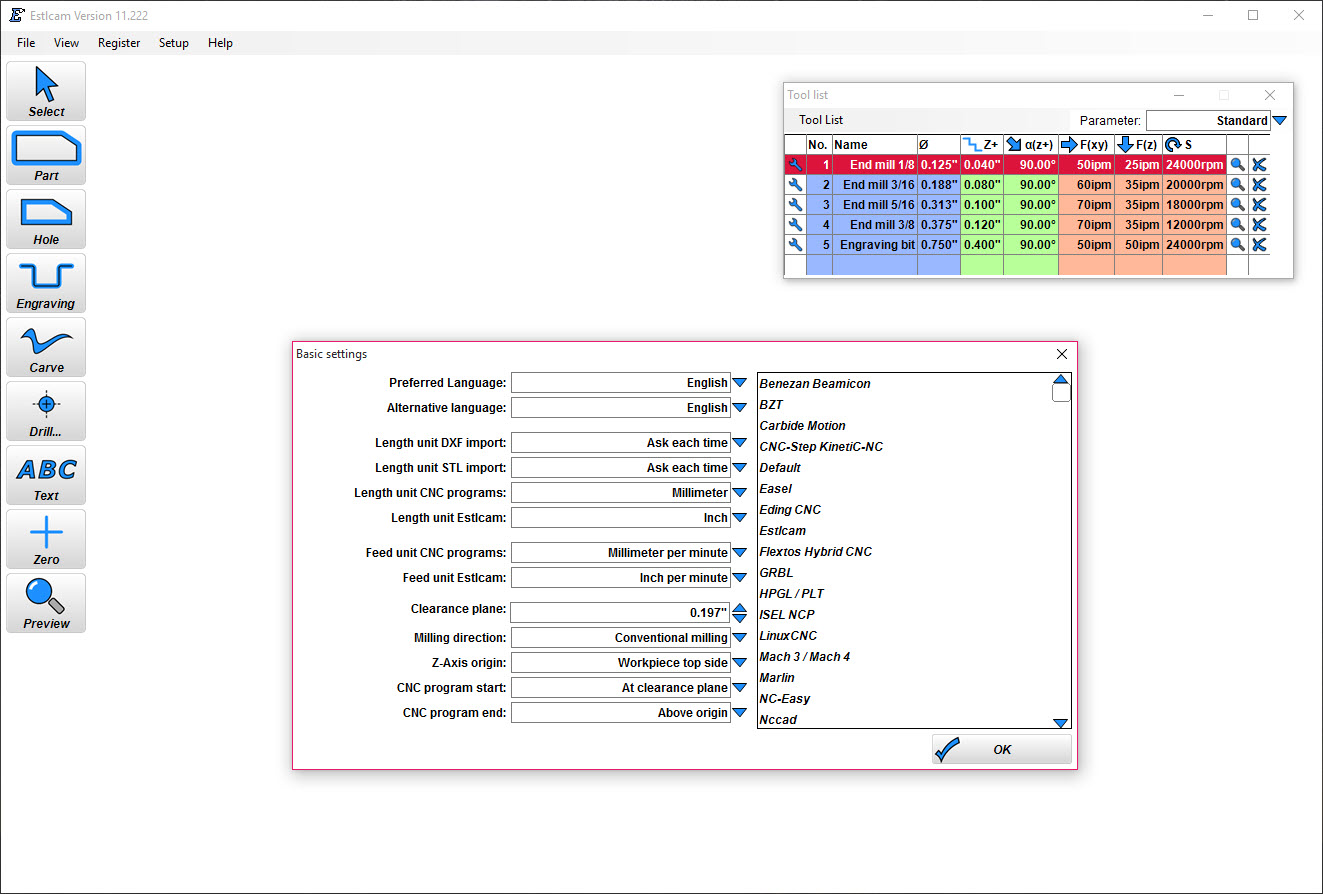
Export is the conventional route, with postprocessors for common controller dialects, and G-code files feed whatever sender your machine already uses, such as Universal Gcode Sender on GRBL setups. That path treats the program as pure CAM, and it works with any machine.
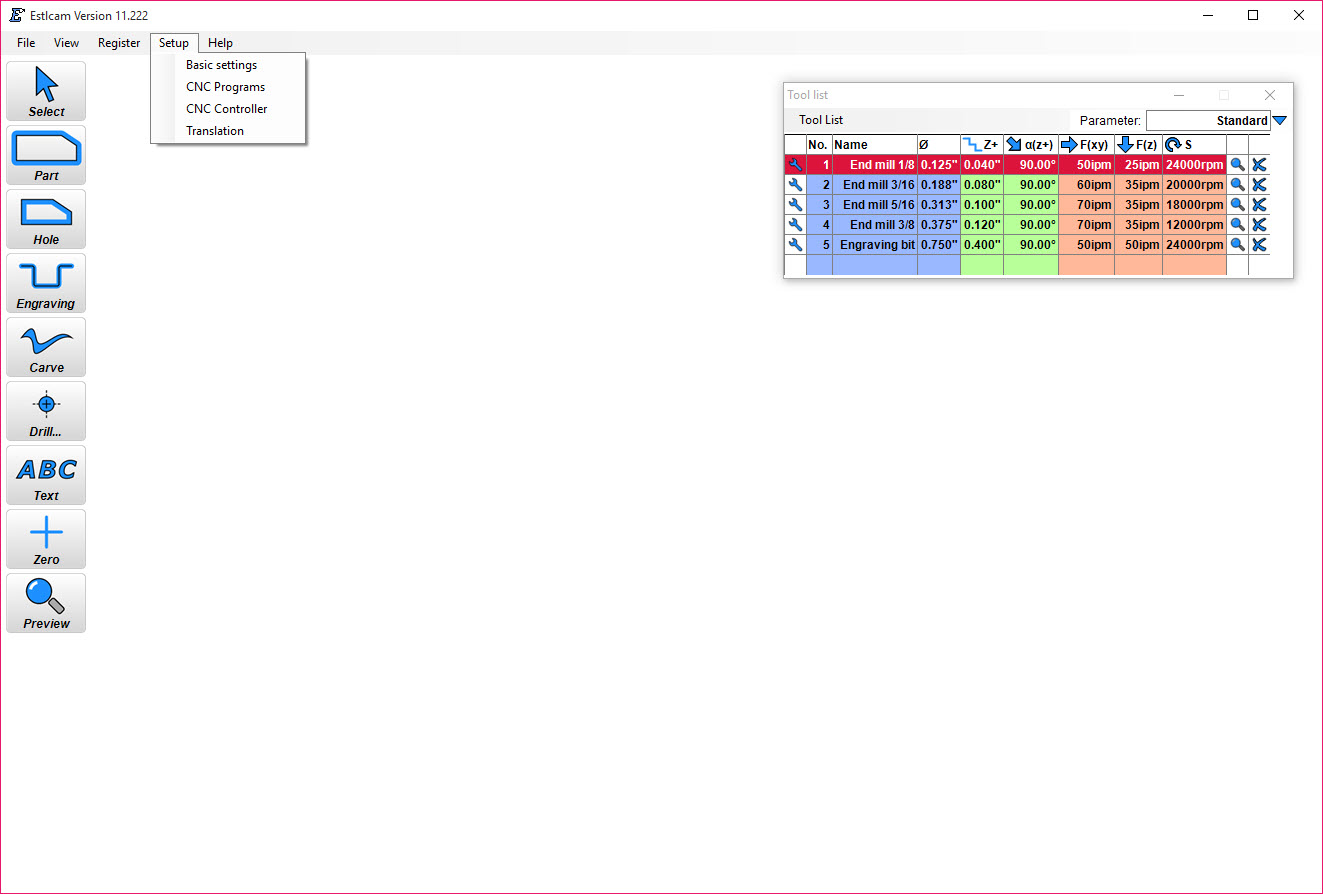
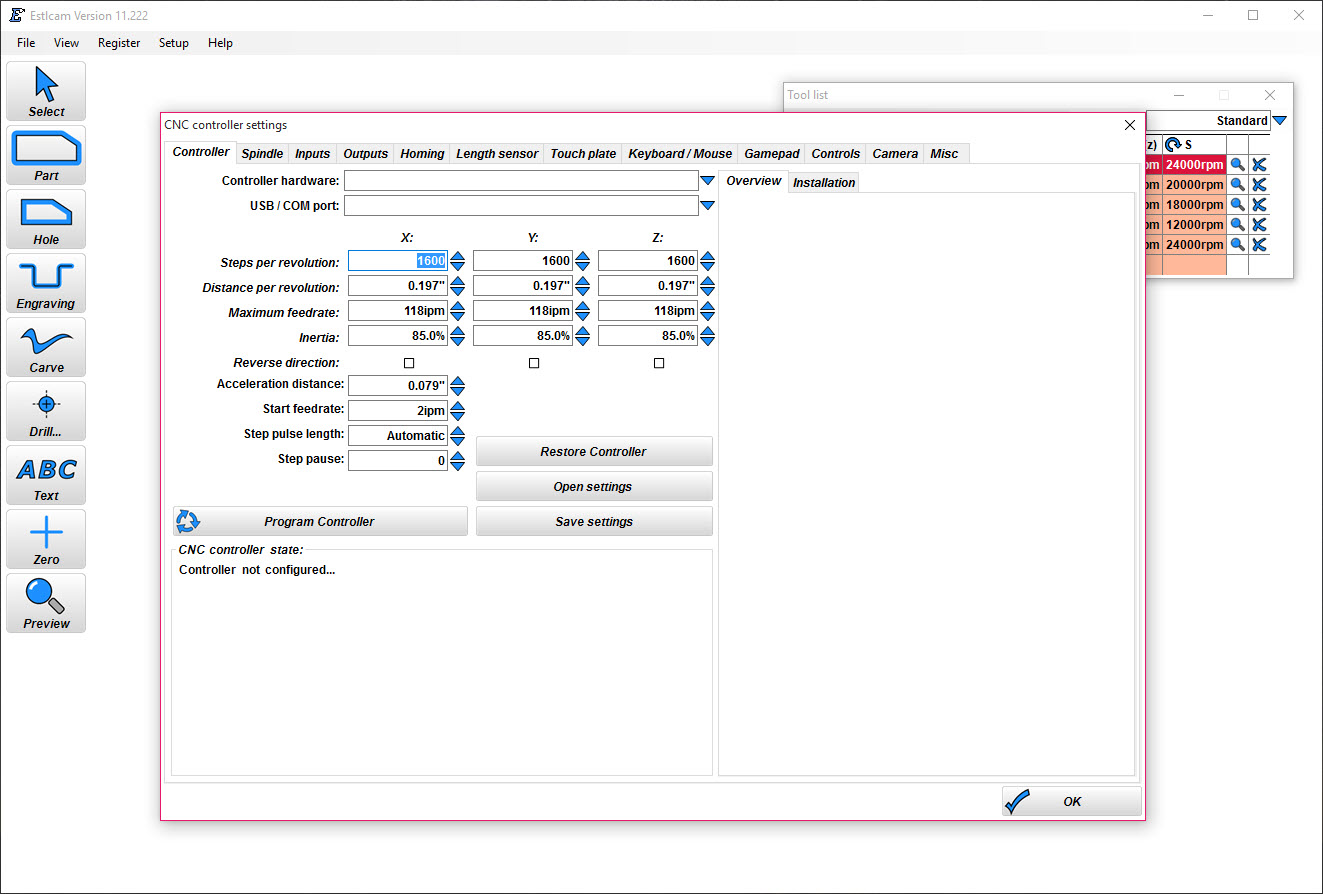
The unconventional route replaces the machine’s brain entirely. Flash the program’s own firmware onto an Arduino Uno or Mega, and Estlcam becomes the CNC controller, driving the steppers, reading a touch probe for automatic edge finding, measuring tools with a length sensor, and jogging via keyboard, gamepad, or a dedicated handwheel. Setup dialogs configure the machine’s dimensions, motor directions, and speeds without editing firmware text files, which for a first machine build removes an entire category of frustration.
The integration also means the controller knows the job, so tool changes pause and resume with measured lengths applied automatically.
The honest limits
The 3D side exists but stays basic. STL models generate roughing and finishing passes for reliefs and simple shapes, and that satisfies the carved-topographic-map crowd, while anyone machining truly sculptural parts with undercut strategies and rest machining will hit the ceiling fast. The evaluation build also inserts a waiting pause before saving G-code that lengthens with use, gentle at first and eventually persuasive.
Screen real estate fills quickly on complex jobs, since every toolpath draws its markers on the drawing, and dense artwork becomes a colorful tangle where selecting the right contour takes zooming and patience. And the machine control mode, for all its convenience, supports the program’s own firmware only, so an existing controller board with different electronics stays on the export-and-send path.
Conclusion
Estlcam fits garage machinists, sign makers, and anyone bringing their first CNC router to life, especially builders who want one program to draw toolpaths and drive the motors. The V-carving and aluminum-friendly strategies deliver results well above what the gentle learning curve suggests.
Production shops and 3D-surface specialists need heavier CAM and always will. For the plywood, aluminum plate, and carved-sign world that hobby machines actually inhabit, little else gets from drawing to chips this quickly.
Pros & Cons
- Click-on-the-drawing workflow produces toolpaths in minutes, not evenings
- Automatic V-carving with fonts creates professional carved signs easily
- Trochoidal milling and helical drilling make aluminum realistic on light machines
- Doubles as a complete machine controller using a plain Arduino board
- Tool library with per-tool feeds and depths keeps jobs consistent
- No drawing tools included, so a separate design program is required
- 3D machining from STL files stays far behind dedicated 3D CAM
- The evaluation build delays G-code saving increasingly over time
- Machine control mode works only with its own Arduino firmware
Frequently asked questions
DXF, SVG, and PLT for 2D work, STL for basic 3D carving, and bitmap images for engraving. Vector formats from any design program load as clickable contours.
Yes, for anything beyond text. The program machines existing drawings but doesn't create geometry, so designs typically come from a vector editor or a CAD package exporting DXF.
Yes, by flashing its firmware onto an Arduino Uno or Mega, which turns the board into the machine controller with probe, tool sensor, and handwheel support. Machines with other electronics use exported G-code instead.
Automatically, from the geometry and your V-bit's angle. The software deepens the cut where the artwork is wide and lifts the tip in narrow details, so lettering comes out crisp without manual depth maps.
The trochoidal milling paths make it practical. Light circular cutting motions keep the load low, and paired with conservative feeds from the tool list, small aluminum parts are a routine job.


