

Epic Games Launcher
About Epic Games Launcher
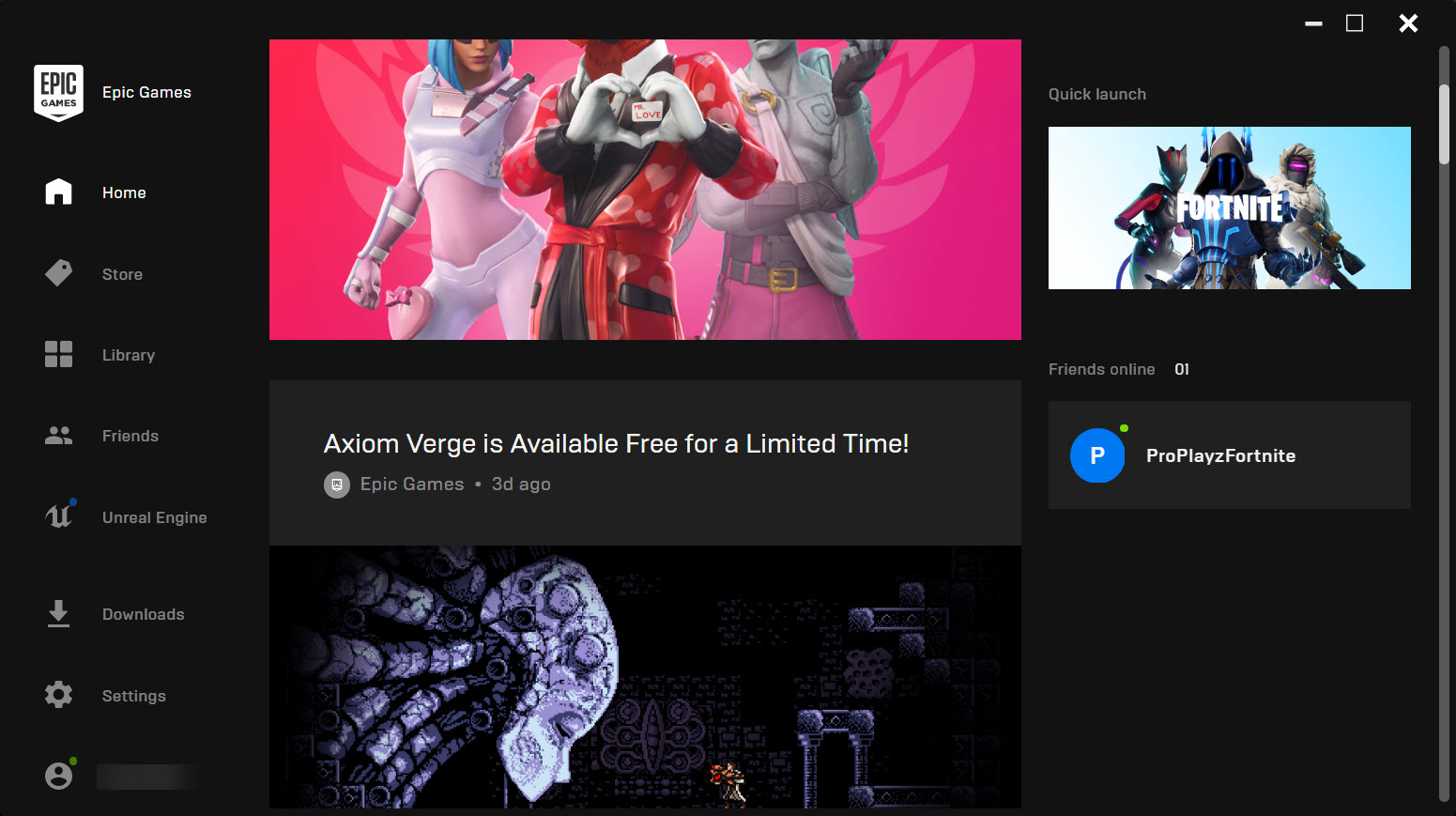
Somewhere on most gaming PCs sits a library of games their owner never paid for, legally, and Epic Games Launcher is the reason. The client is the desktop gateway to the Epic Games Store, and its defining ritual is the weekly giveaway, at least one game offered free every single week, claimable in two clicks and yours permanently. Years of casual claiming quietly builds a shelf of hundreds of titles, which is how a launcher many people installed for a single game became a fixture they check every Thursday.
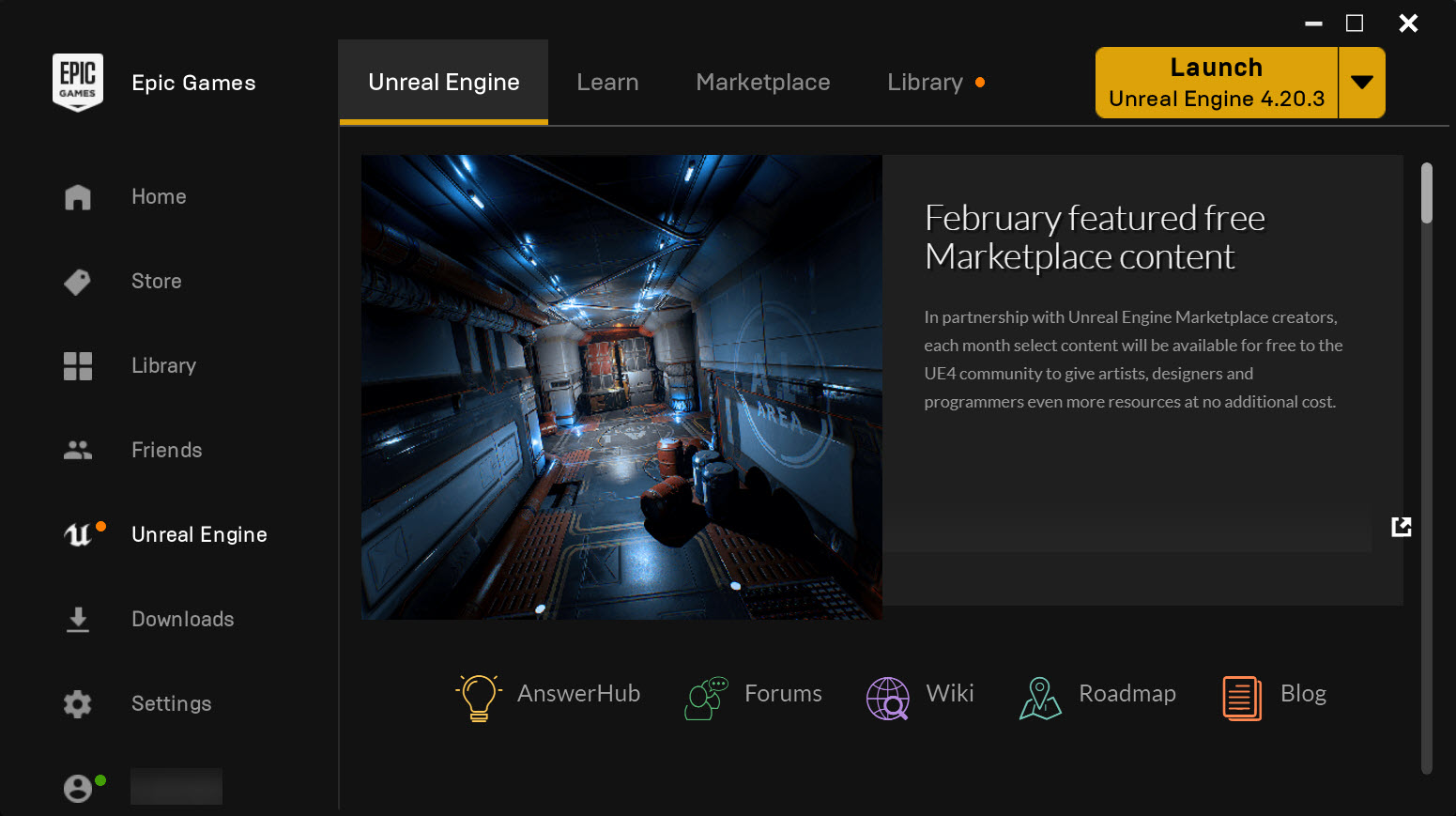
The software itself wears two identities. For players, it’s a store, library, and social layer, home turf for Fortnite, Rocket League, and Fall Guys. For creators, the same client manages Unreal Engine, its versions, its marketplace, and its projects, making this the rare launcher that serves the people who play games and the people who build them from one window.
The weekly giveaway, and the library it builds
The mechanics of the Epic Games Launcher giveaway deserve spelling out because the value compounds. Each week’s free title, sometimes several, ranges from indie darlings to genuine blockbusters, and claiming costs nothing but a click, no purchase history required, no strings after.
Claimed games join the account forever, downloadable whenever the mood arrives, and the habit of collecting them is the closest thing PC gaming has to a loyalty program that actually pays.
The honest footnote is that a library of claimed games is not a library of played games, and the weekly ritual builds backlogs of legendary size. Nobody’s complaining, exactly, but the psychology is worth noticing, the giveaway is superb marketing precisely because it works on you.
A launcher that’s also an engine room
The Unreal Engine tab transforms who Epic Games Launcher is for. Engine versions install and update side by side, projects launch from the library, and the marketplace supplies assets, plugins, and starter content, which means every aspiring developer, student, and hobbyist wielding the industry’s most visible engine passes through this launcher daily. No other mainstream game client doubles as professional tooling this way.
For households, that dual identity has a practical shape, the same account that claims the weekly game also opens the door to making one, and more than a few teenagers have wandered from the Fortnite tab to the engine tab and stayed.
As gateways into development go, it’s remarkably short.
Library life, and the famous sluggishness
Daily library duties are covered competently, installs to chosen locations, verification for misbehaving games, background throttling, cloud saves where titles support them, and a friends layer with parties and voice that Fortnite’s social gravity keeps busy. Parental controls earn a mention for being actually usable, purchase approvals and content filters included, relevant in a client so many minors run.
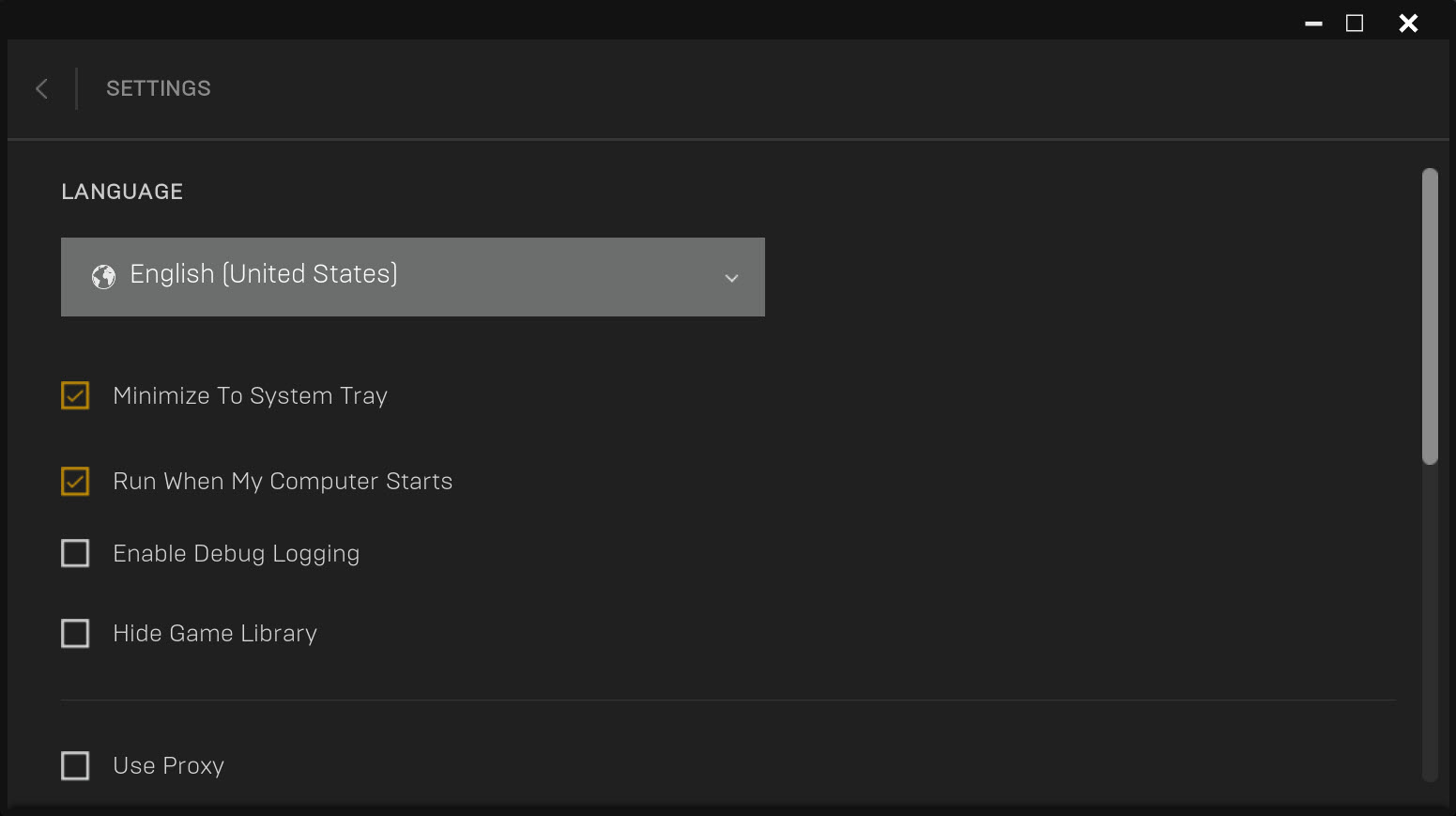
Now the complaint file, which is real. The client is heavy for what it does, slow to open, slow to wake, occasionally updating itself before it deigns to launch the game you clicked, and its interface, rendered through web technology, never quite feels native.
Feature-wise it reached parity late on basics its rivals treated as obvious, and community fixtures like user reviews and workshop-style modding remain thin. None of it stops the Thursday ritual. All of it explains why so many users treat the client as a vault they visit rather than a home they live in.
The vault crowd has options. A unifier like GOG Galaxy folds the claimed library into one shelf alongside every other store, launching titles here through the background client while sparing you its interface.
The open-source route through Playnite does the same with more customization, and either arrangement quietly makes peace between this launcher’s catalog and its temperament.
Exclusives, and reading the store honestly
Some titles spend their opening stretch available only on this store, which for buyers is a simple fact to check rather than a drama to relive, if the game you want lives here first, this is the client that plays it. Store pages are serviceable, sales are frequent and aggressive, and the account system spans platforms, so progress in the cross-platform titles follows you.
The buying experience has matured into ordinary competence, which is honestly the compliment it was waiting for. The store no longer surprises in either direction, and the giveaway remains the personality.
Conclusion
Epic Games Launcher earns its disk space twice over, once as the claim-and-keep machine that assembles a free library week by week, and once as the working front end of Unreal Engine for everyone building rather than just playing. Fortnite households, bargain collectors, and aspiring developers all end up here for their own reasons.
The client itself remains the least loved part of the arrangement, heavy, slow, and best minimized behind a unifier if its manners grate. Install it for the library and the engine, manage it on your terms, and Thursday’s free game softens everything else.
Pros & Cons
- Free games every week, claimable permanently with two clicks
- Manages Unreal Engine versions, projects, and marketplace in the same client
- Home of Fortnite, Rocket League, and their cross-platform accounts
- Usable parental controls with purchase approval
- Cloud saves and standard library management where titles support them
- Frequent aggressive sales across the catalog
- Heavy, slow client with a web-rendered interface
- Self-updates sometimes gate launching the game you clicked
- Thin on community features like reviews and workshop modding
- Library value depends on tolerating or bypassing the client itself
Frequently asked questions
At least one title goes free each week, claimable from the store tab with no purchase required. Claimed games stay on your account permanently and download whenever you like.
It manages it, engine versions install and update through the client's dedicated tab, alongside projects and the asset marketplace, making it the standard front door for engine users.
The client is heavyweight by design, with a web-rendered interface and self-update checks at startup. Letting updates finish helps, and library unifiers can launch its games while it stays in the background.
Generally no, titles from the store expect the client present for authentication, though unifier launchers can start it in the background so you rarely see it.
Yes, and practical ones, purchase approval via PIN, content filters by rating, and social restrictions, worth configuring in any household with young players.


