

Encrypt Care
About Encrypt Care
Some jobs are too small for a full encrypted volume. A folder of scanned documents to hand over, a block of account details to paste into a shared note, a few files going onto a stick that might not come back. Encrypt Care covers exactly that middle ground, encrypting files or text snippets one batch at a time and throwing in a checksum generator alongside.
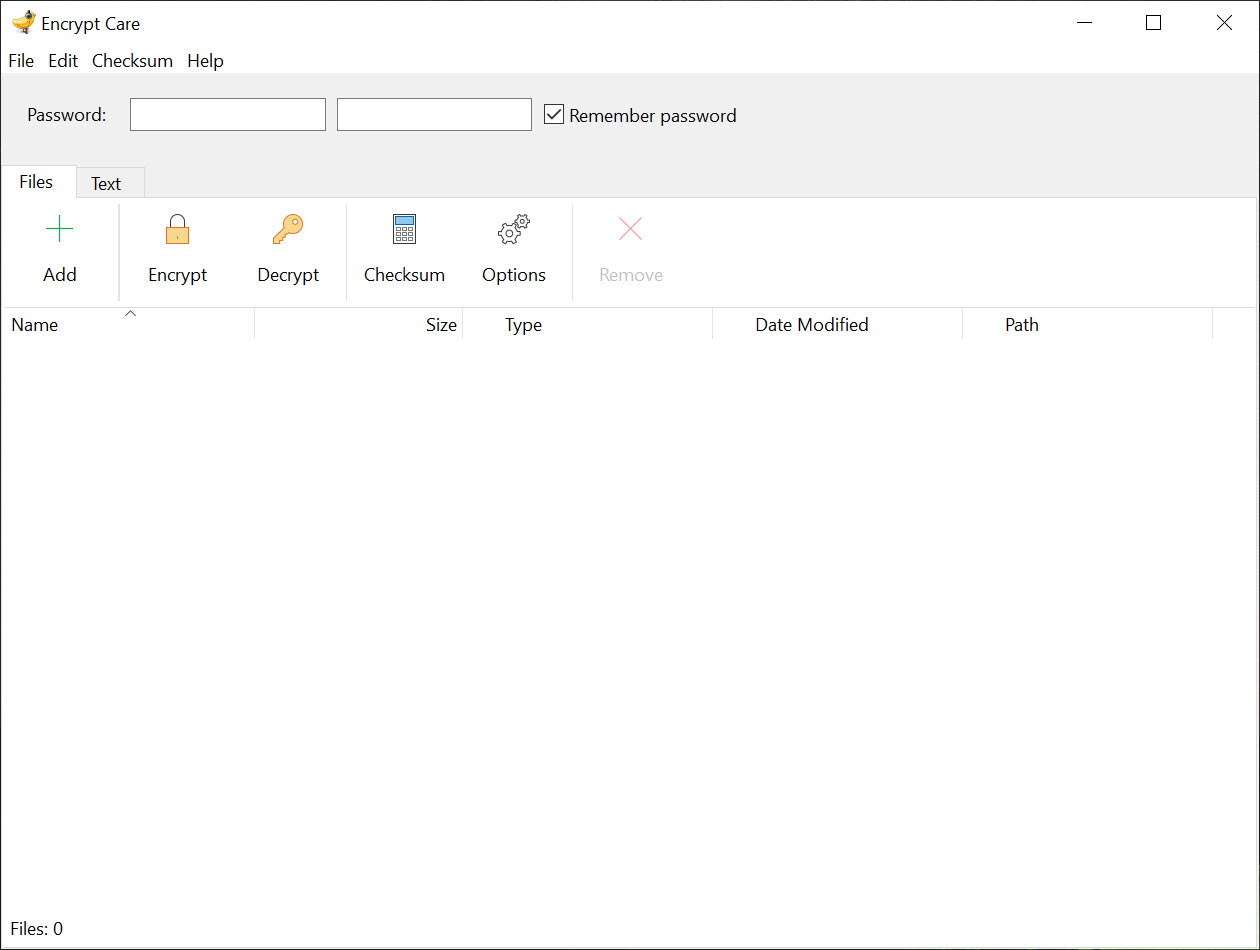
The workflow takes about a minute to learn. Drag files into the list, type a password, pick an output folder, and the encrypted copies land there while the originals stay exactly where they were. Text works the same way in its own dialog, producing a block of ciphertext you can copy into a message.
What makes this a more interesting review than it sounds is the algorithm dropdown, because it offers eight choices and only one of them is a good idea.
Encrypting a batch of files
Batch mode is the point. One password, one output folder, however many files you dropped in, which beats encrypting them individually or building an archive you then have to unpack at the other end.
There is no master password, so every operation asks again. Mildly annoying, arguably correct, and a good argument for using a generator that produces long random passphrases rather than inventing something you will type twenty times.
The output is where the design gets questionable. Encrypted copies keep the original file name and extension, so nothing distinguishes them on sight. Double-click one and you get a corruption error rather than a password prompt, because there is no format marker announcing that the file is encrypted at all. Keeping the encrypted set in its own clearly named folder stops being a nice habit and becomes a requirement.
The algorithm menu is the problem
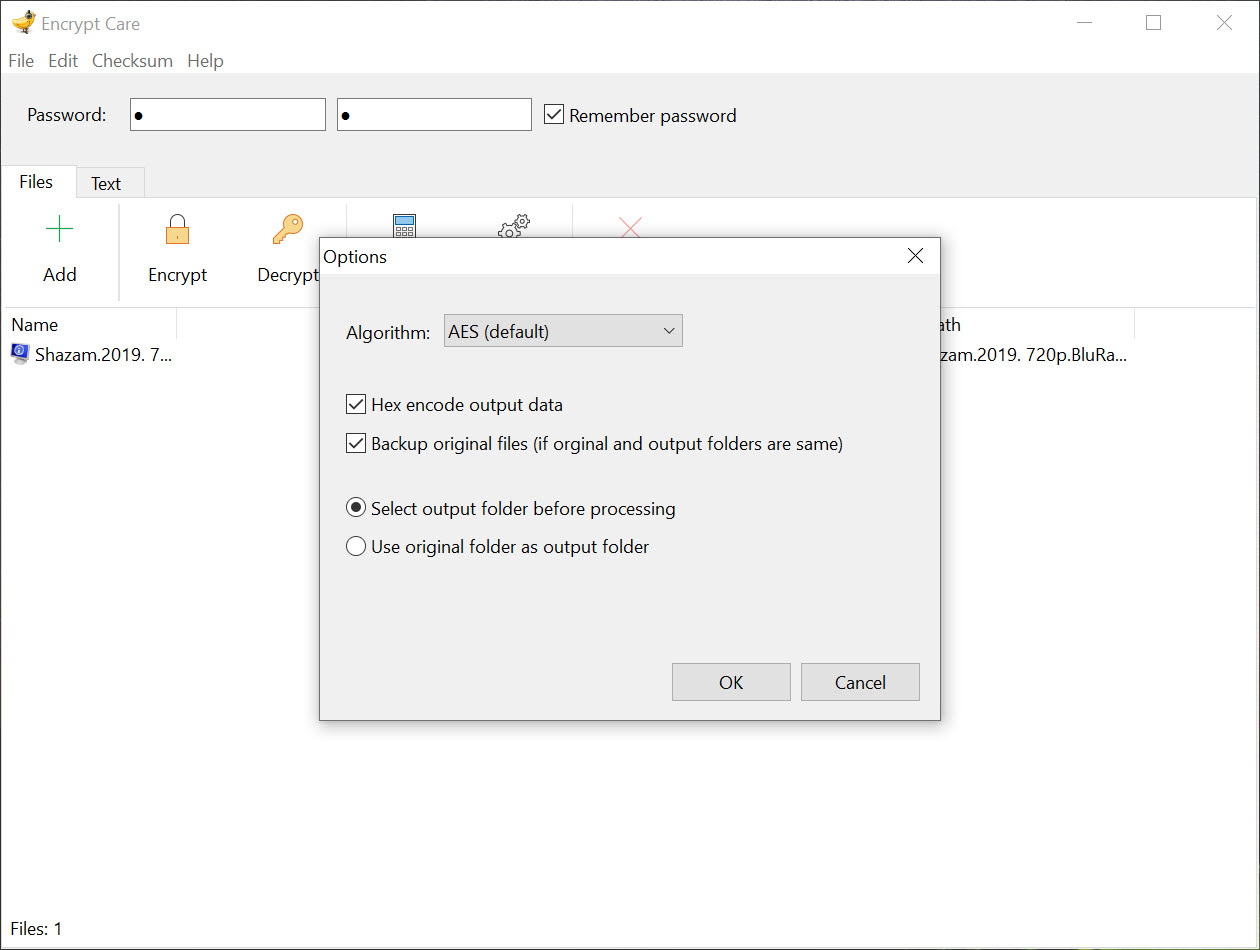
Encrypt Care offers AES, Blowfish, CAST, DES, IDEA, RC2, RC4 and TEA, presented as flexibility. It is not. RC4 has known practical weaknesses and should not be used for anything. DES has a 56-bit key, which is brute-forceable on hardware you could buy yourself. RC2, TEA, IDEA and CAST are historical curiosities that no current guidance recommends.
Pick AES and leave the dropdown alone. Switching algorithms does not make a file harder to crack, whatever the feature list implies, and because the output carries no header, choosing the wrong one when you decrypt produces garbage instead of a helpful error.
If you want AES in a documented, widely supported container instead, 7-Zip already does that with a format any other tool can open.
Encrypting text instead of files
The text side is the part I would actually use. Paste in a block of credentials or a paragraph you do not want sitting in plain sight, encrypt it, and drop the result into a document, a note or a message body. Nothing needs to be a file at any point.
The limit is the same one every symmetric tool hits. Your recipient needs this program, the matching algorithm and the password, and getting that password to them safely is the hard part nobody solves in a dropdown. For sending something to another person, Gpg4win and its key pairs remove the shared secret entirely, which is the difference between convenient and defensible.
Checksums, and what they can honestly prove
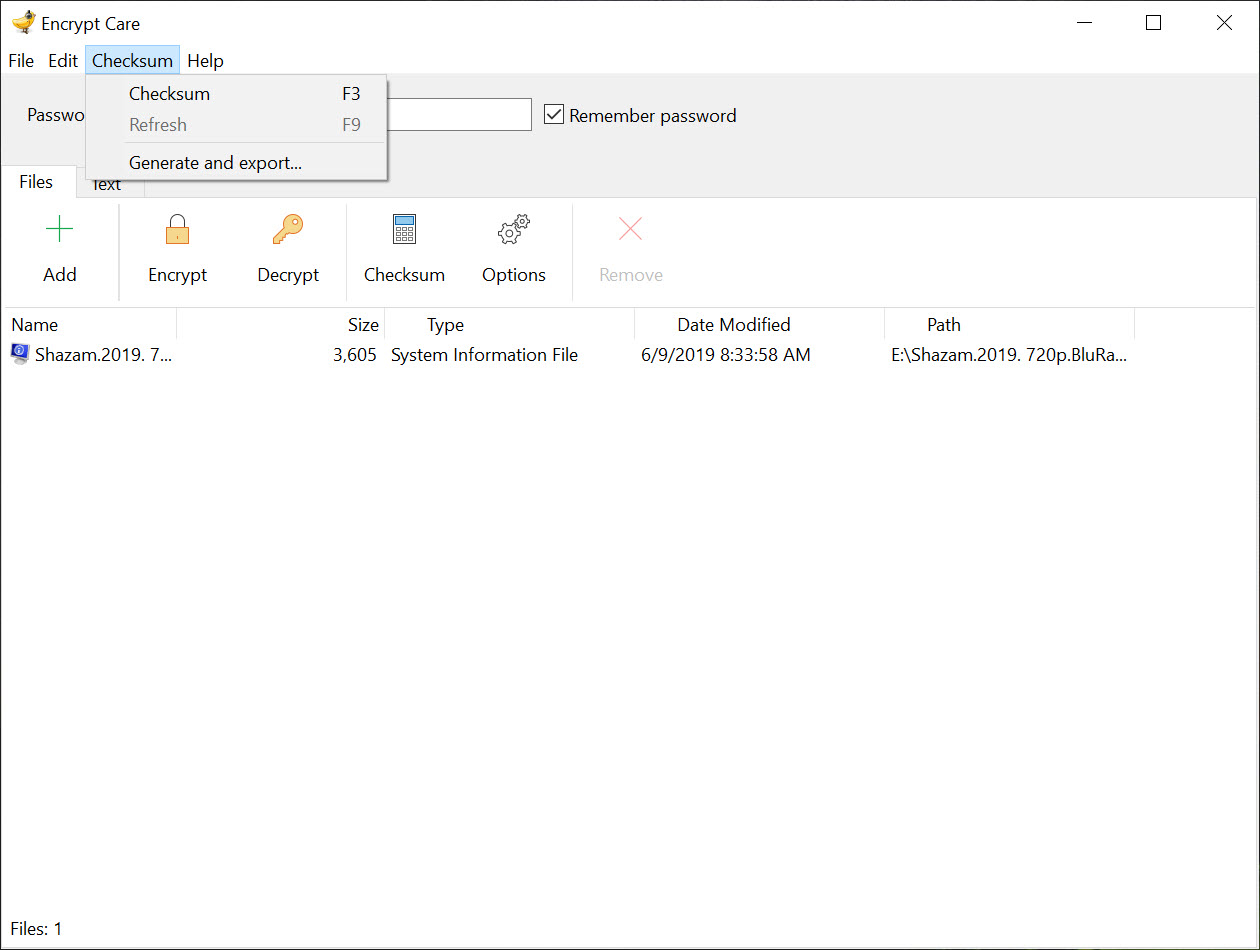
The hashing half of Encrypt Care handles MD5, SHA-1, SHA-256, SHA-384 and SHA-512, over a single file, a pasted block of text, or a whole list of files at once. Results copy to the clipboard or export to a text file, and there is a field for pasting in a published value so the comparison happens for you.
That comparison field comes with a caveat the interface does not mention. MD5 and SHA-1 will reliably tell you a download arrived intact, and they will not tell you whether someone deliberately substituted the file, because collisions in both are practical. Use SHA-256 when the question is tampering rather than transfer errors.
What it leaves behind
Originals survive every operation in Encrypt Care, which is safe behaviour and an incomplete result. Encrypting a document produces a protected copy and leaves the readable one sitting on the drive, and dragging that to the recycle bin removes the directory entry rather than the contents. Anything you actually needed encrypted wants a tool that overwrites files before removing them as the second step.
Scope is the other thing to be clear about. This produces encrypted copies of things. It does not protect a folder you are working in, it does not mount anything, and files you decrypt to read stay decrypted until you deal with them.
For a working area that stays protected while you use it, VeraCrypt is a different category of tool.
Conclusion
Encrypt Care earns its place with the person who occasionally needs a handful of files or a block of text protected, and who would rather not think about containers, key pairs or mounting anything. The batch handling is clean, the text tab is more useful than it first appears, and the checksum tools save a trip to a separate utility.
The reservation is that the interface offers rope alongside the safety line. Stay on AES, use SHA-256, keep the encrypted output in its own folder, and overwrite the plaintext afterwards, and it holds up fine for everyday secrecy. Anyone protecting something a determined party would actively want should be using a tool that documents its cryptography rather than listing eight algorithms and letting you guess.
Pros & Cons
- Batch mode encrypts a whole list of files under one password and one output folder
- Text encryption produces ciphertext you can paste anywhere, with no file involved
- Hash generation covers a single file, pasted text or many files at once
- Checksums export to a text file or copy straight to the clipboard
- Originals are never modified, so a mistake is always recoverable
- Six of the eight algorithms on offer are obsolete, and two are outright unsafe
- Encrypted files keep their original name and extension with no format marker
- Decrypting with the wrong algorithm produces garbage rather than a clear error
- Plaintext originals remain on the drive and need separate secure deletion
- No documentation of how the password becomes a key, which matters for anything sensitive
Frequently asked questions
AES, every time. The other seven are either legacy designs or actively broken, and switching between them gains you nothing while creating a second thing you have to remember before you can decrypt.
Because encrypted copies keep the original name and extension, so the system tries to open ciphertext as a document and reports corruption. Bring the file back through the decrypt tab with the same password and algorithm.
No. Originals stay untouched in place, which means the readable version is still on the drive after encryption and needs overwriting separately if that matters to you.
Yes. Hash the file, paste the published value into the comparison field, and the program reports whether they match. Prefer SHA-256 over MD5 or SHA-1 when the point is detecting deliberate substitution.


