

eM Client
About eM Client
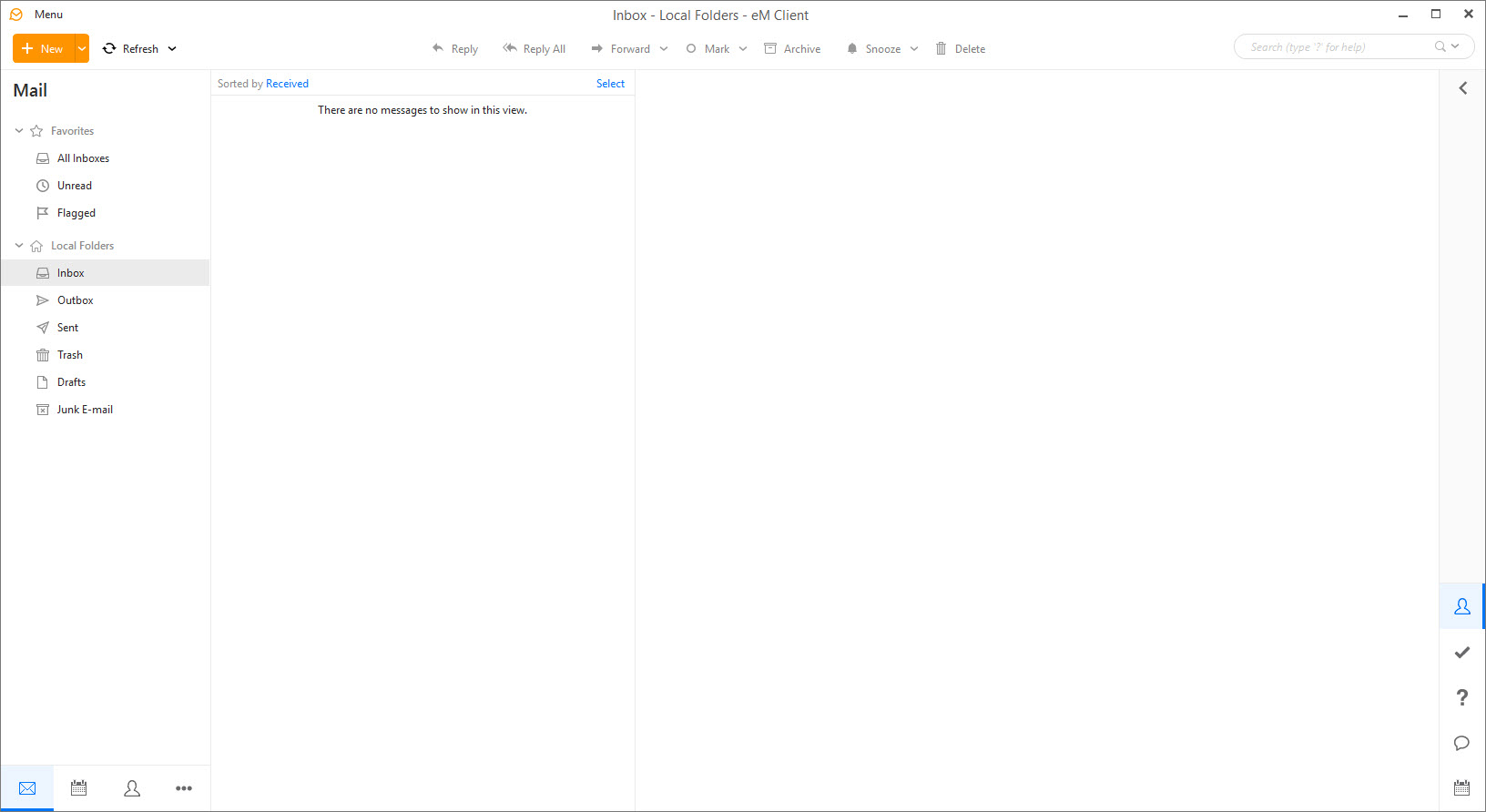
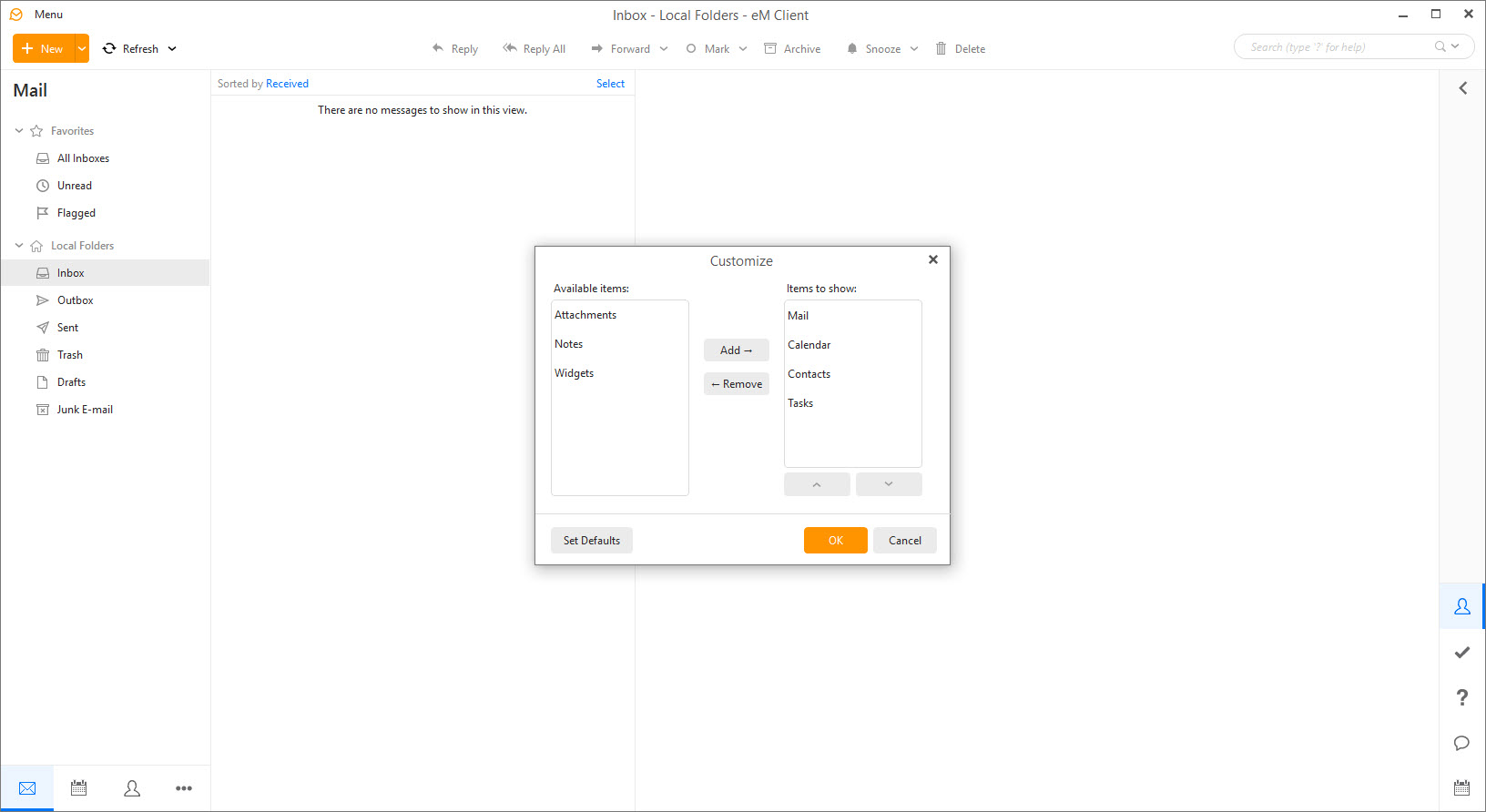
eM Client is a desktop email client that quietly grew into a full personal information manager, folding mail, calendar, contacts, tasks, notes, and even chat into one program with an interface that looks like it was designed this decade. That last point matters more than it should. The desktop email space splits between aging veterans and minimal newcomers, and this application occupies the rare middle ground, deep features under modern polish.
Setup makes a strong first impression. Feed it an address and the client autodetects settings for Gmail, Exchange, Office 365, iCloud, and ordinary IMAP or POP3 accounts, then pulls in mail, calendars, and contacts together rather than treating them as separate projects. Migrating from another client imports existing messages and settings in one pass.
Compared with Thunderbird, the veteran that does everything through extensions, eM Client builds its conveniences in natively, and the difference shows in how coherent everything feels. The trade is that the entry version stops at two accounts, where the open-source veteran never counts.
Mail tools that change daily habits
The features that earn loyalty here are the small workflow ones. Snooze pushes a message out of the inbox until you can deal with it. Send later schedules outgoing mail for a civilized hour. Watch for reply flags a sent message and nags you if no answer arrives, which quietly replaces a whole category of mental bookkeeping. Templates and QuickText snippets handle the emails you write ten times a week, and a built-in translator renders foreign messages readable without copying text to a browser.
Conversation view threads exchanges the modern way, with a toggle for people who hate it. Search deserves its own mention, since it digs through message bodies and attachments fast enough to change how you file things, or rather, to end filing altogether. And a deduplicator tool cleans up the multiplied messages that years of account migrations leave behind.
Against a direct rival like Mailbird, which leans on integrating web apps into its sidebar, the approach here is more self-contained. The features live in the client itself rather than in embedded web views, which pays off offline and costs nothing in reach.
Calendar, contacts, and the agenda that runs your day
The calendar is a genuine scheduling tool rather than a checkbox feature. CalDAV support syncs with practically any calendar service, invitations arrive and respond properly, and scheduling a meeting can attach an online meeting link automatically for the major video platforms. A sidebar agenda keeps the day’s events and tasks visible next to the inbox, which sounds minor and turns out to be the single most used piece of screen real estate.
Contacts sync over CardDAV with the same breadth, and the tasks and notes sections tie into the rest, so a message can become a task with a deadline without leaving the program. None of these parts would justify installing the client alone. Together they retire two or three other programs, and that consolidation is the honest pitch.
Encryption and backup, built in rather than bolted on
PGP encryption usually means plugins, key servers, and an afternoon of frustration. Here the client generates a keypair, publishes and fetches keys, and encrypts or signs messages from the compose window directly. Power users with existing key infrastructure through gpg4win can keep their setup, while everyone else gets working encrypted mail in minutes, which does more for actual adoption than any amount of security lecturing.
A scheduled backup tool snapshots the whole database automatically, and restoring from it recovers accounts, mail, and settings in one step. Anyone who has lost a decade of mail to a dying disk understands exactly what that checkbox is worth.
Where the shine wears off
Large mailboxes expose the limits. Accounts carrying a hundred thousand messages make the client noticeably slower to search and sync than lean rivals, and the single database design means one enormous account drags the whole program. Startup after a long offline stretch can also stall while everything reconciles.
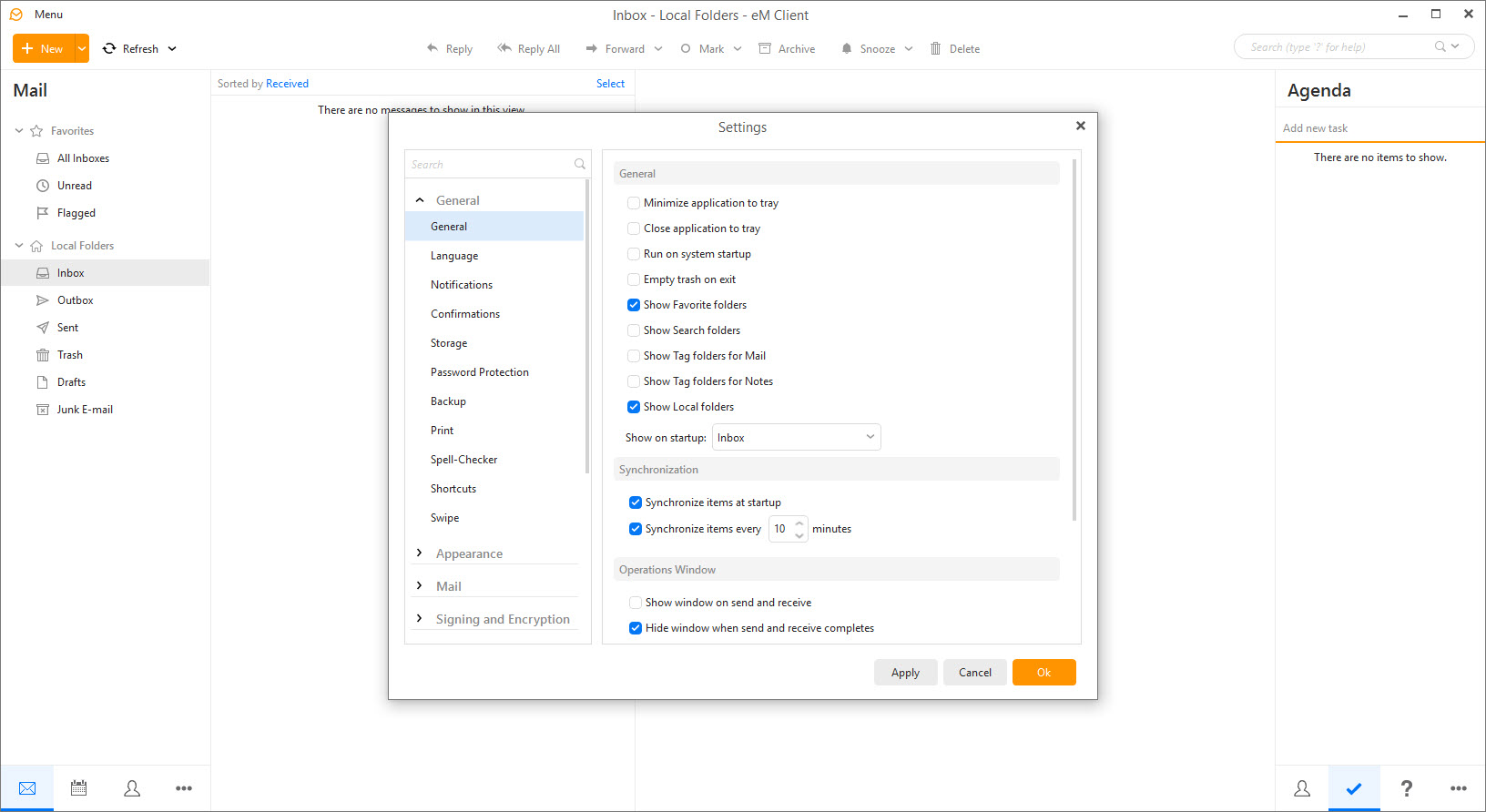
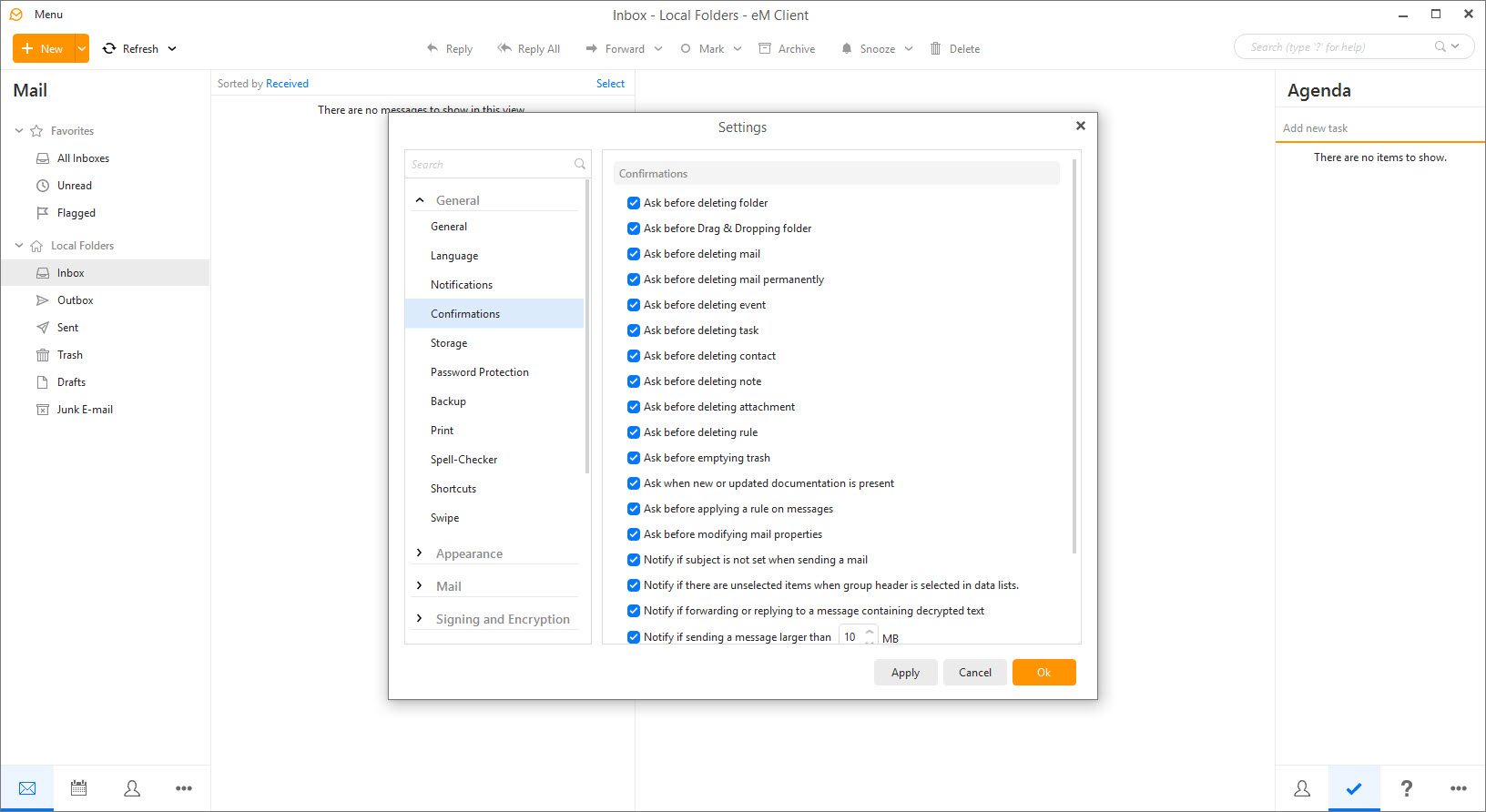
The two-account ceiling on the entry version is the other recurring complaint, since plenty of people juggle three or four addresses, and reaching for the paid tier just to add a childhood address feels steep. A lighter, sleeker client like Spark suits people who want less machinery, not more. And the sheer feature count means settings sprawl across long dialogs where finding one option takes a search, an irony the built-in settings search acknowledges.
Conclusion
eM Client fits people who live in email and want the calendar, tasks, and contacts living in the same window, professionals with a business address or two, and anyone tired of the veteran clients’ assembled-from-parts feel. The workflow features and the built-in encryption and backup deliver real daily value, not spec-sheet padding.
Collectors of many addresses bump into the account ceiling, and giant archives ask for patience. Within those lines, this is about as complete as desktop mail gets without a corporate deployment behind it.
Pros & Cons
- Mail, calendar, tasks, contacts, notes, and chat in one coherent program
- Snooze, send later, and reply tracking cover the modern workflow expectations
- Working PGP encryption without plugins or external key management
- Automatic scheduled backups of the entire mail database
- Excellent automatic setup and migration from other clients
- The entry version allows only two email accounts
- Very large mailboxes slow search, sync, and startup noticeably
- Settings sprawl across dense dialogs that take time to learn
- Heavier on memory than minimal single-purpose mail clients
Frequently asked questions
The entry version connects two accounts, and the paid tier removes the ceiling. Technically the client manages many accounts side by side with unified folders across them.
Yes, both sync natively, including invitations, shared calendars, and contacts. Setup detects the account type automatically from the address in nearly all cases.
Yes, PGP support is built in. The client generates your keypair, exchanges public keys, and encrypts or signs from the compose window with no plugins involved.
Enormous mailboxes strain its database, especially during search and after long offline periods. Archiving old years of mail into separate folders and letting sync finish fully usually restores the speed.
No, it's entirely private bookkeeping on your side. The client simply reminds you when a message you flagged hasn't received an answer within the time you chose.


