

Ekiga
About Ekiga
Ekiga is a softphone, a piece of software that turns your computer into a telephone. Plug in a headset, point it at a SIP account, and you can place and receive voice and video calls over the internet to anyone running compatible software or hardware. What sets it apart from the crowd of chat apps that happen to do calls is the protocol it speaks. Ekiga is built around open telephony standards rather than a closed proprietary network, which means it talks to actual phone systems, not just to other copies of itself.
That standards-first design is the whole reason to use it. Ekiga supports both SIP and H.323, the two protocols that real VoIP infrastructure runs on, and it was the first open-source application to handle both at once. So instead of being walled into one company’s ecosystem, you can register it against a SIP provider, dial an office PBX, or call a desk phone sitting on someone’s desk across the world.
It is a tool for people who think of VoIP as telephony, not as another messaging gimmick.
Speaking the language of real phone systems
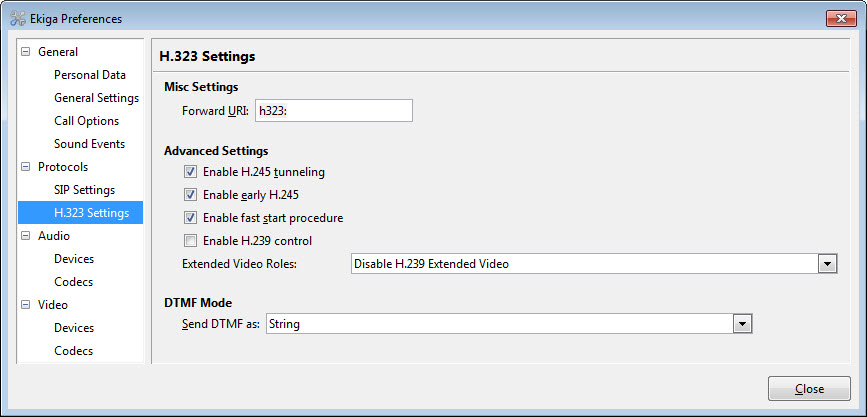
The dual-protocol support is the headline. SIP is what nearly every modern VoIP provider and IP phone uses, and H.323 is the older standard still common in corporate conferencing gear and legacy PBX setups.
By covering both, Ekiga interoperates with an unusually wide range of equipment: SIP and H.323 hardphones, software clients like X-Lite and the old NetMeeting, and PBX systems including Asterisk. If a device or service follows the standard, this software can almost certainly call it.
One thing to be clear about, because people always ask. It does not connect to Skype. Skype used a closed protocol, so no standards-based softphone can reach it. That cuts both ways. You give up the convenience of a single dominant network in exchange for the freedom to talk to any compliant system, which is exactly the trade a tool like this is built around.
If cheap calls to mobiles and landlines are your main goal, a provider-tied client like Nymgo or a basic SIP softphone such as Firefly might suit you better.
Call handling that behaves like a real PBX
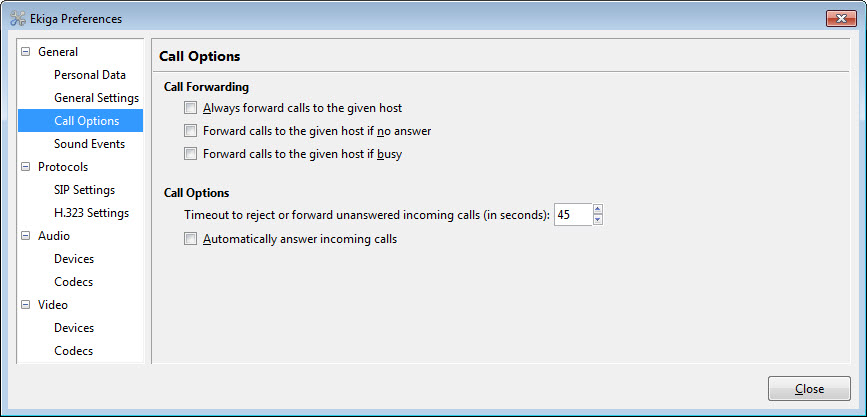
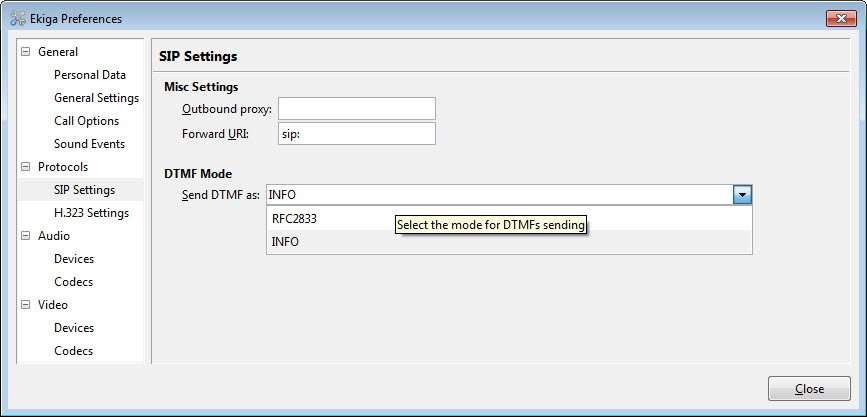
Where some lightweight softphones stop at dial and hang up, Ekiga implements the full set of features the protocols define. You get call hold, blind and attended call transfer, and call forwarding with separate rules for no-answer, busy, and always. It supports message waiting indications so you know when voicemail is sitting on the server, DTMF tones for navigating those endless phone menus, and ENUM for mapping regular phone numbers to SIP addresses.
On the account side it can register to several SIP accounts at the same time, work through a proxy or outbound proxy, and handle the registrar negotiation that hooks it into a provider. This is the part that makes it usable as a genuine office phone rather than a toy. The NAT traversal is worth singling out, since it is the thing that breaks most VoIP setups.
Ekiga includes STUN-based traversal and IP translation so calls actually connect from behind a home or office router instead of producing the classic one-way audio that plagues misconfigured softphones.
Audio and video quality
For something this focused on protocol compliance, the media quality holds up. Ekiga supports a broad list of audio and video codecs, including wideband audio for noticeably clearer voice than the narrowband you get on a traditional phone line, plus echo cancellation that keeps your own voice from bouncing back at the other party. Video calling runs up to full-screen conferencing when the codec and connection allow it.
It is not trying to compete with the polished, effects-laden video of consumer apps. There are no virtual backgrounds, no reaction emojis, no cloud recording. What you get is a clean point-to-point or multi-party call that prioritizes connection reliability and audio fidelity over decoration.
For people who want a no-nonsense video call between two SIP endpoints, that minimalism is a feature, not a gap. If you mainly want group voice for gaming, an encrypted tool like Mumble is a better-fitting alternative.
The everyday interface
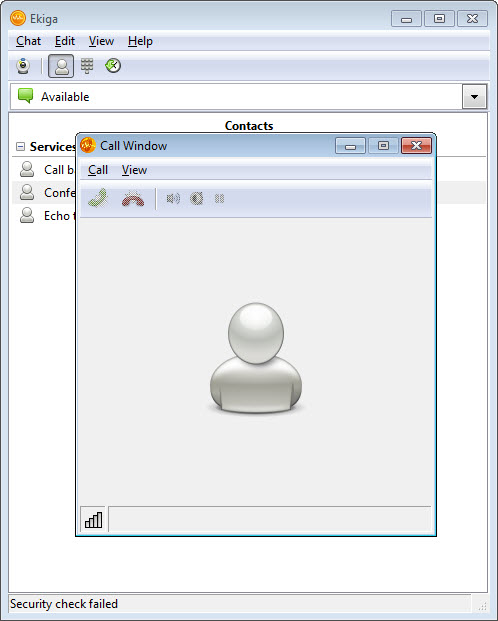
The window itself is laid out like a phone should be. There is a dialpad for entering numbers or SIP URLs, an address book for storing contacts, a call history log, and a chat panel for basic instant messaging alongside calls. Presence monitoring lets you see which of your contacts are available before you dial. You type a SIP address the way you would an email address, or punch digits on the dialpad, and the call goes out.
It is functional rather than fashionable. The layout is dense and utilitarian, closer to a piece of telephony equipment than a modern app, and newcomers used to slick consumer software will find it plain.
But everything you need to manage calls is one or two clicks away, and nothing is hidden behind menus three levels deep.
Where it falls short
Honesty time. The codebase has not seen meaningful updates in a long while, and it shows. The most significant consequence is that the communication encryption that was once planned never materialized, so calls are not end-to-end encrypted. For casual calls that may not matter, but anyone with real privacy needs should know that going in. The interface looks dated next to current software, and getting it configured against a provider can involve more manual fiddling with proxy and STUN settings than a polished commercial client would demand.
None of that erases what it does well. The standards support and interoperability are still genuinely strong, and for connecting to SIP and H.323 systems it remains capable. But you are adopting a mature, stable tool that is no longer actively evolving, and that calculation matters depending on what you need.
Conclusion
Ekiga is for the person who treats VoIP as real telephony: someone connecting to a SIP provider, dialing into an Asterisk PBX, or calling standards-based IP phones, and who values open protocols over a single proprietary network. System administrators testing SIP and H.323 setups and home users who want a standards-compliant softphone rather than another walled-garden app are its natural audience.
The honest picture is a capable, interoperable tool that has stopped moving forward. Its protocol support and call-handling depth still stand up, but the absence of encryption and the dormant development mean it suits people who need standards compliance more than polish or active feature growth.
For wiring a computer into the actual phone network with open tools, it does the job. For anything requiring secure calls or a modern, maintained experience, you will want to look elsewhere.
Pros & Cons
- Supports both SIP and H.323, interoperating with a wide range of hardphones, softphones, and PBX systems
- Full call handling including hold, transfer, and conditional forwarding for no-answer, busy, and always
- Registers to multiple SIP accounts simultaneously with proxy and outbound proxy support
- STUN-based NAT traversal helps calls connect reliably from behind routers
- Wideband audio codecs and echo cancellation deliver clearer voice than a standard phone line
- Includes address book, dialpad, call history, presence, and basic instant messaging in one window
- No call encryption, since the planned secure communication feature was never delivered
- The codebase has not seen meaningful updates, so it lags behind current software
- Cannot connect to Skype or other closed proprietary networks
- Interface is dense and dated compared to modern consumer calling apps
- Provider setup can require manual proxy and STUN configuration
Frequently asked questions
It is an open-source softphone that lets you make voice and video calls over the internet using the SIP and H.323 protocols. It works like a telephone on your computer, connecting to other compatible software, IP phones, and PBX systems.
No. Skype used a closed protocol, and this software only speaks open standards like SIP and H.323. It can call any standards-compliant system but cannot reach Skype's proprietary network.
Both SIP and H.323. SIP covers most modern VoIP providers and IP phones, while H.323 handles older corporate conferencing and PBX equipment. It was the first open-source application to support both together.
No. Call encryption was planned but never implemented, so conversations are not end-to-end encrypted. Anyone with strict privacy requirements should keep that in mind before relying on it for sensitive calls.
Yes. Because it follows the SIP and H.323 standards, the application registers against Asterisk and other compliant PBX systems, making it usable as a desk phone replacement on a business network.
Yes. It handles video calls with a range of codecs and supports full-screen conferencing, though without the virtual backgrounds and effects found in consumer video apps.


Really good calling software!!