

Easy Dark Mode
About Easy Dark Mode
Easy Dark Mode is a tool designed to streamline the process of toggling between light and dark themes in Windows operating systems. By providing quick access to theme settings, it enhances user convenience and productivity, especially for those who frequently switch display modes.
Streamlined Theme Switching
In Windows 10 and 11, changing between light and dark modes typically requires navigating through multiple settings menus, which can be time-consuming.
Easy Dark Mode simplifies this process by allowing users to switch themes with a single click or a designated keyboard shortcut, eliminating the need for manual navigation.
User-Friendly Interface
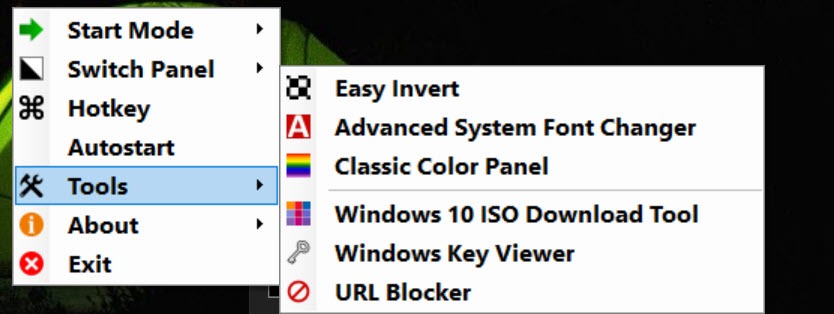
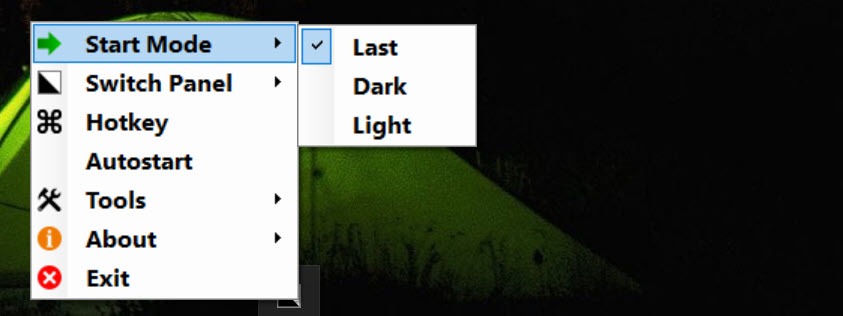
The application operates from the system tray, displaying an icon that reflects the current theme status. Users can toggle between modes by clicking this icon or by using a customizable hotkey combination.
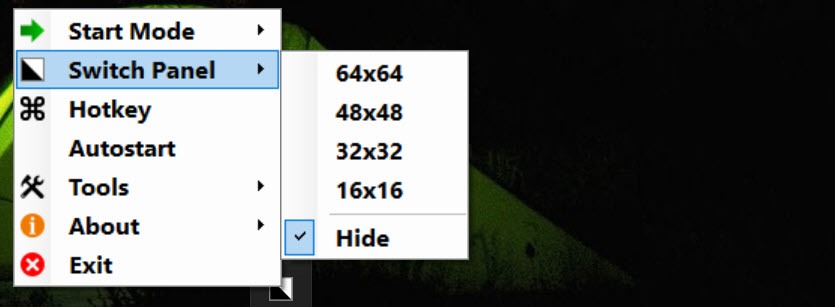
Additionally, a floating switch panel is available for those who prefer on-screen controls, offering flexibility in how users interact with the tool.
Compatibility and Support
Easy Dark Mode is compatible with Windows 10 version 1803 and newer, including Windows 11. It also supports dark mode implementations in applications like Google Chrome and Mozilla Firefox, ensuring a consistent theme experience across supported apps.
Conclusion
Easy Dark Mode offers a straightforward solution for users seeking to efficiently toggle between light and dark themes in Windows. Its user-friendly interface, customizable hotkeys, and support for compatible applications make it a valuable tool for enhancing the user experience.
While it lacks advanced features like automated scheduling, its simplicity and portability ensure that theme switching is both quick and convenient.
Pros & Cons
- Quick Access: Enables immediate switching between light and dark modes without navigating system settings.
- Customizable Hotkeys: Allows users to set personalized keyboard shortcuts for theme toggling.
- Portable Application: Does not require installation, making it easy to use on multiple devices.
- Application Support: Extends theme switching to compatible applications like Chrome and Firefox.
- Limited to Theme Switching: Focuses solely on toggling themes without additional customization features.
- Manual Operation: Does not offer automated scheduling for theme changes based on time or ambient light.


