

DVDStyler
About DVDStyler
DVDStyler is a cross-platform application for styling your DVD drives, as it allows you to create personalized menus for your DVDs and customize other features about the DVDs you make.
If you’re creating DVDs for various purposes, you must know that the average burning applications do not allow you to customize your DVDs.
Customization on your DVD can make things much better and feel more personalized, especially if you can add a personal touch to the proceedings.
With DVDStyler, you can do exactly that. It’s a great application to create customized menus in your DVDs, as you can choose from different templates and presets that help you get the job done.
You can also change almost every menu aspect and use other customization options to improve it.
Create Menus for DVDs
The primary goal, or rather, the object of this application, is to offer you a way of creating personalized menus for the DVDs you create.
You’ll be able to create menus for DVDs, including personalized menus and menus that you can create from pre-made templates if you wish.
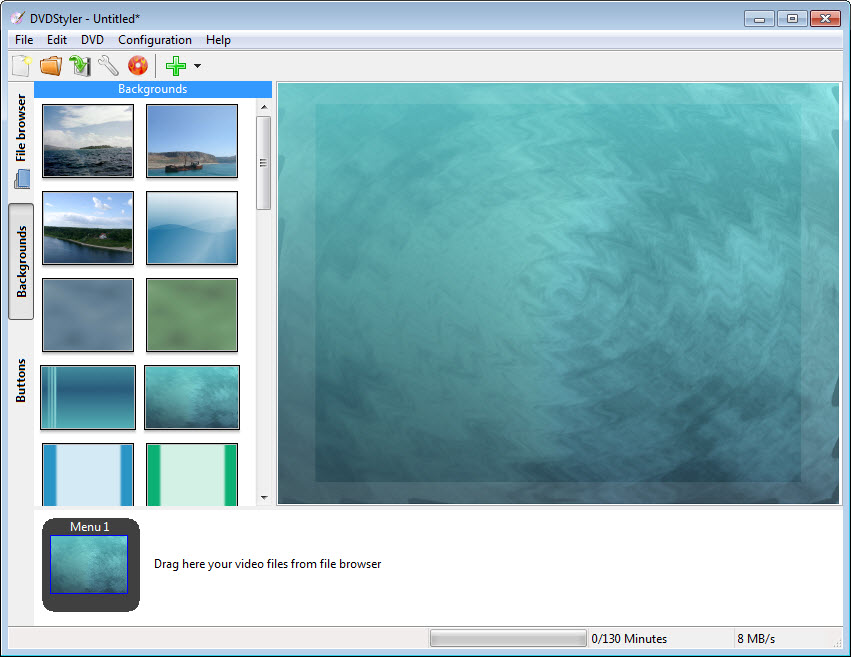
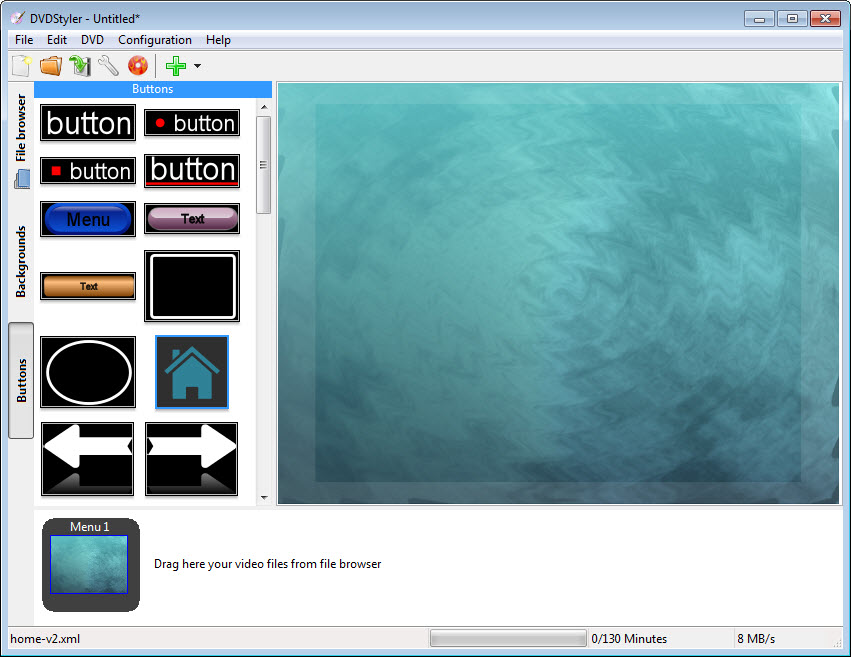
There are also other customization options for creating menus, such as changing the colors of the buttons of your menu, location of the button, shadow effects, background colors and images, and several other features.
You’ll have full control over the menus you create using this tool.
Customize Your DVD
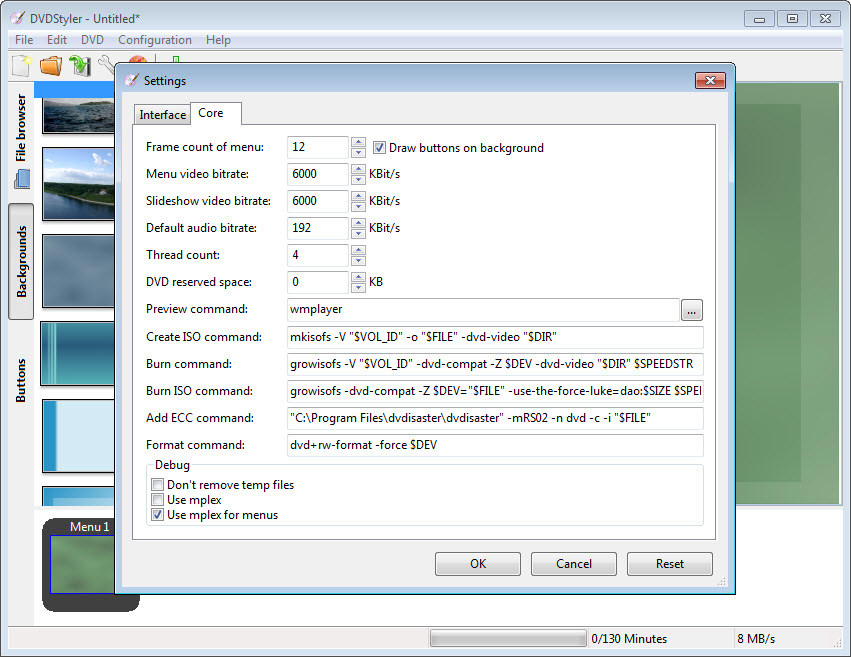
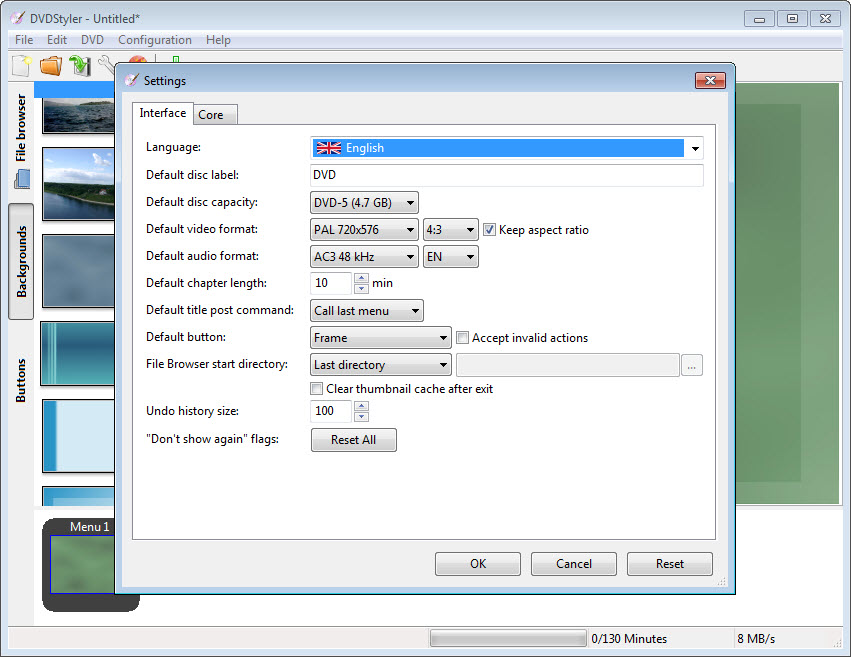
In addition to the ability to create menus, you’ll also be able to explore some other customization options with this tool, including the ability to change the icon of your DVD, choose the disc label, select the capacity of your disk, audio, and video bitrate adjustments, aspect ratio, format, and several other settings about the DVD.
Conclusion
With DVDStyler, you’ll have complete control over your DVD and its appearance. You’ll be able to create menus of your liking and alter other customization settings about the DVD, making it feel more personalized and different from the rest.


