

DriverPack Solution

About DriverPack Solution
DriverPack Solution is a comprehensive tool designed to streamline the process of installing and updating drivers on Windows systems. Known for its extensive driver library and automated functionality, the software ensures that your PC’s hardware operates smoothly and efficiently.
Whether setting up a new system, troubleshooting driver-related issues, or simply updating outdated drivers, DriverPack Solution offers a user-friendly and reliable approach to managing device drivers.
Automatic Driver Detection and Installation
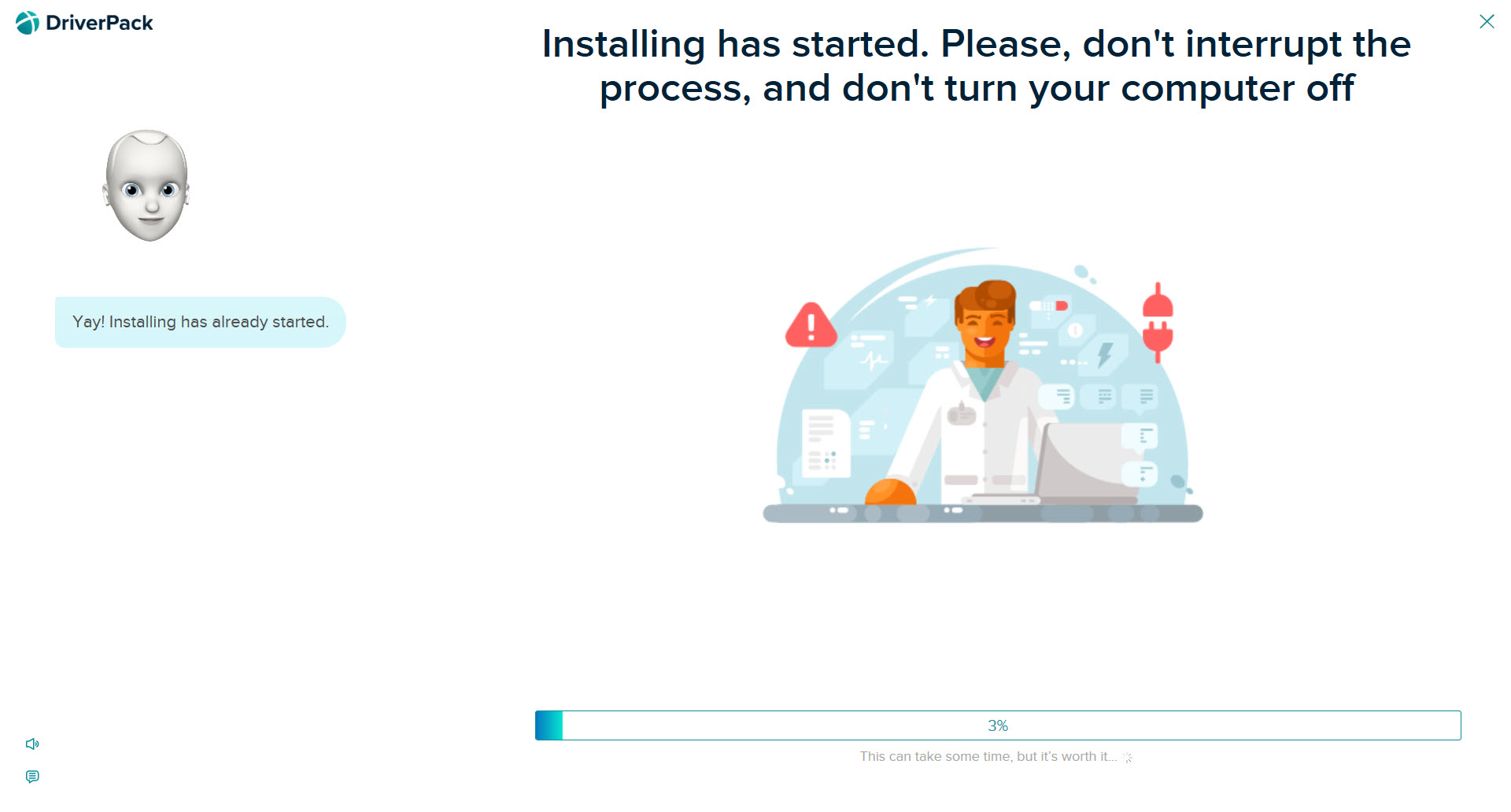
The primary feature of DriverPack Solution is its ability to automatically detect missing, outdated, or incompatible drivers. Upon scanning your system, the software identifies hardware components and matches them with the latest compatible drivers from its extensive library.
The tool simplifies installation by downloading and installing the required drivers with minimal user intervention.
This feature saves time and ensures that even users with limited technical knowledge can keep their systems up to date.
Extensive Driver Library
DriverPack Solution boasts one of the largest driver databases available, supporting a wide range of devices, including printers, graphics cards, sound cards, and network adapters. Its database is regularly updated to include the latest drivers, ensuring modern and legacy hardware compatibility.
This extensive coverage makes the software a versatile solution for a variety of systems and configurations.
Offline Mode
For users without consistent internet access, DriverPack Solution offers an offline mode. By downloading the full driver database beforehand, users can install and update drivers without needing an active internet connection.
This feature is particularly valuable for IT professionals managing multiple devices in environments where connectivity is limited or unavailable.
System Optimization Tools
In addition to driver management, DriverPack Solution includes optional tools for optimizing system performance. These features, such as software recommendations and diagnostics, aim to enhance the overall user experience.
However, users should exercise caution when installing additional software to avoid unnecessary bloat.
User-Friendly Interface
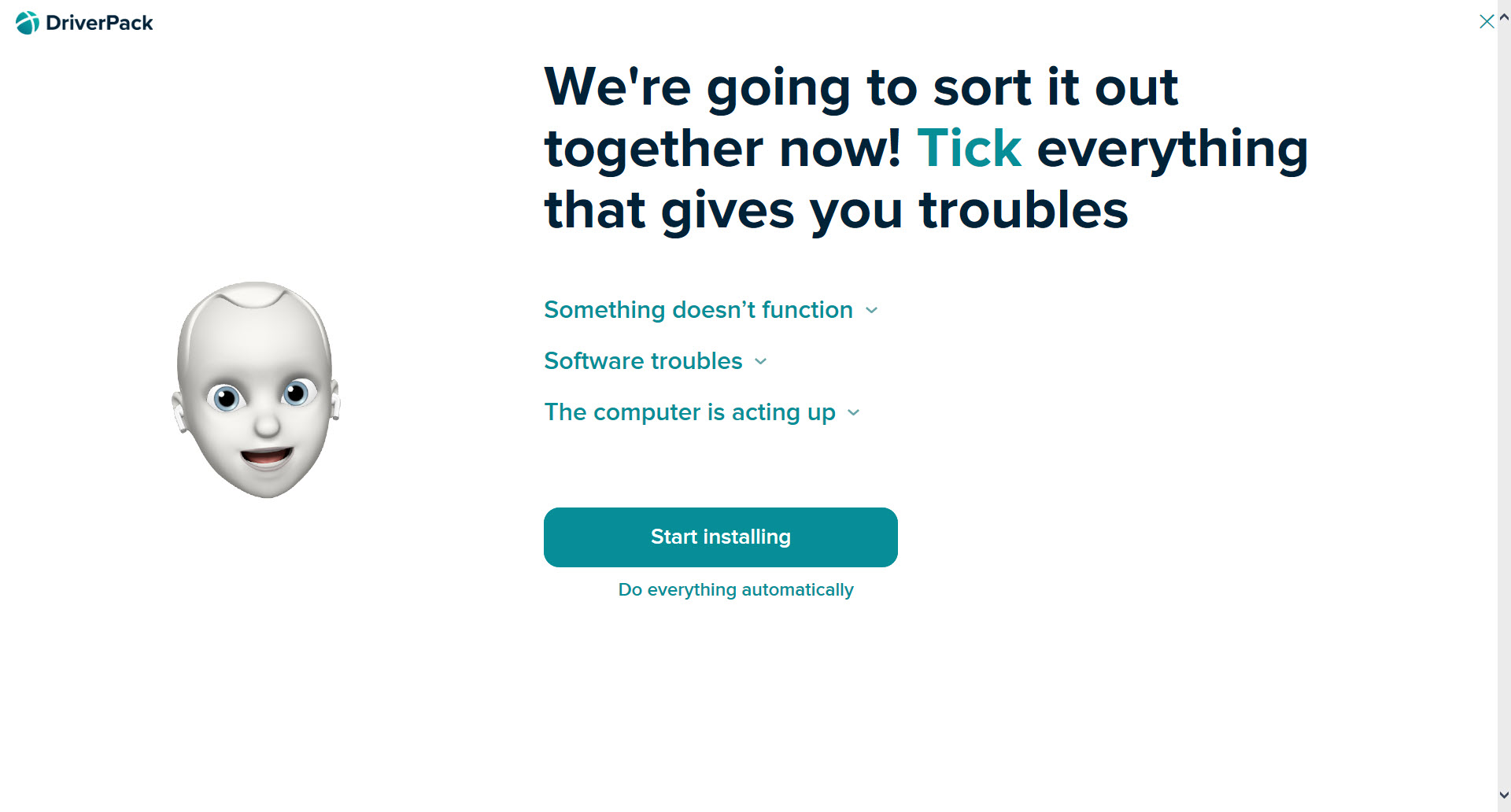
The software’s intuitive interface makes it accessible to users of all skill levels. The dashboard clearly displays system information, driver statuses, and available updates, guiding users through the process with simple instructions.
For advanced users, the tool also provides manual options for selecting specific drivers, offering greater control over the installation process.
Conclusion
DriverPack Solution is a powerful and efficient tool for managing drivers on Windows systems. Its automated functionality, extensive driver library, and offline capabilities make it an excellent choice for both casual users and IT professionals.
While its optional software recommendations may not appeal to everyone, the core driver management features are robust and reliable.
For anyone looking to simplify the often tedious process of driver updates, DriverPack Solution offers a comprehensive and user-friendly solution.
Pros & Cons
- Automatically detects and installs missing or outdated drivers.
- Extensive driver library supports a wide range of devices and hardware.
- Offline mode enables driver updates without an internet connection.
- Intuitive interface caters to both beginners and advanced users.
- Portable design allows for easy use across multiple systems.
- Includes optional software recommendations that may not be necessary for all users.
- The full offline database requires significant storage space.
- Limited support for non-Windows platforms.
Frequently asked questions
Yes, the software offers an offline mode for installing drivers without an internet connection, provided you have downloaded the full driver database.
Yes, its extensive driver library includes support for older hardware, making it a practical solution for maintaining legacy systems.
The software is safe to use, but users should carefully review additional software recommendations to avoid installing unnecessary programs.
Yes, the software can automatically detect, download, and install driver updates, streamlining the process for users.
Yes, advanced users can manually choose which drivers to install, offering greater control over the process.


