

digiCamControl
About digiCamControl
digiCamControl allows you to control a DSLR camera remotely. Then, you can import the images and the EXIF data. The connection is simply through a USB cable, making it an interesting and easy-to-use software to explore.
GUI
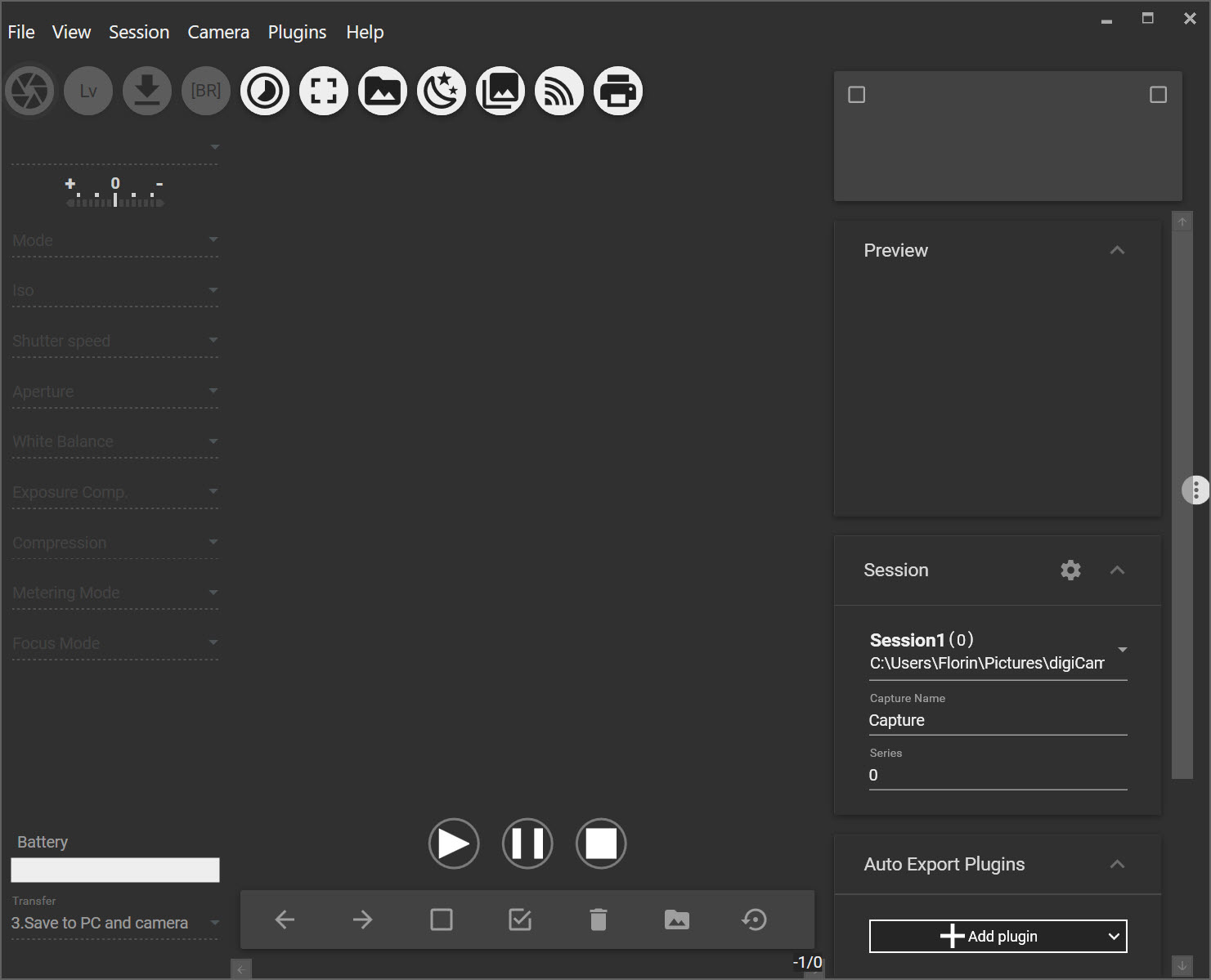
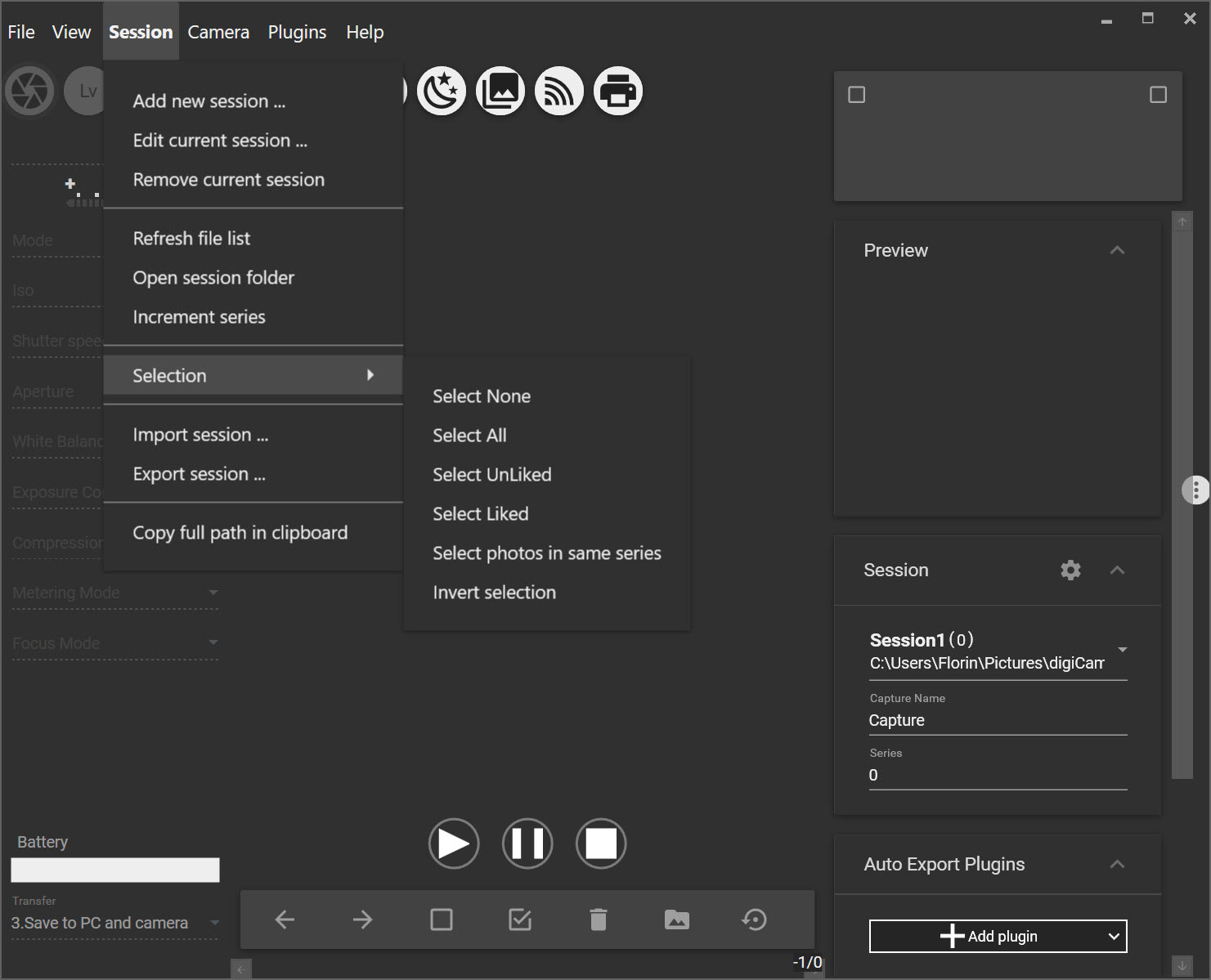
The interface is not overly fancy. Still, it is quite intuitive. The menus are lined up in rows, and the options are easy to find. You can trigger images and view them on the monitor.
Then, you can take screenshots of these and change your shutter speed. It also allows you to change the time-lapse and get different exposure combinations.
You can choose the ISO value, shutter speed, white balance, or exposure, depending on what you try to do. The aperture can even be adjusted.
Multiple Cameras
We were surprised to find that you can use different cameras. It will show you the metadata and all the details. It means you can process the images with the information you need.
Configuration Panel
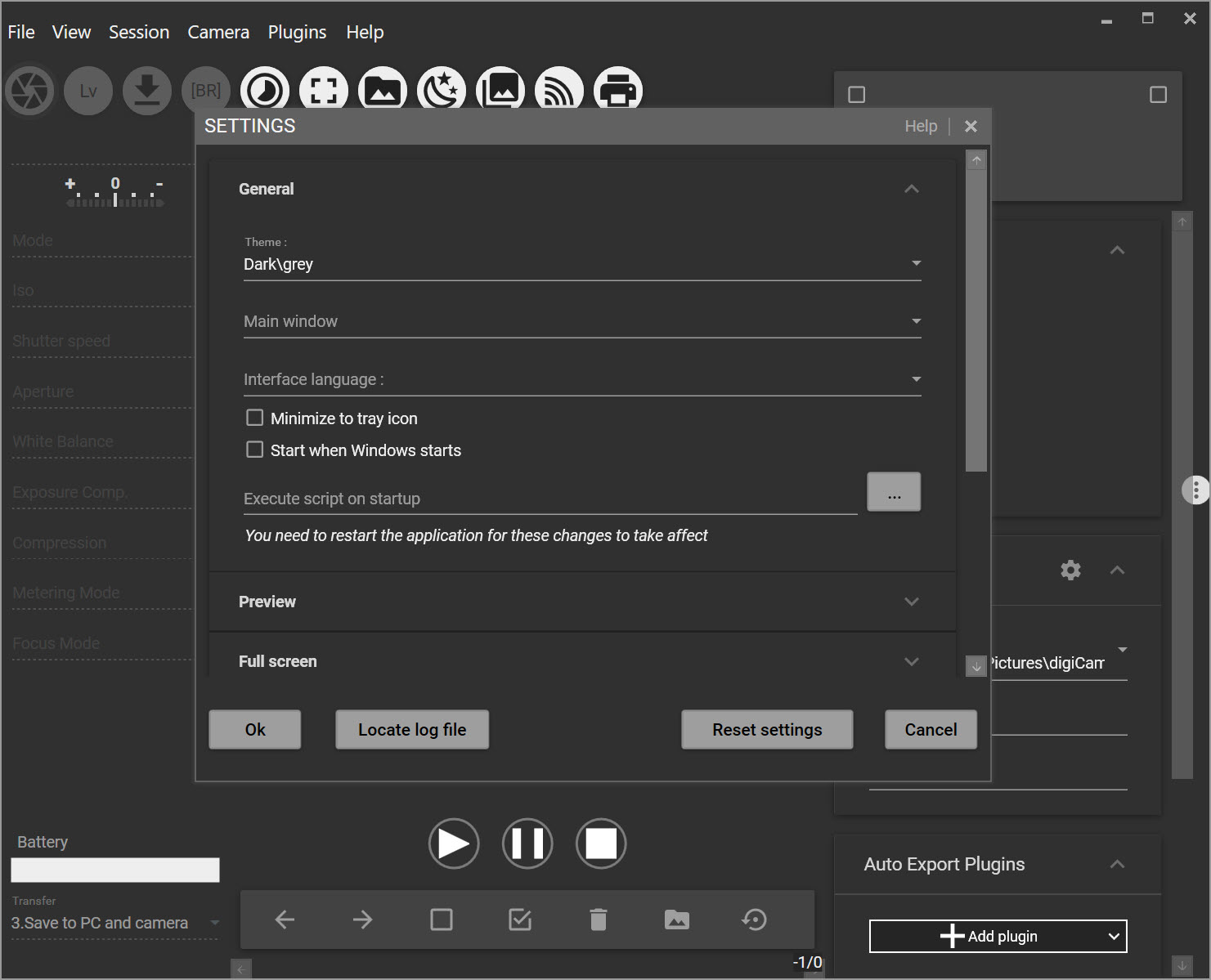
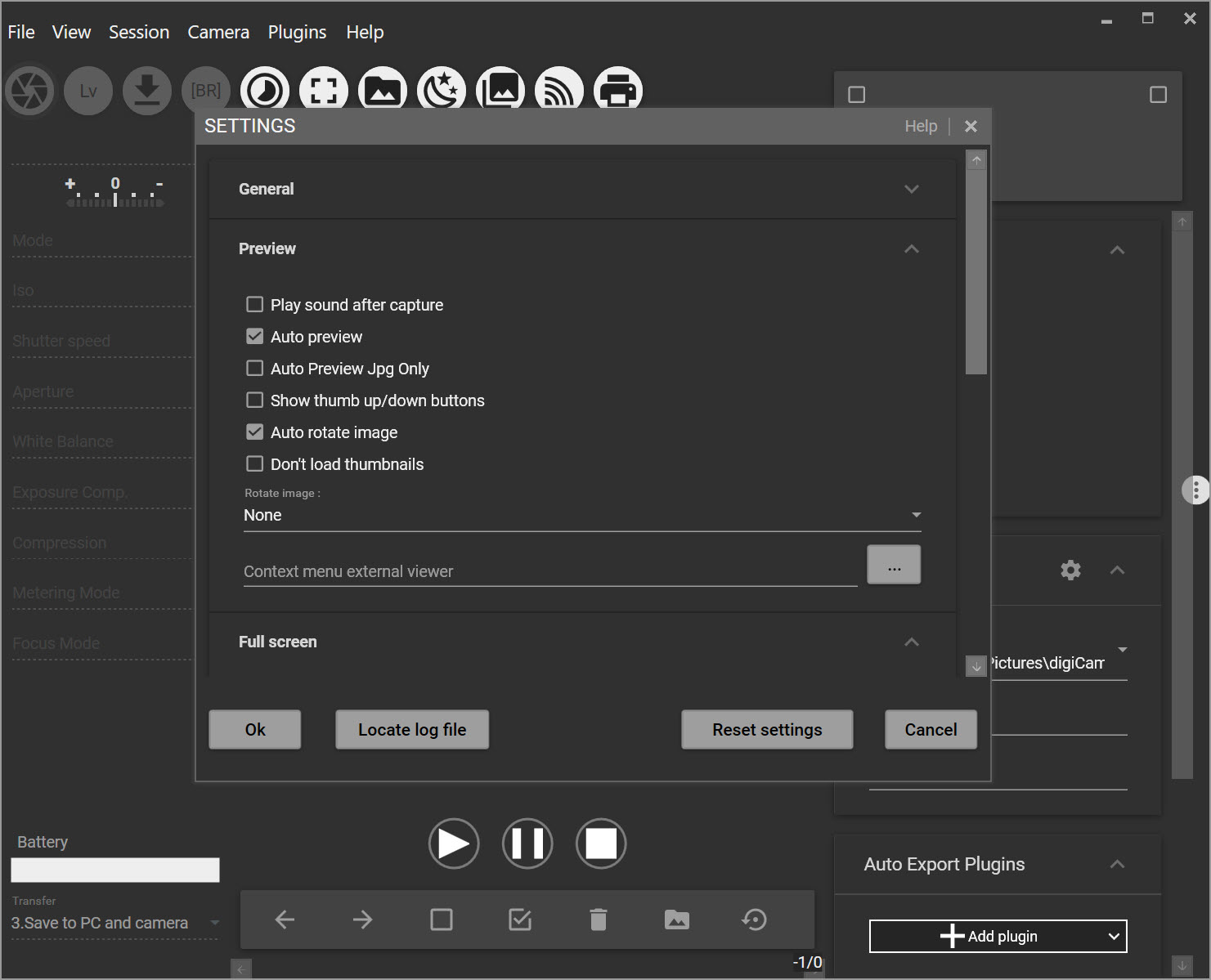
The settings are not complex. You can change the looks of the app and how you view it by default. You can also automatically preview photos for a set amount of time. Of course, the entire process will be easier if you know more about photography.
Finally, you can snap an image with a trigger on your keyboard that you set up ahead of time.
A Good App for Photographers
Sometimes, photo apps are too complex for the average user. Other times, they are so simple that they don’t offer any advantages over manual methods. We find that this application is good for a mix of users.
You can have fun, yet you won’t be overwhelmed by the features. The best part is being able to draw images from multiple sources.


