

Cxbx
About Cxbx
Cxbx runs original Xbox games on a PC by translating them rather than imitating the console. Point it at a game’s executable, the file with the .xbe extension that the console would have loaded, and it starts the program as if it were a native application. Calls the game makes to the Xbox’s operating system are caught and answered by the emulator’s own implementation, and the graphics calls are turned into Direct3D on the PC.
That approach is called high-level emulation, and it has two effects to understand before anything else. It can be fast. And it asks for no console firmware dump, because the kernel is rebuilt inside the program.
The trade is accuracy. A high-level emulator guesses at what a game wanted from the hardware, and where the guess is wrong, the game misbehaves. Cxbx is a work in progress, and the people behind it say so plainly. Many games boot. Some play well. Others show broken graphics, stutter or crash. The project keeps a public compatibility list, game by game, and that list is the single most useful thing to read before expecting a particular title to work.
The sections below cover how it runs games, what it needs, how it compares with the other Xbox emulator, and what a first session looks like.
How it runs a game
The emulator works on the executable, not the disc. A game’s files sit in a folder, the .xbe inside it is loaded, and the emulator takes over from there. The original console’s CPU is close enough to a PC’s that the game’s code runs directly, so nothing slows it by interpretation. What is replaced is everything around the code. The kernel and the file system are supplied by the emulator, along with the audio and the controller input, and the graphics calls are translated on the fly.
That design is why startup is simple. There is no hardware to configure and no firmware to find. It is also why each game is a separate puzzle. A title that leans on an unusual graphics trick, a copy-protection check or a quirk of the console’s timing may fail while its neighbours run.
There are per-game settings to tweak, and the compatibility list notes which ones help. Keep expectations at the level of experiment rather than polish.
What it needs
The Cxbx requirements are specific. A 64-bit system, a graphics card that supports Direct3D 9 with its shader models, and the 32-bit Visual C++ runtime, since the emulator itself is a 32-bit program running on a 64-bit machine. Network emulation needs Npcap installed in its compatibility mode. USB pass-through for original controllers, which is optional, needs a compliant driver. All of it is listed in the project’s own notes and it takes ten minutes.
Cxbx needs games from your own discs and consoles. The emulator does not include any, and the legitimate route is dumping the games you own to files on the computer. Anyone downloading them from elsewhere is acting outside what the program is for.
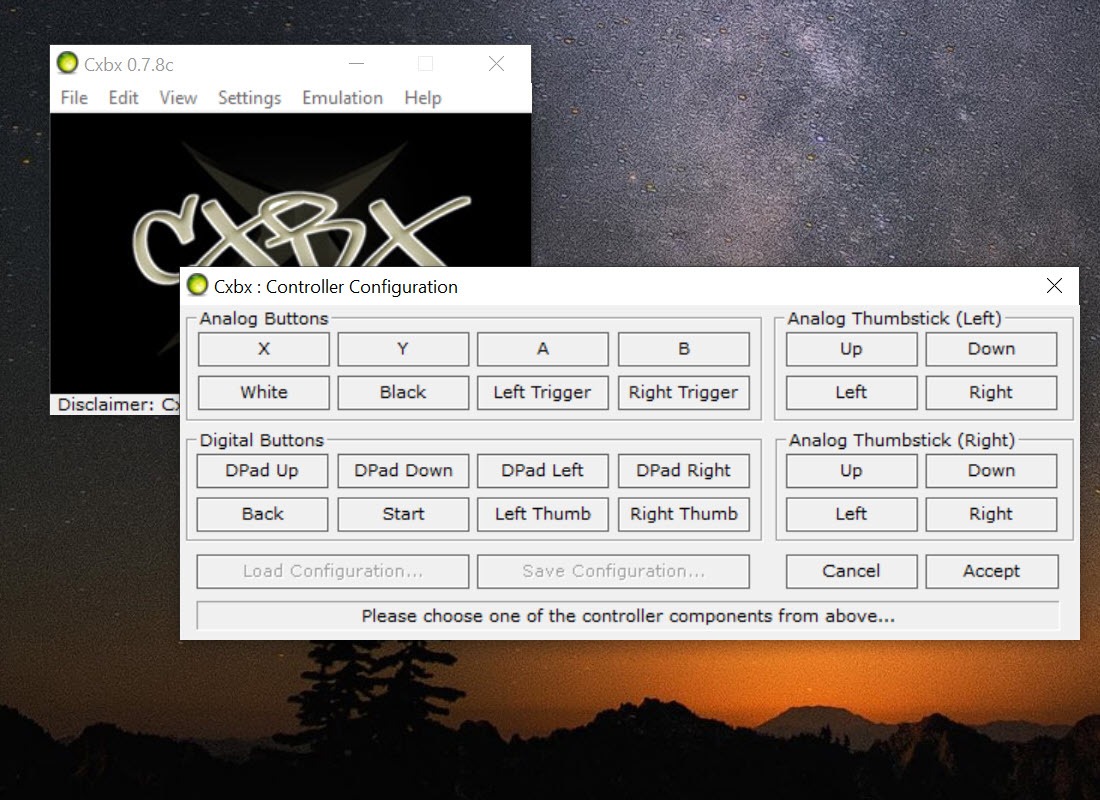
A modern gamepad works for control, and a tool that maps pad buttons to keys fills the gap for any controller the emulator does not recognise.
Graphics, audio and what is missing
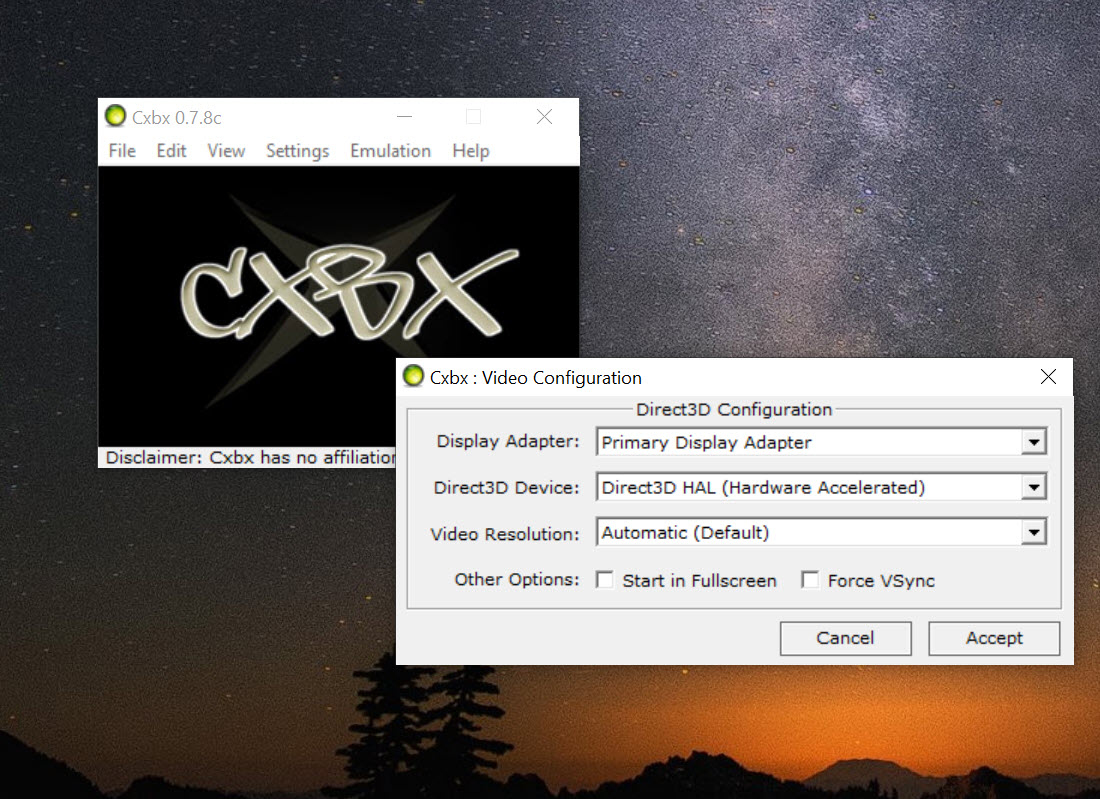
Cxbx rendering goes through Direct3D, with a choice of backends, and the emulator’s recent work is on getting the console’s fixed-function graphics behaviour exactly right, which is where many visual bugs live. Resolution scaling lets a game that ran at 480 lines on a television render sharper on a monitor. Audio plays through the system’s sound with the console’s formats decoded. Gamepad support is built in.
Several things are absent. There are no save states, no frame-rate unlocking to speak of, and none of the enhancement features found in the mature emulators for other consoles. The Xbox dashboard has known rendering bugs.
Network features are emulated at a basic level and system link games may not behave. That is what a project still working on the fundamentals looks like.
Against the other Xbox emulator
There is a second emulator for the same console, and the honest summary is that it plays more games. It takes the opposite approach, imitating the hardware itself, which is slower to build and more accurate, and it runs a larger share of the library with fewer visible glitches. It also needs firmware files that this one does not.
That does not make Cxbx redundant. High-level emulation reaches some titles the hardware-accurate route cannot, particularly games with unusual protection or timing, and it needs less setup. Many players keep both, checking the compatibility list of each before choosing.
For emulation of other consoles from a single front end, a game launcher for emulators organises them all.
Where it asks patience
Cxbx is open source and developed by volunteers, so progress comes in builds rather than releases, and a build that fixes one game can break another. The documentation is a wiki and a compatibility spreadsheet rather than a manual. Some games need specific settings found only in an old forum post. Crashes are normal enough that the emulator ships with a logging mode to help report them. And there is no installer in the ordinary sense. It unpacks to a folder and runs from there.
None of this stops it being the best tool for exploring the original console’s library on a PC when you are willing to read the compatibility notes first. A mature emulator such as PCSX2 shows how smooth the experience becomes with longer development, and this project is on the same road.
For someone expecting to double-click and play, the experience will be rougher than any mature emulator’s.
Conclusion
Cxbx suits players with a library of original Xbox games who want to try them on a PC, and anyone curious how a console can be emulated by translation instead of imitation. It boots a lot of games, it needs no firmware, and the compatibility list tells you what to expect before you try.
It is a work in progress and behaves like one. Read the list first, install the runtimes, start with games known to run well, and keep the hardware-accurate emulator beside it for the titles this one cannot manage.
Pros & Cons
- Runs Xbox executables directly by translating the console's kernel and graphics calls
- No console firmware dump needed, since the kernel is rebuilt inside the program
- Boots a large share of the library, with a public game-by-game compatibility list
- Per-game settings and resolution scaling for sharper output
- Reaches some titles the hardware-accurate emulator cannot
- Open source and actively developed
- High-level guesses mean graphical glitches and crashes in many games
- Runs fewer games with fewer visual problems than the hardware-accurate alternative
- No save states or frame-rate tools, and the dashboard has known bugs
- Needs the 32-bit runtime, Npcap and a Direct3D 9 graphics card
Frequently asked questions
No. It rebuilds the console's kernel inside the program, so no firmware files are required.
It is a high-level emulator that guesses at what each game wants from the hardware, so some titles fail. Check the project's compatibility list for the game and any recommended settings.
No. It emulates the original Xbox only, which used a different processor architecture from the 360.
The hardware-accurate one plays more games with fewer glitches, while this one reaches some titles that one cannot and needs less setup. Many players keep both.


