

iCUE - Corsair Utility Engine
About iCUE - Corsair Utility Engine
Suppose you have Corsair products such as mice, keyboards, and other peripherals. In that case, you can manage them with the Corsair Utility Engine (iCUE), which will help you adjust the lighting, mappings, and your products’ overall behavior easily.
Corsair is one of the leading peripherals providers, which they have only started to become in the last few years. Before that, they were known to be one of the most well-known providers of RAM modules.
Since then, you’ll find many different products of this company where you’ll be able to adjust the lighting and other advanced options.
You can do that with an application like Corsair Utility Engine, making it easier for you to adjust the lighting of your products and their mappings and other settings.
You can also adjust the performance of these peripherals with this easy-to-use application that offers an easy way to customize your products.
User-Friendly Application
First, we must mention that this application was designed to be user-friendly. So even if you’re a beginner with applications like this one, you’ll be able to change some basic settings.
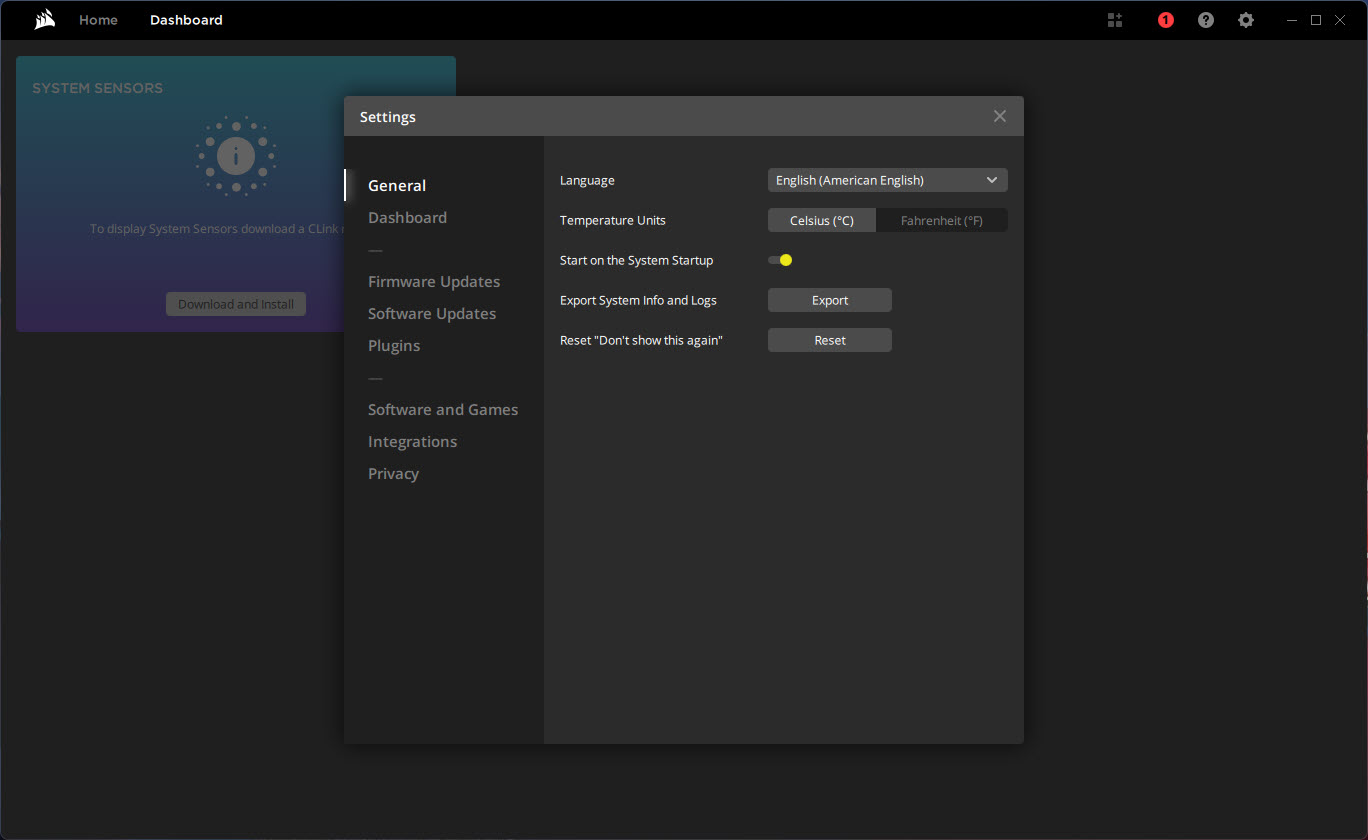
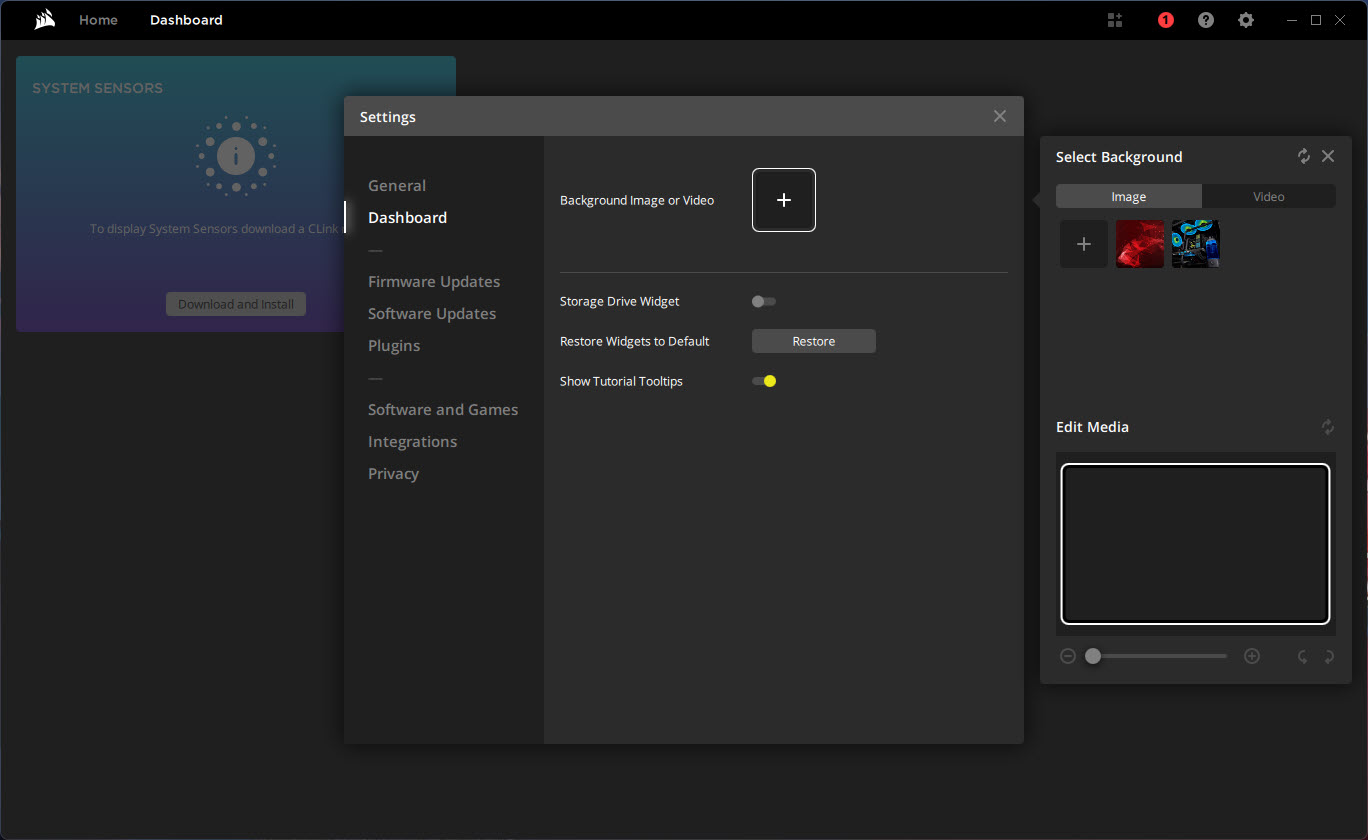
It has a nice interface where you can manage all your peripherals in one place.
Configure Your Peripherals
The customization options are great with this application. You can start with simple things like mapping your peripherals like the mouse. One of the more appealing options insides is to change the lighting of your products.
You’ll see an instant impact of those settings, as you’ll be able to change the colors quickly.
You can also use various lighting effects that are available inside this tool. You can customize the mouse DPI and save these settings for later use so that you don’t have to change them every time you want to do that.
Conclusion
Corsair Utility Engine is a useful utility application that helps you change your peripherals’ settings and customize their appearance and performance.


