

CoolNovo
About CoolNovo
A browser built on the same engine as the mainstream one, with the things that engine’s own browser refused to include. That was the pitch, and CoolNovo delivered it at a point when the dominant browser was deliberately spare and its makers were in no hurry to add conveniences.
The conveniences it added
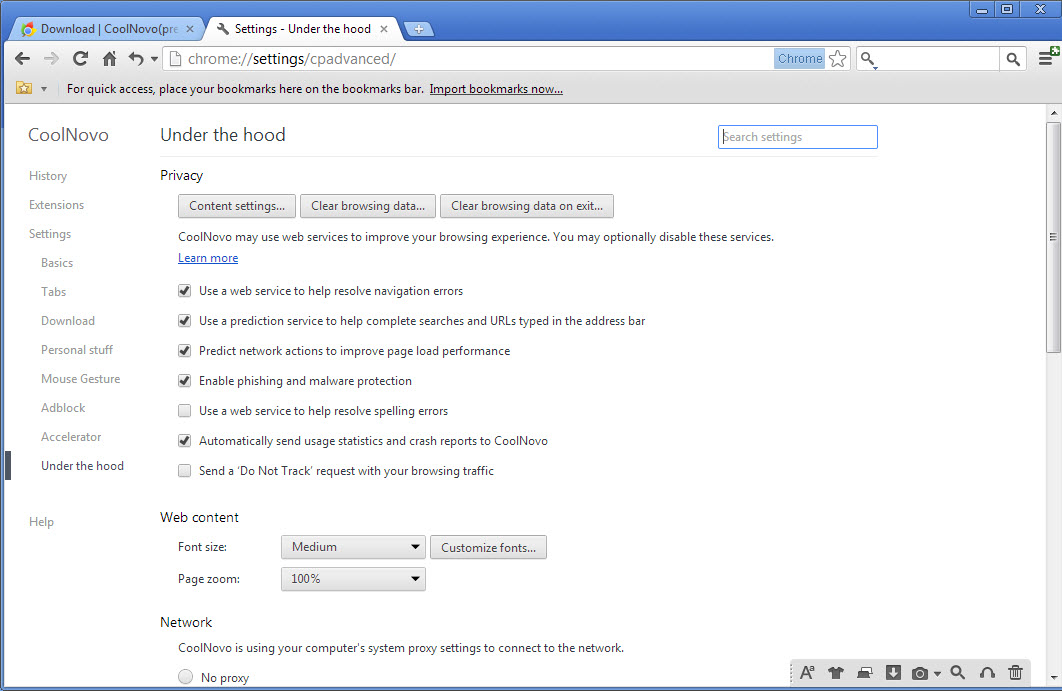
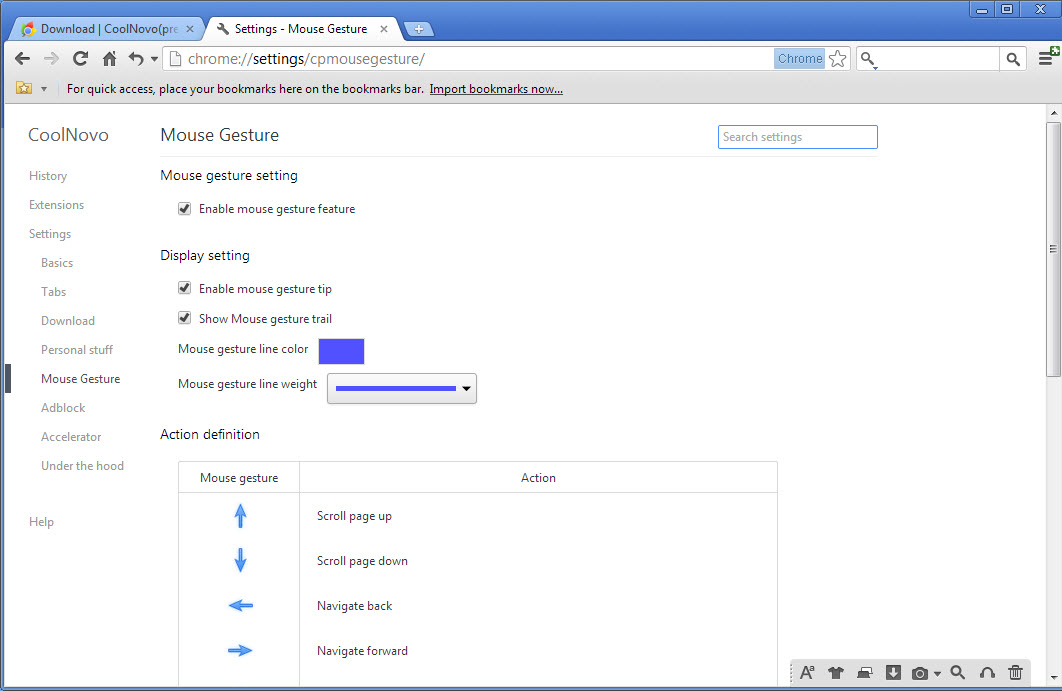
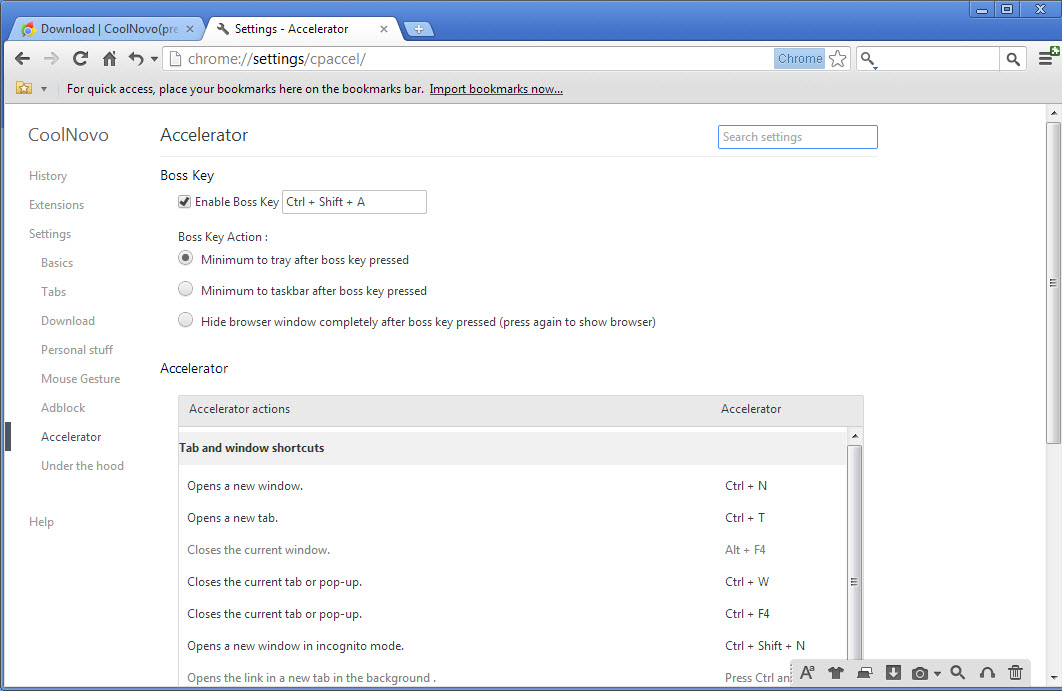
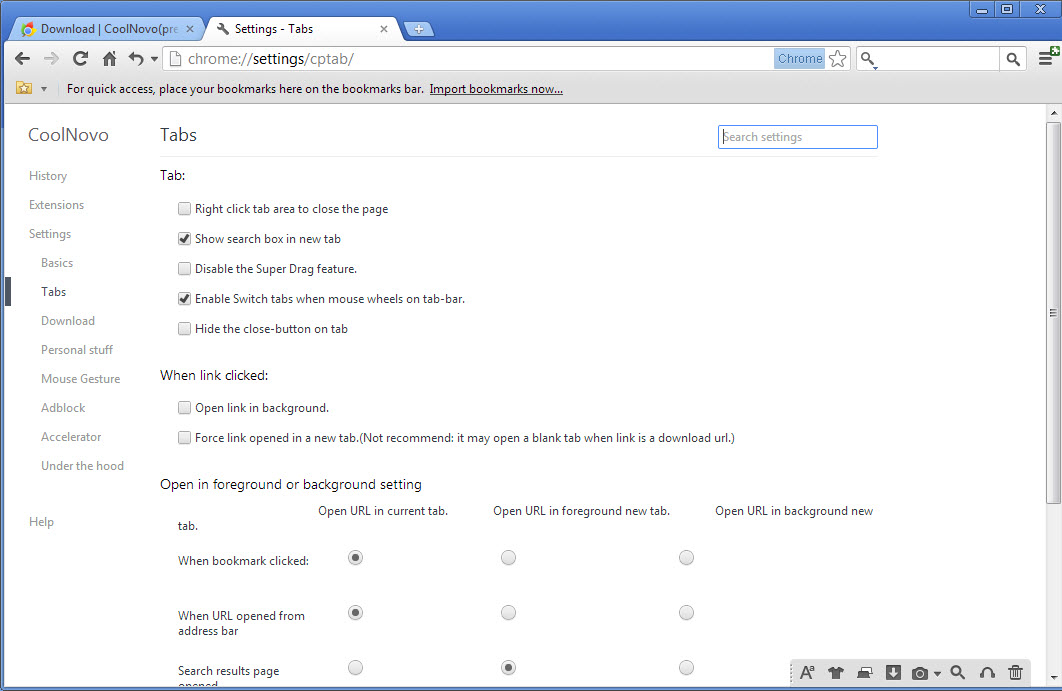
CoolNovo added the sort of thing people had grown used to elsewhere. Mouse gestures, so a flick of the right button went back or closed a tab. Dragging selected text or a link straight into a search or a new tab. Closing a tab by double-clicking it. A sidebar, download handling and page translation.
None of that sounds remarkable now, which is the point and also the eventual problem.
The dual engine tab was the real argument
One CoolNovo feature stood apart from the conveniences, and it was the reason offices installed it.
A tab could be switched to render with the system’s older engine instead of the modern one. That mattered because a great many internal applications, banking portals and administrative systems were built for that engine specifically and broke in anything else.
Without it, somebody in that situation kept two browsers open and moved between them all day. With it, the awkward page opened in a tab beside everything else and behaved correctly.
The same trick covered older public sites, of which there were a great many, built for one engine by somebody who never revisited them afterwards.
That idea has not disappeared, and BriskBard carries it forward in maintained software, letting the rendering engine be chosen per tab for exactly the same reason.
Everything else it offered arrived elsewhere
The conveniences that justified CoolNovo stopped being distinctive, and that is what removed its reason to exist rather than any failure on its part.
Mouse gestures became extensions available to every browser. Translation became a built-in feature of the mainstream ones. Sidebars and tab behaviour became configuration options.
Vivaldi is the clearest example of where that went, building gestures, sidebars and an enormous amount of interface configuration into the browser itself on the same underlying engine.
It stopped, and the base stopped with it
CoolNovo development ended and nothing has followed, which matters more for a browser than for most software.
The engine underneath is the version that existed when work stopped. Everything found in it since has been fixed in the browsers that continued and not here, and the web has moved on considerably from what it could render.
That combination makes it a poor choice for browsing today regardless of how pleasant the features were. Firefox is the maintained independent option, and any current browser will render modern pages correctly and receive fixes when they are needed.
Conclusion
CoolNovo did something sensible for its moment, which was taking a fast, spare browser and adding the conveniences its makers had left out. The mouse gestures and the drag behaviour were properly pleasant, and the tab that could render with the older engine solved a real problem for anybody stuck with systems built for it.
Its features won the argument and the product lost it. Everything it offered is now standard, available as an extension, or provided by software that is still being maintained, while this one is frozen at the point development stopped. Interesting as a record of what people wanted from a browser, and not something to browse with.
Pros & Cons
- Mouse gestures, super drag and double-click tab closing, built in rather than added
- A tab could render with the system's older engine for pages that required it
- Sidebar, download handling and translation without extensions
- Familiar to anybody who knew the mainstream browser it was based on
- Development ended, so the engine receives no fixes at all
- The base is old enough that modern pages render poorly or not at all
- Every convenience it offered is now an extension or a built-in feature elsewhere
- The dual engine feature survives in maintained software instead
Frequently asked questions
Mouse gestures, dragging text or links into searches, closing tabs by double-clicking, a sidebar, download handling and page translation, at a time when the mainstream browser included none of them.
For the tab that rendered with the system's older engine. Internal applications and administrative portals built for that engine broke elsewhere, and this let them open beside ordinary pages instead of requiring a second browser.
No. Work stopped and nothing has followed, which means the engine underneath is frozen at the version it had then and receives none of the fixes issued since.
Any current browser, since gestures are available as extensions, translation is built in and interface configuration is standard. For the dual engine capability specifically, maintained software still offers it.


