

ConTEXT
About ConTEXT
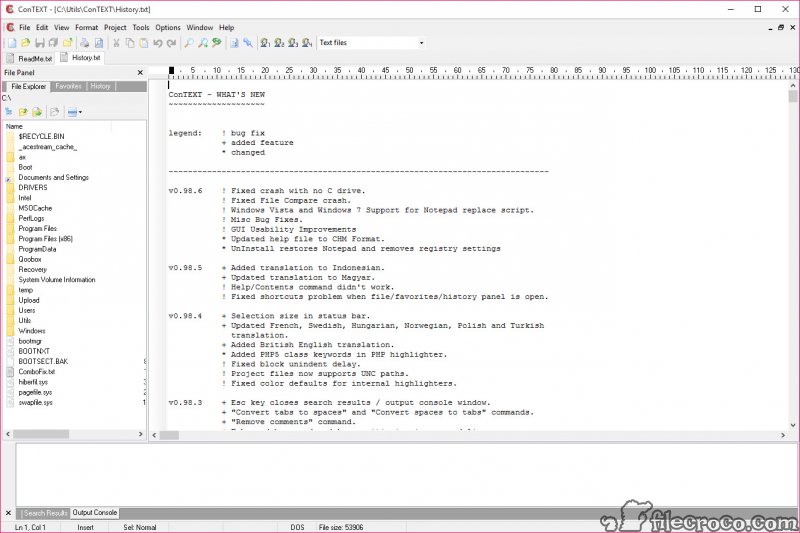
ConTEXT is a text editor for people who write code, built to be the small, fast tool kept beside a heavier development environment. It opens as many files as you like in tabs, colours the syntax of several dozen languages, and lets you write a highlighter of your own for a language it has never heard of.
Code templates drop in blocks of boilerplate, a macro recorder repeats a sequence of edits across a file, and a search with regular expressions runs through every open file at once. A project groups files from anywhere on the disk, a file explorer sits in a side panel, and a key can be set to run a compiler on the current file and show its output.
It is also finished. ConTEXT has had no new release in a long time, and its interface shows the generation it came from. Yet it still runs, still opens instantly, and still appears in lists of editors because the things it did well do not age. Syntax colouring and templates, macros and a lean window ask nothing of a modern machine.
The sections below cover the editing and highlighting, the custom highlighters, templates and macros, projects and compiler keys, and what a current editor offers that this one does not.
Editing and highlighting
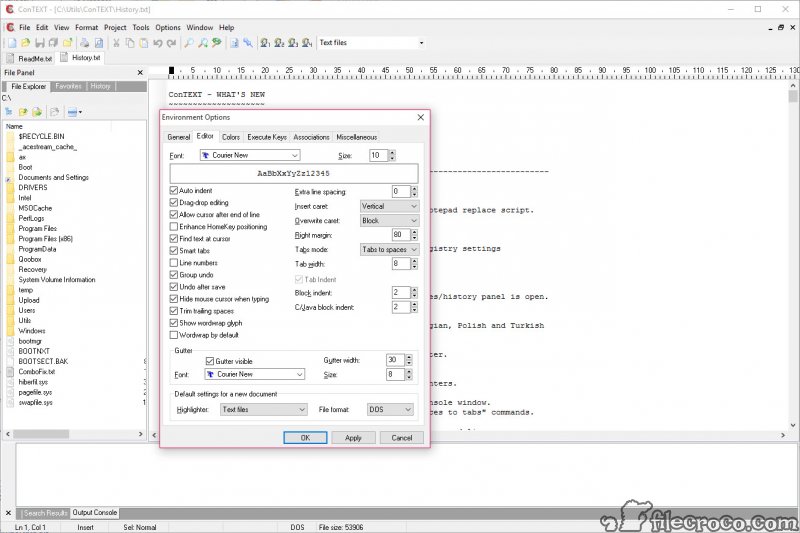
ConTEXT files open in tabs with no limit on their number or size, though a single line stops at four thousand characters. Highlighting is built in for the common languages, from C and the Pascal family to Java, PHP, Python, SQL, HTML and CSS, plus assembler and several scripting languages. Colours, cursors, margins, line spacing and the gutter are all adjustable, and the editor remembers the cursor position in every file it has opened.
The everyday tools are complete. Search and replace takes regular expressions and runs across all open files, with every match listed. Blocks of code comment and uncomment according to the current language, and indenting follows the brace style of C and Java.
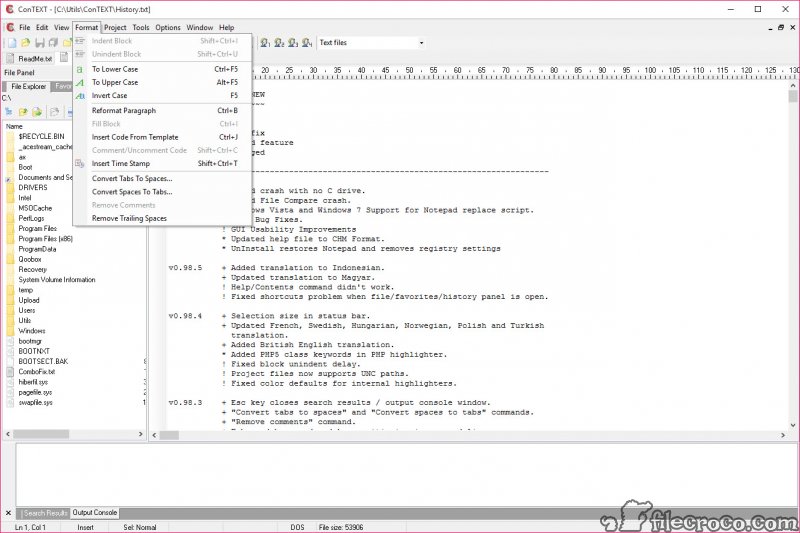
Line endings convert between the common conventions, text changes case, and a file exports to HTML or RTF with its colouring intact, which is how a listing goes into a document.
A built-in compare shows the differences between two files, though WinMerge does that job with far more depth.
Custom highlighters
The built-in ConTEXT highlighters cannot be edited, which sounds like a limit until you see the alternative. A highlighter is a plain text file that lists keywords, comment markers, string delimiters and the colours to use for each, and the editor’s own folder holds a sample to copy.
Writing one for an in-house language, a configuration format or a game’s scripting dialect takes an evening, and the community has published many for languages the editor never shipped with.
Combined highlighters handle files that mix languages, scripts inside a web page being the common case. That openness is the editor’s lasting strength. Where a modern editor needs a plugin written in a programming language, this one needs a text file.
Templates and macros
ConTEXT code templates store blocks of text with a short name, so typing the name and a key inserts a function skeleton, a license header or a loop with the cursor placed where the typing continues. Each language has its own set, and adding to them is a matter of editing a text file. For anyone who types the same ten lines a dozen times a day, that alone repays the install.
The macro recorder captures a sequence of keystrokes and edits and plays it back, once or many times, which turns a repetitive change across a long file into a single command. Macros save for reuse.
They are simple recordings rather than scripts, with no logic, which keeps them easy to make and limits what they can do. An editor with syntax colouring and little else, such as Gedit, skips templates and macros entirely.
Projects and compiler keys
A ConTEXT project groups files from any folders into one workspace that opens and closes together, with the editor’s state remembered. The file explorer panel browses the disk alongside the editor, so a file opens with a click rather than a dialog.
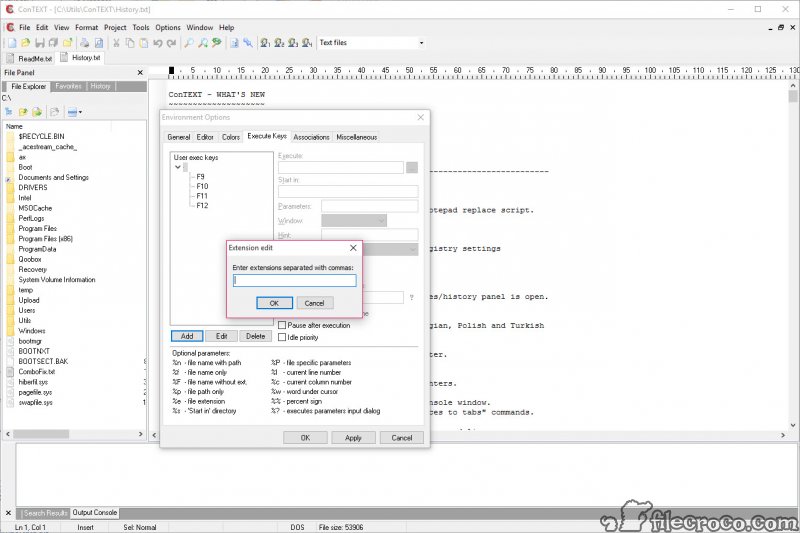
Function keys can be assigned to external commands per file type, so one key compiles the current file and another runs it, with the command’s output captured in a panel below the editor. That is how the editor works as a light development environment for a compiled language without becoming one.
For a current editor with the same spirit of small and fast, plus the plugins and the active development this one lacks, a small editor with a plugin system is the usual next step.
What a current editor offers that this does not
The features ConTEXT lacks are the ones that arrived after development stopped. There is no code folding, no completion as you type, no multiple cursors and no minimap. Unicode support covers UTF-8 and little else, so files in other encodings can display wrongly. Startup can slow down on a machine with many external highlighters installed, and the fix is to remove the ones you do not use. The interface is plain, and the project will not be fixing anything.
What remains is a lean editor that opens in an instant, colours code reliably and does templates and macros with no fuss. For a small, actively developed editor with a plugin system and the modern conveniences, Geany covers the same ground with code folding and completion.
This one is for the person who already knows it, or who wants its custom highlighters and its speed on an old machine.
Conclusion
ConTEXT suits programmers who want a small, instant editor beside their main environment, anyone who needs a highlighter for a language no editor ships with, and owners of older machines where the modern editors feel heavy. The custom highlighters and the compiler keys, with the templates and macros, are what it still does well.
It is finished software without folding, completion or active development. Use it for what it does, write a highlighter when you need one, and keep a current editor for the projects that want the modern conveniences.
Pros & Cons
- Tabs with no limit on open files, fast syntax highlighting for several dozen languages
- Custom highlighters written as plain text files, with community sets for more languages
- Code templates per language and a macro recorder
- Regular expression search and replace across all open files
- Projects, a file explorer panel and function keys that run compilers with captured output
- Export to HTML and RTF with colouring, line ending conversion and file compare
- No new release in a long time
- No code folding, completion, multiple cursors or minimap
- Unicode support limited to UTF-8
- Startup slows with many external highlighters installed
Frequently asked questions
Yes. Write a highlighter as a plain text file listing the keywords and comment markers, the strings and their colours, following the sample in the program's folder.
No. It colours syntax and inserts templates, but it does not complete names or offer suggestions as you type.
It can run an external compiler on the current file from a function key and show the output in a panel. That makes it a light front end rather than a full development environment.
Many external highlighters installed, or a large positions file, slow the start. Remove the highlighters you do not use and delete the positions file.


