

Google Chrome
About Google Chrome
Google Chrome is one of the most widely used web browsers, known for its speed, simplicity, and extensive feature set. Built on the open-source Chromium project, it combines a clean interface with powerful browsing tools, making it suitable for both casual users and professionals.
Since its launch in 2008, it has grown to become a dominant choice for accessing the web, offering robust performance, strong security measures, and seamless integration with Google services.
The browser’s focus on speed is evident in how quickly it loads pages and executes scripts. It uses a multi-process architecture that keeps each tab running independently, reducing the risk of a crash affecting the entire session.
Hardware acceleration and secure code execution contribute to a smooth browsing experience, while the V8 JavaScript engine ensures consistently fast loading times.
Clean and intuitive design
The interface of Google Chrome is minimalist yet functional. Unnecessary buttons are removed, and toolbars are kept minimal, maximizing the available screen space for content.
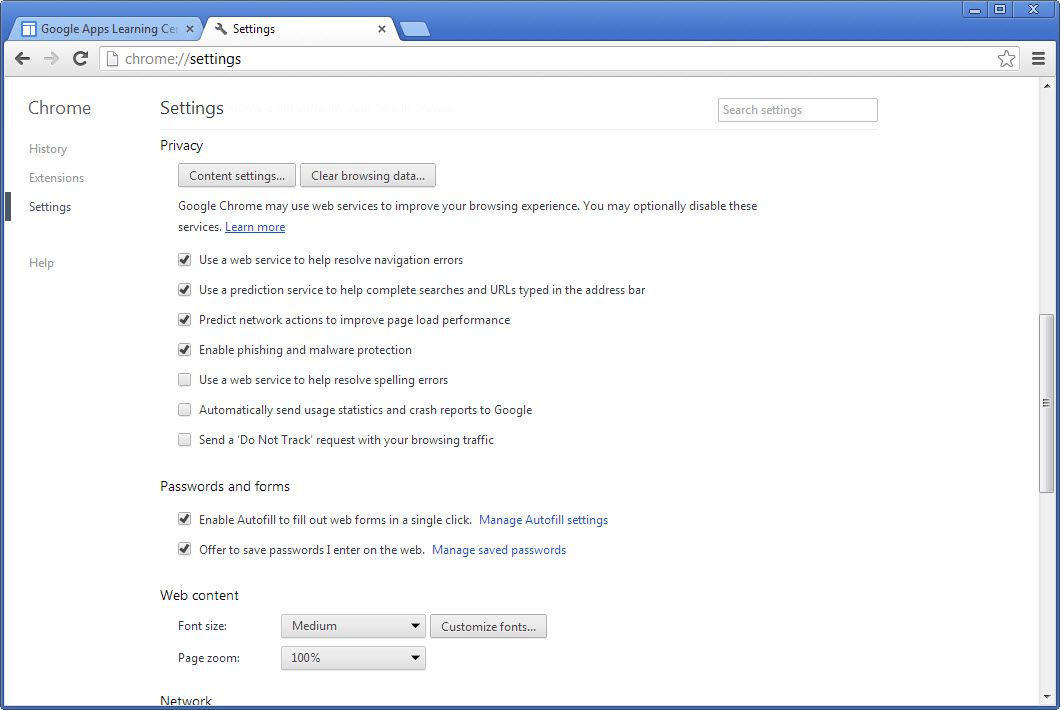
The address bar, known as the Omnibox, serves both as a search box and a direct URL entry field, offering instant search suggestions, auto-completion, and quick access to visited sites.
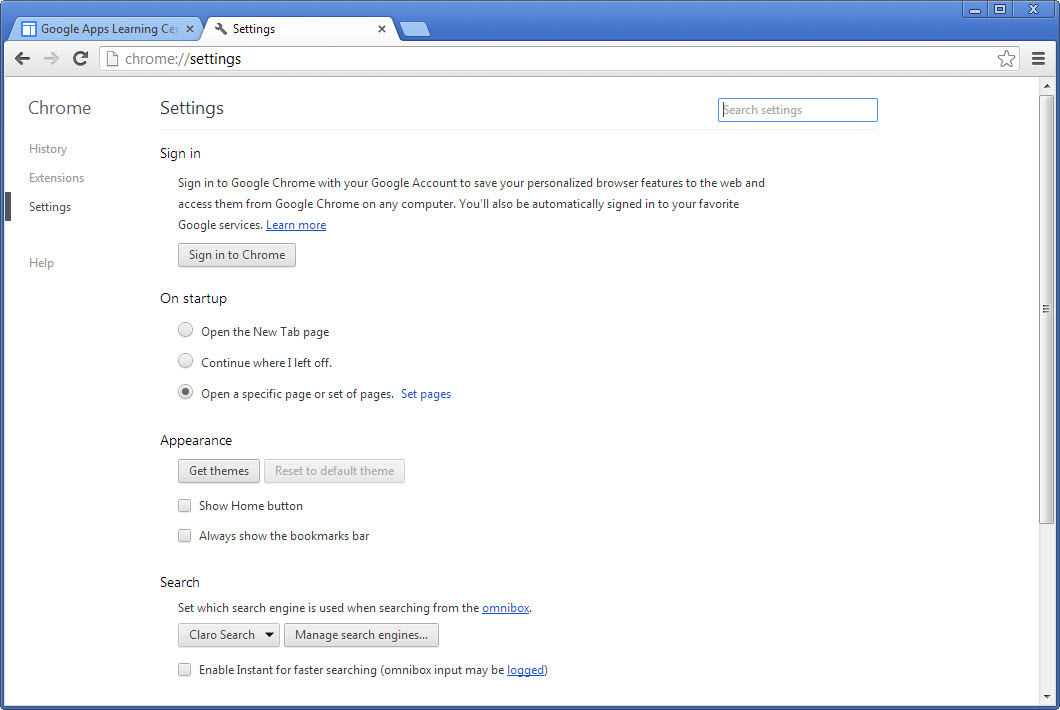
Tabs are handled efficiently, with options to pin favorite sites, group related pages, and reopen closed tabs. For users working across multiple devices, synchronization through a Google account ensures bookmarks, history, passwords, and settings are available anywhere.
Performance and resource management
Google Chrome uses the Blink rendering engine to quickly display pages while maintaining compatibility with modern web standards like HTML5. Hardware acceleration improves video and graphic rendering, while background updates ensure you are always running the latest version without interruptions.
While performance is one of its strongest traits, memory usage can be higher compared to other browsers due to its multi-process structure. Built-in tools such as the Task Manager let you monitor CPU and memory usage for each active tab and extension.
Extensions and customization
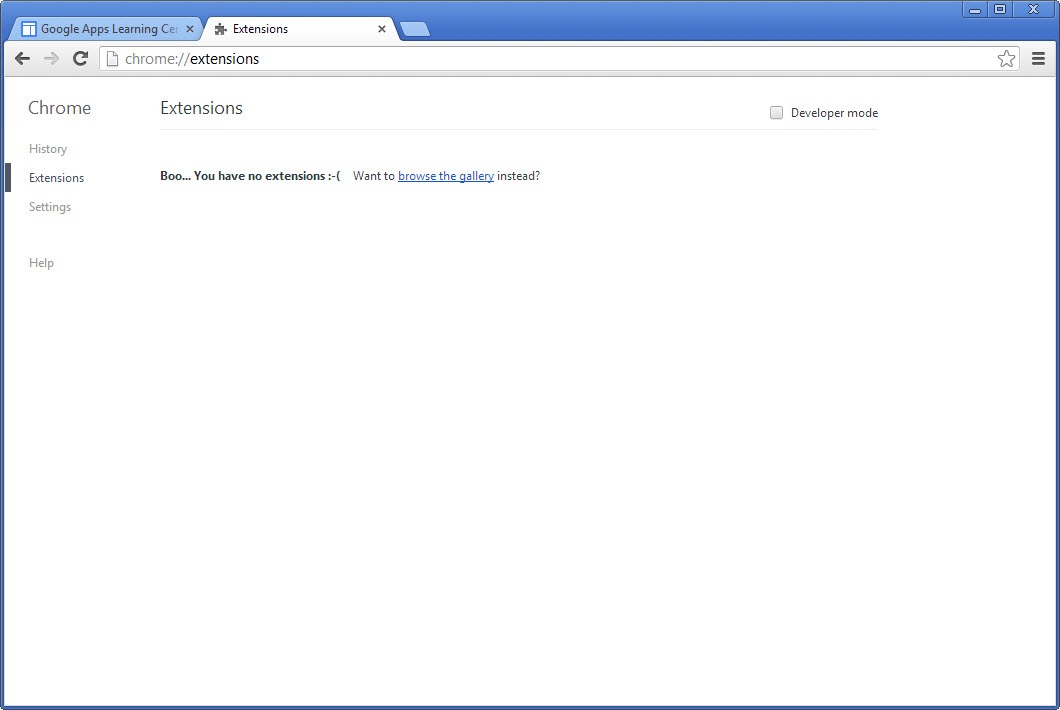
The browser enjoys a growing number of users thanks in part to its vast library of add-ons and extensions, available from the Chrome Web Store. These allow users to block ads, manage passwords, boost productivity, and customize the interface.
Themes are also available for personalizing the look and feel of the browser.
Developers benefit from integrated Chrome DevTools, offering debugging, performance monitoring, and network inspection features. This makes it a preferred choice for web developers and testers.
Security and privacy features
Security is a priority for Google Chrome, with regular updates applied automatically in the background. Safe Browsing technology warns users about suspicious websites and downloads. Each tab runs in a sandboxed environment, limiting the spread of potential threats.
Privacy options include Incognito Mode, which disables history recording and prevents cookies or form data from being stored locally. Users can also control permissions for location, camera, microphone, and notifications, as well as clear browsing data at any time.
Cross-device integration
With a Google account, you can synchronize bookmarks, saved passwords, browsing history, and open tabs across devices. Integration with Google services like Gmail, Google Drive, and Google Docs is seamless, making it easy to switch between browsing and productivity.
Video: hidden features you might not know
For a look at some lesser-known but useful features, you can watch this video highlighting hidden options and tricks inside Google Chrome:
Conclusion
Google Chrome combines speed, simplicity, and customization in a browser that continues to evolve with the needs of modern users. Its clean interface, large extension library, strong security measures, and seamless integration with Google services make it one of the most versatile and reliable browsers available.
With background updates, hardware acceleration, and continuous improvements, it remains a top choice for both casual browsing and professional work.
Features & benefits
Pros & Cons
- Fast page loading with efficient JavaScript execution
- Minimalist design with maximum screen space for content
- Extensive library of extensions and themes
- Automatic background updates without workflow disruption
- Strong security with sandboxing and Safe Browsing technology
- Cross-device synchronization for a consistent experience
- Higher memory usage than some browsers
- Some advanced customization requires technical knowledge
- Full syncing features require a Google account
Frequently asked questions
Yes. Updates are installed in the background without requiring user action.
Yes. You can use the browser without a Google account, but syncing features will not be available.
Yes. It allows browsing without storing history, cookies, or form data.
Yes. Thousands of extensions and themes are available through the Chrome Web Store.


Google Chrome is the best browser.
Hi Alex, I agree
I am using Opera since 2002. Best browser ever.