

Chatterino
About Chatterino
Chatterino is a desktop window for Twitch chat that does what the chat panel on the website cannot. Open several channels at once, side by side in one tab or spread across tabs and windows, and read them all while the streams play elsewhere.
See the emotes from the three big third-party sets, BetterTTV, FrankerFaceZ and 7TV, drawn in line without a browser extension. Highlight the messages that mention you or come from people you care about, hide the ones that match a filter, and search back through a chat that scrolled past at a thousand lines a minute. Sign in with more than one account and switch between them in a click.
It was built for the people who live in chat, the moderators and streamers, and the viewers who follow several channels at once. It runs as a native program that stays responsive where the website’s chat chokes. Chatterino adds one-click timeouts and bans, a moderation view with the tools a moderator needs, custom commands with variables, Lua plugins, and a streamer mode that hides private messages when the screen is being captured.
It is open source and released often. The sections below take each of those in turn and end with where it falls short of the website.
Splits and tabs
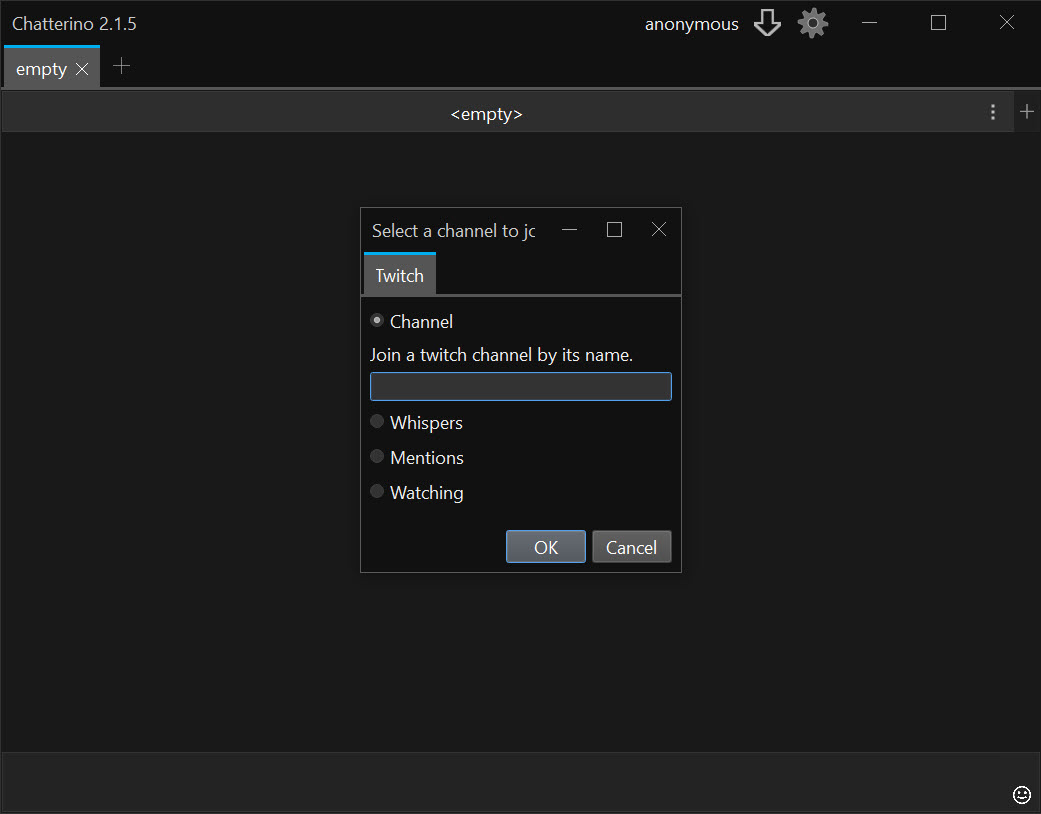
The unit of the Chatterino interface is a split, one channel’s chat in one pane. Put two splits beside each other in a tab and read two channels at once. Put four in a grid for a tournament night. Open more tabs for more groups, and pop a split out into its own window to park it on a second screen.
Each split joins its channel independently, so dozens of channels can be open at once without the program slowing, which is the performance point in its favour against the website.
A split can also show something other than a channel. A whispers split collects private messages, and a mentions split gathers every message that named you across every open channel. A live split lists which of your followed channels are streaming, and for moderators an automod split tracks the messages the automatic filter caught.
Layouts are saved, so the arrangement for a regular evening is one click away.
Emotes from everywhere
In Chatterino, Twitch’s own emotes, including the follower and subscriber ones you have access to, show in line, and so do the global and channel emotes from BetterTTV, FrankerFaceZ and 7TV, with the animated ones animating. Updates to a channel’s emote set arrive live, so a newly added emote appears without a restart. Hover an emote for its name, type it with tab completion, or pick it from a menu with every set in one place.
Each third-party set can be switched on or off globally or per channel, which matters in a channel where one set has become noise. Emote links pasted into chat preview on hover.
Highlights and filters
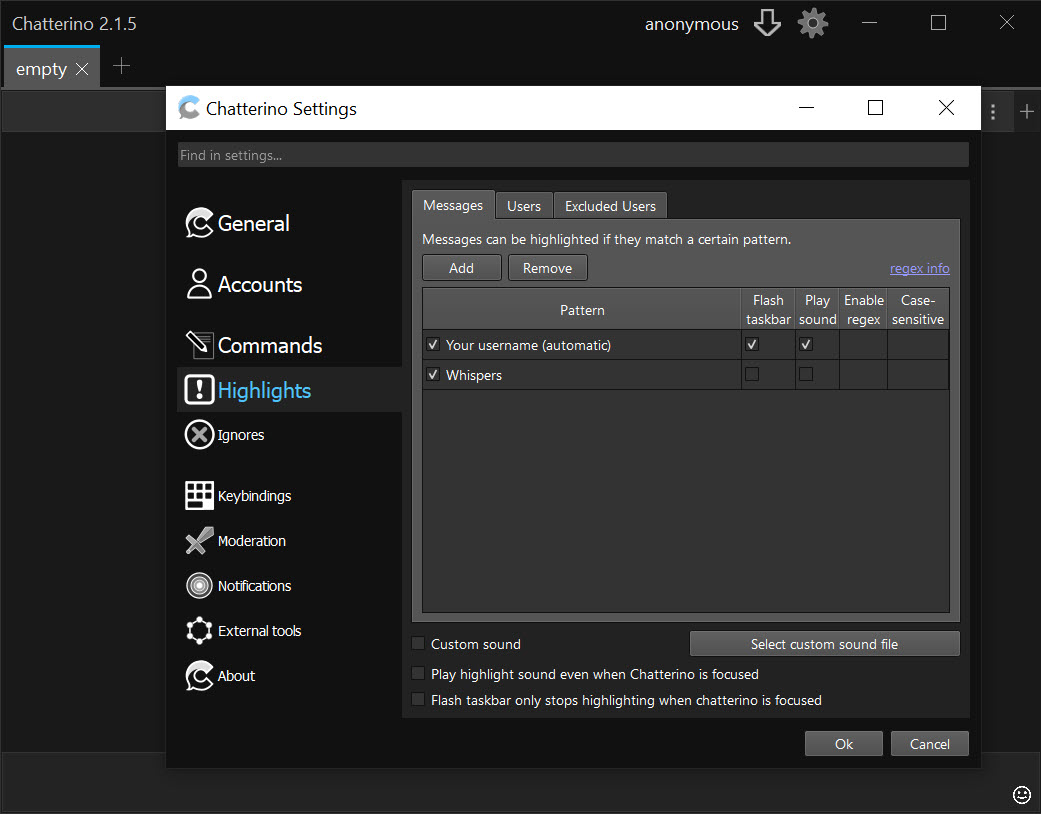
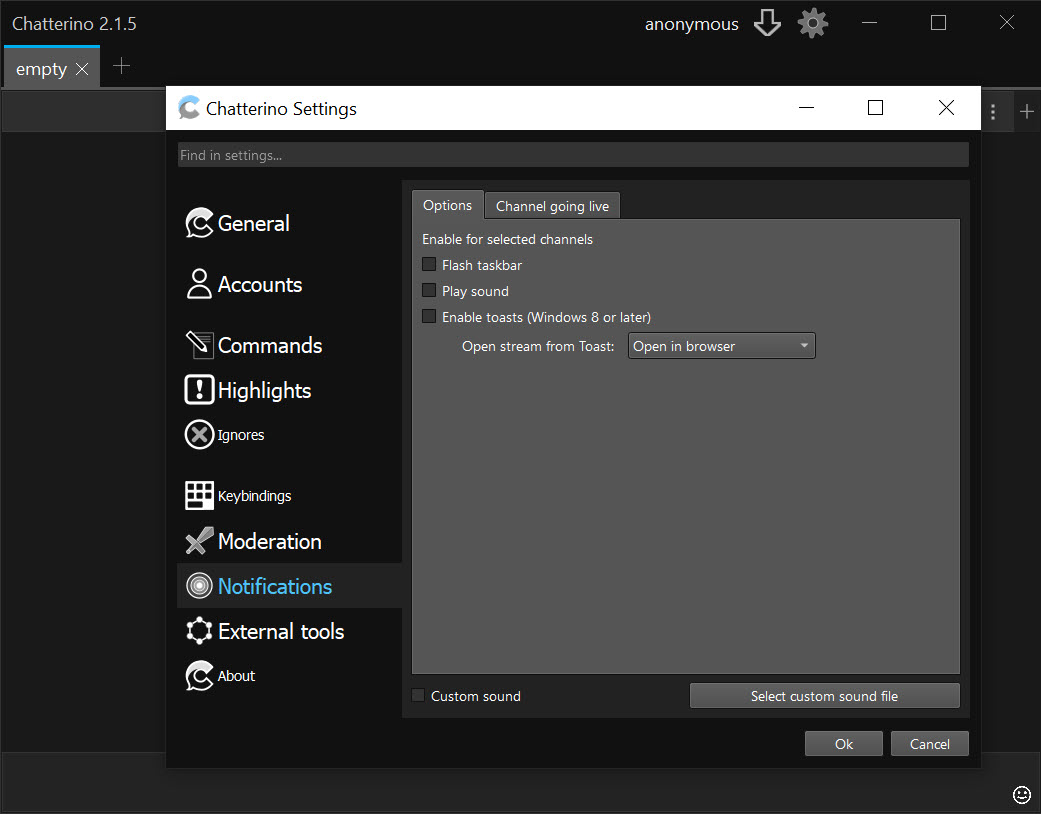
Chatterino highlights pick messages out of the stream. Mentions of your name, chosen keywords, chosen users, messages from subscribers or first-time chatters and badges all carry their own highlight colour and an optional sound. A highlighted message can trigger a desktop notification when the window is in the background. An exclusion list stops a highlight firing on certain words or users.
Filters do the opposite, hiding what matches. They are written as expressions with access to the message, the author and the channel. A filter can hide links, hide messages from accounts younger than a day, or hide everything but subscribers when a raid floods the chat.
Search opens a window over any split and finds every message matching a word, with the moderation buttons beside each result when you are a moderator.
Moderation
For moderators, Chatterino replaces the dashboard for most of the day. Moderation mode puts timeout and ban buttons on every message, with the durations you set. A ban or timeout can be applied to several channels in one command for a moderator who looks after a family of streams. A user card opens on any name with the account’s age and badges, its recent messages and its moderation history in that channel. The moderation view for a channel is a click from the split’s menu.
The automod split shows what the automatic filter held back, so a moderator can approve or reject from the client. Chat logs can be kept locally for the channels you choose.
For a chat client built in the same spirit but on the old IRC model, with logging and a long record, Chatty is the other choice moderators make, and many keep both.
Commands and streamer mode
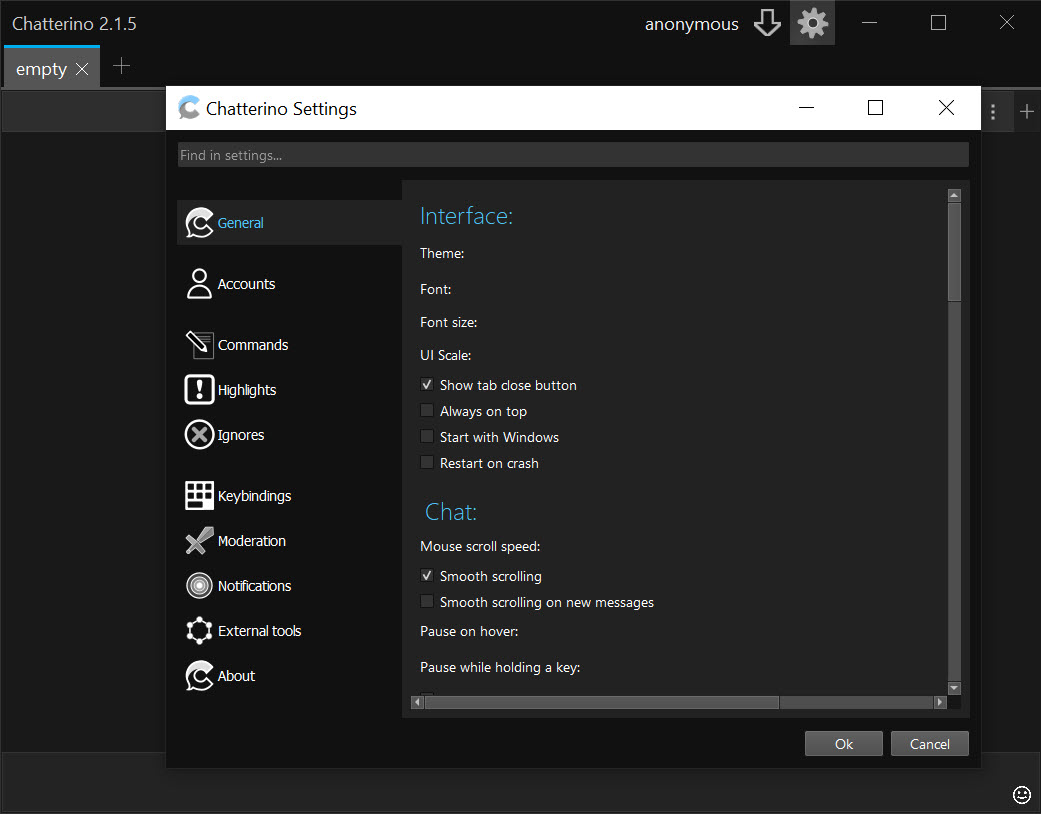
Chatterino custom commands expand a short trigger into a longer message with variables filled in, so a repeated announcement or a moderation action with a reason becomes two keystrokes. Lua plugins extend the client with functions and commands of your own, within a sandbox. Hotkeys are fully configurable, and the whole interface has light and dark themes, adjustable fonts and sizes, and a layout that scales to a small window in a corner.
Streamer mode detects when the screen is being captured and hides whispers and sensitive details automatically, so a streamer who keeps the client on screen does not leak private messages. The program can be started signed into a chosen account from a command-line switch.
For capturing the stream itself with the chat beside it, Streamlabs Desktop is the broadcasting side that this client leaves alone.
Where it falls short of the website
Chatterino is chat only. The stream plays somewhere else, so the client sits beside a browser or a player rather than replacing them, and a viewer who only watches one channel gains little. The filter and highlight expressions are powerful and take reading to write.
It depends on the chat protocols and third-party emote services staying as they are. A change on the platform’s side occasionally breaks a feature until a release catches up, which the changelog shows happening from time to time. And it has no video, no clips and no channel points beyond what chat reports.
For watching rather than reading, Twitch Desktop App is the viewing side. This client is for the people whose eyes are on the chat.
Conclusion
Chatterino suits anyone whose Twitch evening is spent in chat rather than watching, from a viewer who follows three channels at once to a moderator who looks after several. The splits, the emote support, the highlights and filters and the one-click moderation make it the standard tool for that job.
It is chat alone, its expressions take learning, and it lives at the mercy of the platform’s changes. Arrange the splits once, write a filter for the noise and a highlight for the people who matter, and the website’s chat panel will not be missed.
Pros & Cons
- Several channels at once in splits and tabs, with saved layouts
- Twitch, BetterTTV, FrankerFaceZ and 7TV emotes in line, with live updates and tab completion
- Highlights with colours and sounds, desktop notifications, and expression-based filters
- Search across a split's history, with moderation buttons on results
- One-click timeouts and bans, user cards, automod view and multi-channel actions
- Custom commands, Lua plugins, streamer mode and multiple accounts
- Chat only, with the stream playing elsewhere
- Filter and highlight expressions take learning
- Platform changes occasionally break features until the next release
- Little benefit for a viewer of a single channel
Frequently asked questions
Yes. Each channel is a split, and splits sit side by side in a tab, across tabs, or in separate windows, with the layout saved.
Yes, in line, with animated emotes animating and channel emote sets updating live. Each set can be switched off globally or per channel.
Yes. Moderation mode adds timeout and ban buttons to every message, user cards show history, and an automod split lists held messages for approval.
No. It is a chat client only. The stream plays in a browser or a separate player beside it.


