

Charles
About Charles
When an application talks to a server and something goes wrong, the interesting information is in the conversation nobody can see. Charles makes it visible by sitting between the machine and the internet as a local proxy, recording every request and response that passes through, then letting you read them, edit them and replay them.
The description everyone reaches for is a man-in-the-middle, and that is accurate rather than pejorative. It intercepts traffic deliberately, with your permission, so you can find out what an application is actually sending rather than what the documentation claims.
It occupies the same territory as Fiddler, and the two have converged over the years. The differences are in interface temperament and in how each handles the awkward parts, which are the certificate and the mobile devices.
Two views of the same traffic
Captured traffic appears in Charles two ways and both get used. The structure view groups requests by host into a tree, which is how you find out that a page is quietly contacting eleven domains and which of them is failing.
The sequence view lists everything chronologically with timing, and this is the one you open when something is slow. A request taking three seconds is obvious in a list ordered by time and easy to miss in a tree ordered by host.
Switching between them takes one click, so the habit is to diagnose the shape of a problem in one and the detail in the other.
Decrypting HTTPS, and the certificate decision
Almost everything is encrypted now, so without this step Charles shows you connection attempts and nothing about their contents. Reading them means installing its own root certificate so it can decrypt and re-encrypt the traffic passing through.
Two practical points cause most of the frustration. Decryption is enabled per host rather than globally, so a fresh installation with a trusted certificate still shows nothing until you right-click the hostname and switch it on for that host. And the certificate has to be fully trusted in the system store rather than merely present, which are different states that look identical in a file listing.
Now the part that belongs in any honest review. A root certificate that allows software to decrypt your traffic is a significant thing to have trusted on a machine, and it should not stay trusted permanently on a computer you use for banking. Remove it when the debugging session is over.
Certificate pinning is the other wall. Applications that verify they are talking to a specific certificate rather than any trusted one cannot be intercepted at all without modifying the application, and that practice has become common. When decryption is impossible, Wireshark still shows you the packets, the timing and the endpoints, just not the contents.
Changing traffic on the way through
Reading is half the product. The other half is interference, and there are four mechanisms for it.
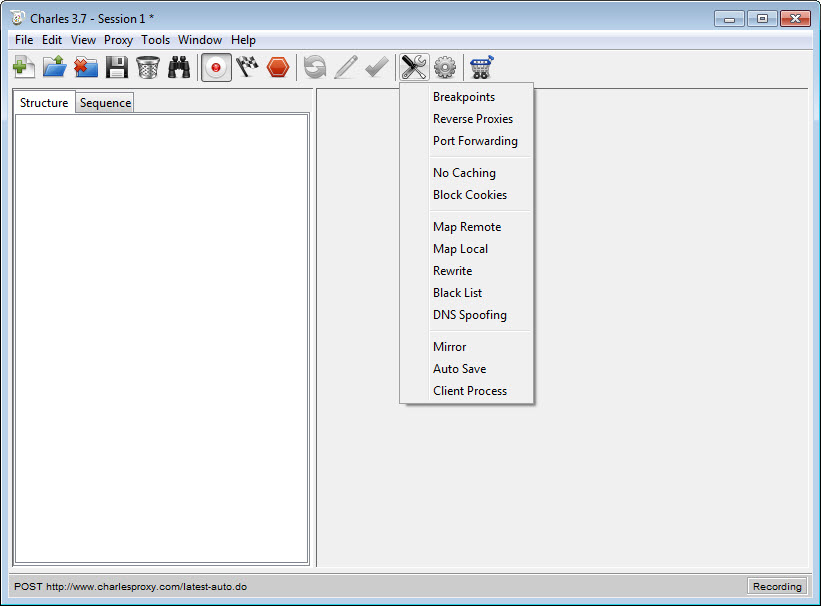
Breakpoints pause a request before it leaves or a response before it arrives, holding it while you edit fields by hand. Rewrite does the same thing automatically through rule sets matching hosts and paths with wildcards, changing headers, parameters or response bodies without anybody touching code.
Map Local substitutes a file on your disk for a remote response, which is how a front end gets tested against a mocked reply before the back end exists. Map Remote redirects a request to a different server while the client continues to believe it is talking to the original address, which is how staging traffic reaches a local build.
Together those cover the awkward test cases. Making a server return an error you cannot reproduce, checking how an interface handles an empty list, confirming a feature flag does what it claims, all without deploying anything.
Replaying and composing
A request captured by Charles can be sent again with one action, which saves reproducing a sequence of clicks to reach the same point. An advanced version of the same function adds repetition counts and controls how many run in parallel.
The compose function goes further, opening a captured request for editing before sending the modified version, so a parameter can be changed and the effect observed immediately.
Be clear about the boundary. Repeating a request in parallel is not load testing, and treating Charles as a benchmark tool will give you numbers that describe the proxy rather than the server.
Throttling, and the trap inside it
Bandwidth can be capped and latency added to simulate a poor connection, which is the only reliable way to find out how an interface behaves when a response takes eight seconds instead of eighty milliseconds. Timeouts, missing images and half-drawn layouts all appear.
The trap is scope. Throttling applies to traffic through the proxy rather than to the one application you had in mind, so everything routed through it slows down together and the effect is easy to forget about. More than one person has spent an afternoon convinced their connection had degraded.
If you would rather route only some traffic through the proxy in the first place, a browser switch for choosing which requests use a proxy keeps the rest of the machine out of it.
The viewers, and the smaller tools
Payloads arrive as raw text unless something decodes them, and this is where a proxy either helps or hands you a wall of characters. Charles parses the structured formats and presents them as expandable trees, so a response is read as fields and values rather than as one long line.
Persistent connections get the same treatment. Socket-based traffic is inspected as messages rather than being shown as an opaque connection that stays open forever, which matters for anything with a live feed behind it.
A handful of smaller tools sit alongside. Caching can be disabled so every request actually reaches the server, cookies can be blocked to test an unauthenticated path, and allow and block lists control which hosts are permitted through at all. A name-resolution override points a hostname at a different address without editing system files, which is a cleaner way to test against a staging server than the usual method.
Phones, sessions and the practicalities
Inspecting an application on a phone is one of the strongest reasons to use this. Point the device’s network proxy setting at the computer’s address and the proxy port, keep both on the same network, install the certificate on the device, and the application’s traffic appears alongside everything else.
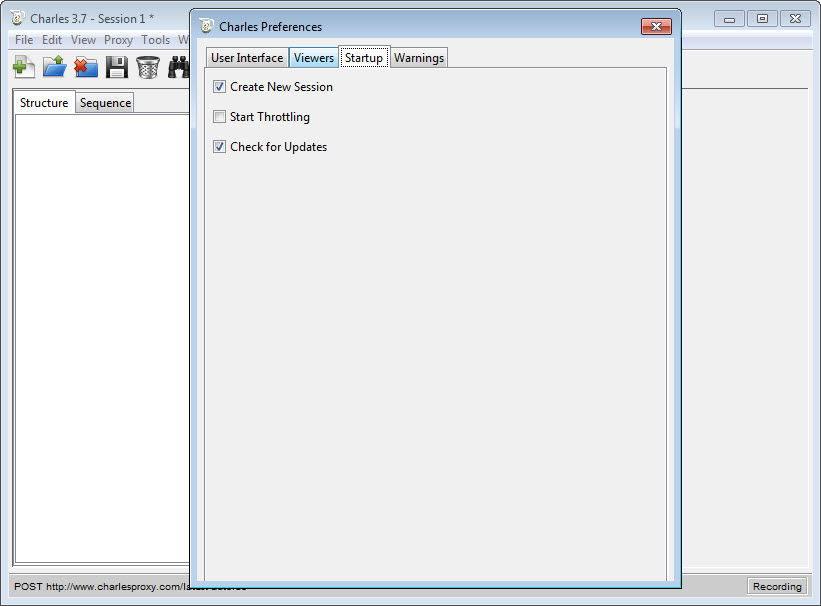
Expect friction on newer mobile platforms, where trusting a user-installed certificate needs additional configuration and some applications refuse it regardless. That is a platform decision rather than a shortcoming here.
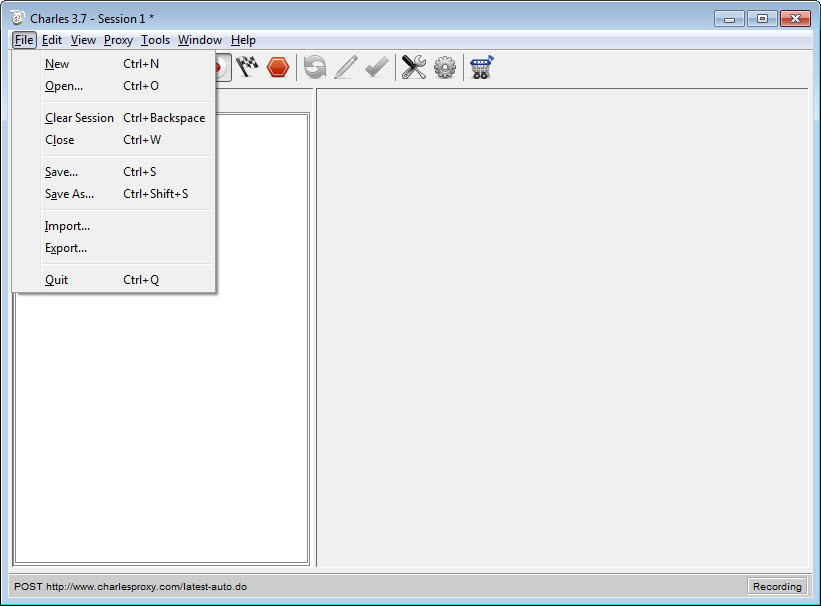
Sessions record automatically and can be saved, cleared and reopened, which turns a reproduction into a file a colleague can examine. When the question is which application on the machine is talking to the internet rather than what it is saying, a monitor that attributes traffic to programs answers that instead.
Conclusion
Charles earns its place with anyone building or testing something that talks to a network. Seeing the actual requests, holding one open to edit it, swapping a response for a local file, and reproducing a slow connection are the four things that turn network debugging from guesswork into observation, and having them in one window with a shareable session file is why the tool has lasted.
The reservations are structural rather than about quality. You are installing a certificate that decrypts your traffic, so remove it afterwards. Pinned applications will refuse you regardless. Throttling catches more than you intended. And the parallel repeat function will tempt you into thinking this is a load tester, which it is not. Understand those four and it becomes the first thing you open when an application misbehaves.
Features & benefits
Pros & Cons
- Structure and sequence views answer different questions about the same captured traffic
- Breakpoints allow live editing of a request or response while it is held
- Rewrite rules apply the same changes automatically, with wildcard host and path matching
- Map Local serves a local file in place of a remote response, so front ends can be tested early
- Map Remote redirects to another server while the client still sees the original address
- Throttling reproduces slow connections properly, exposing timeouts and layout failures
- Sessions save to a file, which makes a bug reproduction shareable
- Phone traffic can be inspected by pointing the device's proxy setting at the machine
- Requires installing a root certificate that can decrypt your traffic, which should be removed afterwards
- Decryption must be enabled per host, so a correct setup still shows nothing until you do
- Applications using certificate pinning cannot be intercepted without modification
- Throttling affects everything through the proxy rather than the single application under test
- Not a load testing tool, despite the parallel repeat function
- The interface has aged and shows its origins clearly
Frequently asked questions
Because decryption is switched on per host rather than globally. Right-click the hostname and enable it for that host, and confirm the root certificate is fully trusted in the system store rather than only installed.
Yes, and it is a common use. Set the device's network proxy to the computer's address and the proxy port with both on the same network, then install the certificate on the device. Newer mobile platforms need extra work to trust it.
Almost certainly certificate pinning, where the application checks it is talking to one specific certificate rather than any trusted one. Interception fails by design there, and nothing in the settings changes it.
Not on a machine you use for anything sensitive. It exists so software can decrypt your traffic, which is exactly what you want during a debugging session and not what you want the rest of the time.
Yes, in several ways. A breakpoint holds the response for manual editing, a rewrite rule changes it automatically, and Map Local replaces it entirely with a file from your disk.


