

BriskBard
About BriskBard
The internet suite was supposed to have died out. One program handling the browser, the mail, the newsgroups and the file transfers was how people worked online before every function became its own application, and almost nobody builds one now. BriskBard is the exception, packing ten separate internet clients behind a single set of tabs.
Ten clients behind one tab bar
The list is longer than the phrase suggests. A web browser, an email client, a newsgroup reader, a feed reader, a media player, a file transfer client, a chat client, a contact manager, plus lookup tools for domain records and name resolution.
Tabs carry colours so you can tell at a glance which one you are looking at, and the bookmark system covers web pages, file servers and chat servers together rather than keeping three separate lists.
SeaMonkey is the other surviving example of this idea, though it stops well short of ten clients.
Two rendering engines, chosen per tab
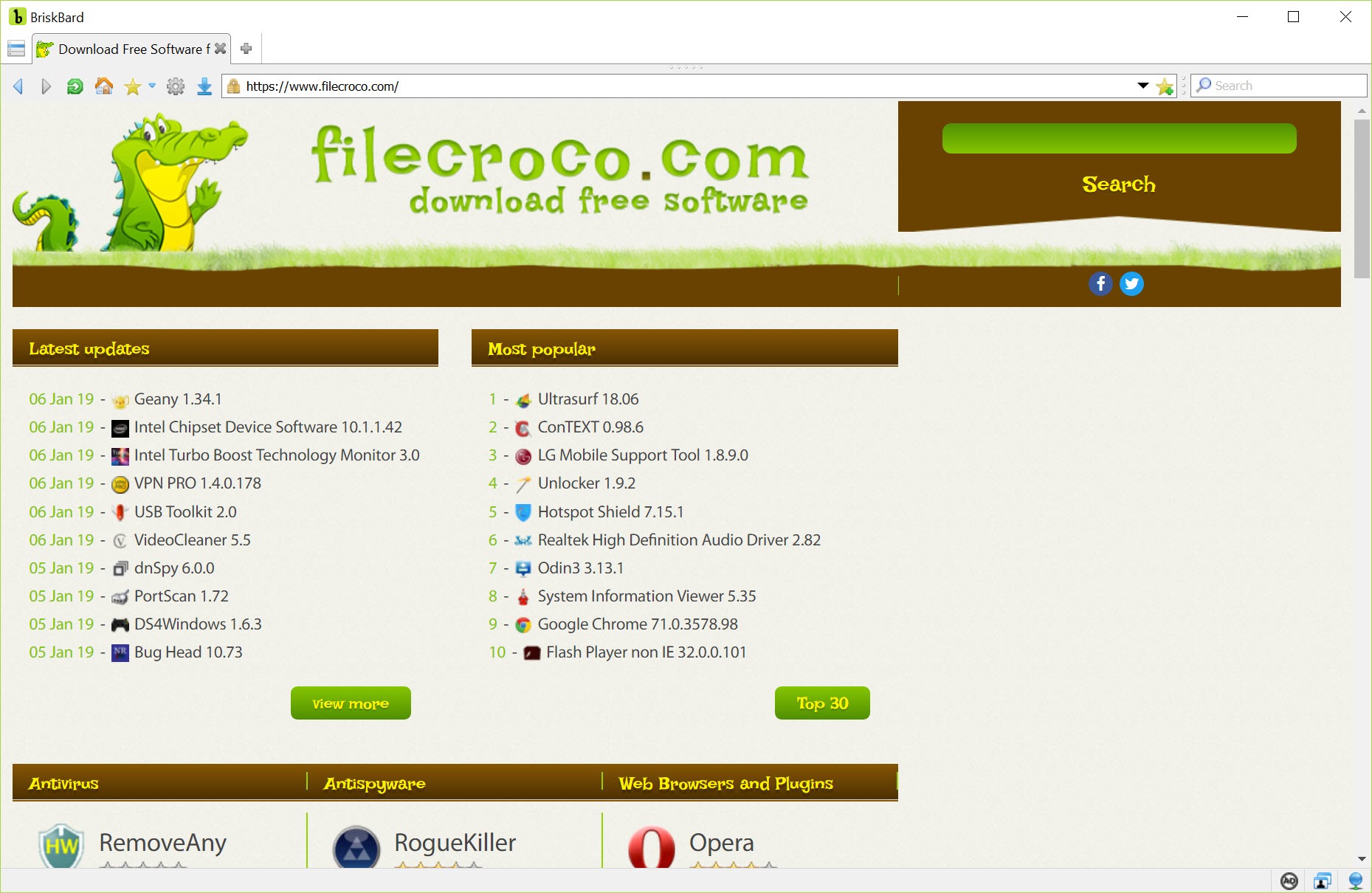
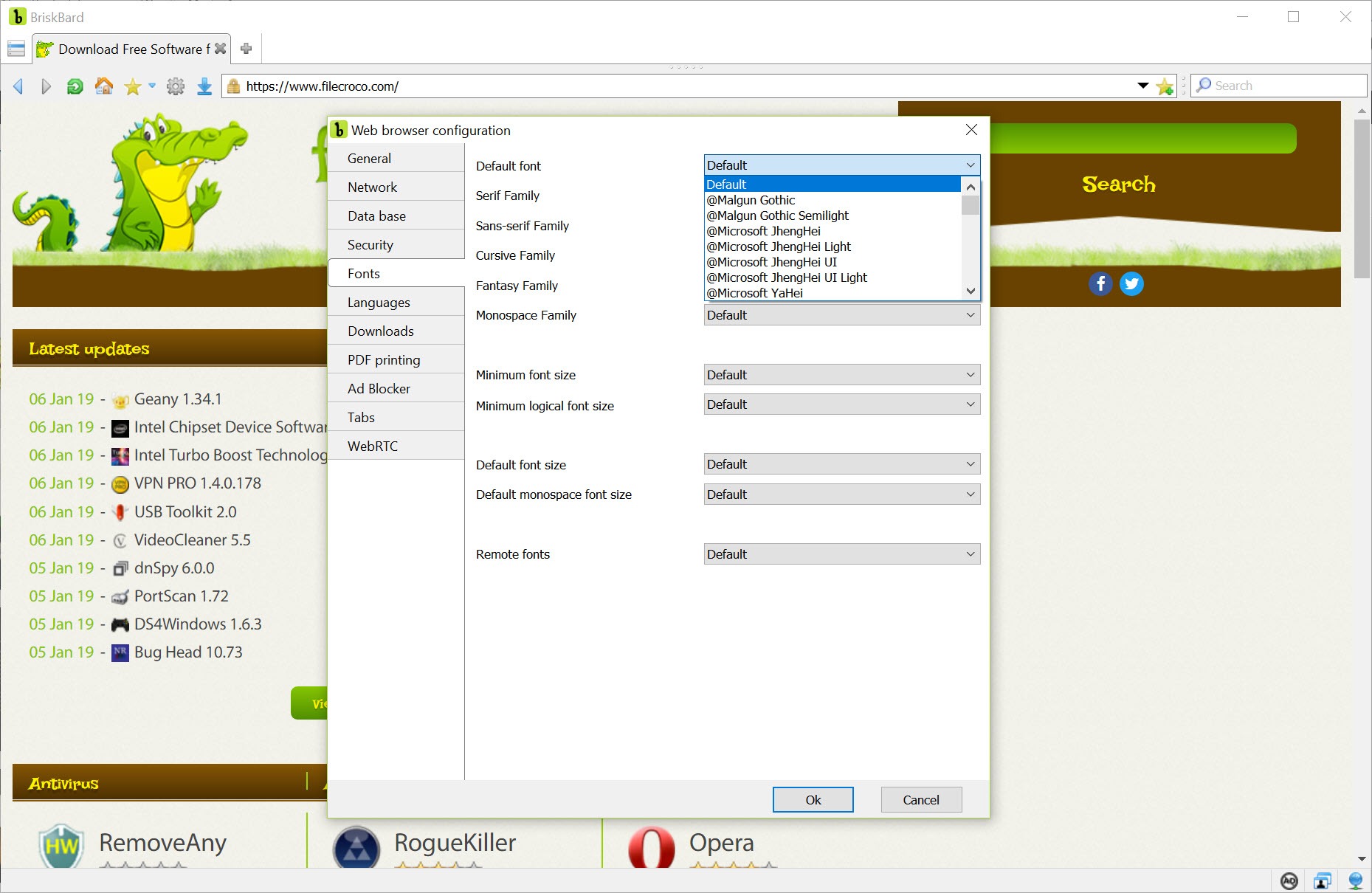
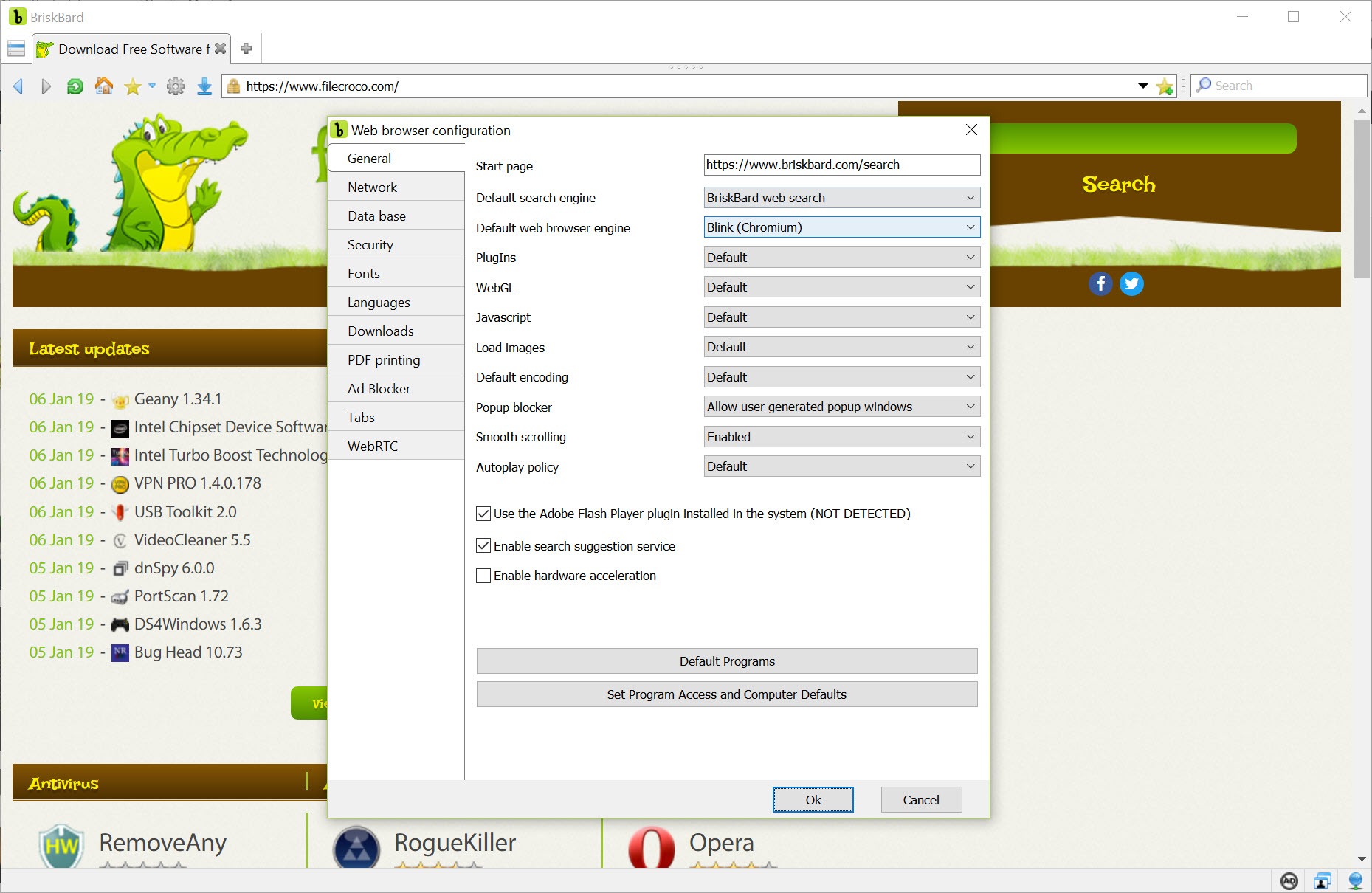
The most technically interesting BriskBard feature has nothing to do with the suite concept. Pages can be rendered either by the mainstream open engine used by most browsers or by the engine built into the system, and the choice is made per tab.
That sounds academic and occasionally solves a real problem. An older site built for one engine, an internal application at a workplace that was never updated, or a page that misbehaves in one and works in the other, all become a matter of switching rather than opening a different browser.
Very few browsers offer this, and for anybody who meets stubborn pages regularly it is the best reason to keep the program installed.
The email client is more serious than expected
The temptation with a bundled mail client is to assume it manages a single account and little else. The BriskBard one does considerably more.
Unlimited accounts across the standard protocols, automatic filters and labels for sorting, an attachment viewer for images, and an editor with formatting, spell checking, automatic signatures and recipient completion from a partial name. Attachments can be added from files, from contacts, or straight from a scanner.
The contact manager is shared between the mail client and the newsgroup reader rather than being separate for each, and notifications appear for new messages, new newsgroup articles and new feed items alike. None of that makes it better than Thunderbird, which remains more capable and far more extensible, and it is a great deal more than a token inclusion.
The honest comparison
Every BriskBard module is competent and none of them is the best available. That is the arithmetic to work through before switching anything.
The file transfer client handles uploads, downloads, resuming and server bookmarks, which covers ordinary use, and FileZilla does more and does it faster.
The chat client connects to several networks at once, which is fine, while a dedicated client built around the same protocol offers the scripting and configuration that regular users expect.
Several modules serve protocols that have faded considerably. Newsgroups, remote terminal sessions and text chat were central once and are now specialised interests, so a suite covering them reads either as thoughtful or as carrying weight most people will never lift.
The last consideration is scale. This is one person’s work rather than an organisation’s, which is remarkable given the scope and is also a dependency to weigh when the program handles your mail.
Conclusion
BriskBard revives an idea the industry abandoned, and it does so with more care than a curiosity deserves. Ten clients in one window, bookmarks that cover more than web pages, a mail client with real features, and a dual engine that rescues awkward sites add up to something coherent rather than a novelty.
The decision is about priorities rather than quality. Nobody should choose this because its mail, chat or file transfer is the best available, because none of them is. Choose it if running six applications to do six related things has started to feel absurd, and if having them behind one tab bar is worth more to you than the last twenty percent of each one’s capability.
Pros & Cons
- Ten internet clients in one window, with coloured tabs distinguishing them
- Two rendering engines selectable per tab, which rescues pages that work in only one
- Bookmarks cover web pages, file servers and chat servers in a single system
- The mail client handles unlimited accounts with filters, labels and a proper editor
- Contacts are shared between the mail client and the newsgroup reader
- Notifications cover new mail, newsgroup articles and feed items together
- Every module is outclassed by the dedicated application it replaces
- Several included clients serve protocols few people still use
- No synchronisation with other devices, unlike mainstream browsers
- Resource use climbs as more modules stay active
- Built and maintained by one person, which is impressive and also a dependency
Frequently asked questions
An email client, a newsgroup reader, a feed reader, a media player, a file transfer client, a chat client, a contact manager and lookup tools for domain records and name resolution, all reachable from the same tab bar.
So a page that works in only one of them still opens. Choosing the engine per tab handles older sites and internal applications built for a particular browser, which is a problem no single-engine browser can solve.
More serious than bundled clients usually are. Unlimited accounts, filters, labels, a formatting editor with spell checking and signatures, and shared contacts put it well past a token feature, though a dedicated client still does more.
Only if consolidation matters more to you than capability. Each module is competent and each is beaten by a specialist, so the question is whether one window for everything is worth accepting second best in each.


