

Bosca Ceoil
About Bosca Ceoil
Music software normally assumes you already know something. Which key you are in, what a chord progression is, why the notes you clicked sound wrong together. Bosca Ceoil removes that assumption by making wrong notes difficult to click in the first place.
The scale lock is the whole idea
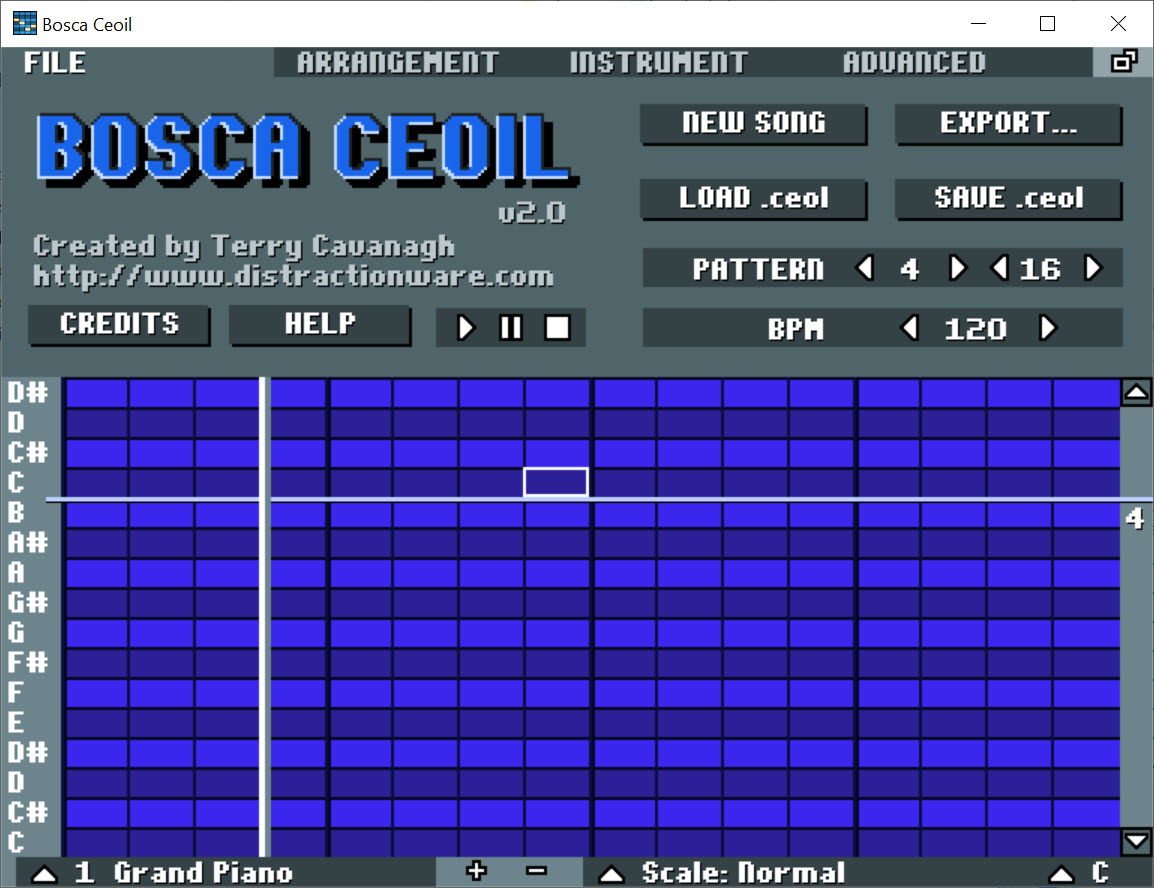
You choose a scale, and the Bosca Ceoil grid then offers only the notes belonging to it. Everything you place fits with everything else, which means somebody with no musical training produces something listenable within about ten minutes rather than producing something that makes them stop.
That one decision explains the whole program, and it is the reason this tool has introduced more people to writing music than most things costing a great deal more.
Patterns, then arrangement
Bosca Ceoil uses the structure trackers have used for years, with the intimidating parts removed. You build a short pattern, a few bars of notes on a grid, and assign it an instrument. Then you build another.
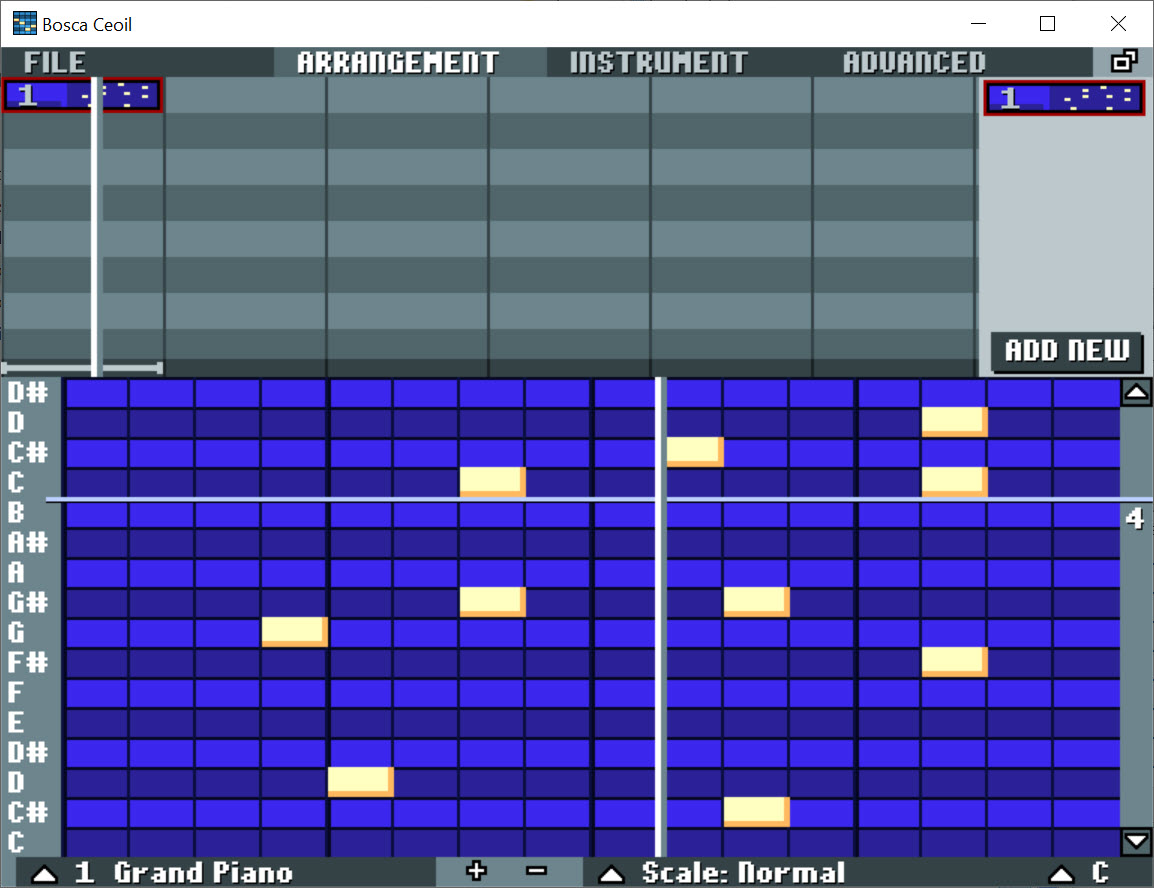
Arranging happens on a separate view where patterns are placed in sequence to form the song, so a chorus written once appears wherever you want it rather than being drawn again. Several patterns play simultaneously, which is how a bass line, a melody and drums end up as one piece.
Nothing here requires reading notation or understanding timing beyond what the grid shows you. The visual layout is the composition, and hearing what a change did takes a click rather than a render.
The instruments, and the sound they make
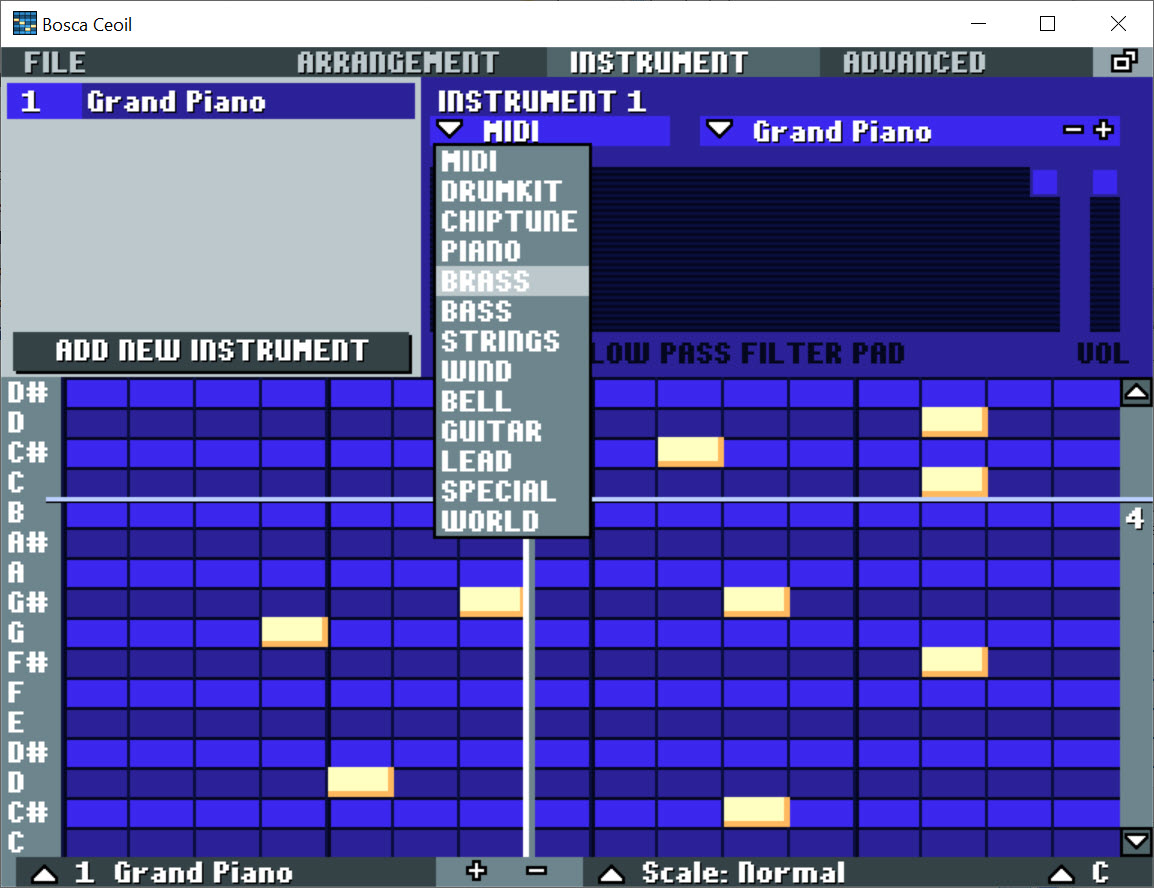
The Bosca Ceoil voices sit firmly in one tradition, meaning the synthesised and chip-derived sounds associated with older games, alongside drum kits built the same way.
That is a deliberate character rather than a limitation of quality, and it suits some purposes exactly and others not at all. Writing a loop for a game prototype, a jingle or a piece of chiptune is what this was made for. Writing something orchestral is not, and no amount of persistence will get you there.
Anybody who wants to go deeper into the same territory, with the constraints and precision of the actual hardware being emulated, should look at FamiTracker, which is considerably harder and considerably more capable within that specific sound.
The way out when you outgrow it
This is the feature that makes Bosca Ceoil worth recommending rather than merely worth trying, and it is easy to miss.
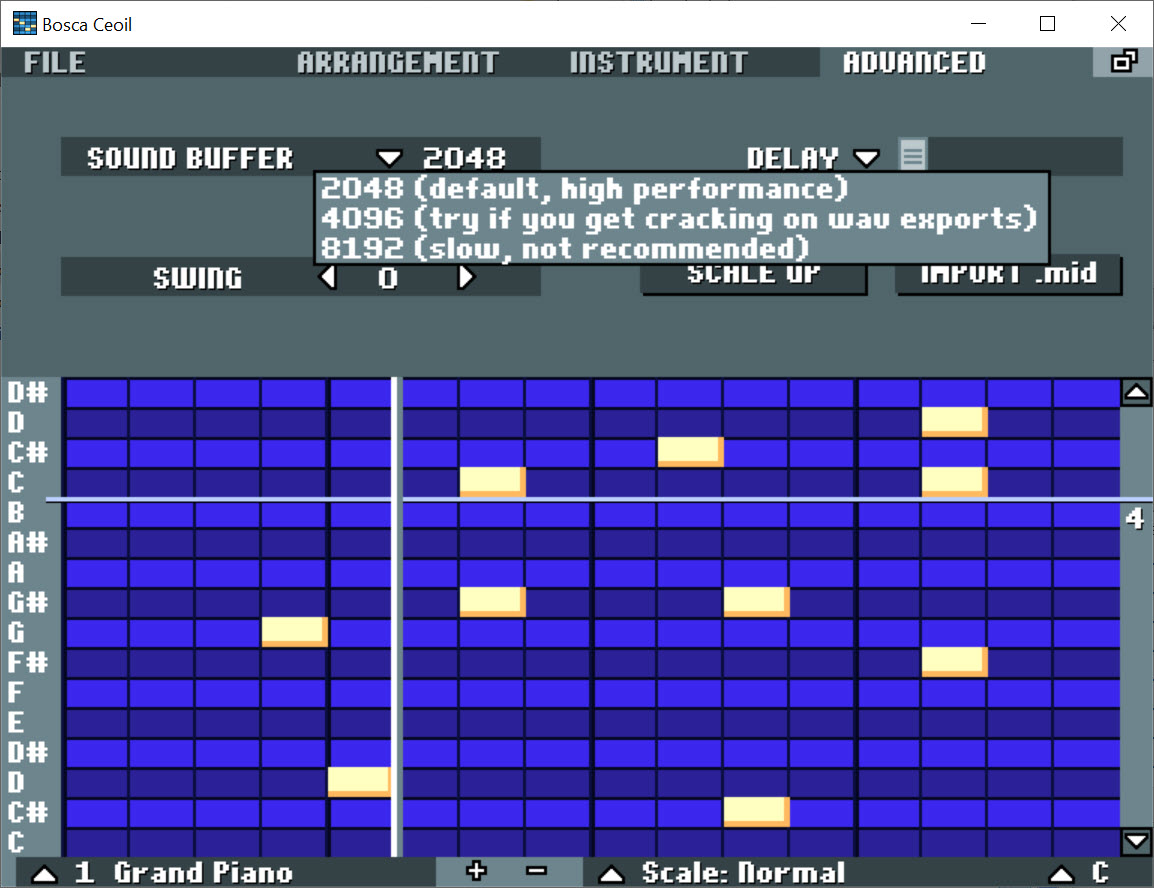
Compositions export as note data rather than only as audio. That means a piece written here can be opened in a full music application, where the notes you wrote get real instruments, proper mixing and everything this deliberately lacks.
The result is a sensible progression rather than a dead end. Sketch the idea in something that cannot intimidate you, then move it somewhere capable once the idea exists and the blank page problem has been solved.
Audio export covers the other case, where the piece is finished as it stands and simply needs to become a file. Trimming, fading or adjusting the levels of that file afterwards is a job for Audacity.
One practical note. The original is no longer being developed, and a community continuation has picked the project up, so anybody starting now should establish which version they are running.
Conclusion
Bosca Ceoil solves the problem that stops most people writing music, which is not talent but the moment where the first thing you try sounds bad and you conclude you cannot do this. Locking the grid to a scale removes that moment entirely, and what follows is somebody arranging patterns and enjoying it.
Understand what it is for and it is excellent. Short pieces, loops, game music and sketches, in a particular sound, produced by somebody who could not have produced anything otherwise. The note export is the part that matters most in the long run, because it means the tool that got you started does not become the tool you are stuck in.
Pros & Cons
- Scale locking means everything you click sounds acceptable together
- No notation, no theory and no terminology required to produce something
- Patterns are written once and arranged, rather than redrawn for each repeat
- Several patterns play together, so a full arrangement builds up naturally
- Exports note data, so a sketch can move into a proper music application
- Audio export for pieces that are finished as they are
- Small, quick to open and impossible to get lost in
- The scale restriction that helps beginners also prevents deliberate dissonance
- Instrument voices are limited to one stylistic tradition
- No audio recording, effects, automation or external instrument support
- Not suitable for anything beyond short pieces and loops
- The original is no longer maintained, with a community version continuing it
Frequently asked questions
No, and avoiding that requirement is the point. Choosing a scale restricts the grid to notes that work together, so the usual beginner experience of clicking something that sounds wrong does not happen.
Yes, as note data rather than only as audio, which means a piece written here opens in a full application where the same notes get better instruments and proper mixing. That is the intended path once you outgrow it.
Synthesised and chip-derived sounds of the kind associated with older games, with matching drum kits. It suits game loops, jingles and chiptune, and it will not produce anything orchestral or acoustic.
The original is not. A community continuation carries the project forward, so anybody installing now should check which version they have rather than assuming.


