

Blender
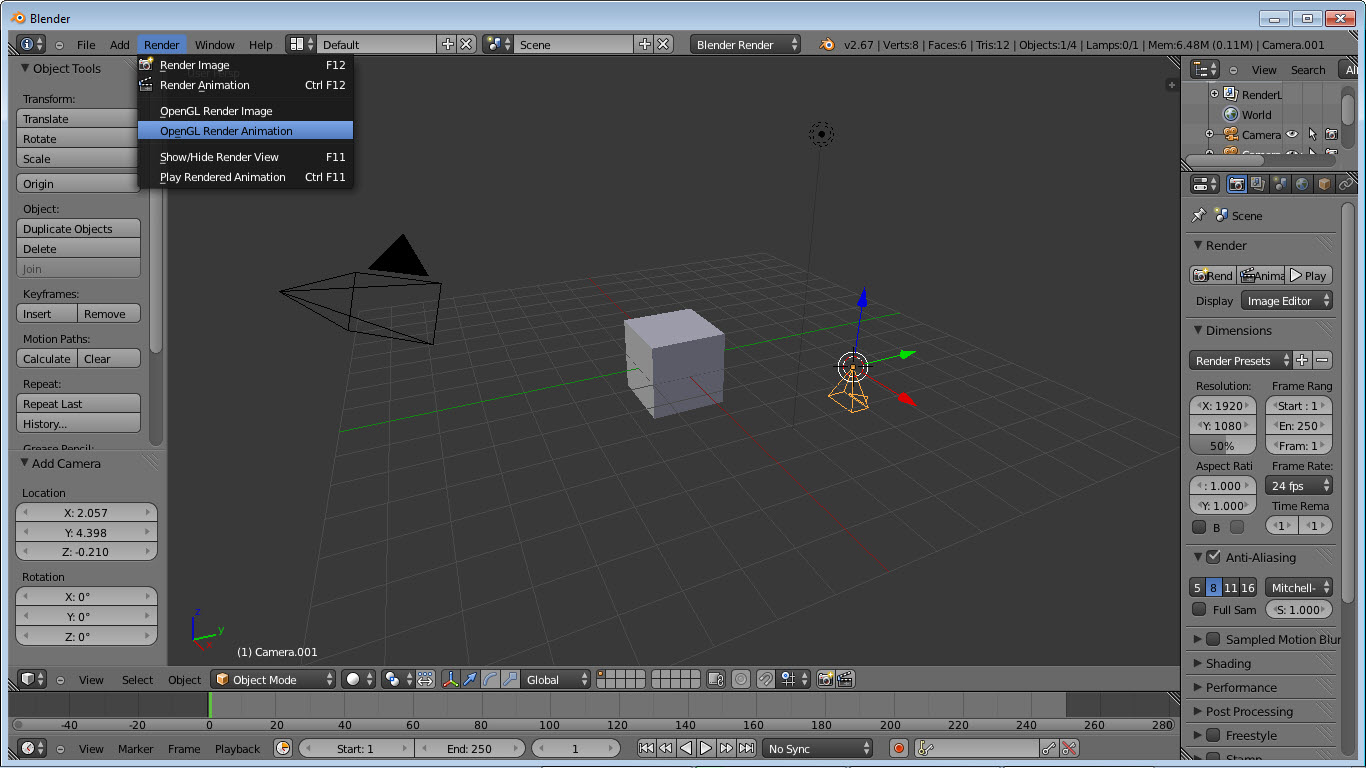
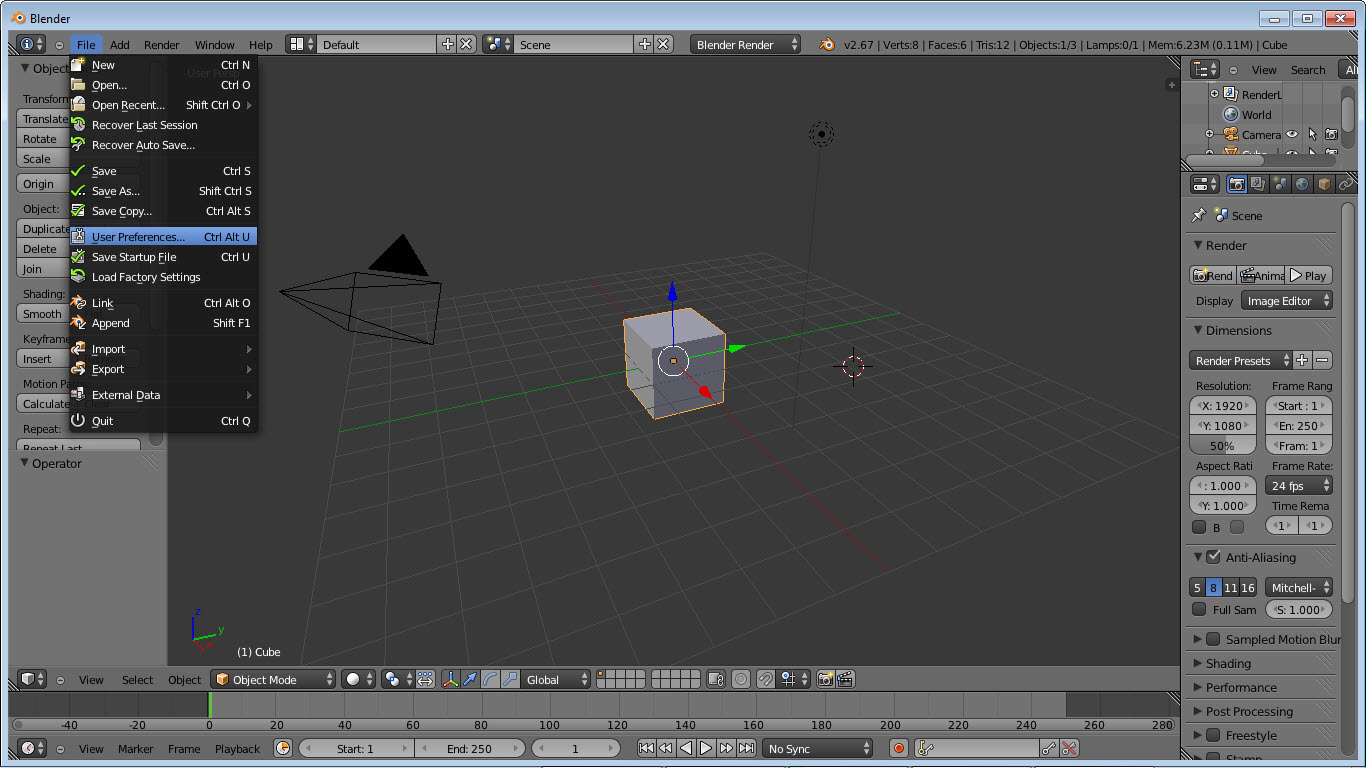
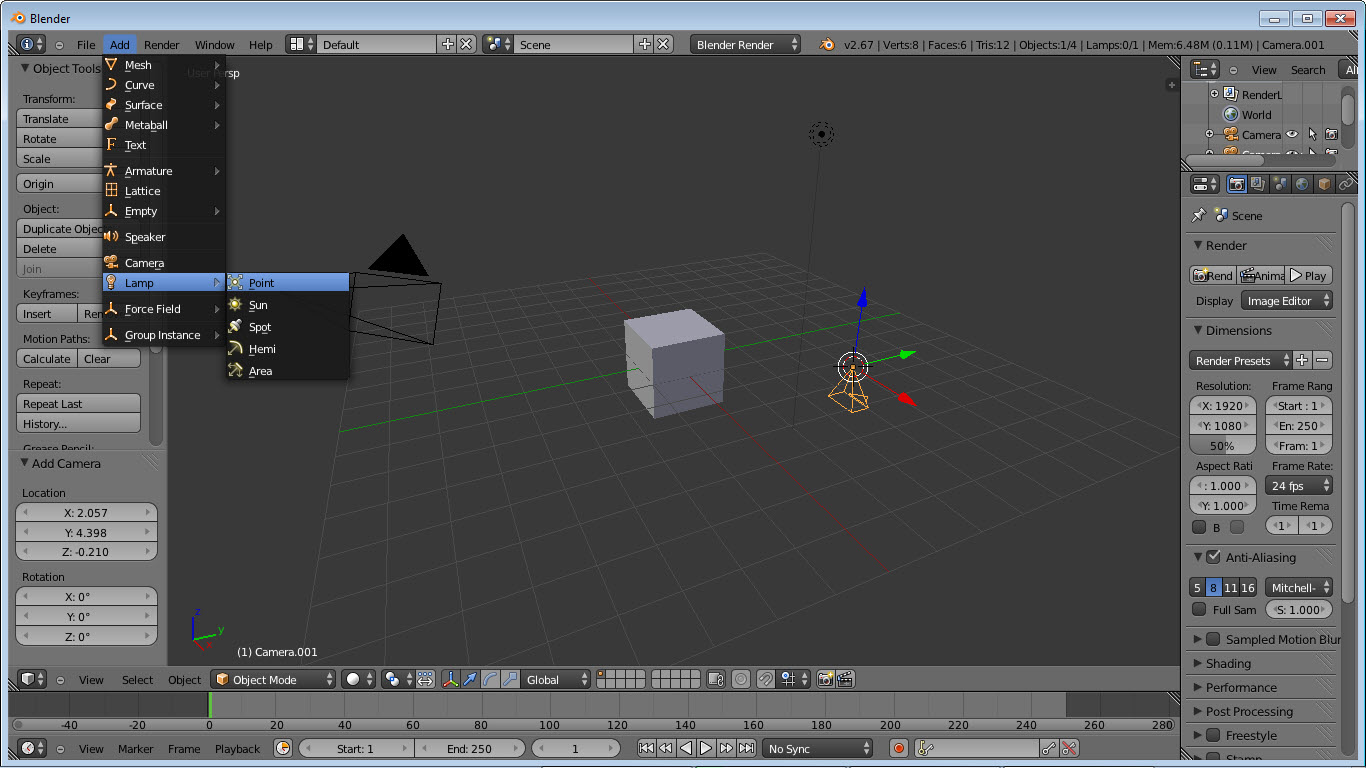
About Blender
There is no software in the open source world that matches the scope of what Blender does in a single application. Modeling, sculpting, retopology, UV unwrapping, texturing, rigging, animation, particle simulation, fluid dynamics, cloth and softbody simulation, rendering (with two distinct engines), compositing, motion tracking, video editing, and 2D animation in 3D space.
All of it lives in one window, exchanges data through the same scene graph, and exports to formats that the rest of the CG industry actually uses. The closest commercial equivalent would be Maya plus ZBrush plus Houdini plus Nuke plus Premiere, billed separately at thousands of dollars per year per seat.
The application is GPL-licensed open source, developed by the Blender Foundation under Ton Roosendaal’s leadership since 2002. The original codebase was a commercial product that went bankrupt, and a community campaign raised €100,000 in 2002 to buy the source from the creditors and release it as open source. Two decades later, that foundation runs on donations from major studios and tech companies (Apple, NVIDIA, AWS, Meta, Intel, Epic Games, AMD, Microsoft all contribute through the Development Fund) and the result has crossed from “interesting hobbyist tool” to actual industry adoption. Sony Pictures used it on Spider-Man: Into the Spider-Verse. Netflix made an entire animated film (Next Gen) in it. Wonka’s production used it for previs.
The viewport, the shortcuts, and the entry-cost problem
The interface is the part new users complain about and experienced users defend. Almost every function has a single-letter keyboard shortcut, the viewport navigation uses middle-mouse-button conventions that map to a three-button mouse rather than trackpads, and the same key can mean different things depending on which mode you are in. Object mode E does nothing. Edit mode E extrudes a face. Sculpt mode E switches to the eraser. The depth comes at the cost of discoverability.
This was overhauled with version 2.80 in 2019 to be substantially more accessible than the legendary pre-2.8 interface, and continued improvements through the 4.x series have made the application learnable in a way it genuinely was not a decade ago. But the speed and density of an expert workflow still depend on muscle memory across hundreds of shortcuts, and the curve to that level remains real. Two weeks of focused practice gets you productive. Six months gets you efficient. The investment is justified for the scope of what the application can do, but it is an investment, not a trivial install.
For users who want to dip into 3D without that commitment, simpler tools like Wings3D for basic subdivision modeling or Sculptris for organic sculpting fit the casual case better. Blender rewards depth of use, which is the wrong shape for occasional use.
Cycles and Eevee, the dual render engine approach
Most 3D applications ship one renderer and you take what you get. The application ships two distinct engines that solve different problems, and you can switch between them per-scene or even use both in the same project.
Cycles is a physically-based path tracer. Rays bounce through the scene, sampling lighting and material interactions accurately enough to produce results that look photoreal when configured correctly. The rendering is slower (seconds to minutes per frame on consumer hardware, depending on complexity) but the output matches what you would expect from VFX-grade rendering. GPU acceleration through NVIDIA’s OptiX (for RTX cards), AMD’s HIP, Intel’s oneAPI, and Apple’s Metal makes path tracing fast enough to iterate on, even at production quality.
Eevee is a real-time rasterizer running on OpenGL. It uses approximations for global illumination, screen-space reflections, light probes for ambient lighting, and other techniques borrowed from game engine rendering.
The result is faster than Cycles (frames render in milliseconds rather than minutes) but with visual compromises in scenes that depend on accurate light bouncing. For animation previews, real-time visualization, or projects where photoreal accuracy is not the goal, Eevee gets the work done at viewport speeds. Recent versions ship Eevee Next, an overhauled implementation with substantially improved indirect lighting and ray-traced features.
The relationship between the two is what matters in practice. You can prototype an animation in Eevee for instant feedback, then switch to Cycles for the final render once the timing and composition are locked. The same materials work in both engines (with some node-specific differences), the same lights illuminate both, the camera is the same. The split is in how the final pixels get computed, not in the scene itself.
Geometry Nodes and the procedural modeling shift
This is the feature that has reshaped how complex scenes get built since its introduction in 2.92. Geometry Nodes is a node-based procedural modeling system, similar in concept to Houdini’s SOPs, where you define operations on geometry through a graph of connected nodes rather than direct mesh editing.
A simple example. To scatter trees across a terrain, you would traditionally either model each tree placement manually, write a Python script, or use a particle system. With Geometry Nodes, you create a small graph that takes the terrain mesh, distributes points across its surface based on density rules (denser in valleys, sparser on steep slopes, none in water), then instances a tree mesh at each point with random rotation and scale variation. The whole scene becomes parametric. Change the terrain and the trees redistribute. Adjust the density curve and the forest responds. Save the node graph as an asset and reuse it across projects.
The system has expanded into territories far beyond scattering. Procedural building generation, mesh-from-curves with profile variation, hair systems, simulation states, character feature variation. Some of the most complex demos coming out of the Blender community in 2026 are entirely Geometry Node setups that would have required dedicated procedural tools in any other application. For technical artists and procedural-minded workflows, this is the feature that puts the application in direct competition with Houdini at a fraction of the cost.
Sculpting at production resolution
The sculpting module has matured into a tool that competes with dedicated sculpting applications for many use cases. Dynamic topology adds geometry on the fly where you are sculpting, so you do not need to pre-subdivide a mesh. Multires sculpting works on hierarchical subdivision levels, letting you sculpt fine detail at high resolution while editing forms at lower resolutions. Brush types cover the standard set (clay, draw, inflate, crease, pinch, smooth) plus less common ones like cloth simulation brushes and pose brushes that bend geometry around joints.
Performance scales reasonably to several million polygons on a modern GPU, which is enough for most character and creature work. For users who need ZBrush-level resolution (tens of millions of polygons), specialized sculpting software still has the edge, but for the substantial middle ground where production characters and creatures live, the in-application sculpting is sufficient.
The integration with the rest of the pipeline (sculpting feeding directly into retopology and baking without round-tripping through other applications) is the practical advantage.
Animation, rigging, and the Rigify shortcut
The animation toolkit covers what you need. Keyframe animation with interpolation curves, NLA (Non-Linear Animation) editor for combining and blending action strips, constraints for procedural movement (look-at, follow path, IK, copy transform), drivers for relationships between properties, shape keys for facial animation and corrective deformation.
Rigging is where users typically need help, and the Rigify addon (bundled with the application) provides it. Rigify generates fully functional character rigs from a meta-rig template. You position the meta-rig bones to match your character’s anatomy, click Generate, and you get a complete rig with IK/FK switching, finger controls, facial bones, and the array of controls professional animators expect. The result is not unique to your character (it is parameterized but not bespoke), but for most use cases this is a substantial time saver versus rigging from scratch.
For characters that need more specific rigging (creatures, mechanical objects, non-humanoid forms), manual rigging with bones, constraints, and drivers covers the rest. The bone system supports IK, IK with stretching, spline IK for tentacles or chains, and the standard hierarchical operations you would expect. Characters from MakeHuman import with their rigs intact for users who want a starting point on human figures.
Grease Pencil and the 2D-in-3D pipeline
This is one of those features that sounds like a gimmick until you see it in production. Grease Pencil is a 2D drawing system that lives in the 3D viewport. You draw strokes in 3D space, they exist as objects with their own thickness, color, and material, and they animate alongside 3D geometry. The result is hand-drawn 2D animation that can move through 3D space, sit alongside 3D objects, and use the same camera and rendering pipeline.
Studios have used this for hybrid 2D/3D productions, motion graphics with hand-drawn elements, storyboarding inside the 3D environment that the final shot will use, and educational content that benefits from sketched annotations on 3D models.
The toolset includes onion skinning, frame-by-frame drawing, a full set of drawing brushes, and integration with the standard animation timeline. For users who want 2D animation in a more conventional standalone tool, Krita’s animation tools work well, but combining 2D with 3D in the same environment is something this application does that few other tools attempt.
Compositing, motion tracking, and video editing
The Compositor takes rendered frames and applies node-based post-processing. Color correction, glow effects, lens distortion, depth of field from Z-pass, defocus, denoising, multi-pass combinations for studio lighting setups. The system is comparable to a basic version of Nuke or Fusion, sufficient for most independent productions, less sophisticated than commercial compositing applications for high-end work.
Motion tracking handles camera solve from video footage. You import a video, set tracking markers, the application calculates camera movement, and you can composite 3D elements into the footage with matching camera motion. For VFX work where 3D objects need to integrate with live action, this closes the loop without requiring dedicated software.
The Video Sequence Editor is the weakest module. It handles basic cutting, transitions, and timeline assembly, but lacks the workflow polish of dedicated editors. For final video editing, exporting to a real video editor like DaVinci Resolve makes sense. The internal editor is fine for combining rendered sequences into preview videos or simple cuts where you do not want to leave the application.
File formats and the interoperability question
Native file format is .blend, which preserves everything in the scene including materials, animations, modifiers, and node graphs. Export formats cover the standard set for 3D interchange (FBX, OBJ, glTF, Collada, USD, Alembic) plus rendered output in standard image and video formats. USD support has matured significantly since Pixar’s format became the industry standard for scene exchange.
The application reads other 3D formats reasonably well, although complex scenes from commercial applications sometimes lose elements that do not have direct equivalents. FBX from 3ds Max or Maya imports with most of the mesh, materials, and animation intact, but specific shader nodes from those applications need to be reconnected manually.
For projects that originate elsewhere and finish here, planning the handoff format matters.
The state of GPU rendering in 2026
This deserves a specific note because it has changed substantially over the last few years. Cycles rendering on modern GPUs is genuinely fast. An NVIDIA RTX 4090 or 5090 renders complex Cycles scenes in seconds rather than minutes, and the OptiX denoiser cleans up the remaining noise to production quality with minimal additional time. AMD’s HIP support has matured to provide comparable performance on Radeon cards. Apple’s Metal backend handles the M-series silicon well.
What this means in practice. The traditional argument against the application for production work, that proprietary renderers were significantly faster, has narrowed substantially. Cycles is competitive with commercial path tracers on hardware available to individual artists.
The combination of free software, free renderer, and consumer GPU capable of rendering production-quality output is genuinely new and explains some of the industry adoption shift.
Conclusion
Blender is the right tool for users who want a complete 3D pipeline without buying into a commercial ecosystem and the recurring costs that come with it. Independent animators, freelance VFX artists, students, small studios building production capability, technical artists building procedural workflows, and increasingly major studios picking it up for specific projects all find the scope of what the application covers in one window to be the central appeal. Two render engines, geometry nodes, sculpting at production resolution, and the entire surrounding pipeline mean that for most CG work, you do not need anything else.
What the application asks for in return is investment. The learning curve is real, the feature density is intentional, and the workflows reward depth over casual familiarity. For users willing to put in the time, the result is a single application that can do what required four or five commercial tools a decade ago, with open source guarantees of access and continuity that no commercial vendor can match.
The shift from “interesting hobbyist alternative” to “actually used in serious production” is the most meaningful change in 3D software during this decade, and this application is the cause of it.
Pros & Cons
- Complete CG pipeline in one application including modeling, sculpting, animation, simulation, rendering, compositing, motion tracking, and 2D animation
- Two integrated render engines (Cycles path tracer for photoreal output, Eevee Next for real-time visualization) covering most rendering needs
- Geometry Nodes provides procedural modeling capabilities competitive with dedicated procedural software
- Rigify addon generates production-quality character rigs from meta-rig templates without manual setup
- GPU rendering with OptiX, HIP, oneAPI, and Metal backends makes consumer hardware competitive with workstation-class commercial rendering
- Free under GPL, no tiers, watermarks, or features behind subscriptions
- Active development with major releases roughly every six months and substantial year-over-year feature growth
- Industry adoption through major studio use and Development Fund contributions from major tech companies provides sustainability
- Steep learning curve with hundreds of keyboard shortcuts and mode-dependent behaviors that punish occasional use
- Interface density is overwhelming for new users despite substantial improvements since version 2.80
- Video Sequence Editor lags behind dedicated video editing applications for finishing work
- Some imports from proprietary 3D applications lose data that requires manual reconstruction
- Older add-ons and community resources often refer to pre-2.80 workflows that no longer apply, making search results sometimes misleading
- GPU memory requirements for Cycles scale with scene complexity, limiting what consumer cards can handle for very complex productions
- Sculpting performance, while substantially improved, still trails dedicated sculpting applications at very high polygon counts
Frequently asked questions
The application covers modeling, sculpting, animation, rigging, simulation, rendering, compositing, motion tracking, and 2D animation in 3D space. Major productions have used it for animated features, visual effects in live-action films, game cinematics, motion graphics, architectural visualization, product design renders, and educational content.
Maya and 3ds Max remain dominant in established studios with existing pipelines built around them. The application is increasingly viable as a complete alternative, with comparable feature coverage in most areas and superior coverage in some (Geometry Nodes versus their equivalents). Studios switching today typically do so for cost, openness, or specific features rather than against the established workflow.
Cycles is a physically-based path tracer that produces photoreal results by simulating how light actually bounces through a scene. Eevee is a real-time rasterizer using game-engine techniques for fast preview-quality rendering. The same materials and lights work in both engines, with Cycles producing more accurate results and Eevee producing results faster.
Yes, the application includes a 3D Print Toolbox addon that checks meshes for printability (manifold geometry, thin walls, intersecting faces) and can export STL or 3MF files for slicer software. The modeling tools handle the precision required for printable models, although CAD-specific tools like dedicated parametric modelers fit some engineering use cases better.
Yes, Cycles supports GPU rendering on NVIDIA cards through CUDA or OptiX, on AMD cards through HIP, on Intel cards through oneAPI, and on Apple Silicon through Metal. Eevee uses the GPU through OpenGL for real-time viewport rendering. On modern hardware, GPU rendering is substantially faster than CPU for both engines.
The system is a node-based procedural modeling environment where geometry operations are defined through connected nodes rather than direct editing. It enables parametric scene construction, scattering, instancing, procedural generation, and complex modifier setups that would otherwise require scripting. The system has expanded substantially since its introduction in version 2.92.
The application reads common interchange formats including FBX, OBJ, glTF, Collada, USD, and Alembic. Complex scenes from proprietary applications import with most data intact but may need manual reconstruction of shader networks or specific features that do not have direct equivalents. USD has become the most reliable format for cross-application scene exchange.


Wrong: Not supporting win7, because of changed PYTHON-version! Note that!