

BitLord
About BitLord
Most torrent clients treat a half-finished video as a locked box. You wait, you watch the percentage crawl, and only at 100% do you find out whether the file was even worth grabbing. BitLord flips that order. Its built-in media player starts playing video and audio torrents almost as soon as the first chunks arrive, so a two-hour download turns into a thirty-second wait before the opening scene.
That single design choice tells you who the application is for. Where qBittorrent and Deluge aim at people who enjoy tweaking connection settings, this client aims at people who just want to press play. The trade-offs that come with that convenience are real, and we’ll get to them, because one of them involves ads.
Watch it before it finishes
The player is the heart of the program. Open a video torrent and playback can begin once enough of the beginning has arrived, with the client quietly prioritizing the pieces you’re about to watch. It handles most common formats on its own, so there’s no round trip through an external player unless you want one.
Two extras make the playback side more useful than a bare preview. Subtitles can be pulled in from the OpenSubtitles catalog with a search inside the app, in whatever language you need, without hunting down an .srt file yourself.
And the whole stream can be cast to a Chromecast or an Apple TV while the download is still running, which effectively turns a laptop into a temporary media server for the living room.
A weak connection will make casting stutter, since you’re downloading and streaming at once, so this trick works best on a solid line with well-seeded torrents.
Search without opening a browser
A search bar sits permanently at the top of the window. Type a query, filter results by content type and file size, and add the download without ever visiting a torrent site in your browser. Results also carry basic health indicators, so you can skip the entries with three seeders in favor of something that will actually arrive today.
Convenient? Very. Complete? No. The built-in search covers popular, widely shared material well but comes up short on niche or older content, where a dedicated tracker still finds things the integrated engine never will.
Power users will end up adding magnet links by hand anyway, which the client accepts without complaint.
The unglamorous controls that matter
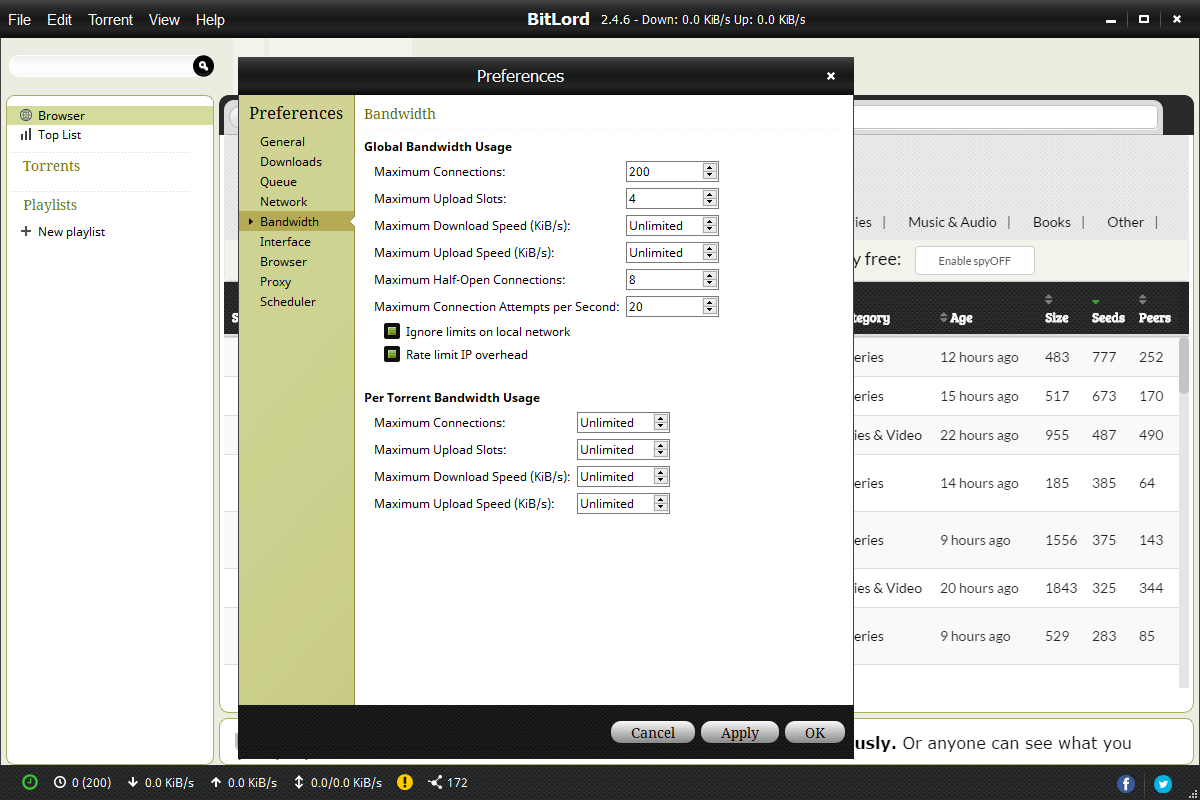
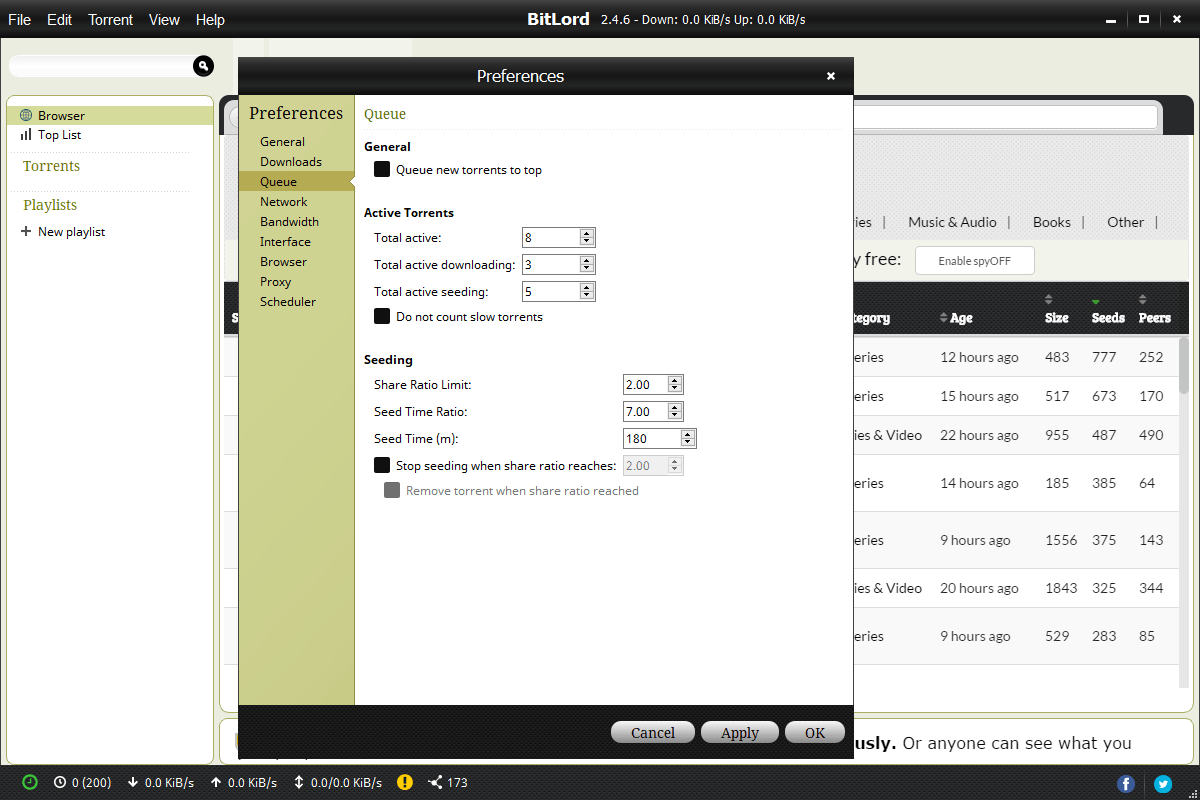
Under the media features, the torrenting basics are all present. You can pick individual files inside a torrent instead of downloading the whole bundle, point different downloads at different folders, and let the app sort completed files into tidy categories on its own. RSS support automatically grabs new episodes from feeds you subscribe to, which quietly automates the weekly routine of hunting the same show.
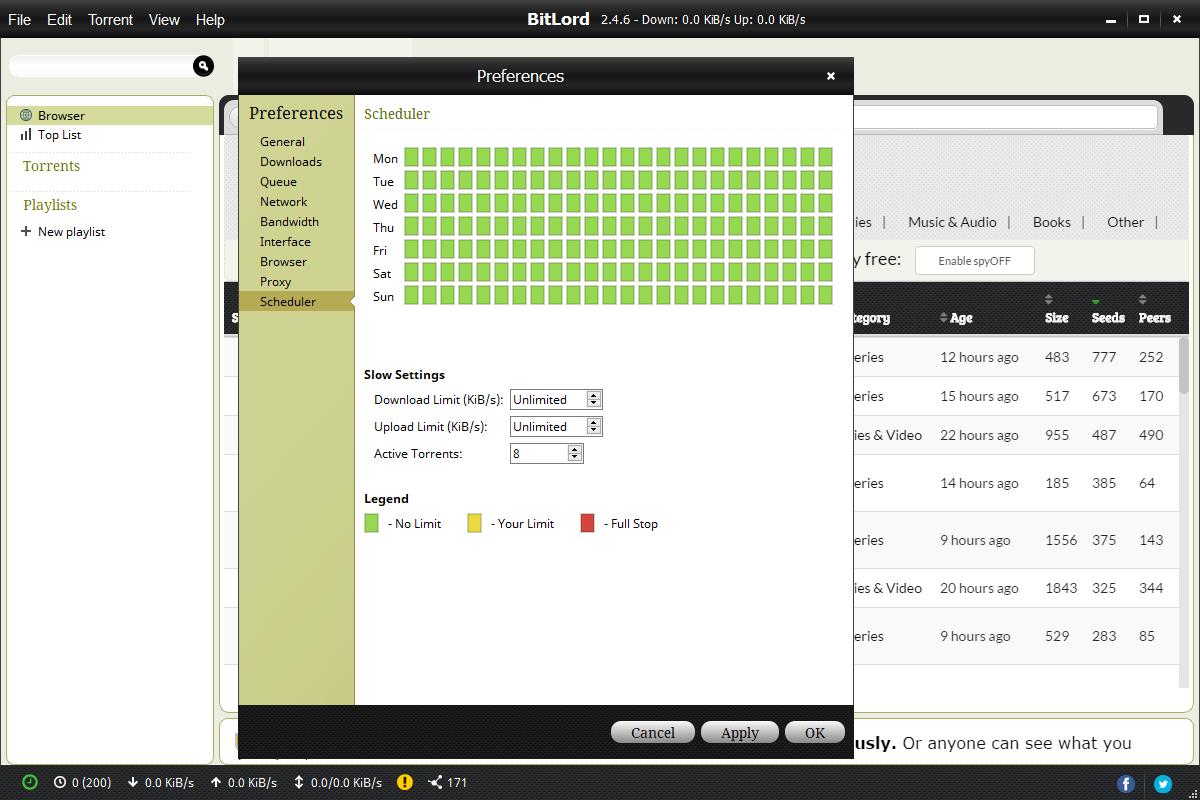
The bandwidth scheduler deserves a specific mention. It’s a color-coded weekly grid where you paint the hours when the client may run at full speed and the hours when it should throttle itself.
If your household fights over the connection every evening, painting 6 PM to 11 PM as restricted solves the argument once instead of nightly.
The ads, and what this client won’t do
Now the trade-off. BitLord is ad-supported, and not shyly. Expect promotional offers during installation (read every screen and decline what you don’t want) and ad content inside the app while you use it. That’s the deal behind the polish, and it’s the main reason the open-source crowd points at qBittorrent, which does none of that. Whether the streaming convenience outweighs the clutter is a personal call, but you should walk in knowing the deal.
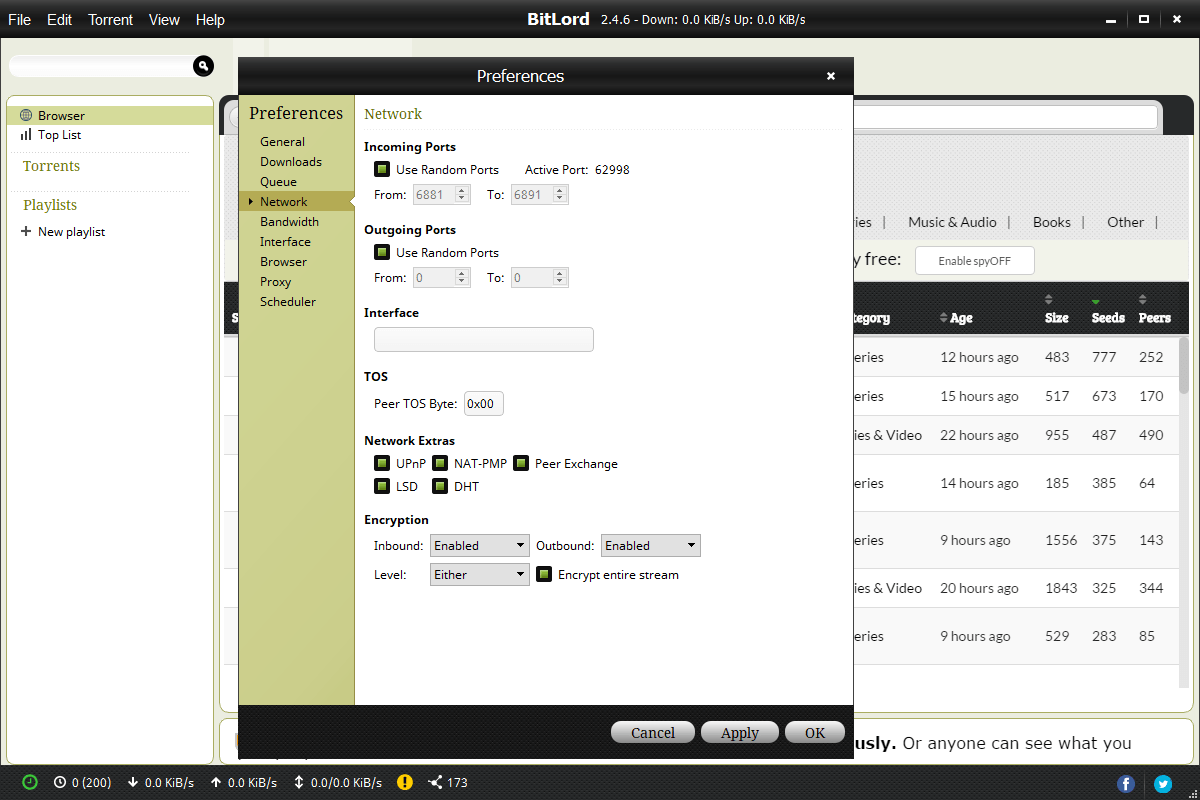
The second thing to understand is that this software does nothing to hide your activity. There’s proxy support in the settings, but no built-in anonymity of any kind, and your IP address is visible to every peer in a swarm. If that matters for your situation, pair the client with a VPN like NordVPN rather than assuming the app protects you. It doesn’t, and it doesn’t claim to.
Speeds, for what it’s worth, are unremarkable in the good sense. BitLord pulls data as fast as the swarm and your connection allow, same as BitComet or any other mainstream client. The differentiation is all in what happens around the transfer, not the transfer itself.
Conclusion
BitLord makes sense for one specific person, the viewer. If your torrenting is mostly video and you’d rather start watching in a minute than manage queues and trackers, the stream-first player, casting support, and subtitle integration deliver a smoother experience than bolting a media player onto a traditional client.
Everyone else should weigh the ads honestly. Data hoarders, ratio chasers, and anyone allergic to promotional clutter will be happier with an open-source alternative and a standalone player. This one picked its audience, and it serves that audience well.
Pros & Cons
- Built-in player streams video and audio while the torrent is still downloading
- Casting to Chromecast and Apple TV works mid-download
- OpenSubtitles integration finds subtitles from inside the app
- Color-coded weekly scheduler for bandwidth throttling
- Integrated search with content type and size filters
- Selective file downloads, RSS auto-fetching, and automatic folder organization
- Ads in both the installer and the application itself
- Built-in search misses niche and older content
- No anonymity features, so a VPN is needed for privacy
- Fewer deep configuration options than open-source rivals
Frequently asked questions
Yes. The built-in player prioritizes the early pieces of the file and starts playback once enough has arrived, usually within seconds on a well-seeded torrent.
It searches the OpenSubtitles catalog from inside the app, so you can attach subtitles in your language to whatever you're streaming without downloading them separately.
Yes, to Chromecast and Apple TV, even while the download is still in progress. A stable, fast connection is strongly recommended, since the app is downloading and streaming simultaneously.
No. It offers proxy settings but no built-in anonymity, and peers in the swarm can see your address. Use a VPN alongside it if privacy is a requirement.
Yes, through a weekly scheduling grid where you mark which hours run at full speed and which are throttled. It's one of the easier schedulers to configure in any torrent client.


