

Bg Eraser
About Bg Eraser
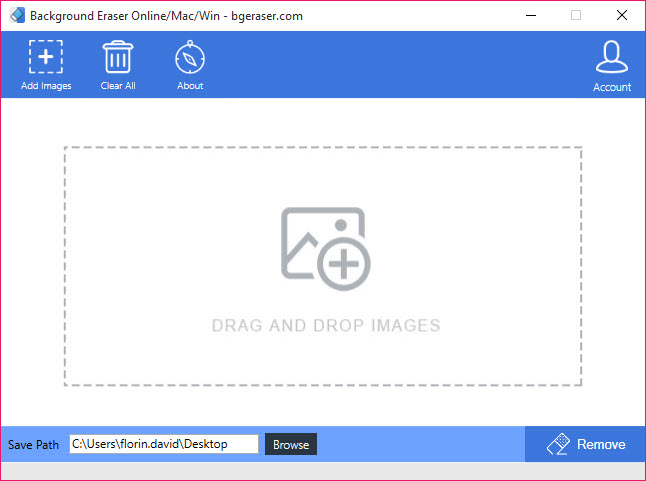
Bg Eraser removes the background from a photo automatically. Drop in an image, and an AI model finds the subject, a person, a product, a pet or a logo, separates it from everything around it, and returns the subject on a transparent background as a PNG. There is no brush to drag along the edges, no selection to refine, no layer mask to paint. For the common job of cutting a product or a portrait out cleanly, that is the whole process.
It is built for volume as much as for one-offs. Several images can go in at once, up to twenty in a batch, and each comes back cut out and ready to download. Bg Eraser accepts JPG, PNG and WebP files, and it can drop a solid colour behind the subject instead of leaving it transparent, which suits marketplace listings that want a plain white background.
The point is speed, not fine control, and it is honest about which of those it offers.
Automatic cutouts and the edges they leave
The AI does the selection for you, and it handles the usual subjects well. Portraits come out with hair edges that look natural rather than chopped, products on a contrasting background separate cleanly, and graphics with sharp outlines lift off neatly. The result is a transparent PNG, the format designers, online shops and slide decks expect when an object has to sit on a new background.
Where it struggles is where every automatic tool struggles. Fine wisps of hair against a busy background, glass and other transparent objects, a subject that matches the background in colour, and shadows that the eye reads as part of the scene can all confuse the model.
When that happens there is little to adjust, since the tool is built around one automatic pass. For tricky cutouts that need hand refinement, a full image editor with masks gives the control this does not.
Batch processing for many images
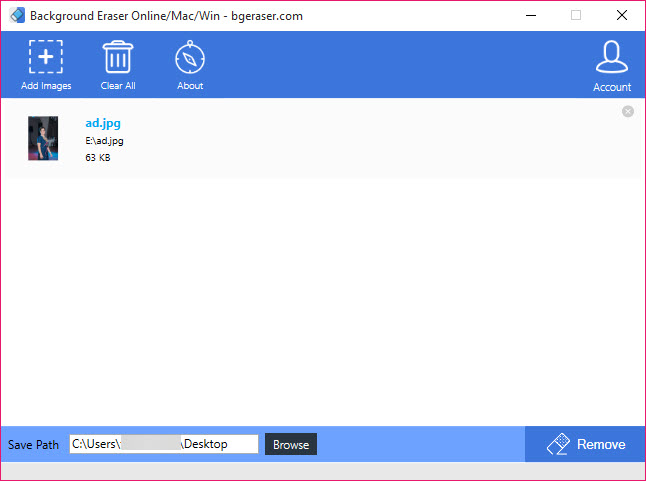
The Bg Eraser batch mode is the feature that matters for anyone with more than a handful of photos. A seller photographing a product range, a photographer preparing headshots or a designer gathering assets can drop up to twenty images in one go and collect every cutout together. Doing the same by hand, one selection at a time, takes far longer, and that difference grows with every image.
Each image is processed independently, so a failed cutout on one does not hold up the rest. Before uploading a large set, it helps to shoot or crop the photos so the subject fills a good part of the frame against a background that contrasts with it, since a clean source gives a clean result.
Replacing the background
A transparent background is the default, but a solid colour can be filled in behind the subject before downloading. White suits most marketplace rules, and a brand colour suits social posts. For anything more elaborate, a gradient, a photo or a designed scene, the transparent PNG is the starting point to place into a template-based graphic design tool or another editor.
What to keep in mind
Images go to the service for processing, and the service states that uploads are deleted automatically after a couple of hours, which matters for anyone handling private or client photos. The output is PNG only, so converting the cutouts to another format or size in bulk is a job for an image converter with batch tools. There is no manual touch-up for the cases the AI gets wrong, and very large or unusual images may produce weaker results.
It is a quick, focused cutout tool rather than an editor, and it does that one job with little effort from you.
Conclusion
Bg Eraser suits sellers, social media managers and anyone who needs clean cutouts quickly and in quantity, from a catalogue of product shots to a batch of profile photos. The automatic selection, the batch mode and the solid-colour fill handle the everyday cutout jobs with almost no effort.
It is the wrong tool for difficult subjects that need hand refinement, and its reliance on the online service matters for private images. Feed it well-lit photos with a contrasting background, use the batch mode for volume, and keep a full editor nearby for the cutouts the AI cannot quite finish.
Pros & Cons
- Removes backgrounds automatically with no manual selection
- Natural-looking edges on hair, products and graphics
- Batch mode cuts out up to twenty images at once
- Accepts JPG, PNG and WebP and outputs transparent PNG
- Can fill a solid colour behind the subject
- No manual tools to refine a poor cutout
- Struggles with glass, wispy hair and low-contrast backgrounds
- Outputs PNG only
- Images are processed by the service rather than offline
Frequently asked questions
JPG, PNG and WebP. Results download as PNG so the transparent background is preserved.
Yes. Batch mode handles up to twenty images in one go, cutting each one out independently.
Yes. Choose a solid colour before downloading instead of keeping the background transparent.
The subject may be low in contrast with the background, transparent, or surrounded by fine detail. A cleaner source photo usually fixes it, and complex cases need manual editing elsewhere.


